

Introduction
As organizations move from on-premises infrastructure to Azure, legacy applications such as web apps, Windows services, and SQL Server often need to be rearchitected, rebuilt & redeployed to fully leverage cloud capabilities.
This article series is designed to help developers with the basic Azure services that can serve as alternatives to on-premises technologies & also how to design cloud-native .NET applications.
In small and mid-sized organizations, developers are often responsible not only for application development but also for infrastructure setup, solution design, deployment, security & monitoring. This series is useful to such developers who are seeking practical knowledge for designing end-to-end solutions (infra setup, app build & deployment)
In each article, we will set up an Azure resource with a Terraform script, design a .NET CORE application, Deploy to the Azure resource & configure an automated CI/CD pipeline using GitHub Actions.
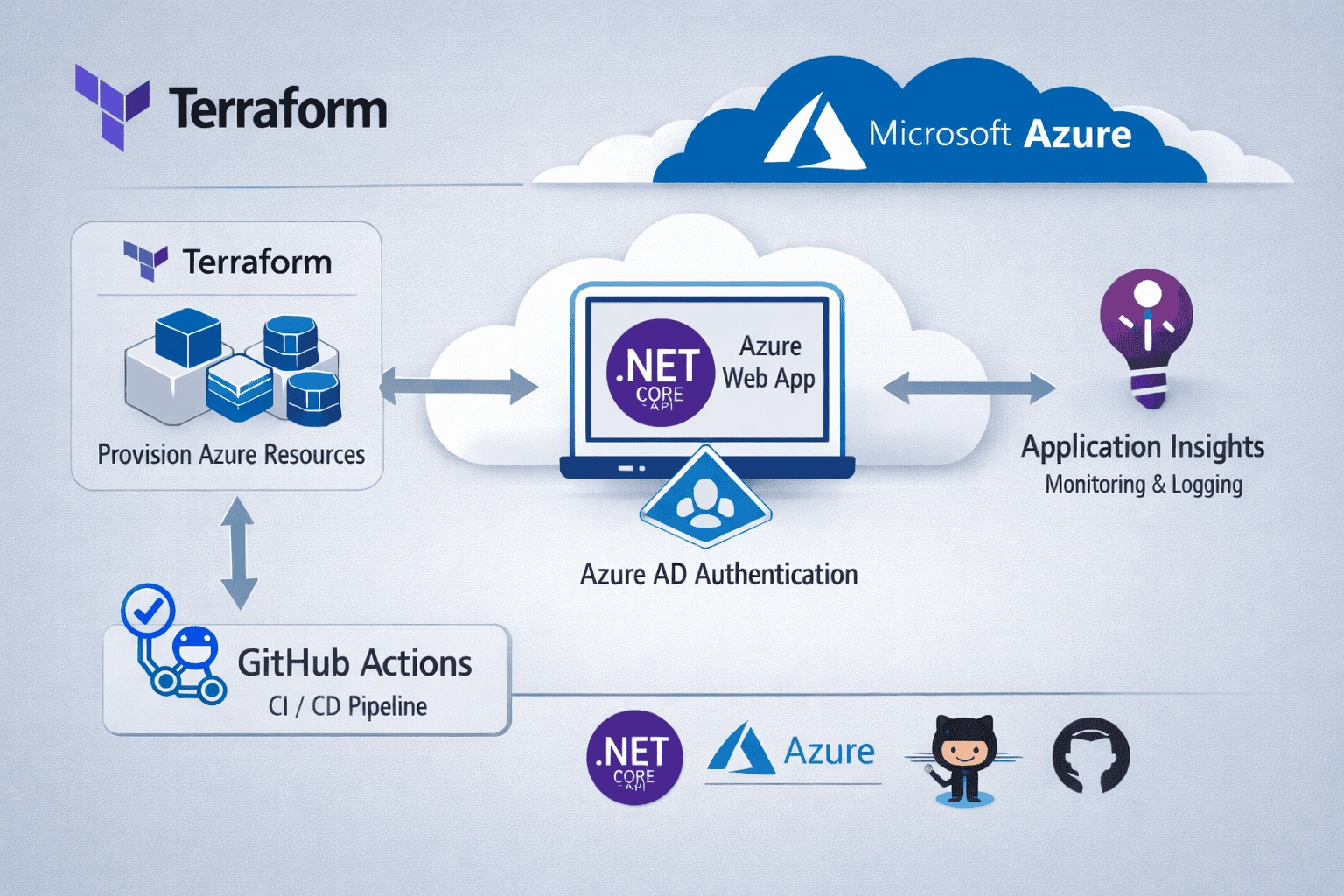
Series Roadmap
Part 1 : Introduction to series & overview (Current article)
Part 2: Creating an Azure Web App instance with Terraform and deploying .NET CORE API
Part 3: Provisioning an Azure SQL PaaS instance with Terraform & performing CRUD operations from .NET CORE API
Part 4: Creating an Azure Storage Account with Terraform & implementing File upload, download, delete with .NET CORE API solution
Part 5: Creating an Azure Application Insight with Terraform for application monitoring
Part 6: Implementing Azure AD authentication to secure .NET CORE API
Part 7: Create a Function app resource with Terraform & .NET
Part 8: Setting up an automated deployment pipelin1e using GitHub Actions
Learnings
Infrastructure provisioning with Terraform
Designing a end to end cloud native .NET solution
Securing .NET API with Azure Entra ID
Application monitoring with Application Insight
Setup automated deployment pipeline with GitHub Actions.
Conclusion
This is the first article of the series to just give an overview. I am excited to share my knowledge & experience from the challenges I faced during the migration of on-premise to Azure. I hope this series will enhance your knowledge and prepare you to build & deploy cloud native .NET application on Azure. In the upcoming article i.e., Part 2 the main focus will be on core implementations.
Join the conversation! Your thoughts help the community grow.