

Introduction
In QlikView, Resident Load can be used to load data from a previously loaded table. In Resident Load, we can do a calculation or transformation. It is very simple to load an existing field and table also. It is a highly important feature of QlikView because by using Resident Load, we perform a calculation on an existing field and table also.
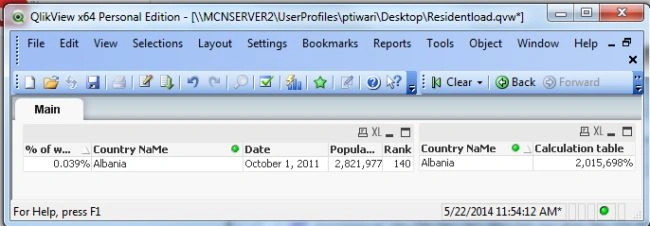
In this article, I explain how Resident Load an existing field and successful table and perform a calculation on this field and load data from the previous successful field.
So let's start with the procedure.
Step 1: Open the QlikView application
In the first step you need to open the QlikView application then go to, File-> New, then this window will be opened.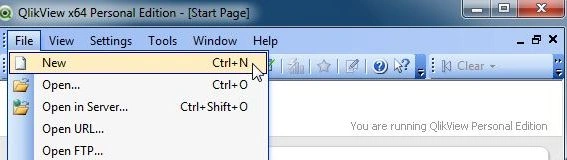
Step 2: Open Edit Script
The second step is open the edit script window from, File-> Edit Script.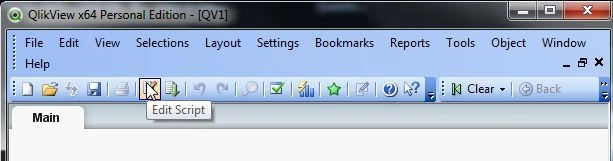
- Then this window will be opened.
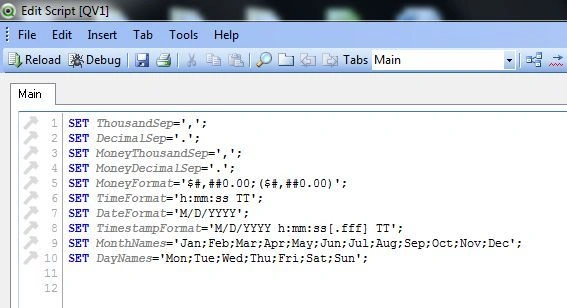
Step 3: Click on table files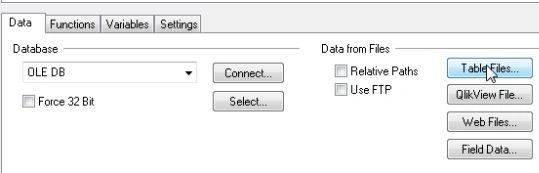
Now open table file and click on the Open button.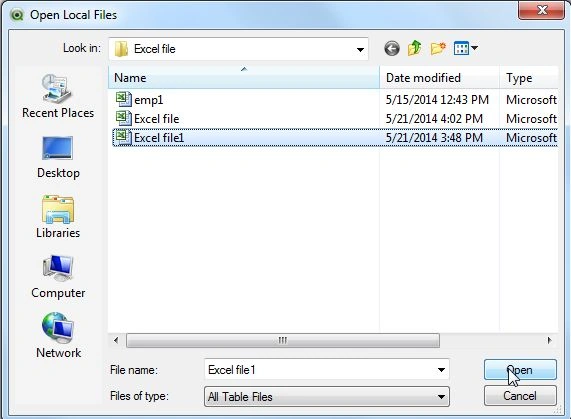
Step 4: File wizard type
Then this window will be opened. Here you can see your table file table and click on the Finish button.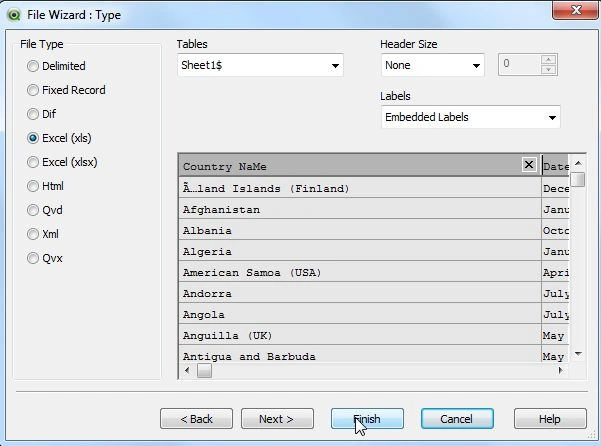
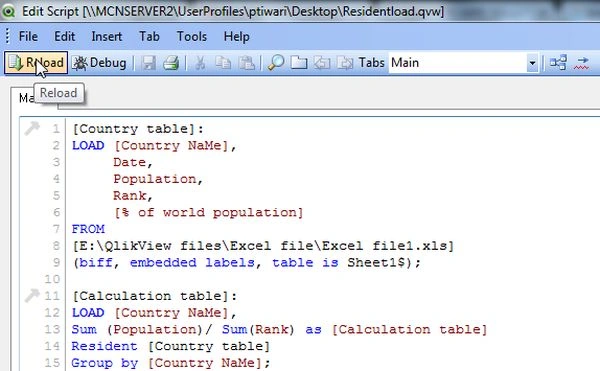
Step 5: Code of edit script
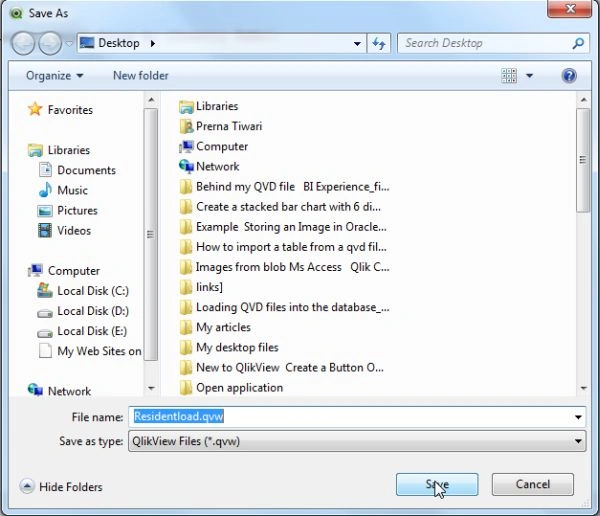
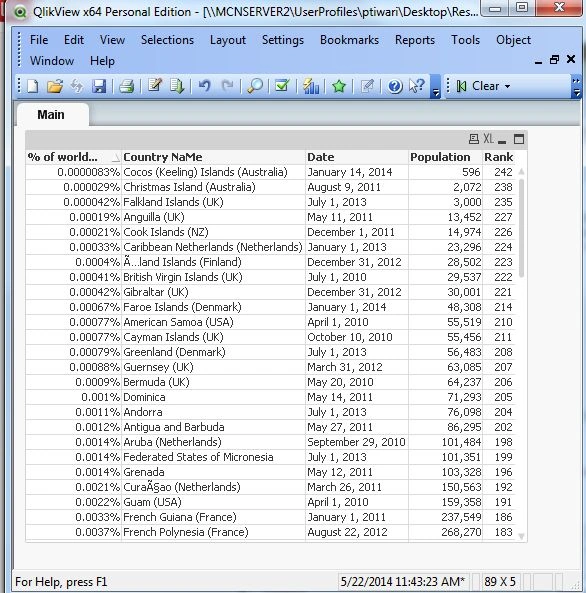
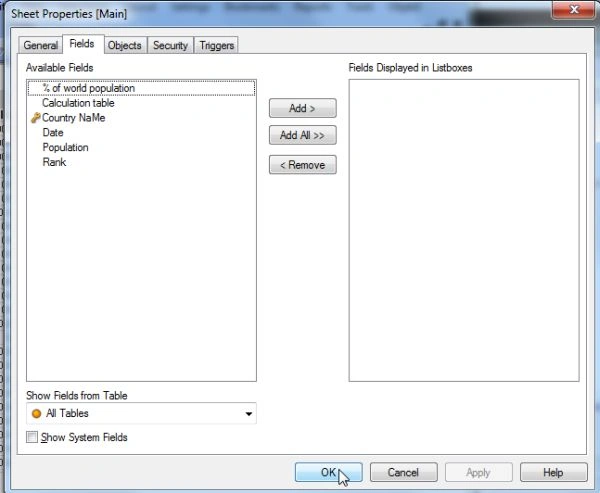
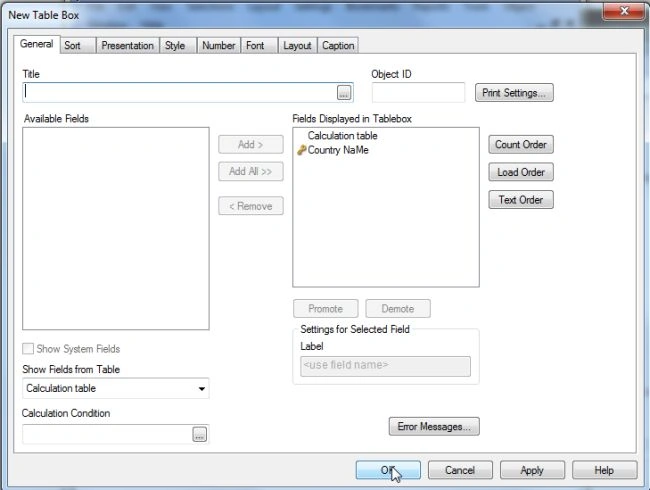
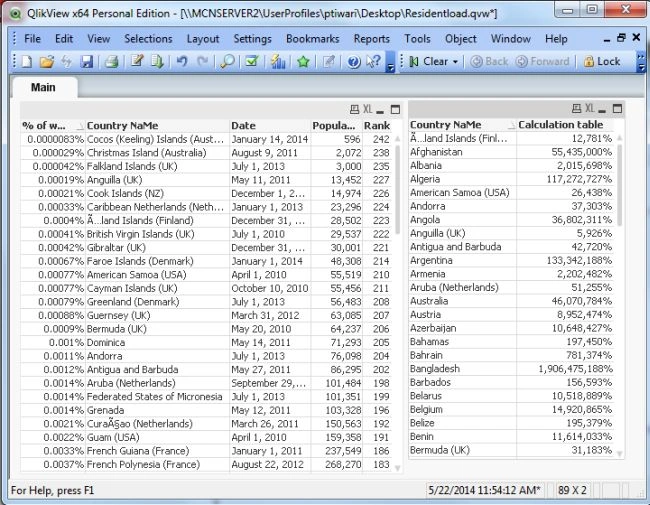
Now, in edit script web file upload successfully and reload it.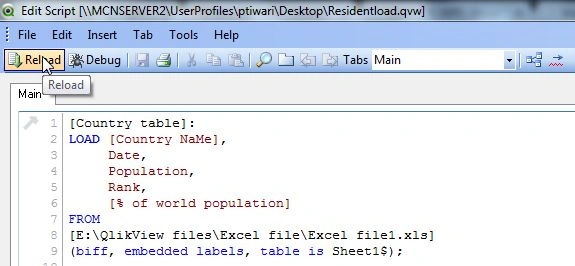
Waqas RabbaniPosted Jul 5, 2017, 3:27 AM
Hi Prerana Tiwari i want to your help regarding Resident in QlikView