

Records Management is one of the primary utilities of SharePoint as an Enterprise Content Management System. One of the out of the box features of SharePoint that supports record management is being able to use a predefined Record Center Site Collection template. Record center serves as the central location, where the organization can store and manage its documents.
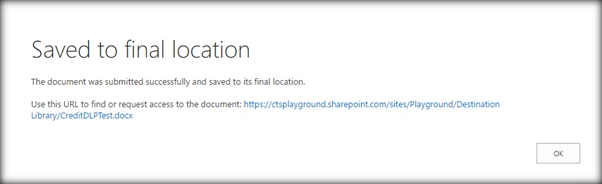
The Records Center site template helps in creating a pre-defined site, which has been specifically modified for record management and retention. You can see how to create a Record Center from here. By default Record Center will have the record management features enabled by default which makes it different from other templates like Team Site. In this article we will see how to work with Document Routing using Content Organizer which is a great feature of Record Center template.
Pre-requisites
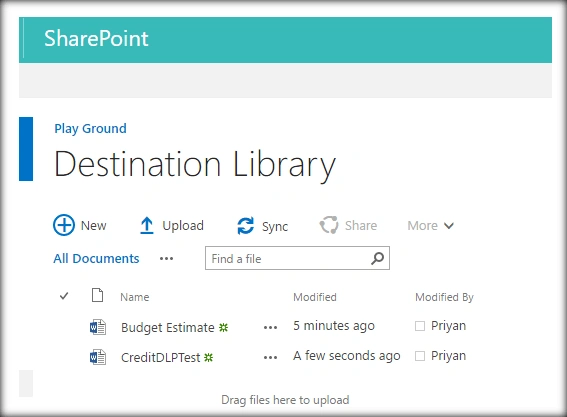
We will need a destination library, to where we will route the uploaded documents conditionally depending on the document’s metadata.
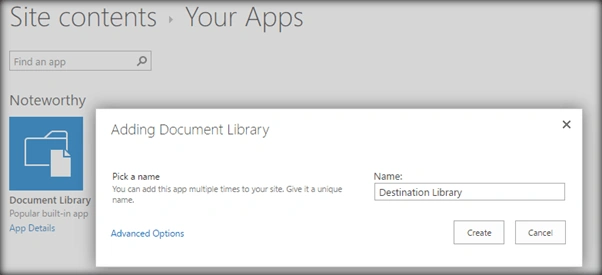
Once the document is created, ensure that we have the Content Organizer Rules section in Site Settings-> Site Administration.
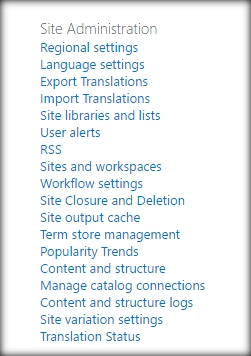
If we are using Record Center Template, it will be automatically present as Content Organizer feature is activated by default. If it is not present, enable the Site Feature named Content Organizer.
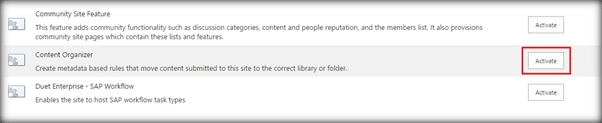
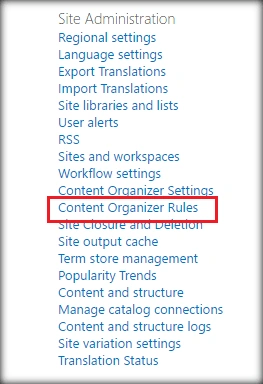
Once activated, it will give us the Content Organizer section.
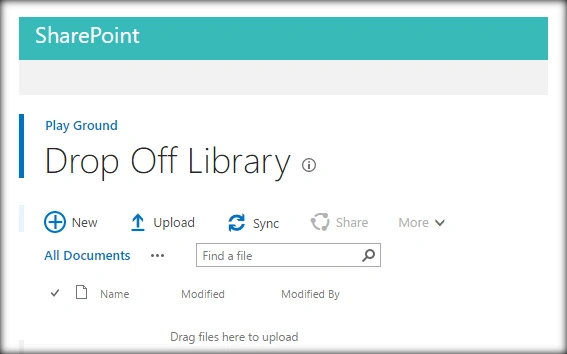
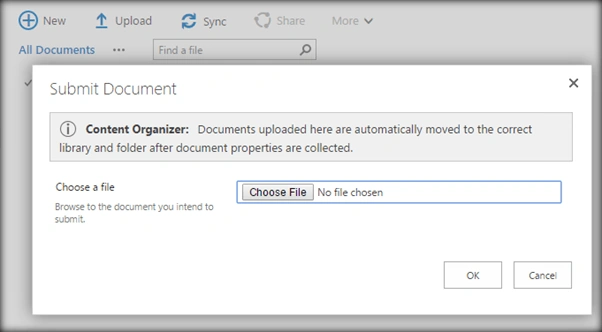
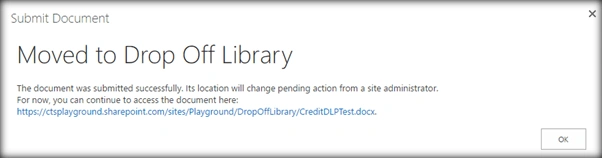
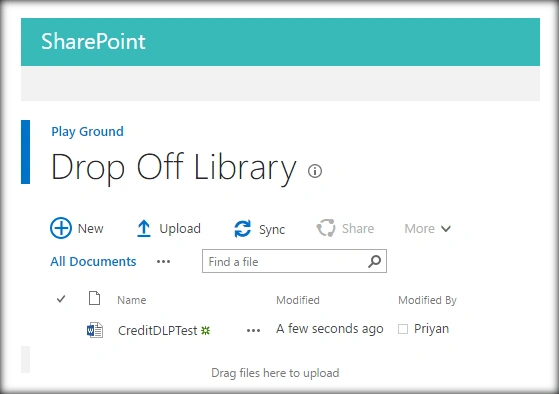
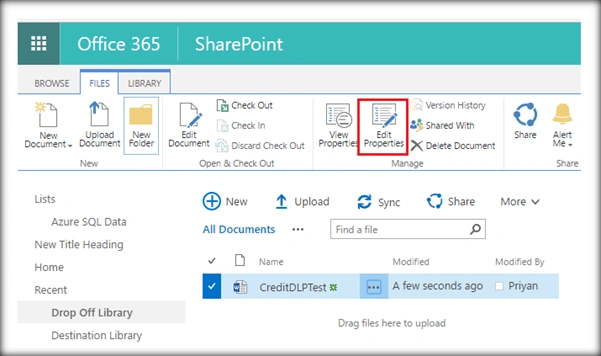
Going to the Site Contents, we can see a new document library named Drop Off Library has been added.

Set up Content Organizer Rule
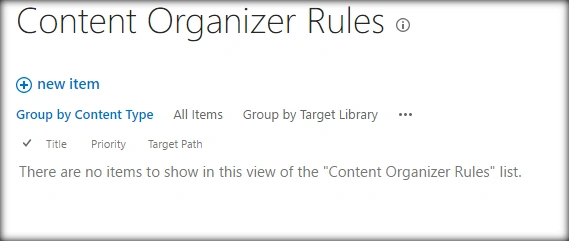
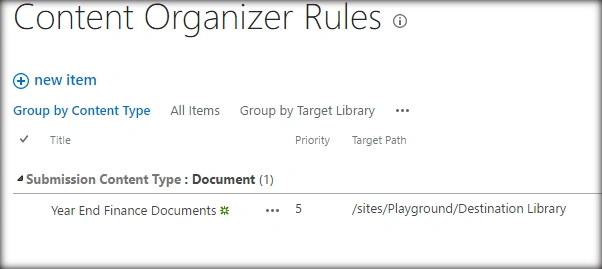
We can start setting up document routing by going to Site Settings-> Content Organizer Rules. Select new item from the below library.
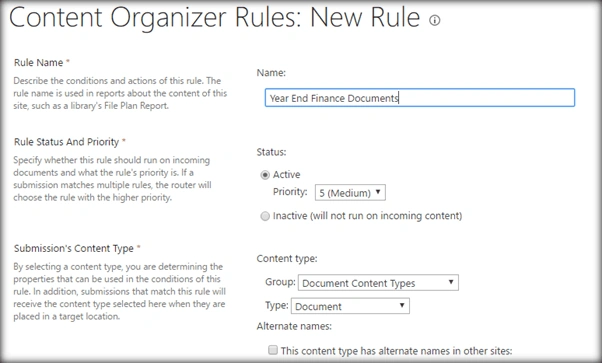
Specify the Rule Name, Rule Status, and Priority. We will have to associate a Content Type with the rule as the routing will be based on Content Type as well as an optional filtering condition. Currently, we will go with Document Content Type.
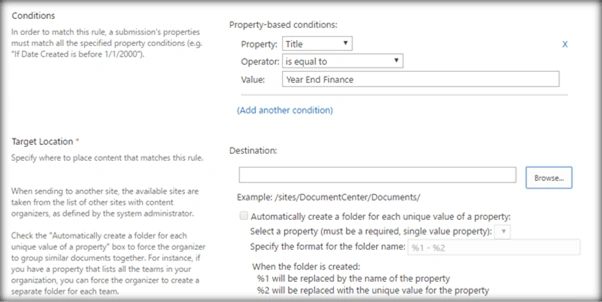
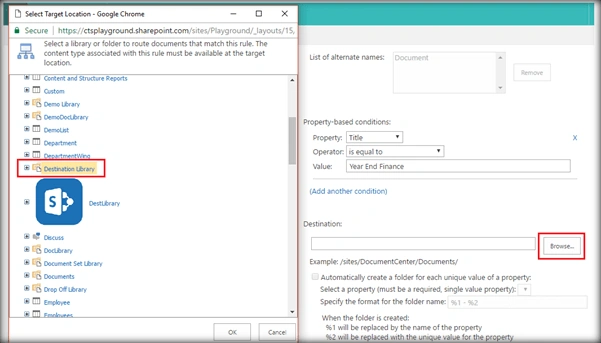
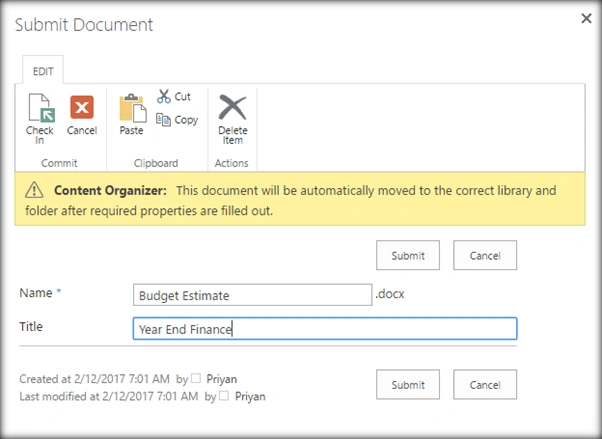
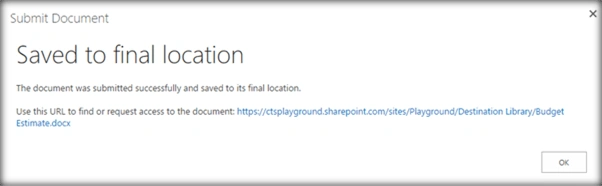
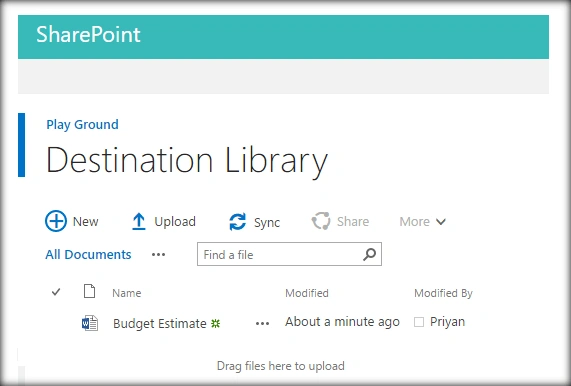
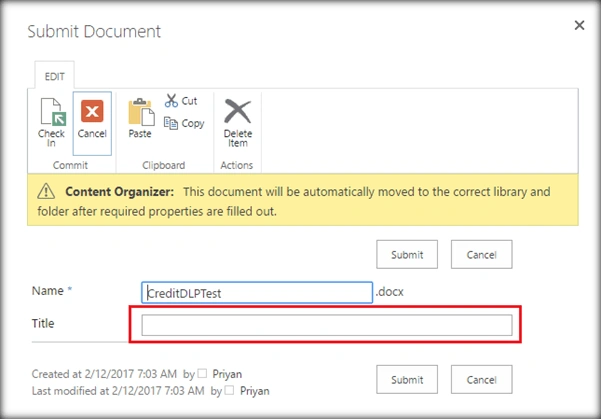
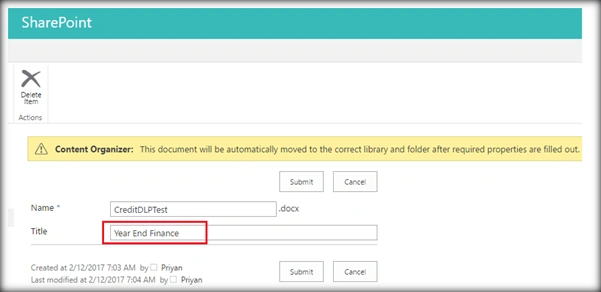
Now, let’s add the extra filtering condition because we don’t have to route all Documents that match the Document Content Type in the destination Library. We will only route documents whose title matches ‘Year End Finance’. This way, only the required documents are routed to the destination library.
Join the conversation! Your thoughts help the community grow.