

Introduction
QlikView variables always start with a $ sign. Local variables give local scope. A local variable shows a reference in the function or block where it is declared. Large Variables override the same variable name in the large scope.
The Global variable gives global scope, in other words it is visible and accessed by the user throughout the program. Global Variables are generally known as static variables.
Scope of Local and Global Variables
A variable's scope depends on the range of the scripts where it is visible. Variables have both local and global scope.
A Local variable has limited scope. The local variable exists only within the block where it is declared. When a block ends the variable is destroyed and all values are lost.
A Global variable exists only one time in a script and this script is visible in every function. They never lose the values that are relatively constant.
Scope of Local and Global variables in QlikView Application
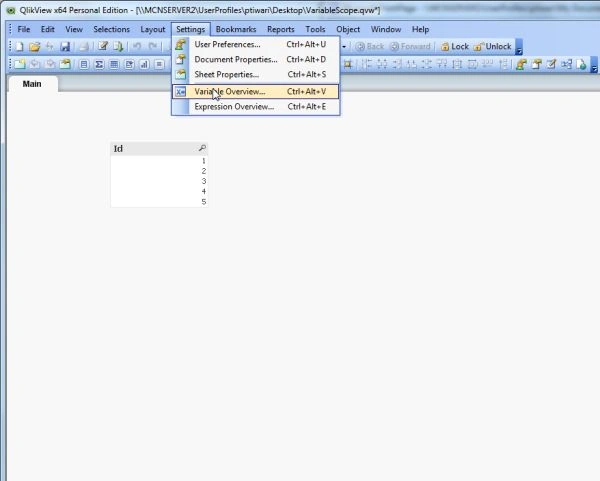
Use the following procedure to creatre a sample for understanding the concept of local and global variables in QlikView.
Step 1: Open the QlikView application
It is the first step, in this step you need to open the QlikView application then go to:
File-> New then this window will be opened.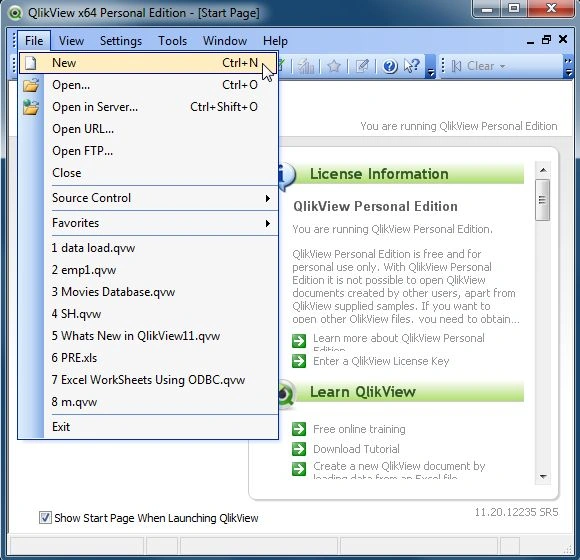
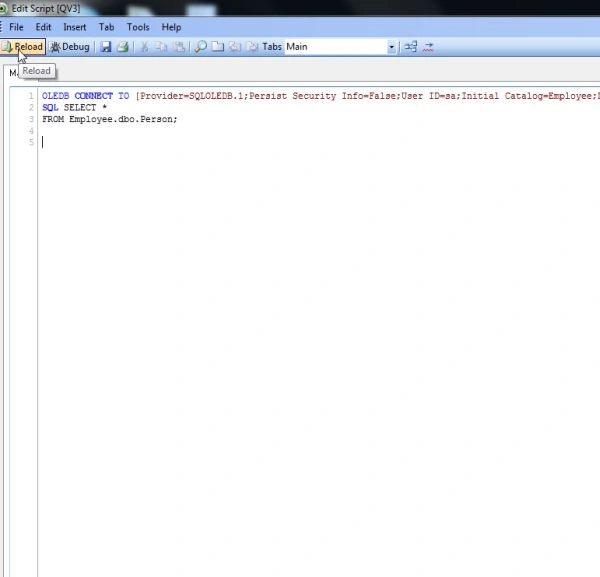
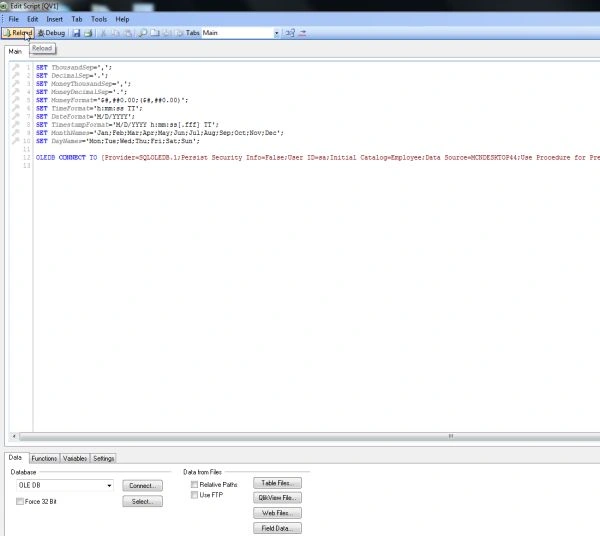
Step 2: Open Edit Script
The second step is to open the edit script window from File-> Edit Script.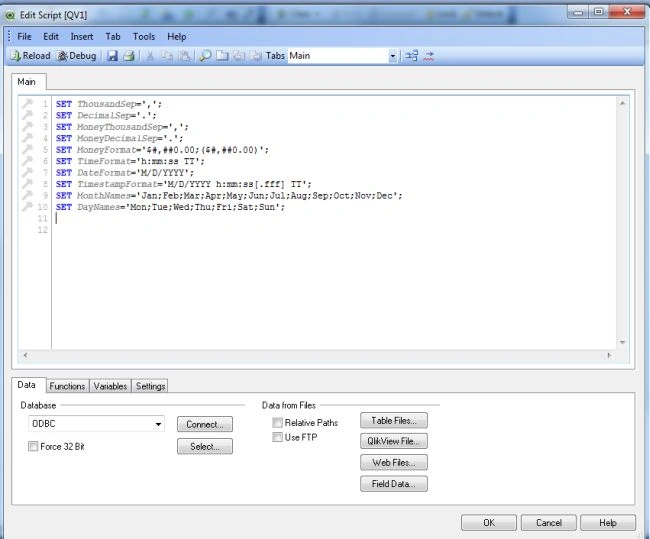
Step 3: Select Database
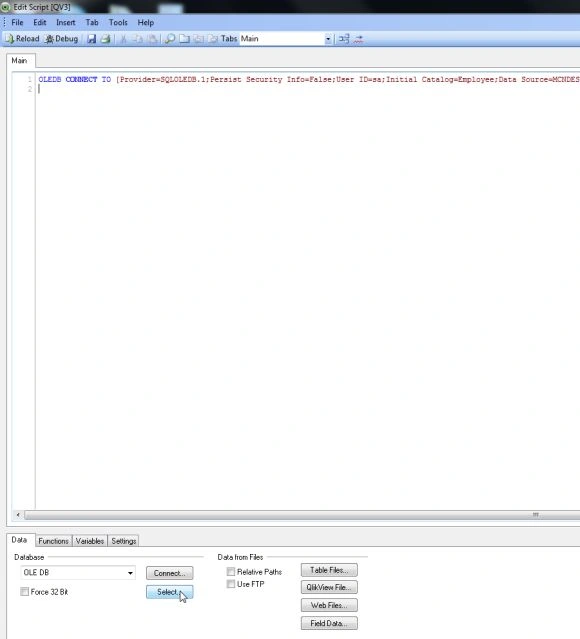
The third step is to select the database from the Data tab and click on the Connect Button.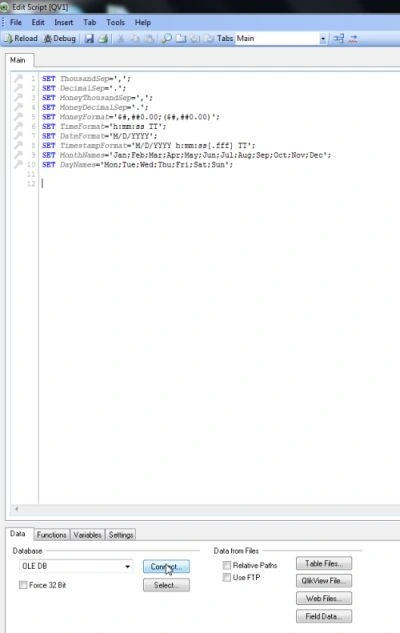
Step 4: Data link property window
In this window we select SQL Server and click on the Next Button.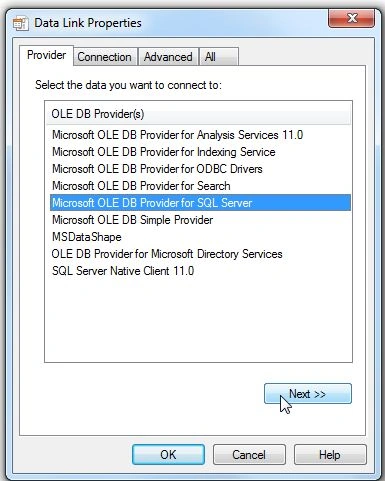
Step 5: Connection tab
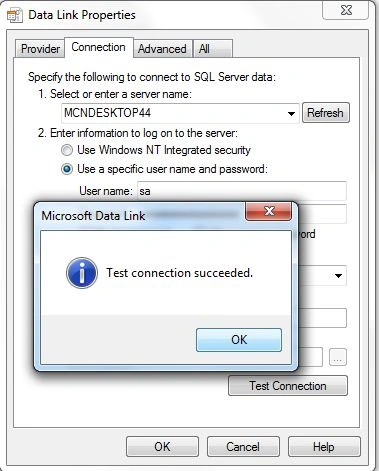
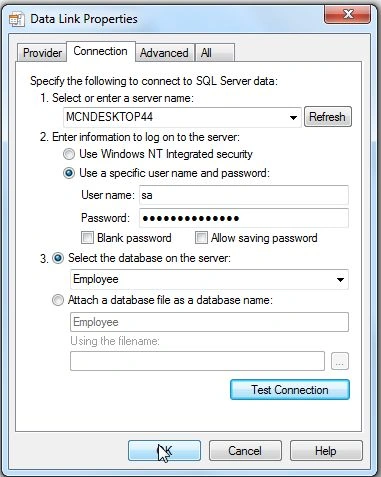
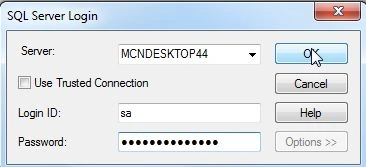
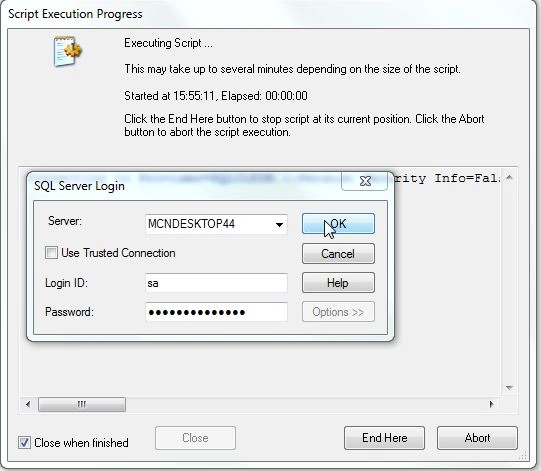
In the connection tab enter the server name and user name and password and select the database from your server and click on Test Connection.







Join the conversation! Your thoughts help the community grow.