

Introduction
I have used SQL Server for more than 20 years, never knew the fact that the SQL Server Query Editor located on the right side of SSMS could have a different connection compared to the left side.
The status bar of Database Engine Query Editor windows can be color-coded to indicate which instance of the Database Engine each window is connected to.
There are two ways to set the SQL Server Status Bar color:
1. When opening a Database
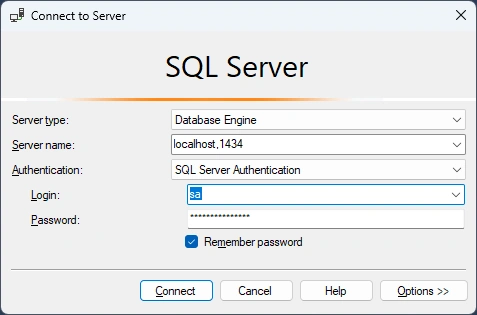
Click Options:
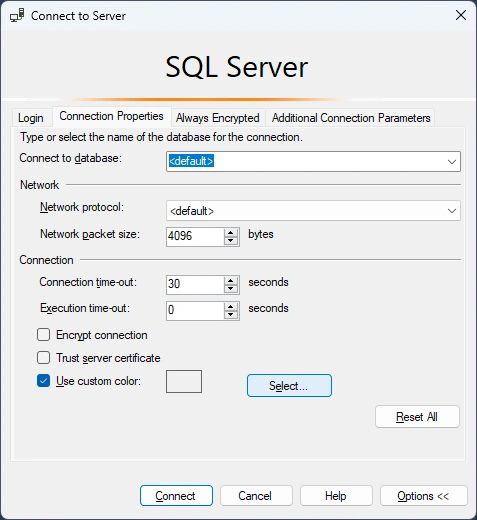
Check Use Custom Color:
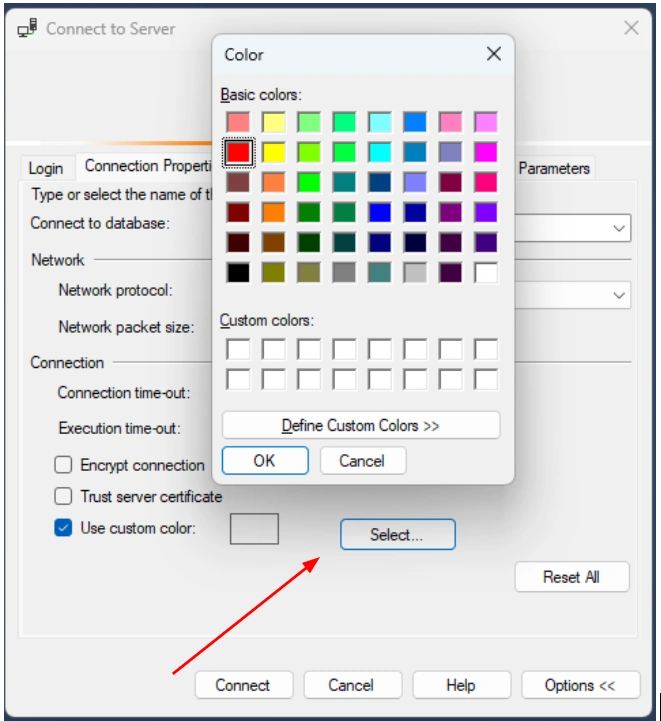
Click Select => Choose a Color, such as RED
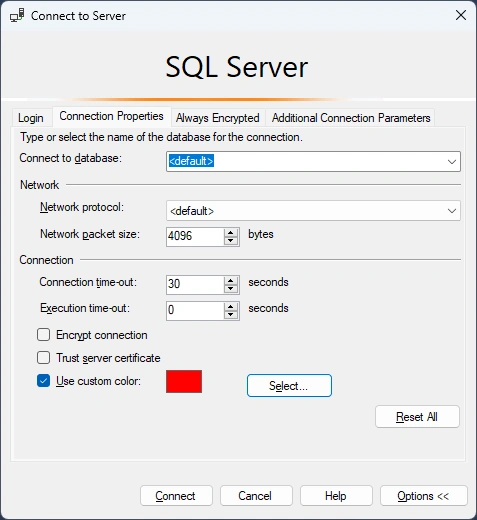
Connect, then when you open a table from the left-hand panel, you will see the details of the table with a RED Bar.
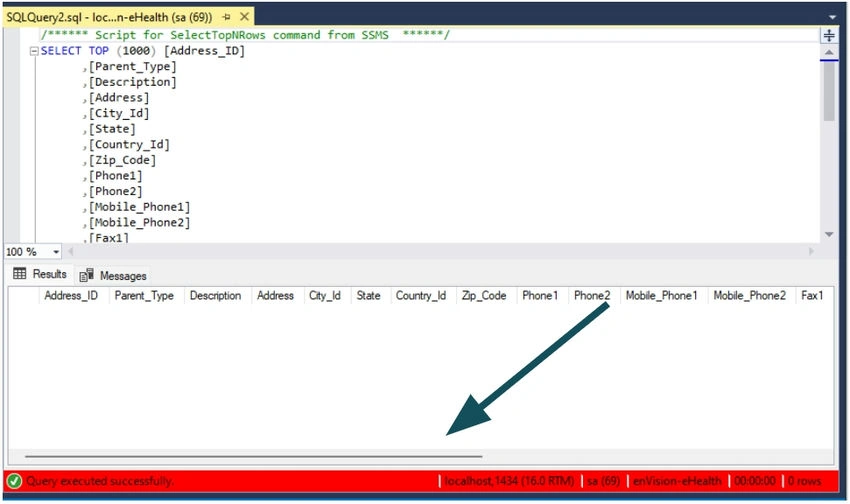
2. For a Registered Server
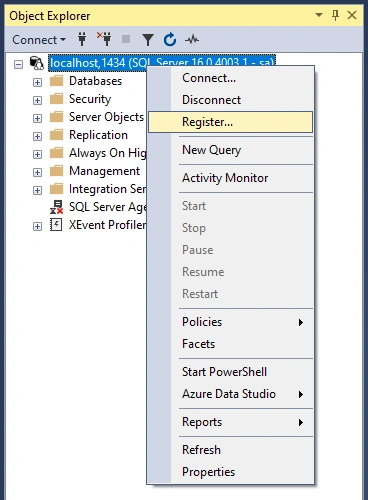
Right, Click the registered server => Register:
In an opened window => Connection Properties:
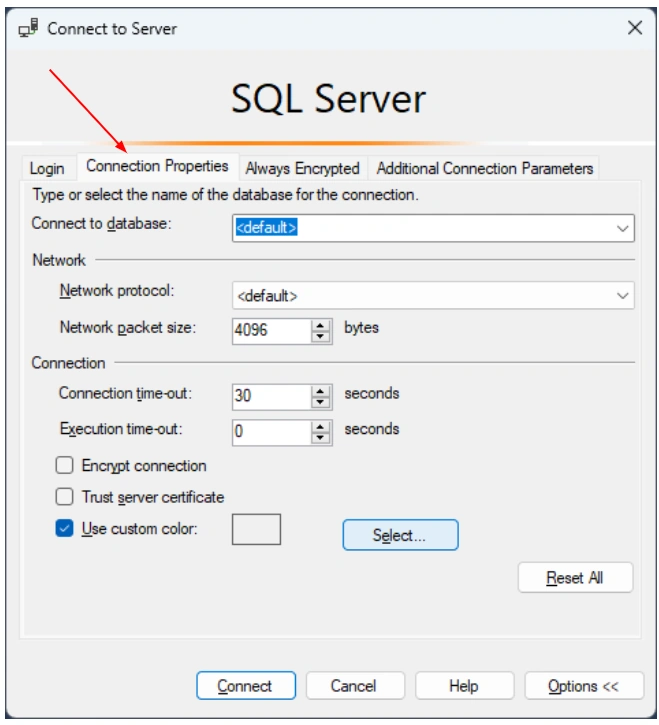
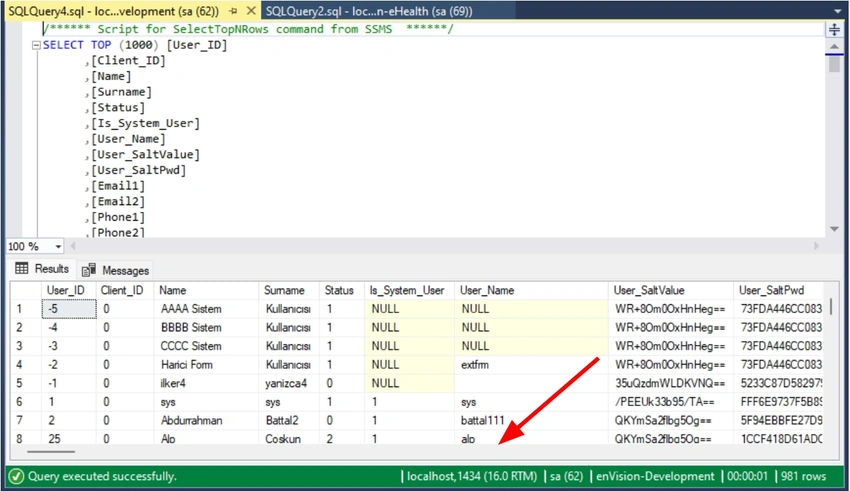
Choose a color you like, such as Green, then:
Gurpreet AroraPosted Aug 18, 2023, 6:38 AM
Thanks For Sharing