

What is GitHub?
GitHub is a code hosting platform for version control and collaboration. It lets you and others work together on projects from anywhere.
Why GitHub
It is version control, which provides us a centralized location, where we can publish our working code or project and share it with the other developers. Basically, GitHub is open-source version control for the developers, programmers, and designers, so that they can publish and keep track of the changes when a new version releases for the projects. It is free and can be downloaded from GitHub.
Create Account
First of all, you need to create a GitHub account. Here, you can choose your display name and provide your Email ID to sign up.

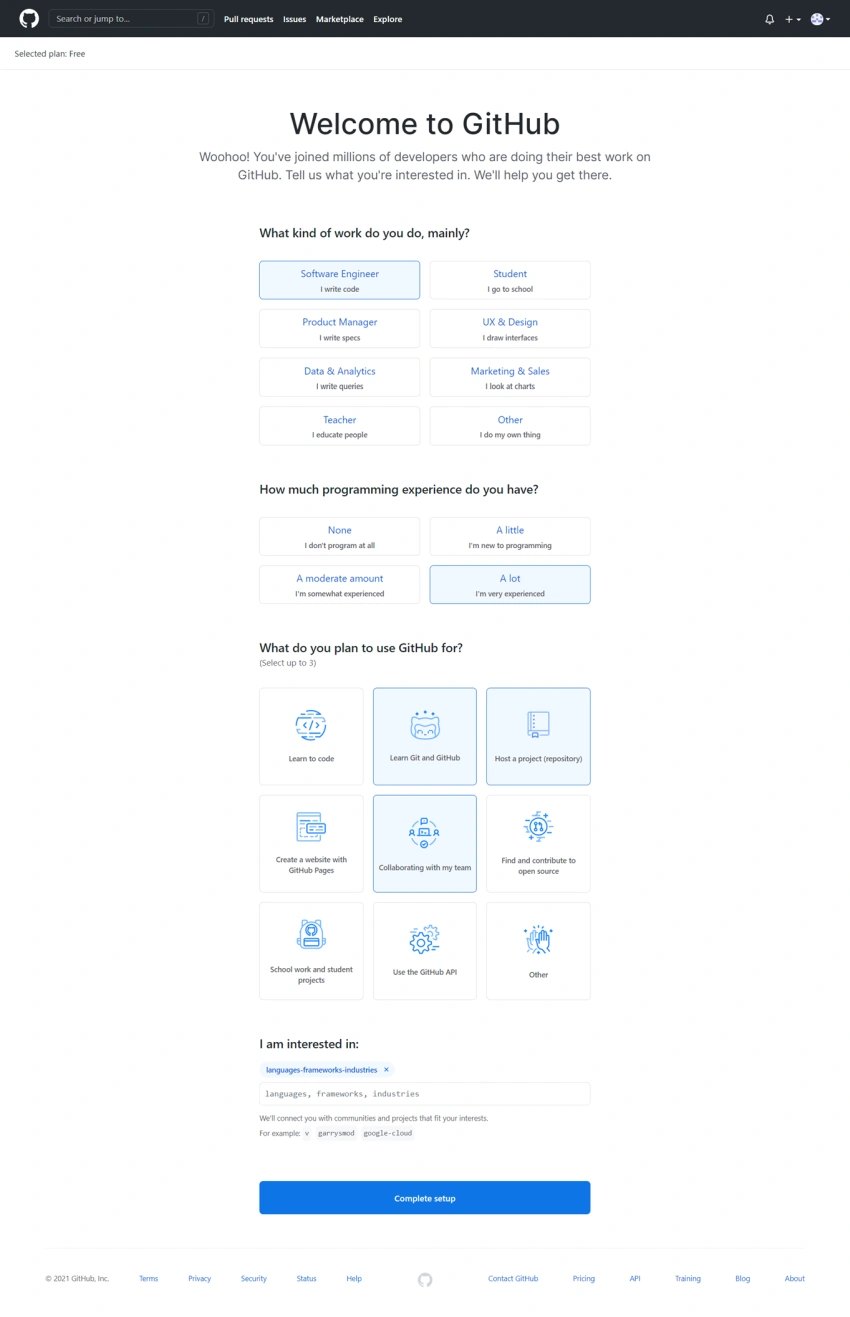
After click the "Create Account" button you will redirect to another page and that you need to select the proper options and then click on the "Complete Setup" button.
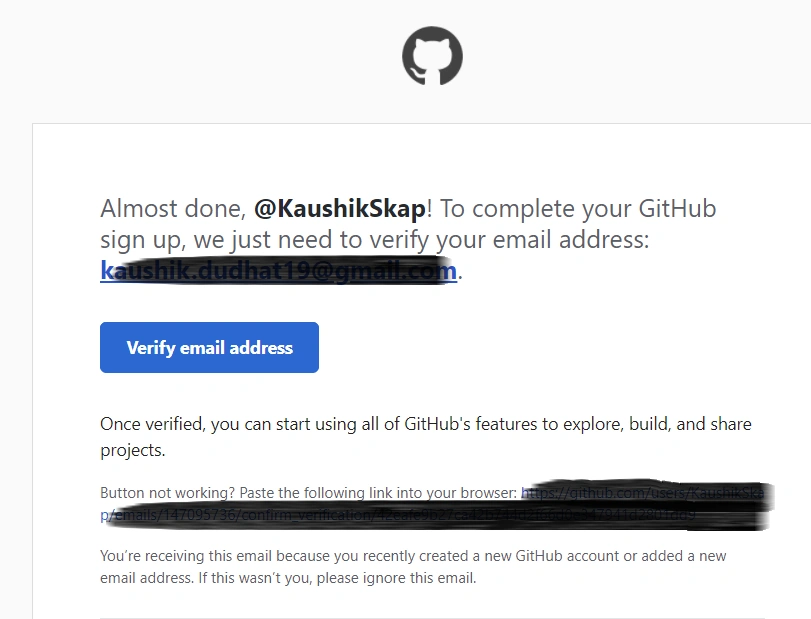
On clicking the Complete Setup button you will redirect to a login page and will get a verification email address email for verifying the email address. You need to click on the "Verify email address" button from the email.
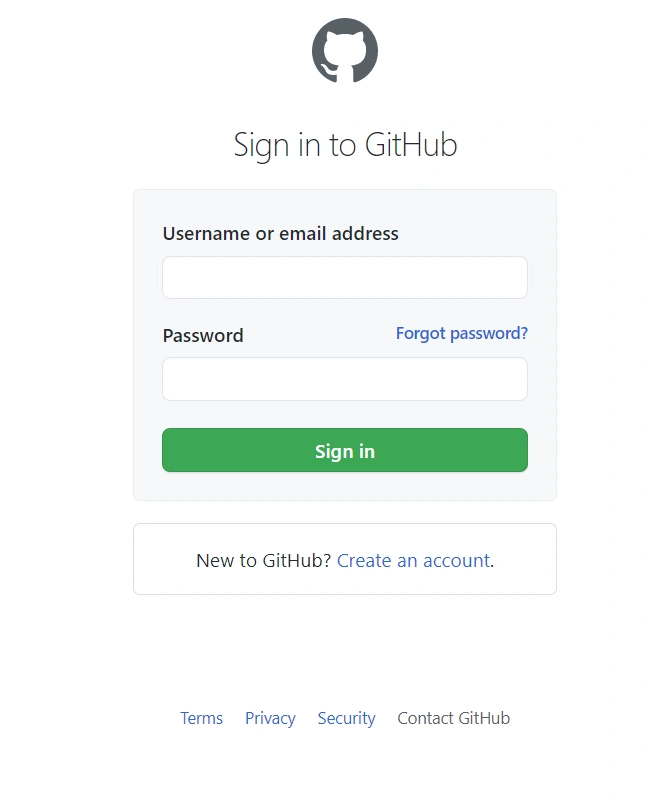
On click the "Complete Setup" button you will redirect to login page.
When you sign in with your credentials, it will show you the profile page on GitHub. Here, you can create a Repository, as given below,

After that, we create a new repository for our project. For that click on the "Create a repository" button and you will redirect to a new page which will look like below.
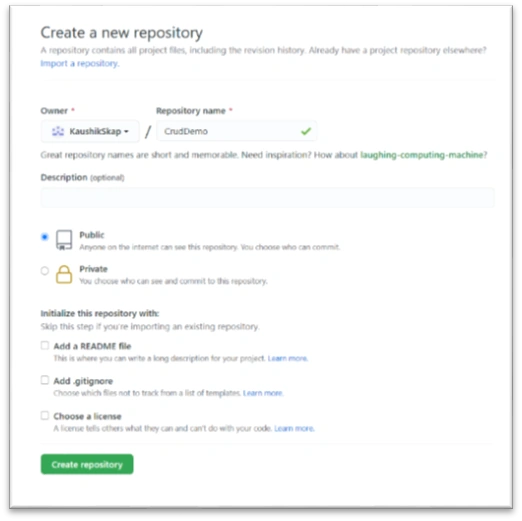
Enter the repository name which you want to create in to "Repository Name" field.
There are two options,
- Public
- Private
If you want to set your repository for the public then you need to select public and if you want to keep it private for you then you need to select the Private option.
After that fill up all fields click on the "Create Repository" button and you will redirecting below the repository page.
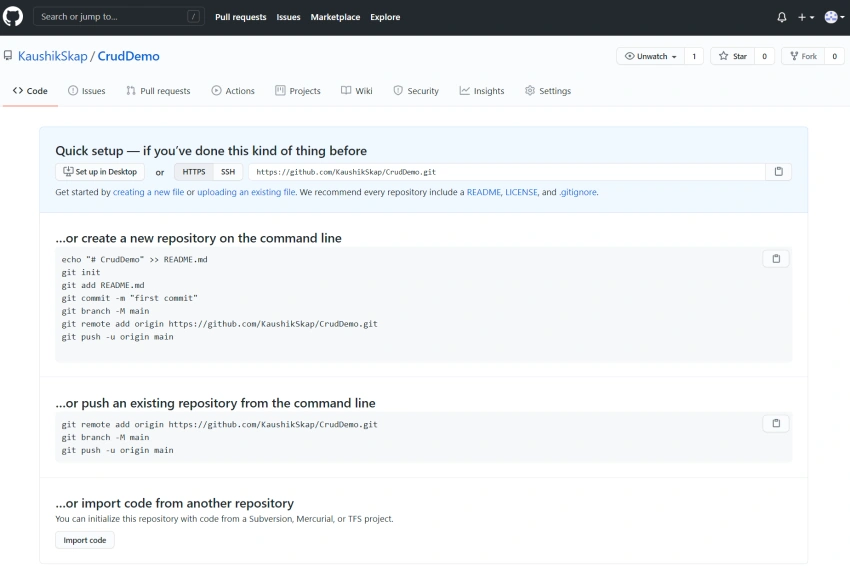
Add Visual Studio Project in GitHub
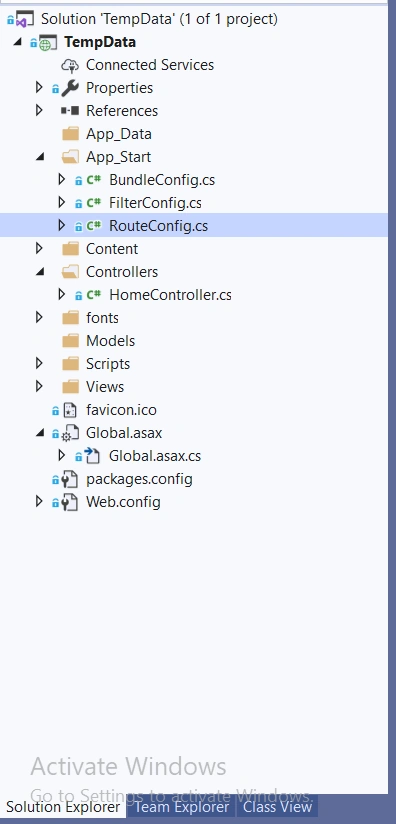
Now, it is time to create a project inside Visual Studio and publish it in GitHub. Thus, I have created a dummy project only for demo purposes in Visual Studio 2019. It is a Mvc.net Application and nothing else.
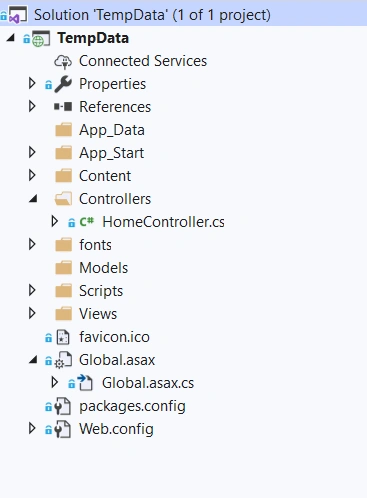
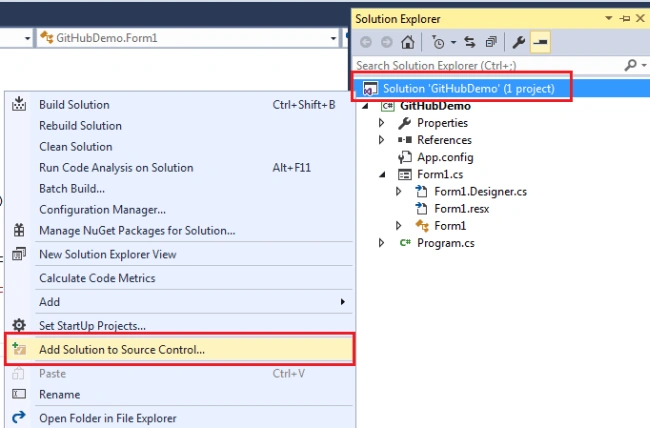
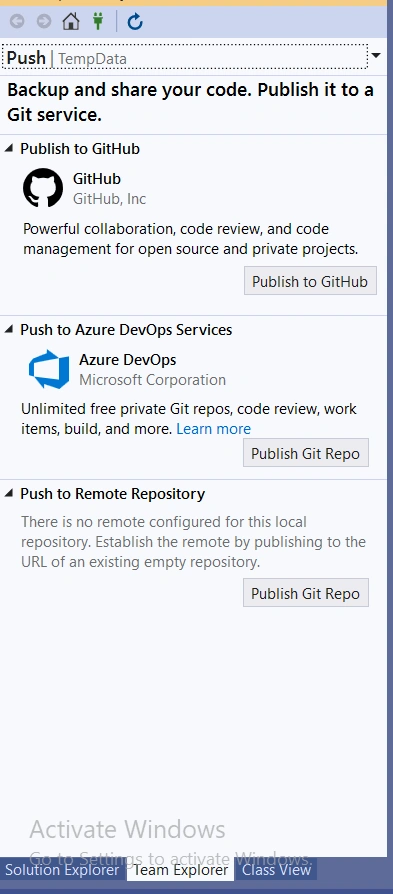
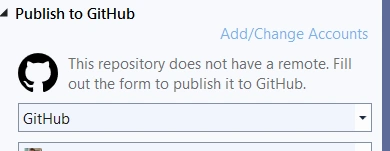
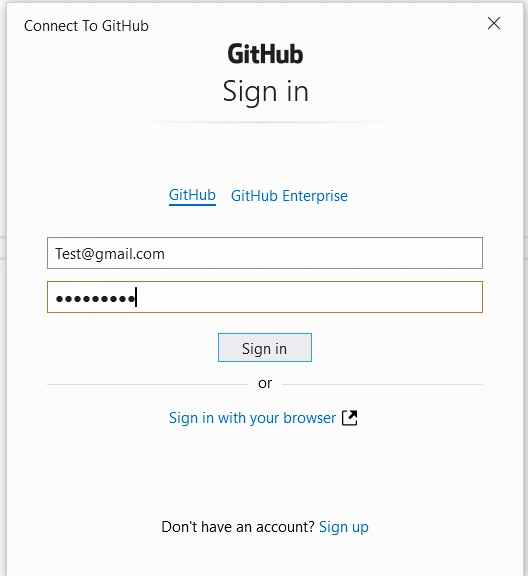
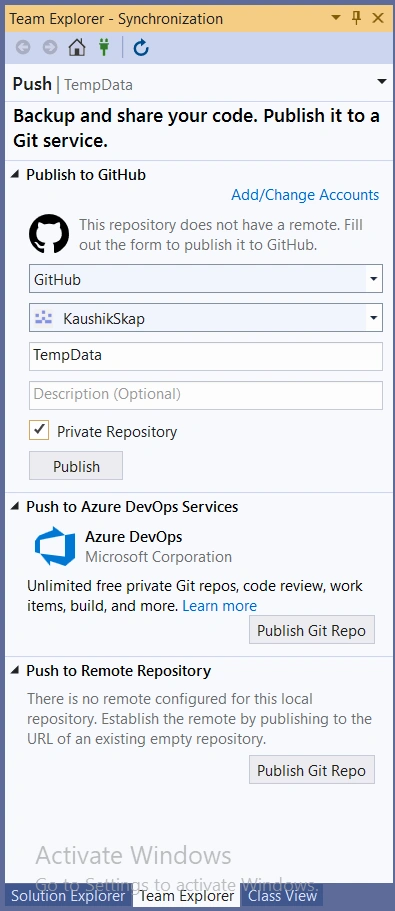
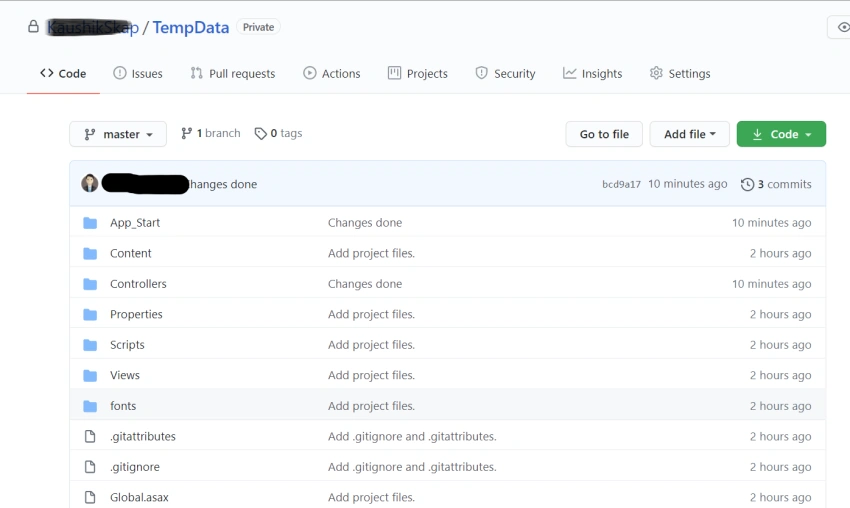
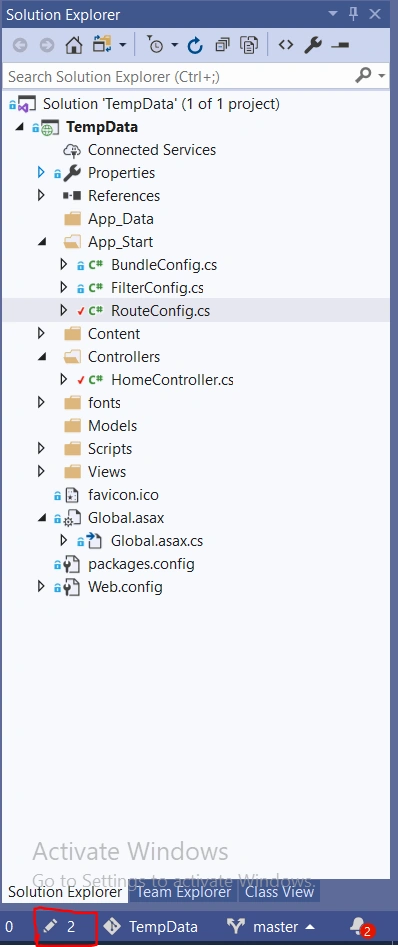
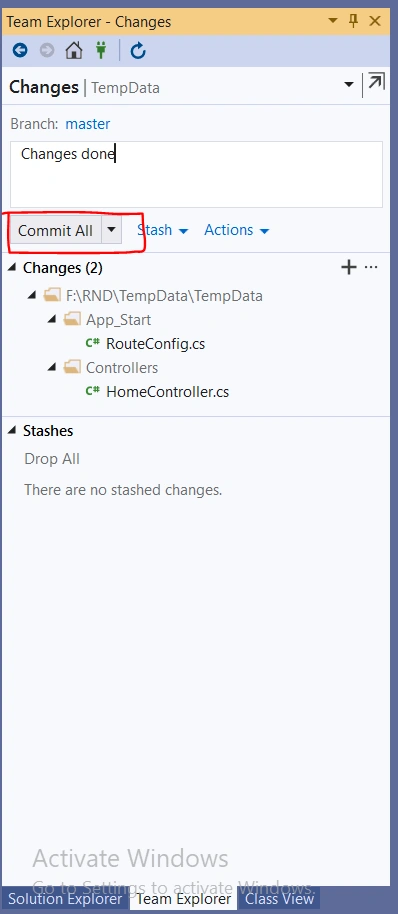
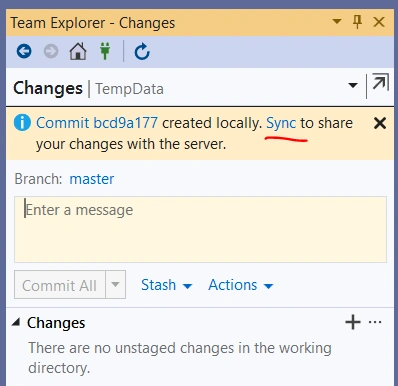
Now, right-click on the solution and it will provide an "Add Solution to Source Control" option. You need to click this to add this project to GitHub. As I have said earlier, it is nothing but a source control to add the projects.
Join the conversation! Your thoughts help the community grow.