

In this article, we are going to provide quick steps to setup your Dynamics 365 trial, so let’s get started.
- Click here and enter the basic details after entering your country.
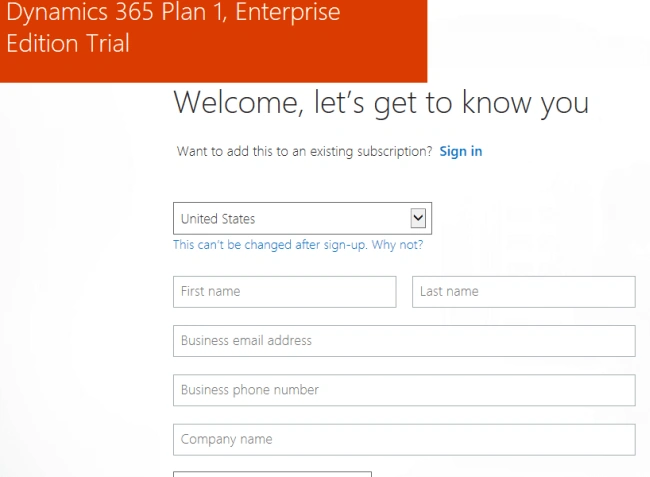
- Create user Id for your organization and click on Create my account.
- In the next step, select option to send you verification code.
- Once processing is completed, click on "You’re ready to go" and it will redirect you to the Office 365 portal.
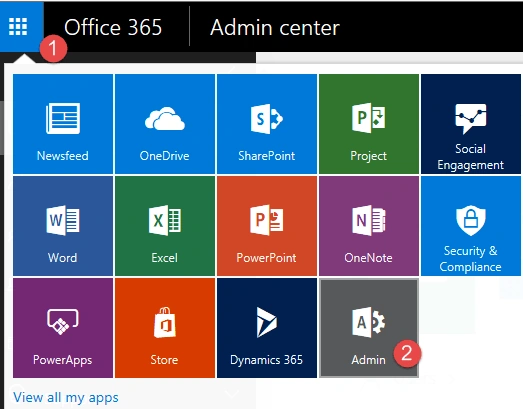
- Navigate to Admin Center, using the steps, mentioned below.
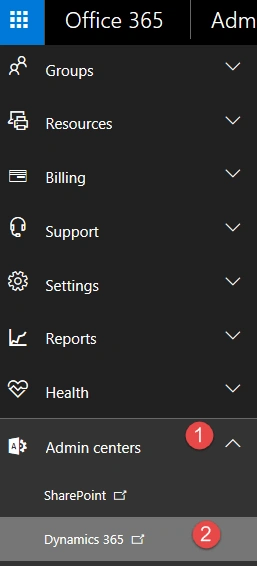
- Expand Admin Centers and click on Dynamics 365.
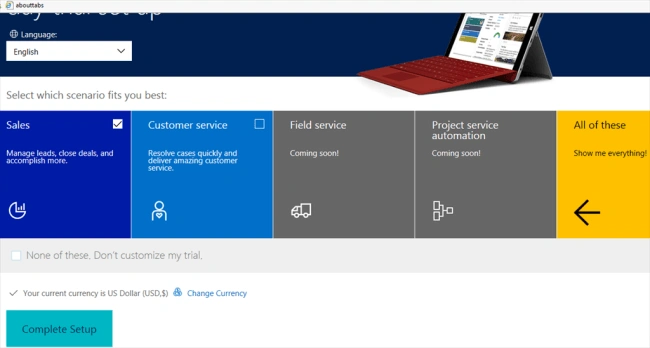
- Select your user experience demo option and click on Complete Setup button.
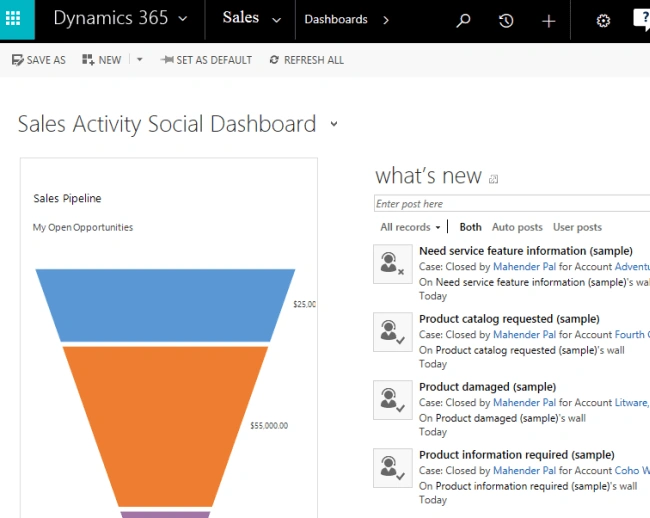
- Once the setup is complete, you will be redirected to Dynamics 365 Application.
Join the conversation! Your thoughts help the community grow.