

In the previous article SharePoint 2016: Forms Based Authentication – Part 2 of this series on implementing FBA with SharePoint, we saw the execution of steps 3 & 4 for the process.
In this article, we are going to see the execution of step 5 and for the sake of quick review, I am putting up the process diagram again here.
Process Diagram

Step 5 Configure Authentication Provider
In this step, we will associate the Membership Provider with the Web application that we want to enable with Form Based Authentication.
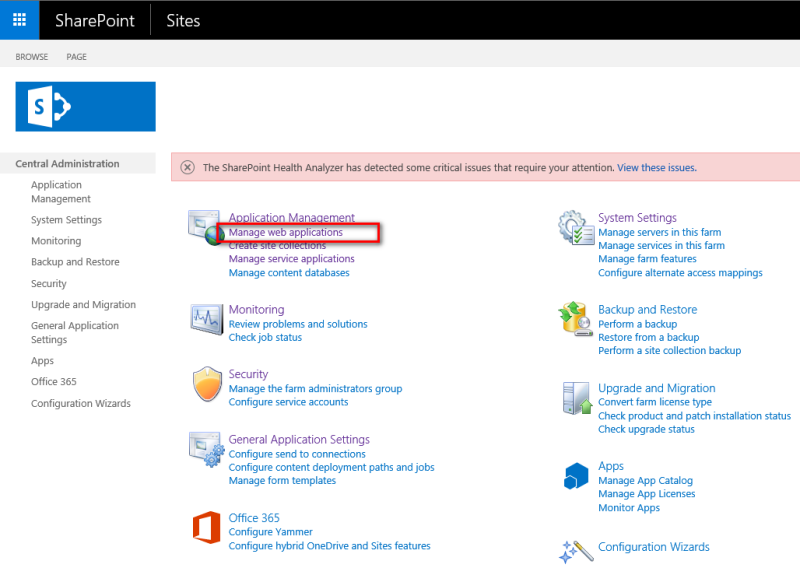
- Go to Central Administration.
- Click on "Manage Web Application".
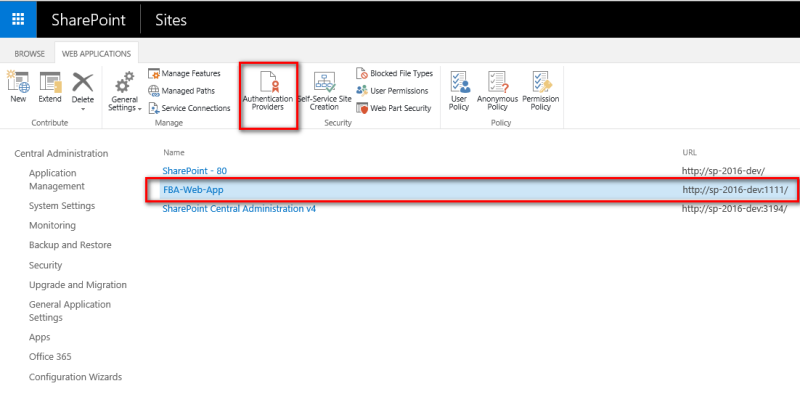
- Select the Web application.
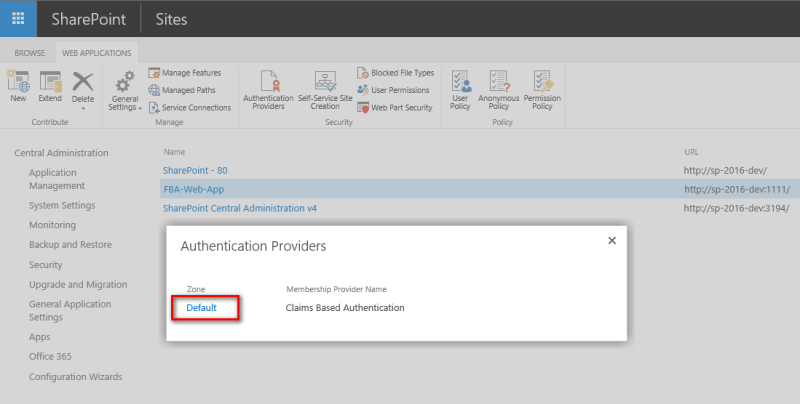
- Click on “Authentication Providers” link in the ribbon bar.


Join the conversation! Your thoughts help the community grow.