

We can seamlessly integrate PnP JS files with SharePoint. The new "Patterns and Practices" JavaScript Core Library was created to help developers by simplifying common operations within SharePoint. Currently it contains a fluent API for working with the full SharePoint REST API as well as utility and helper functions. We can use them with SharePoint Framework to work with SharePoint with minimal effort. You can get detailed information and documentation about PnP JS from here
In this section, we will see how to use PnP JS in SPFx to create and provision a custom list. The major project files used in this solution has been zipped and uploaded at Microsoft TechNet Gallery. Feel free to download it.
We can create the directory, where we will be adding the solution, using the command given below.
md CreatePnPList
Let’s move to the newly created working directory, using the command.
cd CreatePnPList

We will then create the client Web part by running the Yeoman SharePoint Generator.
yo @microsoft/sharepoint
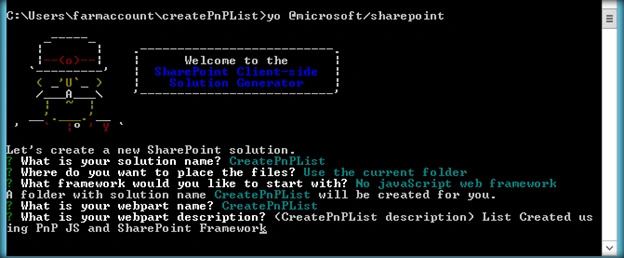
This will display the prompt, which we will have to fill up, so as to proceed with the project creation.
- What is your solution name? : Set it to ‘CreatePnPList’.
On pressing enter, we will be asked to chose the working folder for the project.
- Where do you want to place your files- Use current folder.
- What framework would you like to start with- Select “No javaScript web framework” for the time being, as this is a sample Web part.
- What is your Webpart name- We will specify it as ‘CreatePnPList’ and press Enter
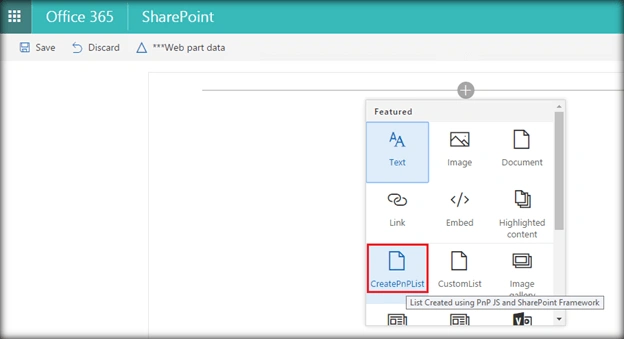
- What is your Webpart description- We will specify it as ‘List created using PnP JS and SharePoint Framework’.
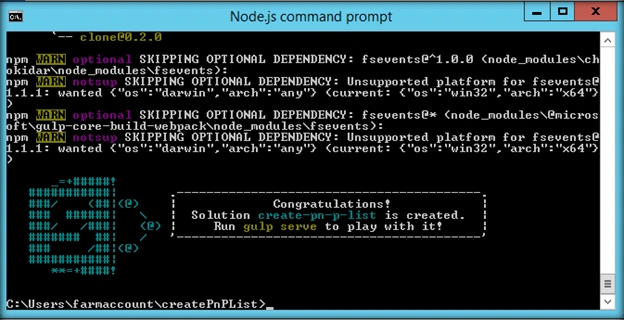
Yeoman has started working on the scaffolding of the project. It will install the required dependencies and scaffold the solution files for the ‘CreatePnPList’ Web part, which will take some time to complete. Once completed, we will get a congratulations message.
Edit the web part
Run ‘Code .’ to open the project in Visual Studio Code.
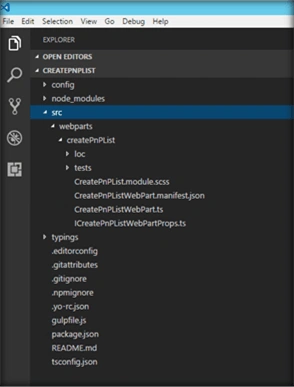
Install PnP JS Module
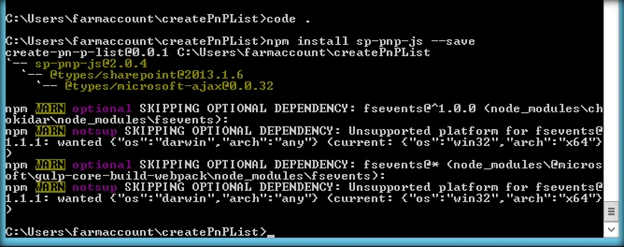
Now, we must load PnP JS file which we will use within the project to create list. We will be using npm to add PnP JS file.
npm install sp-pnp-js --save

Thus, PnP JS has been loaded to the project. We can refer it in the project by using
import { Web } from "sp-pnp-js";
Create List using PnP method
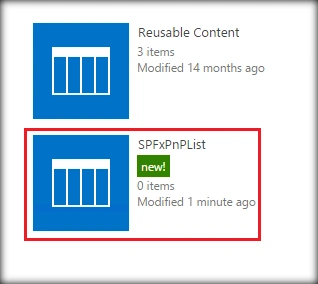
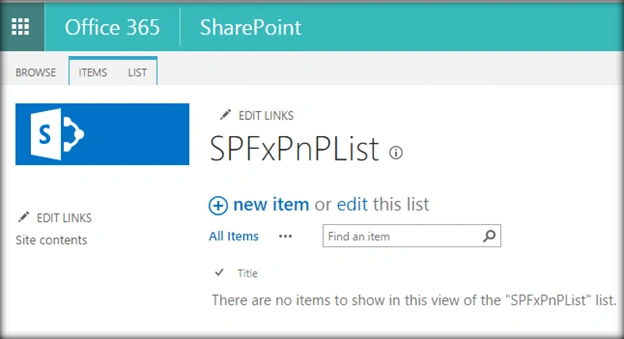
We can create the list using PnP js method - spWeb.lists.add, as shown below. We will be creating a custom list named SPFxPnpList which has the template id : 100.
- private CreateList(): void {
- let spWeb = new Web(this.context.pageContext.web.absoluteUrl);
- let spListTitle = "SPFxPnPList";
- let spListDescription = "SPFxPnP List";
- let spListTemplateId = 100;
- let spEnableCT = false;
- lists.add(spListTitle, spListDescription, spListTemplateId, spEnableCT).then(function(splist) {
- getElementById("ListCreationStatus").innerHTML += `New List ` + spListTitle + ` Created`;
- });
- }
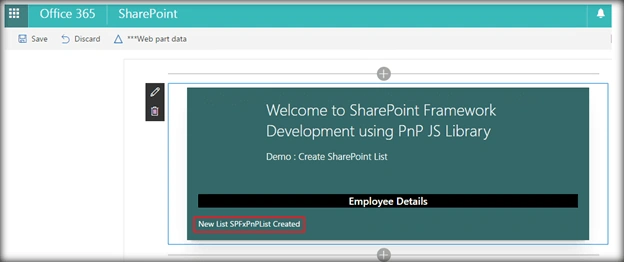
Once the web part has been created, the status will be updated in the div.
- <div id="ListCreationStatus" />
TS File code for Creating the List
The entire code for the TS file is shown below. The ‘this.CreateList()’ method in the render method will call the PnP list creation method and create the SharePoint list.
Parthipan SPosted Jan 3, 2019, 5:15 AM
Is it possible to save the List as template using PNP or Javascript?