

Today I'll show you a new feature in SharePoint 2013, SharePoint Worskpace.
A very powerful feature in SharePoint 2013 that helps you to sync your libraries and lists to your local workspace thereby allowing collaboration of all your documents with you even if you are offline.
Yes you can use it when you are even offline.
How ? Let's see it.
- Here on the screen below you can see a Document Library.
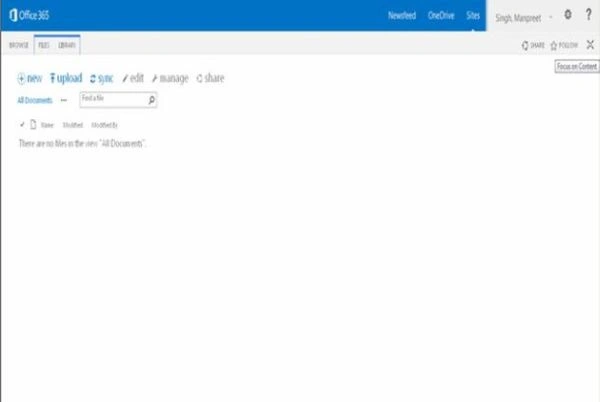
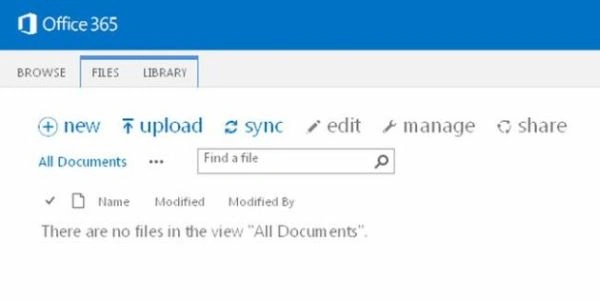
- On the tab of the library we can see a sync icon. If you want to sync this library to your local system then click on it.
- You will have an option to sync now or an option to use OneDrive instead of a SharePoint workspace since it contains more new updates but we will sync with the Workspace.
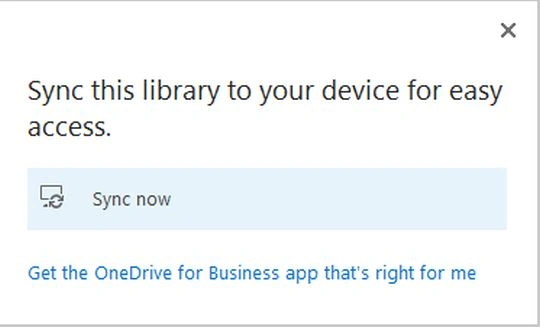
- So click on Sync now.
- If you have an older account you can check the radio button accordingly.
- I will here fill in "Create a new account" and click on “Next”.
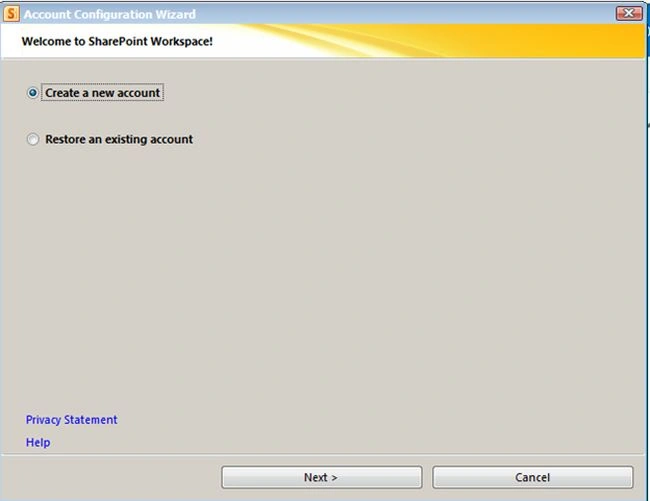
- It will fetch all my details from my Outlook.
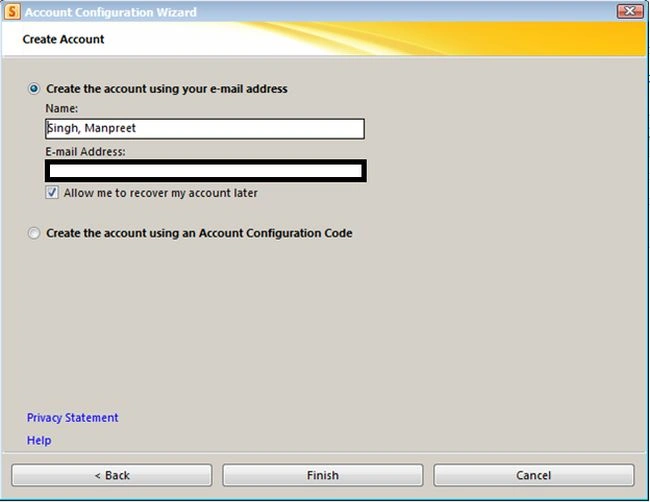
- Click on "Finish".
- Now it will initiate the set up for your email id, it will also be populated through your Outlook.
- If you don't have one you can set up an account using Account Configuration Code.
- Click on "Next".
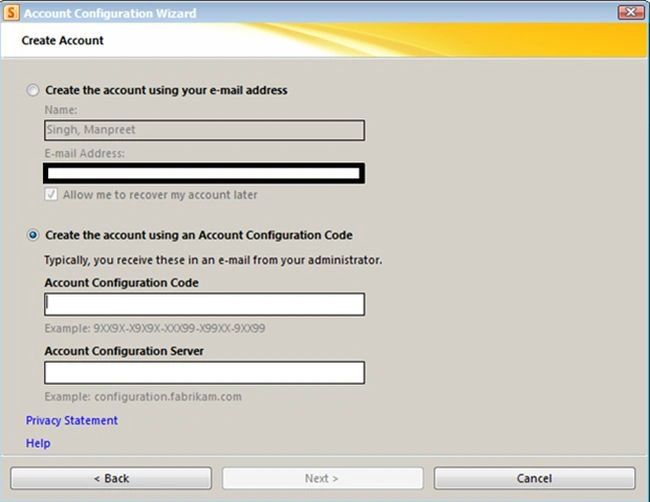
- Once you click on "Next" the account will be created as in the screenshot below.
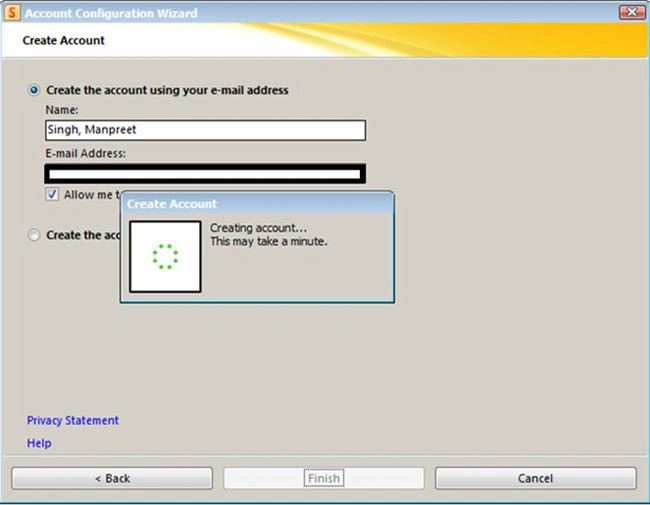
- Click on "Finish".
- You will see the screen as in the following where you will be asked to sync your document library and lists.
- You can customize your settings as you want to download all the data to your local or from a specific Document Library or a list.
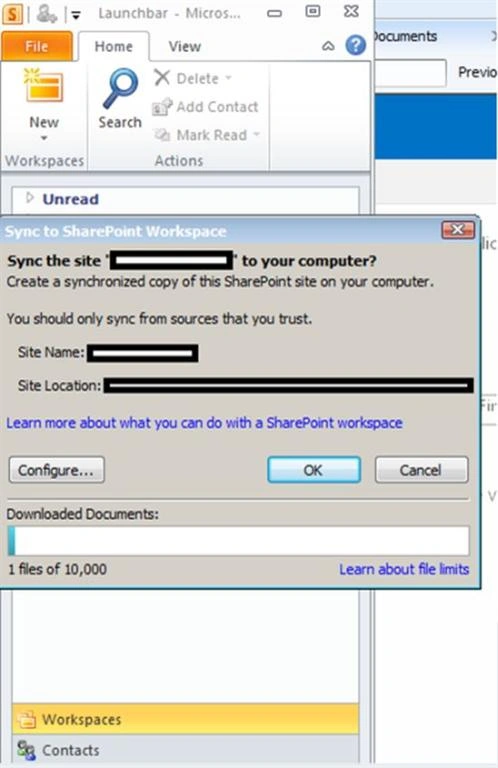
- Once that is done you will see the following screen of the SharePoint Workspace.
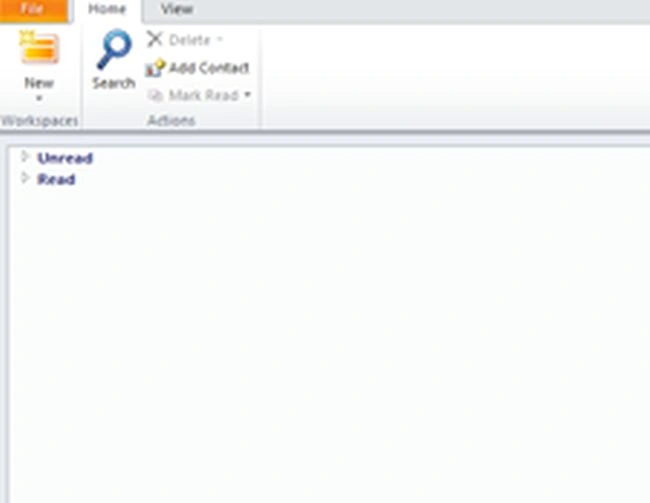
- Here it is divided into two default categories as Unread and Read.
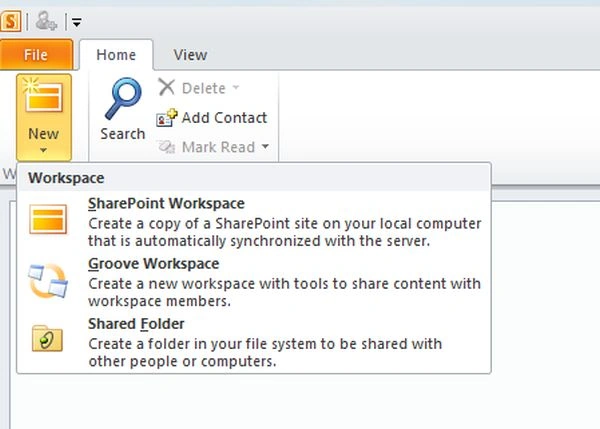
- We have an option to create a new:
- SharePoint Workspace: Using this you can create a new workspace that will sync to your local system with default settings.
- Groove Workspace: By creating a Groove Workspace you can share your content with other workspace members.
- Shared Folder: By creating a shared folder you can create a folder in your local system that can be shared with other systems or people in the workspace.
- SharePoint Workspace: Using this you can create a new workspace that will sync to your local system with default settings.
- Add Contact
You can add a contact to your workspace.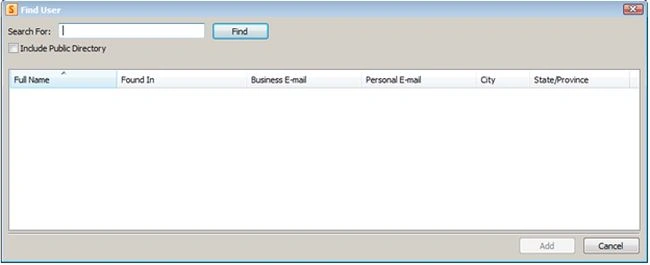
- Then you can have a look at all your contacts, whether they are Active, Online and Offline as well.
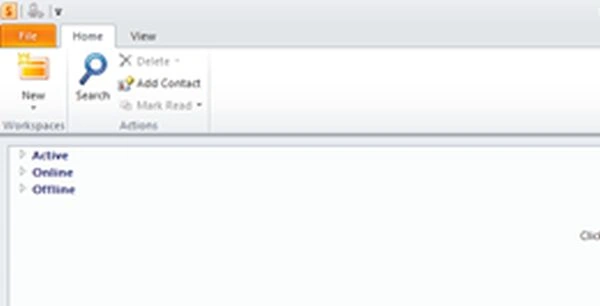
Hence here we conclude with the SharePoint workspace.
It is not being recommended in SharePoint 2013 since OneDrive provides better functionality but still Microsoft has not removed this functionality since it knows there are many users who will still prefer using workspace rather than OneDrive.
So, Keep Learning.
Cheers.
Mahesh KumarPosted Jul 13, 2020, 3:44 PM
Is that workspace option will work on SharePoint Online.
Mahesh KumarPosted Jul 13, 2020, 3:44 PM
Hello Manpreet,