

Show all rows in pivot table
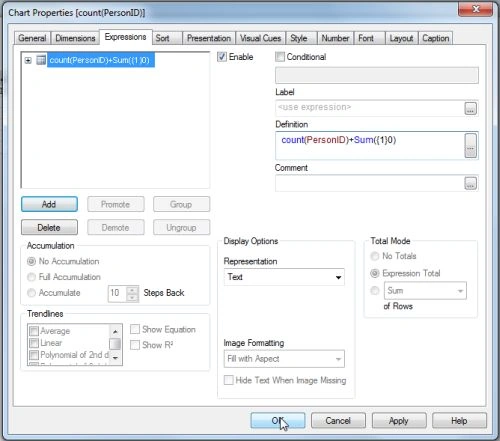
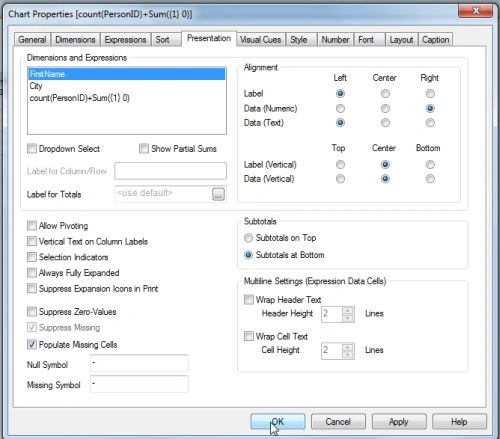
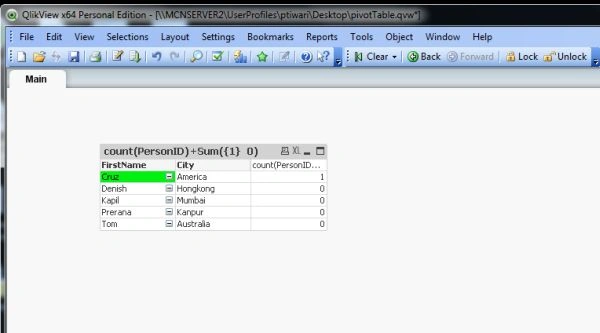
Use the following procedure to create a sample of not suppressing rows in a pivot table when making selections.
Step 1: Open the QlikView application
This is the first step, in this step you need to open the QlikView application then go to File-> New then this window will be opened.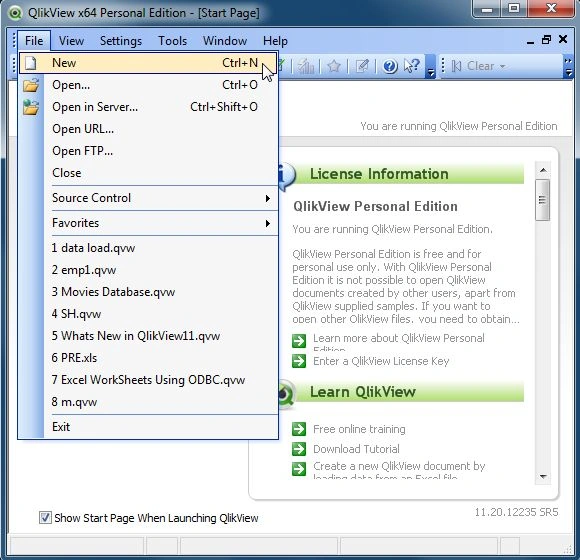
Step 2: Open Edit Script
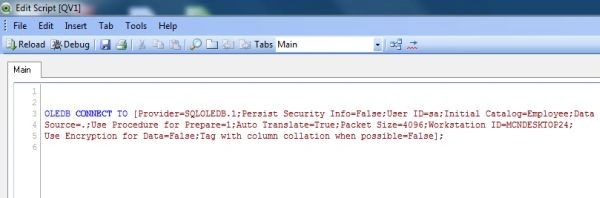
The second step is open the edit script window from:
File-> Edit Script.
- Then this window will be opened.
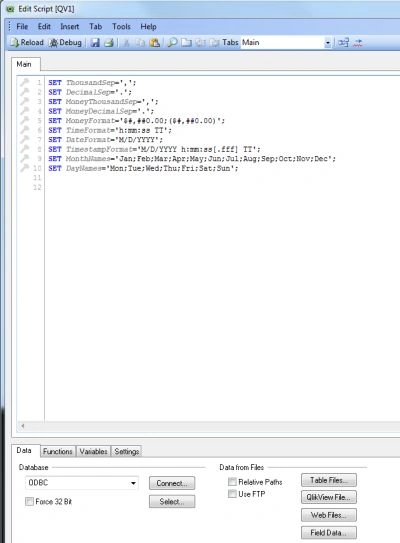
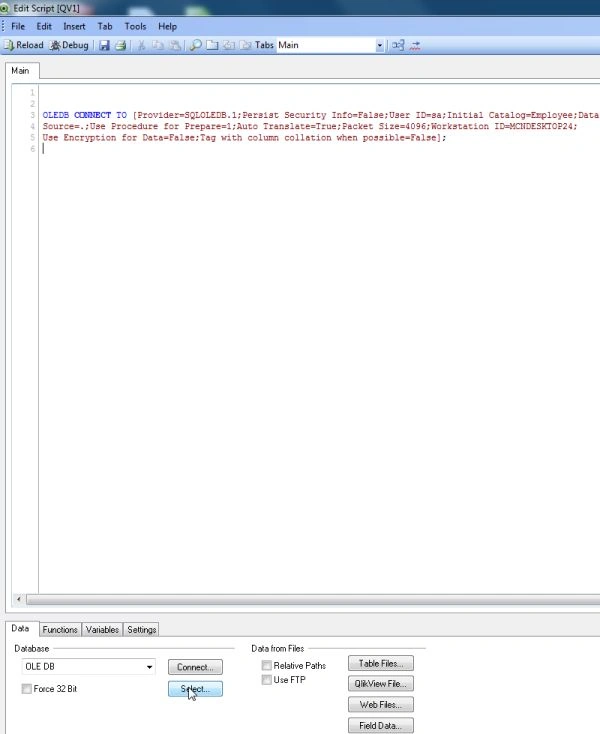
Step 3: Select Database
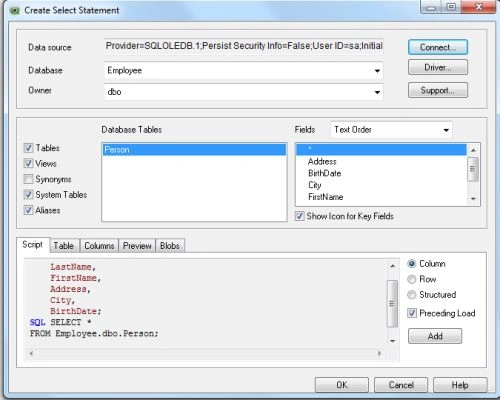
The third step is to select a database from the data tab and click on the Connect Button.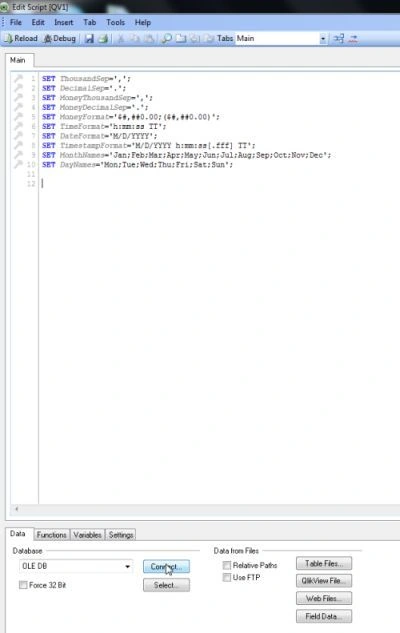
Step 4: Data link property window
In this window we select SQL Server and click on the Next Button.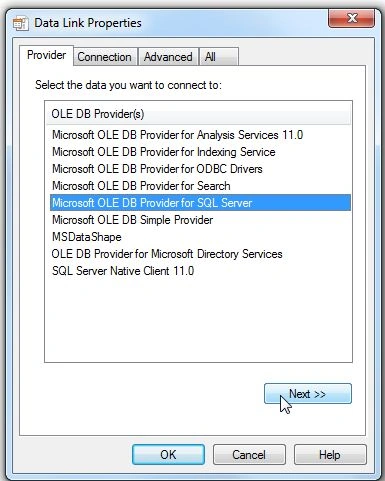
Step 5: Connection tab
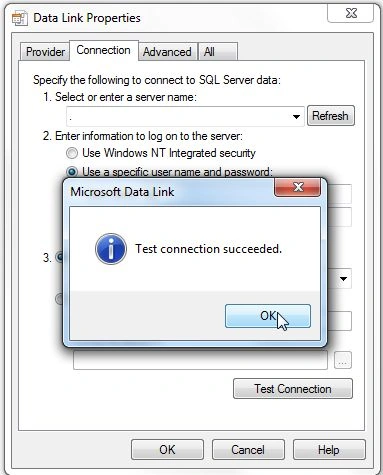
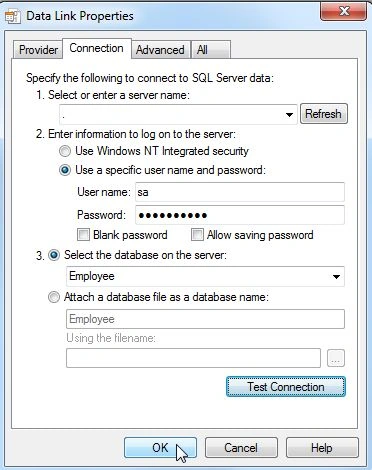
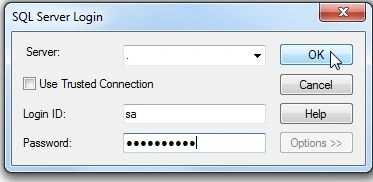
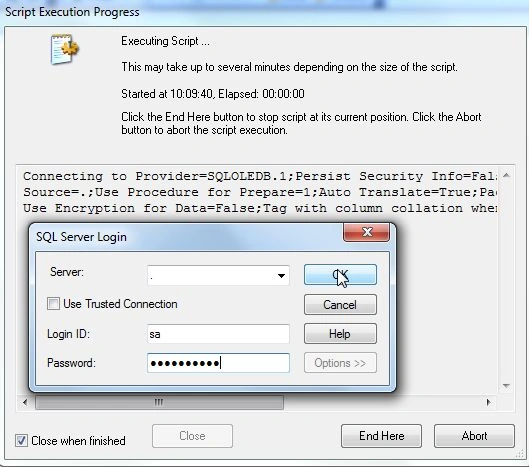
In the connection tab enter the server name and user name and password and select the database from your server and click on Test Connection.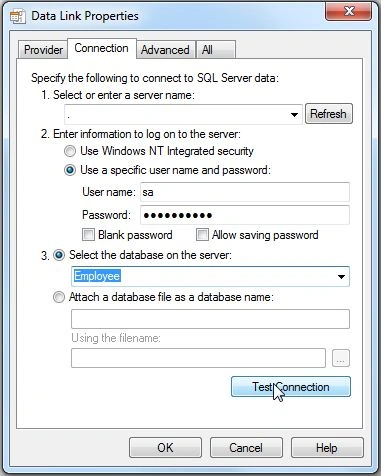


Awadhendra TripahtiPosted Jun 28, 2014, 12:50 AM
Nice :)
Ross BiggarPosted Jun 26, 2014, 8:29 PM
Hi Prerana. what does the 'sum((1)0)' actually do?