

Introduction:
In this article we are going to see how to use Merge transformation in SSIS Packaging. Merge transformation is used in cases where we need to get data from 2 different data sources and merge then in the order specified and send the result to the destination. Merge transformation can be very effective when we need to do manipulation across the data sets or the data source. Let's jump start how to use this task in real time and see the steps to do the configurations.
You can look into my series of articles on SSIS at the url - http://f5debug.net/all-articles/
Steps:
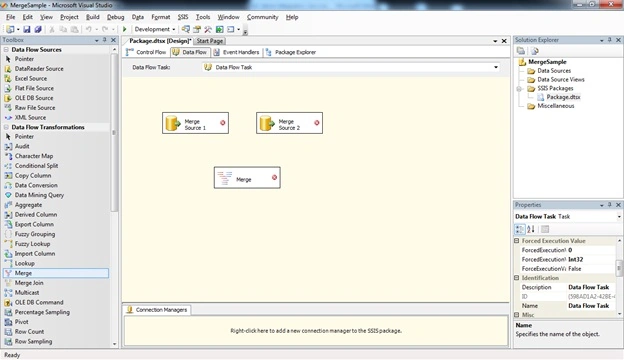
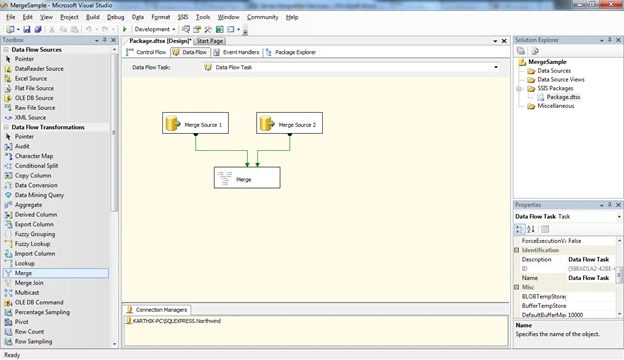
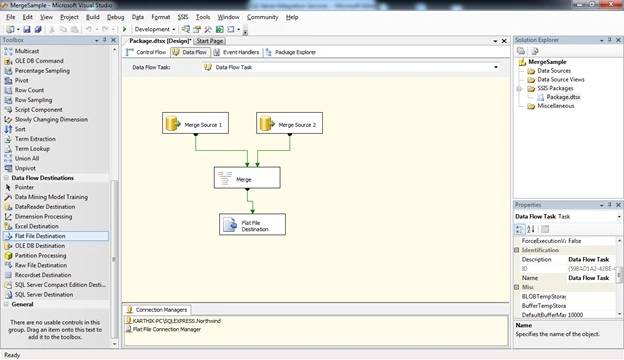
Follow steps 1 to 3 of my first article to open the BIDS project and select the right project to work on an integration services project. Once the project is created, we will see how to use the Merge Transformation task. Once you open the project just drag and drop the Merge transformation control and a source provider is shown in the image below.
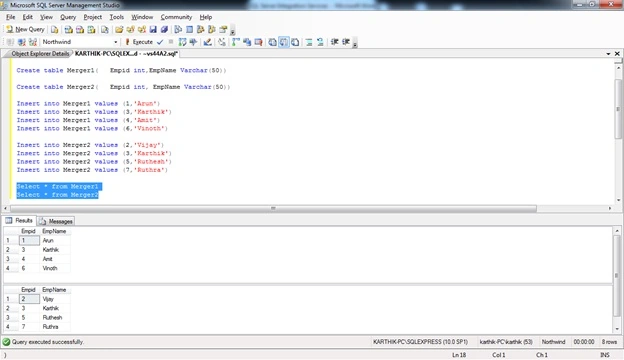
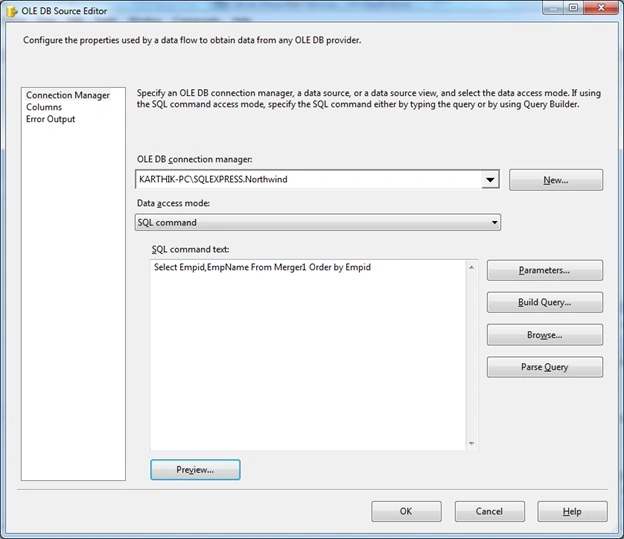
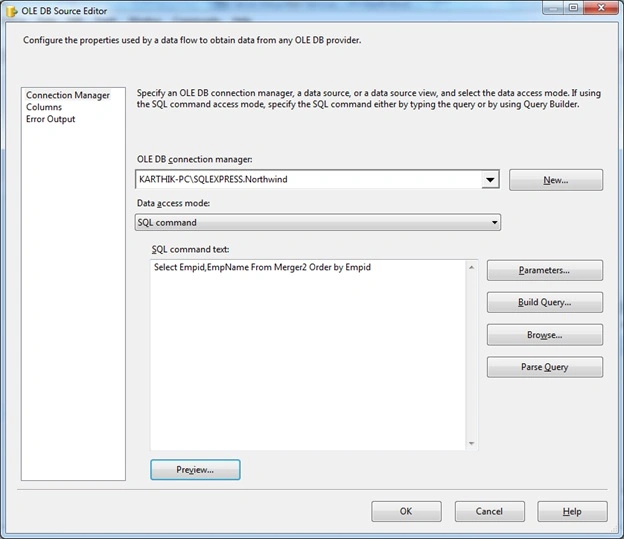
Now we need to start configuring the transformation. Let us start with configuring the source data; for that we need to create a table as shown in the screen below.

Join the conversation! Your thoughts help the community grow.