

Synopsis
- Introduction
- Install Node.js
- Install Visual Studio Code
- Angular CLI
- First Angular Application
- Conclusion
Introduction
This article explains how to start Angular with Visual Studio Code. Using Visual Studio code we can create an Angular project. Please follow the following steps to achieve this.
Install Node.js
Using the below article link we will learn how to install Node.js in a step by step way. We need to follow these steps to get Node.js installed.
Install Visual Studio Code
Visual Studio Code is a lightweight but powerful source code editor which runs on our desktop and is available for Windows, macOS, and Linux. It comes with built-in support for JavaScript, TypeScript, and Node.js and has a rich ecosystem of extensions for other languages (such as C++, C#, Java, Python, PHP, Go) and runtimes (such as .NET and Unity). We need to download Visual Studio code. Go to https://code.visualstudio.com/.
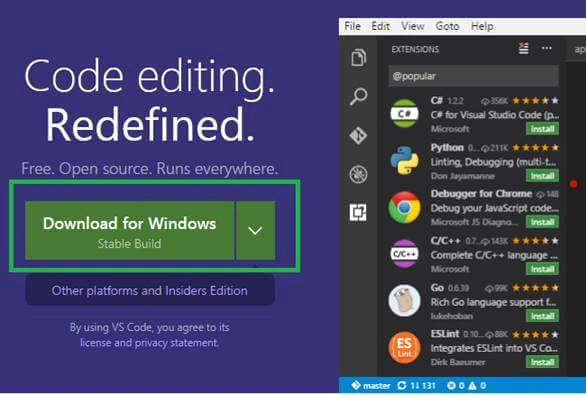
Now click the “Download for Window” and Save File. It will be downloaded after clicking Save File and it will take afew minutes to download.
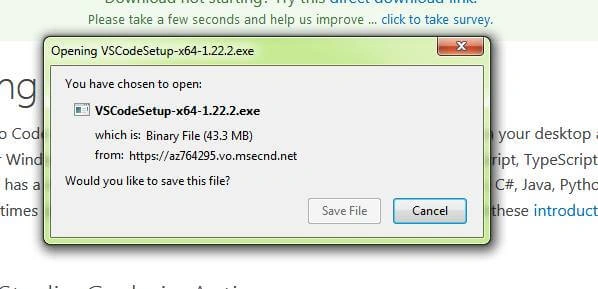
Open the corresponding location to which we have downloaded the exe file. Now double click the download visual studio exe.
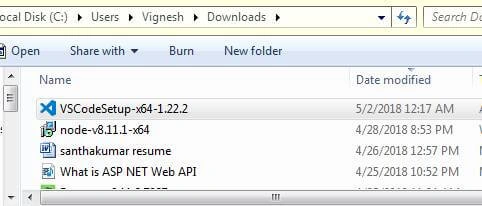
After double clicking exe the “Open File – Security Warning” window will open and click Run. User Account Control will be opened after clicking run. Now we need to give permission to install visual studio code so click yes. Now the Setup – Visual Studio Code window will be opened and click next.
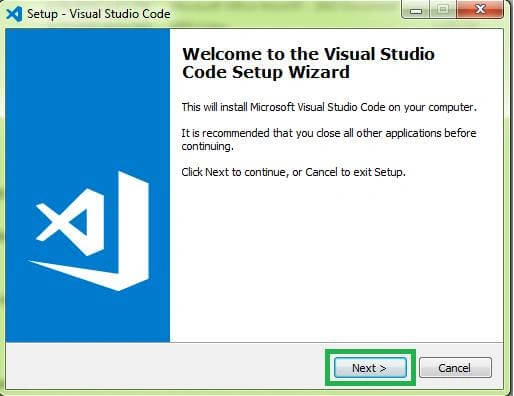
Now select the “I accept the agreement” option and click next. Select the location to install Visual Studio code and continuously click next, finally click the install button. The installation process will start after clicking the install button, it will take a few minutes to finish the installation. Finally, click finish button, and the Visual Studio installation process is finished.
Angular CLI
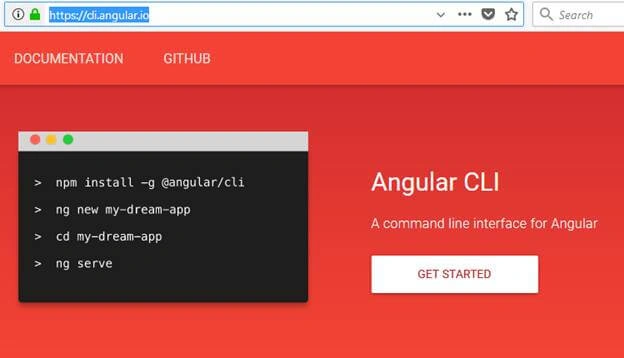
Angular CLI is a command line interface or command line tool. Create angular applications faster and with great consistency. We can create components, directives, pipes, and services using CLI. Create TypeScript features like classes, interface, enums etc. CLI is used to create run unit test and End-to-End tests. Create an optimized build for deployment to production. It helps us to improve our productivity. Go to https://cli.angular.io/ link to know more about Angular CLI.
Rohan RaoPosted Aug 25, 2019, 1:50 AM
Hi Vignesh, thanks for this tutorial. It was wonderful. I am new to Visual Studio Code. I want to develop a C# application(as back-end) with Angular as front end. Can you show how is it done?