
One can easily add a logo to SharePoint 2013. When you add a logo, it will appear at the top of every page. So here I have provided the procedure to add a logo to your page. Here it is.
1. Sign in with site administrator (provide login ID and Password).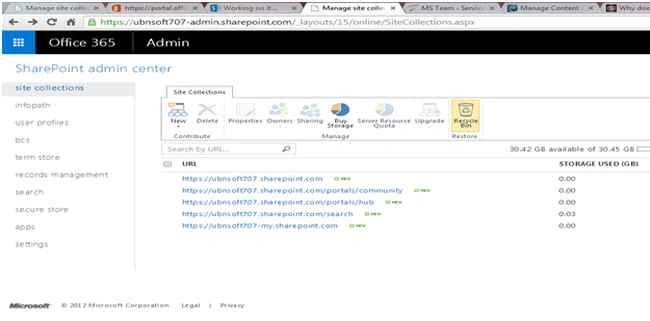
2. Create a new site by clicking the “New” icon at the top. Here you can either create a new site or you can continue with the existing one. For the existing one you can proceed with any of the following URLs: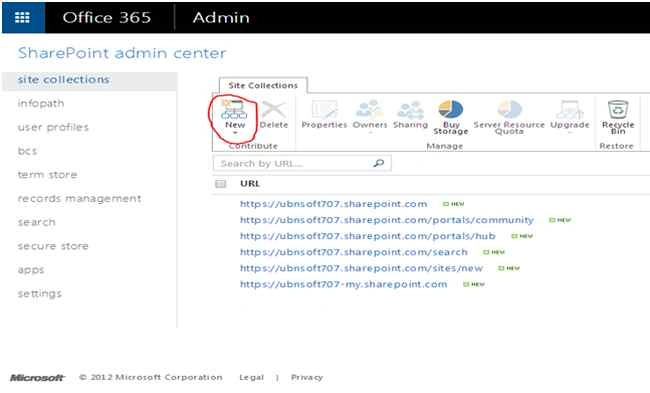
3. Enter all the site details and click the “Ok” button to create a new site. This will create a new site.
4. Double-click on the new site.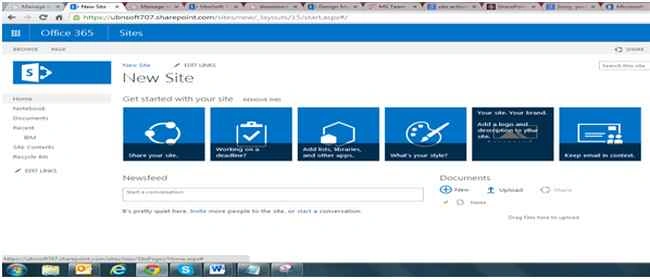
5. Click the “Settings“ menu (gear icon) on the top right corner of the page. 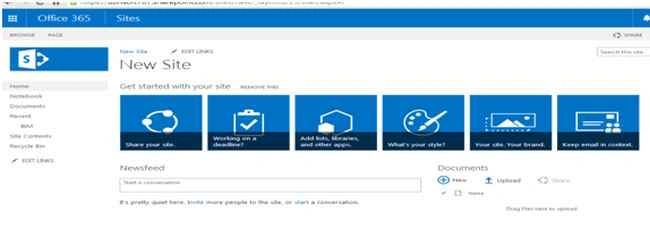
6. Click the “Site Contents” option present under the “Settings” menu.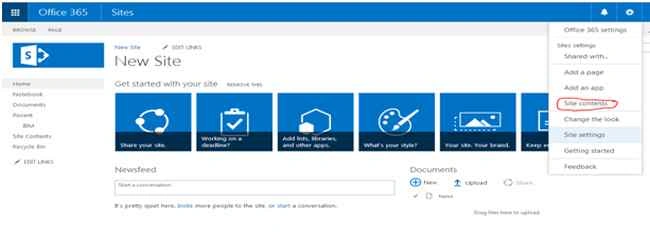
7. Click "add an app".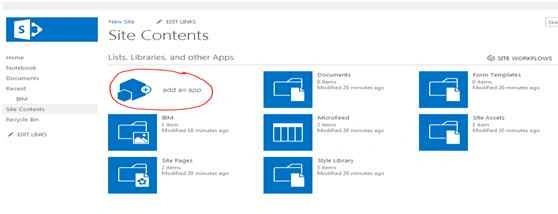
8. Go to “Apps you can add”, click on Picture library.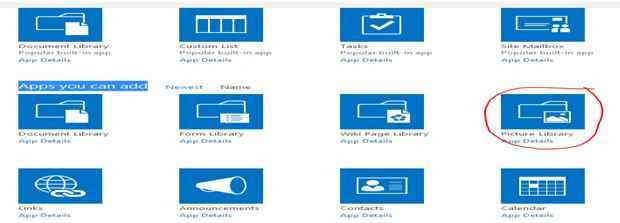
9. Enter a name for the picture you want to add as a logo and click the “Create” button.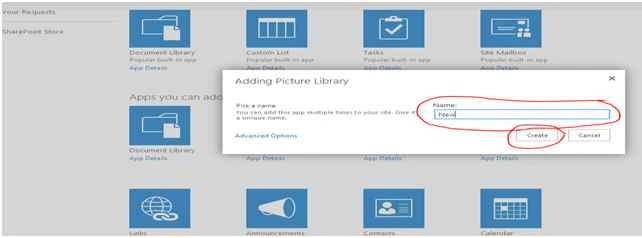
10. Double-click on the new app that you created and now click on the Upload button. Upload a logo from your computer.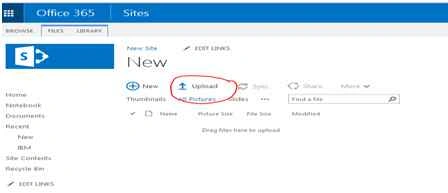
11. Copy the image URL address.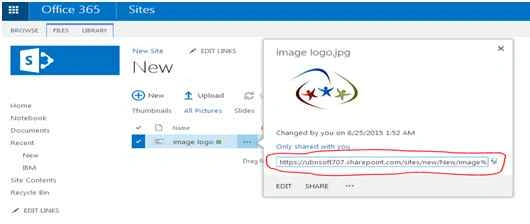
12. Now click “Site Settings” under the “Setting” menu.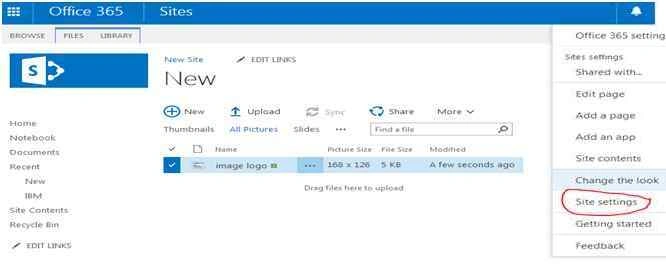
13. Select “Title, Description & Logo” under the “Look and Feel” list. Paste the image URL address into the box and click the “Ok” button. You can also provide a description for your reference.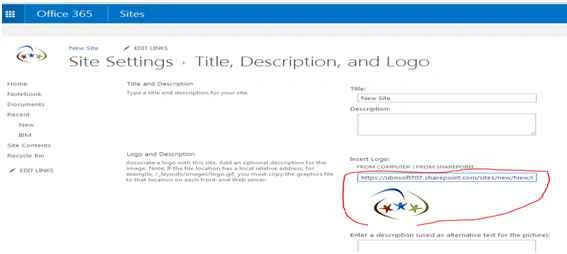
14. The logo is added to the top of every page and your changes will be saved automatically.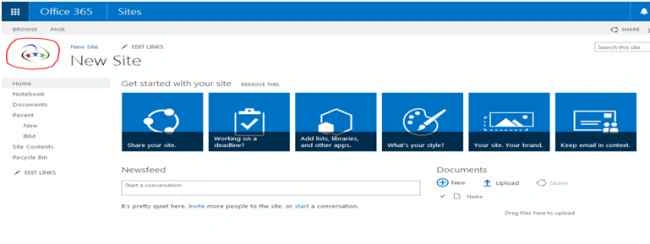

Add Logo to a Site in SharePoint 2013
Join the conversation! Your thoughts help the community grow.
Sign in to leave a comment
It is the same account you read, post and publish with — and you will come straight back to this page.
Upendra Pratap ShahiPosted Aug 27, 2015, 7:12 AM
nice share
Yashwanth MuthineniPosted Aug 27, 2015, 4:26 AM
Good one
Pankaj Kumar ChoudharyPosted Aug 25, 2015, 9:26 PM
Nice Explain ........
Abhay ShankerPosted Aug 25, 2015, 1:06 PM
Nice one....
Gowtham KPosted Aug 25, 2015, 12:41 PM
Thanks for sharing
Shridhar SharmaPosted Aug 25, 2015, 10:34 AM
nice share :)
Karthikeyan KPosted Aug 25, 2015, 9:58 AM
Good one...Thanks for share
RakeshPosted Aug 25, 2015, 9:43 AM
Good Start
Rajeesh MenothPosted Aug 25, 2015, 9:35 AM
Nice One
Sanghamitra MohantyPosted Aug 25, 2015, 8:54 AM
nice blog
Swatismita BiswalPosted Aug 25, 2015, 7:48 AM
Thank u all...
Rajkiran SwainPosted Aug 25, 2015, 7:45 AM
good blog..
Vaikesh K PPosted Aug 25, 2015, 7:28 AM
Nice Work