

Introduction
Question: What are subsites?
In simple terms "It is the process of new SharePoint site within the existing main site".
I think we are now good to go and implement this wonderful concept.
Step 1: Open SharePoint Server 2010 and navigate to central administration. Click on manage web applications.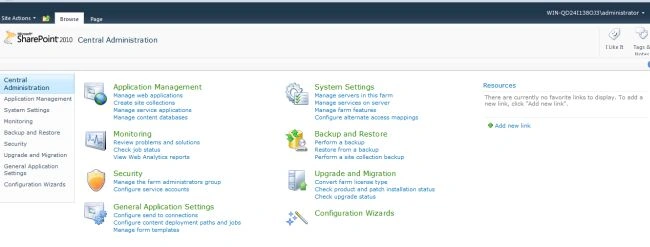
Step 2: Now click on the new tab in web applications.
Step 3: Give a name to the site and click on ok.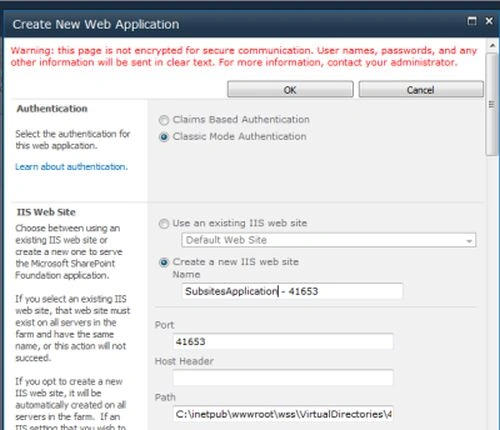
Step 4: The Web Application is now created.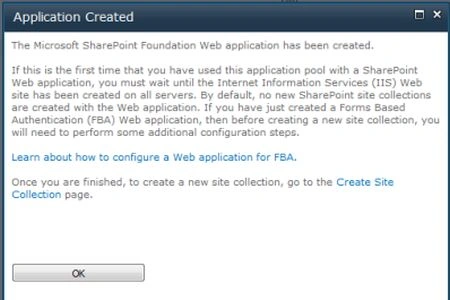

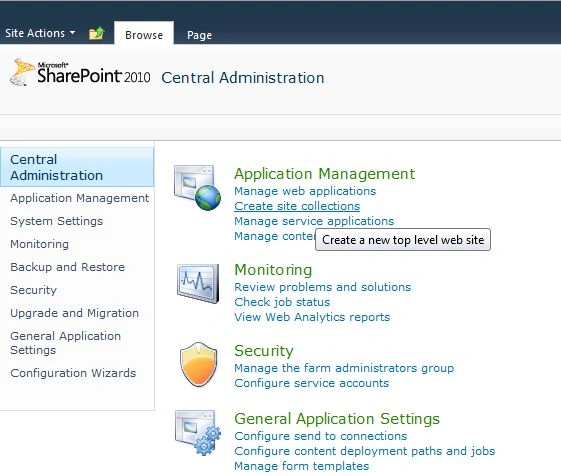
Step 5: Navigate back to central administration. Click on create site collections.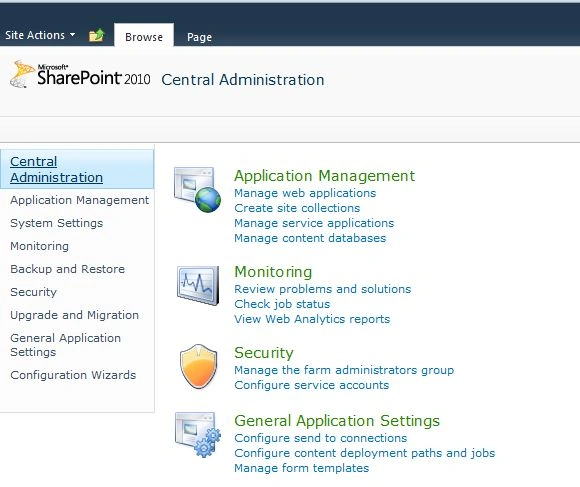
Step 6: Give a name to the site with a different selected template. Click on ok.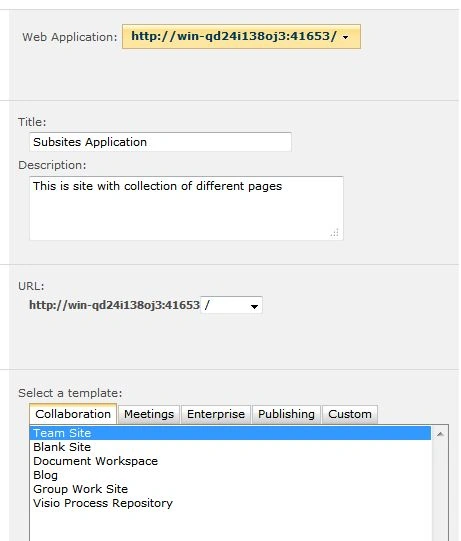
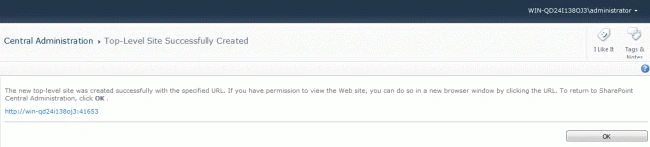
Step 7: Navigate to the new site.
Step 8: Edit the page according to your own custom style.

Step 9: Click on site actions -> New Site.
Step 10: Give a name to the site with a selected template. Make sure it is appended to the main site.
Step 11: The first subsite is created: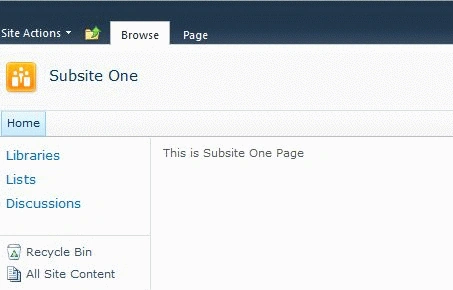
Step 12: Navigate to the home page to see how subsite one is appended.
Step 13: Click on site actions -> New Site.
Step 14: Give a name to the site with selected template. Make sure it is appended to the main site.
Step 15: Subsite two is created.

Step 16: Navigate to the home page to see how subsite one and two are appended.
I hope this article is useful for you. I look forward to your comments and feedback. Thanks Vijay Prativadi.
Arun ChoudharyPosted May 1, 2012, 6:46 PM
Hi I want to know that the use of Subsites in SharePoint 2010