

KUDU console is an in-built site extension on Azure Websites. To access this add .scm to the URL as shown below:
http://yoursitename.scm.azurewebsites.net/ (Replace yoursitename with name of your site)
Access this link in Internet Explorer.
Hit ALT+V and select Toolbars and then Favorites bar.
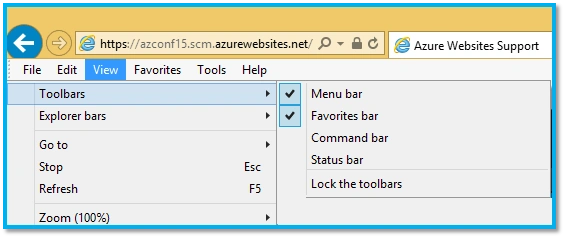
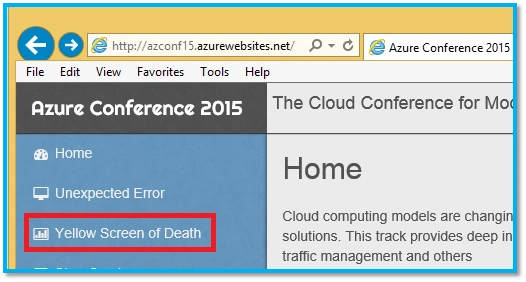
This will add a shortcut to the KUDU console in the favorites bar as shown below:
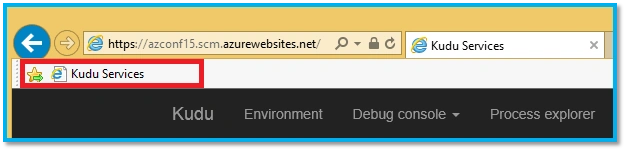
Unexpected error
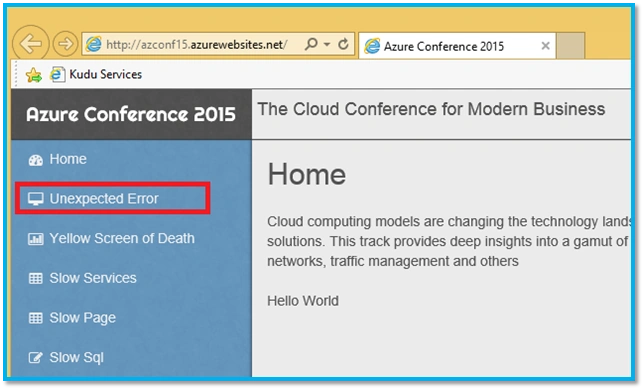
- Launch Internet Explorer and browse your site http://<yoursitename>.azurewebsites.net/
- On the page click on Unexpected Error.
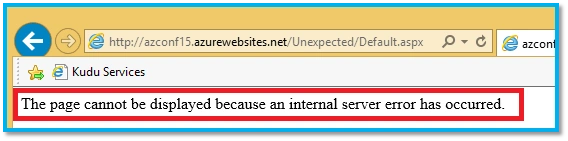
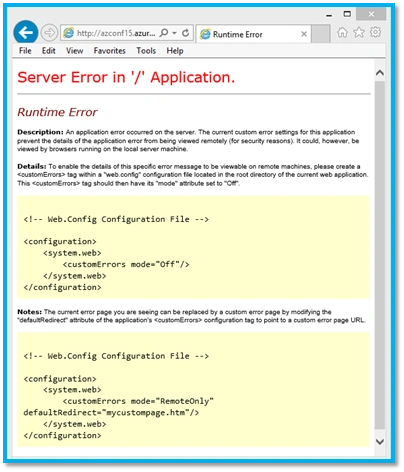
- You will see the following error on the browser:
- In IE, go to ToolsInternet Options.
- Click on Advanced tab and select “Show friendly HTTP error messages”,
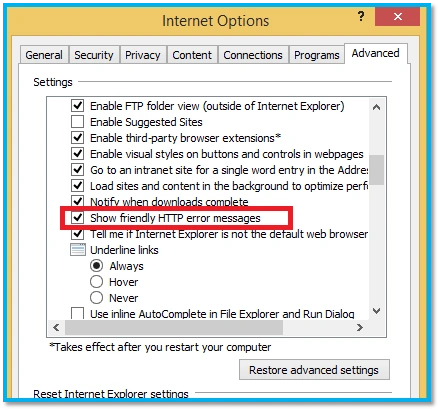
- Hit CTRL+F5 and you will see the actual error message.
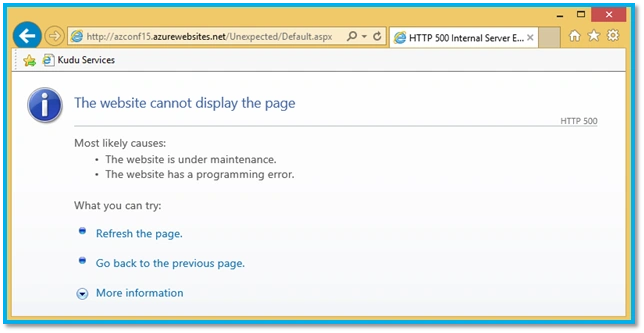
- This indicates we are getting a 500 error.
Enable HTTP Logging for the site
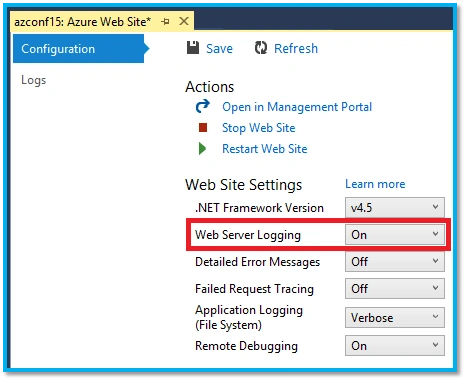
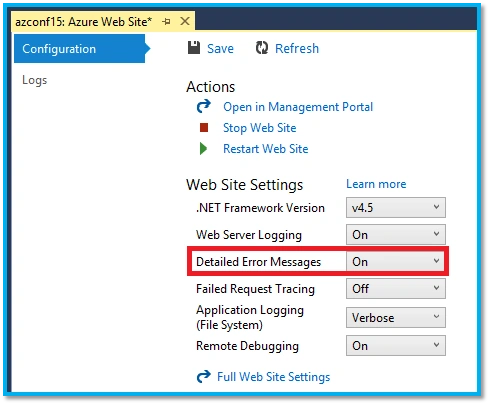
- In Visual Studio, right click the site and select View Settings as earlier.
- Enable Web Server Logging as shown below:
- Browse the page https://<yoursitename>.azurewebsites.net/Unexpected/Default.aspx
(Replace <yoursitename> with name of your site).
- You will get the error message as seen earlier.
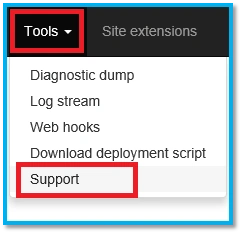
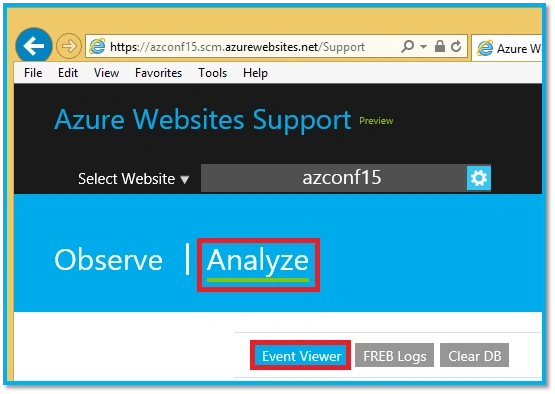
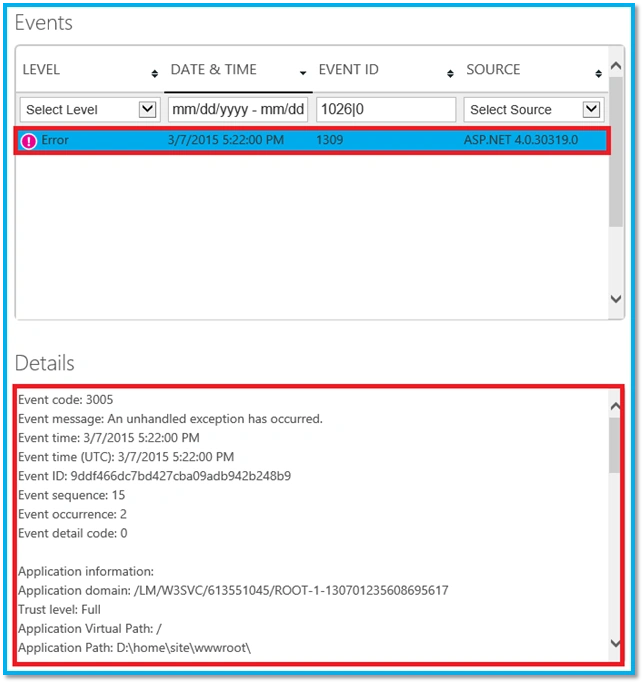
- Go to the KUDU Console for your site.
- Click on Debug Console and select CMD.
- You will see a explorer view of the directory structure for the site.
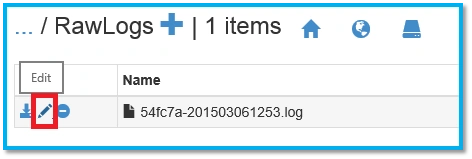
- Browse to Logfiles http RawLogs.
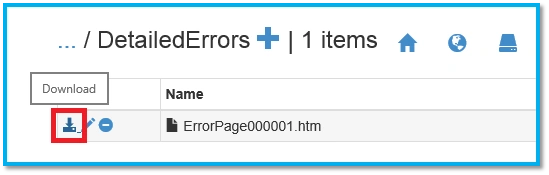
- You will see the http log file generated here. Click on the edit (pen icon) as shown below:
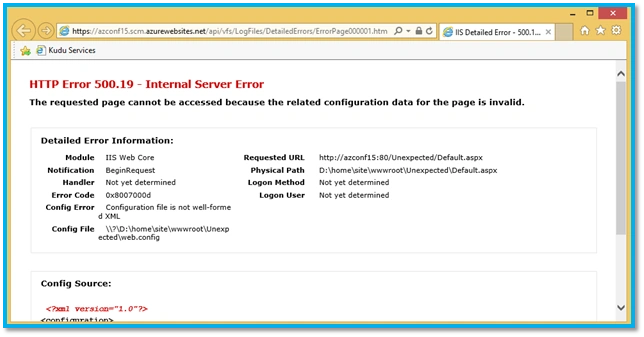
- You will find entries with HTTP status code set to 500.19.
2015-03-06 12:53:40 AZCONF15 GET /Unexpected/Default.aspx X-ARR-LOG-ID=a5e3e912-ca76-451d-a538-d43c80fb3255 80 - 167.220.236.13 Mozilla/5.0+(Windows+NT+6.3;+WOW64;+Trident/7.0;+Touch;+rv:11.0)+like+Gecko ARRAffinity=54fc7ad43555a17449bdf1c1be0ab2483d56ea4a5f9e0c01049c06ebecf902d7 - azconf15.azurewebsites.net 500 19 13 453 968 78
Kuppurasu NagarajPosted May 17, 2016, 11:56 AM
Nice sharing..
Vignesh ManiPosted May 13, 2016, 7:21 AM
Nice
Prasanna MuraliPosted May 12, 2016, 10:01 PM
Nice one
Debasis SahaPosted May 12, 2016, 3:42 PM
Good One..
Neeraj KumarPosted May 12, 2016, 3:09 PM
Nice
Sonu ChaudharyPosted May 12, 2016, 11:25 AM
good one