

Introduction
In my previous article, I explained what TimeZone is and how to display all local system Time Zones in ASP.Net using C#. Now I will explain various time zone properties and how to use TimeZoneInfo class in C# to display all the information about time zones.
Create a console application in Visual Studio. We will use console app to test our code.
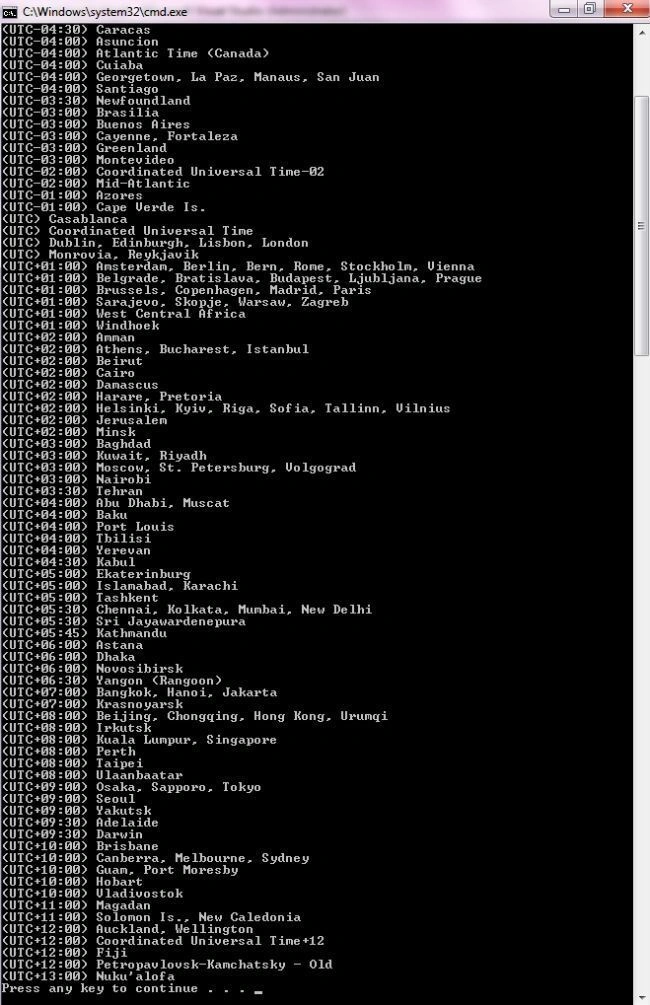
Display all the TimeZone Names of local system
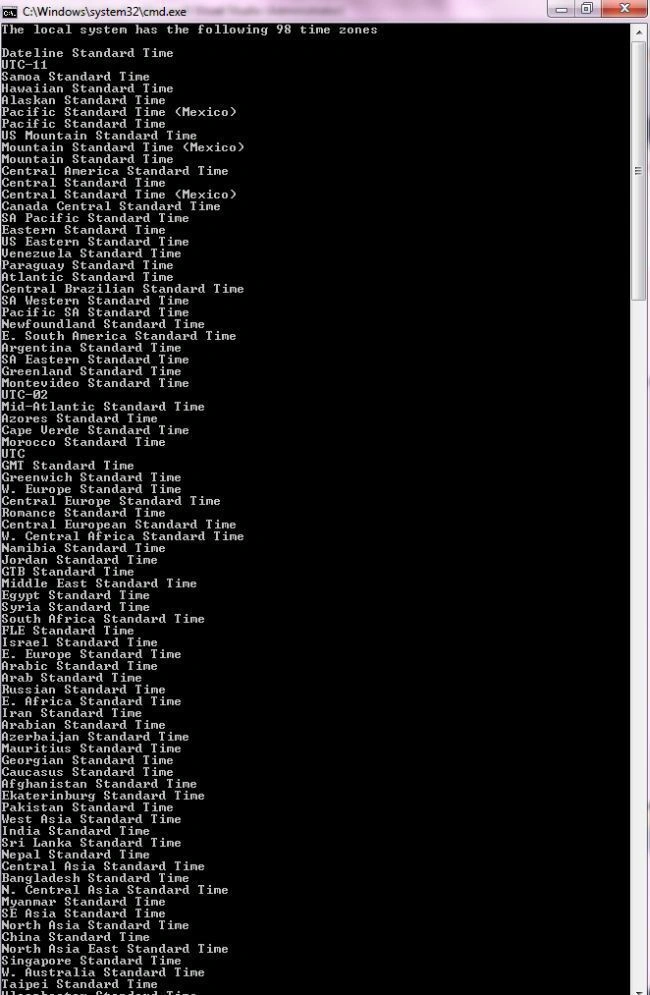
To display all time zones in our current system, we use TimeZoneInfo.GetSystemTimeZone() static method that returns all available time zones on a machine. The DisplayName property is the name of the time zone.
using System;
using System.Collections.ObjectModel;

namespace ConsoleApplication6
{
    class Program
    {
        static void Main(string[] args)
        {
            ReadOnlyCollection<TimeZoneInfo> zones = TimeZoneInfo.GetSystemTimeZones();

            foreach (TimeZoneInfo zone in zones)
            {
                Console.WriteLine(zone.DisplayName);
            }
        }
    }
}
Output
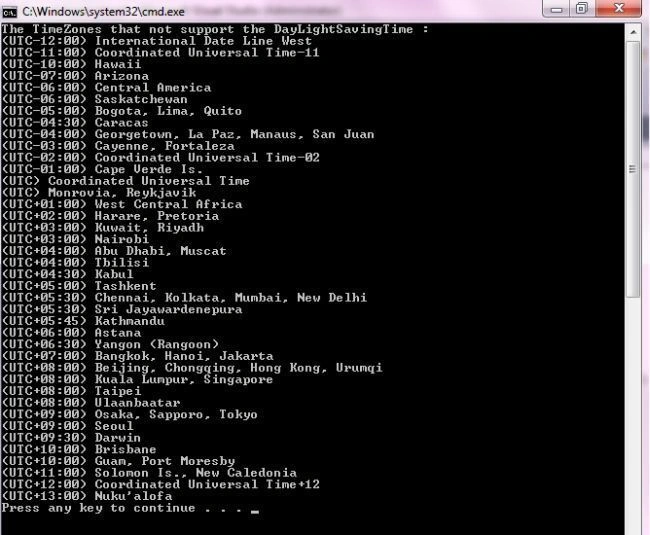
Display all the TimeZones that do not support DayLightSavingTime
For this, I use the SupportsDaylightSavingTime property of the TimeZoneInfo class. I apply the concept that if this property is not supported then display all the TimeZone names of the current system. Here is the complete code.
Output
Local TimeZone Information
All the local TimeZone information (currently selected TimeZone in our local system) can be indentified by using the Local Property of the TimeZoneInfo class.
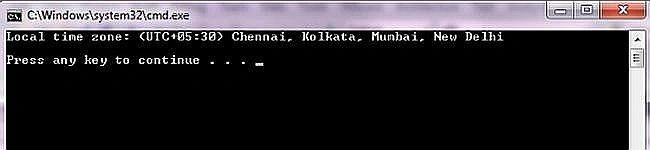
Get the name of the currently selected TimeZone in our local system
To display the name of the TimeZone which is currently set on our system, we use the DisplayName property of the Local property of the TimeZoneInfo class.
using System;

namespace ConsoleApplication6
{
    class Program
    {
        static void Main(string[] args)
        {
            // Display the current time zone name.
            Console.WriteLine("Local time zone: {0}\n", TimeZoneInfo.Local.DisplayName);
        }
    }
}
Output
Get the Standard Name, DayLight Name of TimeZones
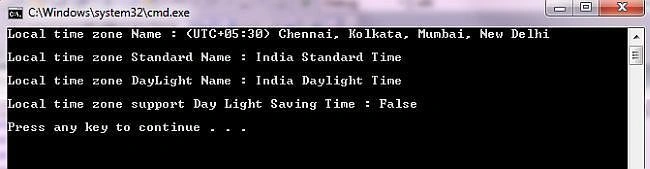
To display other information about the currently selected TimeZone on our local system, we use other properties. For example, to find the Standard name, we use the StandardName property, for the DayLight Name, we use the DaylightName property. In the following example I also show whether the currently selected TimeZone supports DaylightSavingTime or not; if yes then it gives true, if not then it gives false.


Pankajkumar PatelPosted Aug 30, 2019, 12:56 AM
Nice article
Richa GargPosted Oct 22, 2012, 5:56 AM
Yes Sir, I agree with you.... Microsoft has really give a nice concept so that we can easily get all the timezone information and also perform many operations on it.
Sam HobbsPosted Oct 20, 2012, 2:56 PM
There was a time, long before .Net, when the Windows timezone information was not documented. I spent many hours analyzing it and writing a program to show it. That was back when I was learning C++ MFC. Now that Microsoft has documented the Windows timezone information I could do it very easily.