
SharePoint Online provides a diverse selection of web parts that enhance functionality and customization for SharePoint sites. This article introduces and explores a few such important web parts, including Divider, Spacer, and Recent Documents. Gaining an understanding of these web parts will empower user to create dynamic and engaging SharePoint Online pages.
Adding Web part in SharePoint Online Page
To add a web part in SharePoint Online, enter edit mode on the desired page, select the section where you want to place the web part, click on "Add a Web Part," choose the desired web part from the available options, and save the changes to display the web part on the page.
- Divider Web part
- When the Divider web part is added to a page in SharePoint Online, it inserts a default layout that includes options to move, edit, copy, or delete the web part. This allows users to customize the position and appearance of the divider as needed for their page layout.
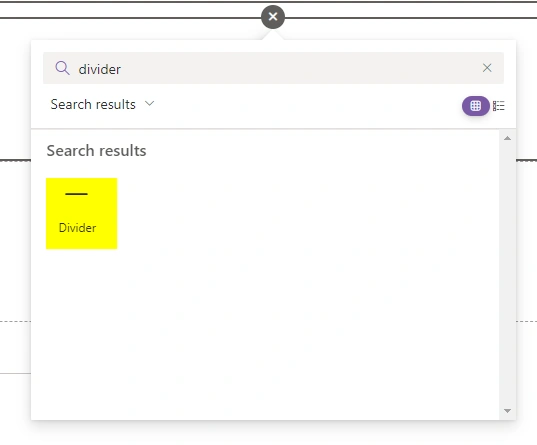
Default Layout of Divider Web part

- Upon clicking the "Edit" option for the web part, a property pane appears on the right side of the screen in SharePoint Online. This pane provides options to adjust the length and weight of the web part, allowing users to customize its dimensions according to their preferences or page layout requirements.
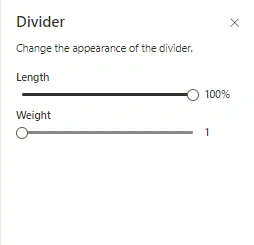
- In conclusion, the Divider web part in SharePoint Online offers a simple yet effective way to visually separate content sections on a page, and it provides options to customize its length and weight for optimal page layout.
- When the Divider web part is added to a page in SharePoint Online, it inserts a default layout that includes options to move, edit, copy, or delete the web part. This allows users to customize the position and appearance of the divider as needed for their page layout.
- Spacer Web part
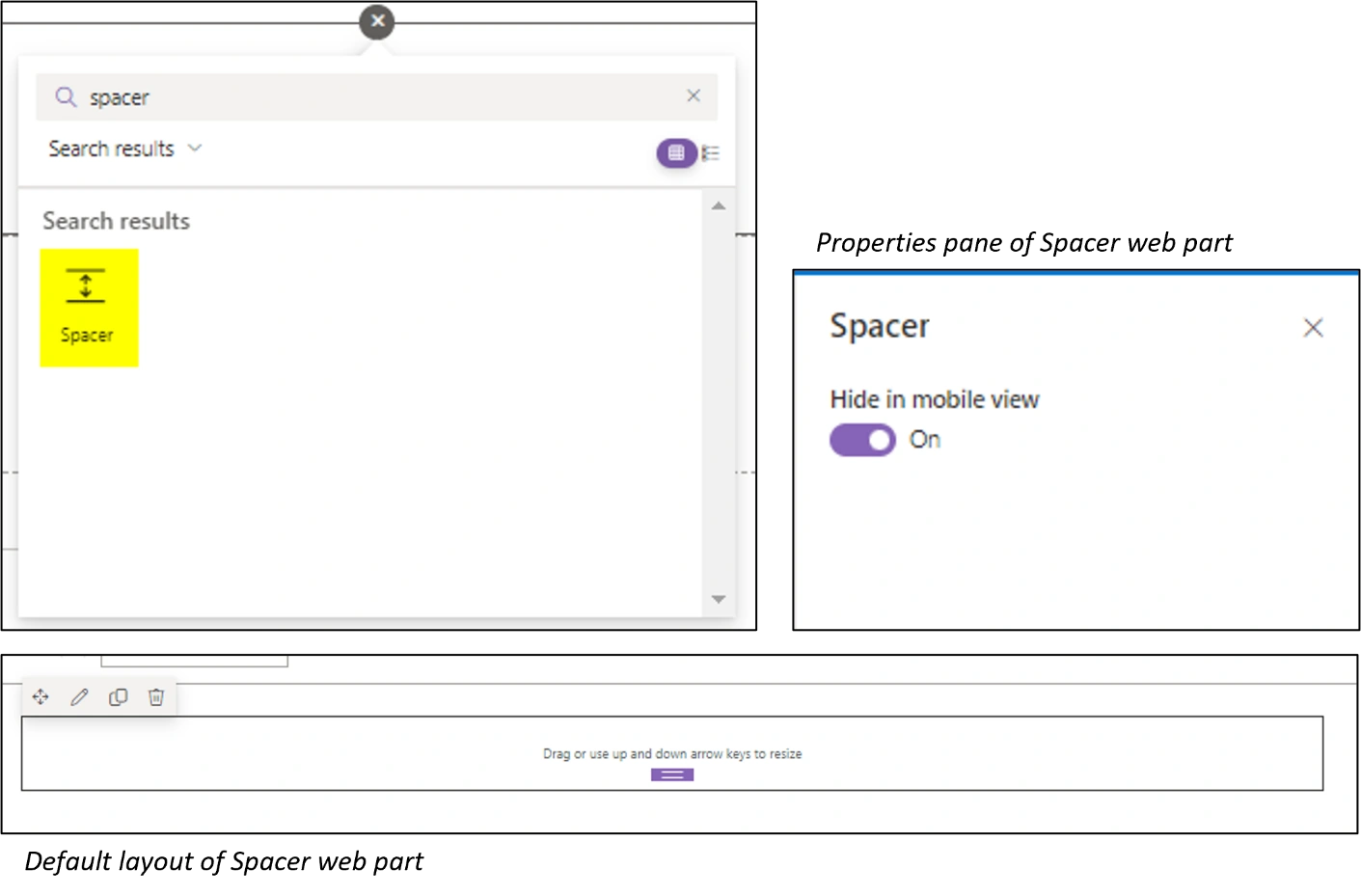
- The Spacer web part in SharePoint Online enables users to add empty spaces between page elements, allowing for better alignment and visual presentation. By adjusting the height or width of the spacer, users can control the spacing and create a more organized layout on their pages.
- When the spacer web part is inserted in a page, the default layout with the option to edit, move, delete and duplicate web part is displayed.
- On click of edit web part, we get option to hide the web part in mobile view which appears in the property pane on the right side of the screen.
- Document Library
- To add a Recent Documents web part to a SharePoint modern site page, open the page in edit mode, add a new section layout, and search for and select the Recent Documents web part.
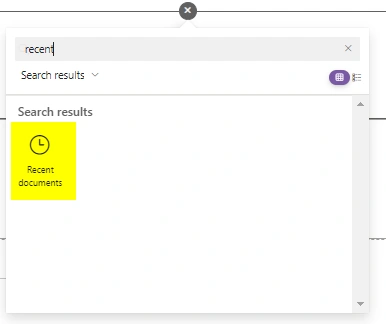
- This adds the default layout of the web part along with the options to move, edit, delete, or duplicate the web part.
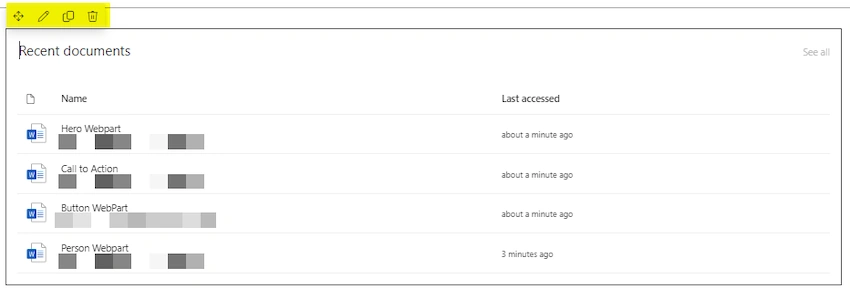
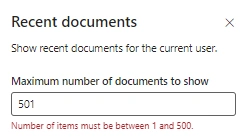
- By selecting the edit option, users can access the property pane that enables them to customize the Recent Documents web part to exhibit the most recent 1 to 500 documents modified by the current user.
Properties pane for Recent Documents Web part
- To add a Recent Documents web part to a SharePoint modern site page, open the page in edit mode, add a new section layout, and search for and select the Recent Documents web part.
Join the conversation! Your thoughts help the community grow.