

Abstract / Overview
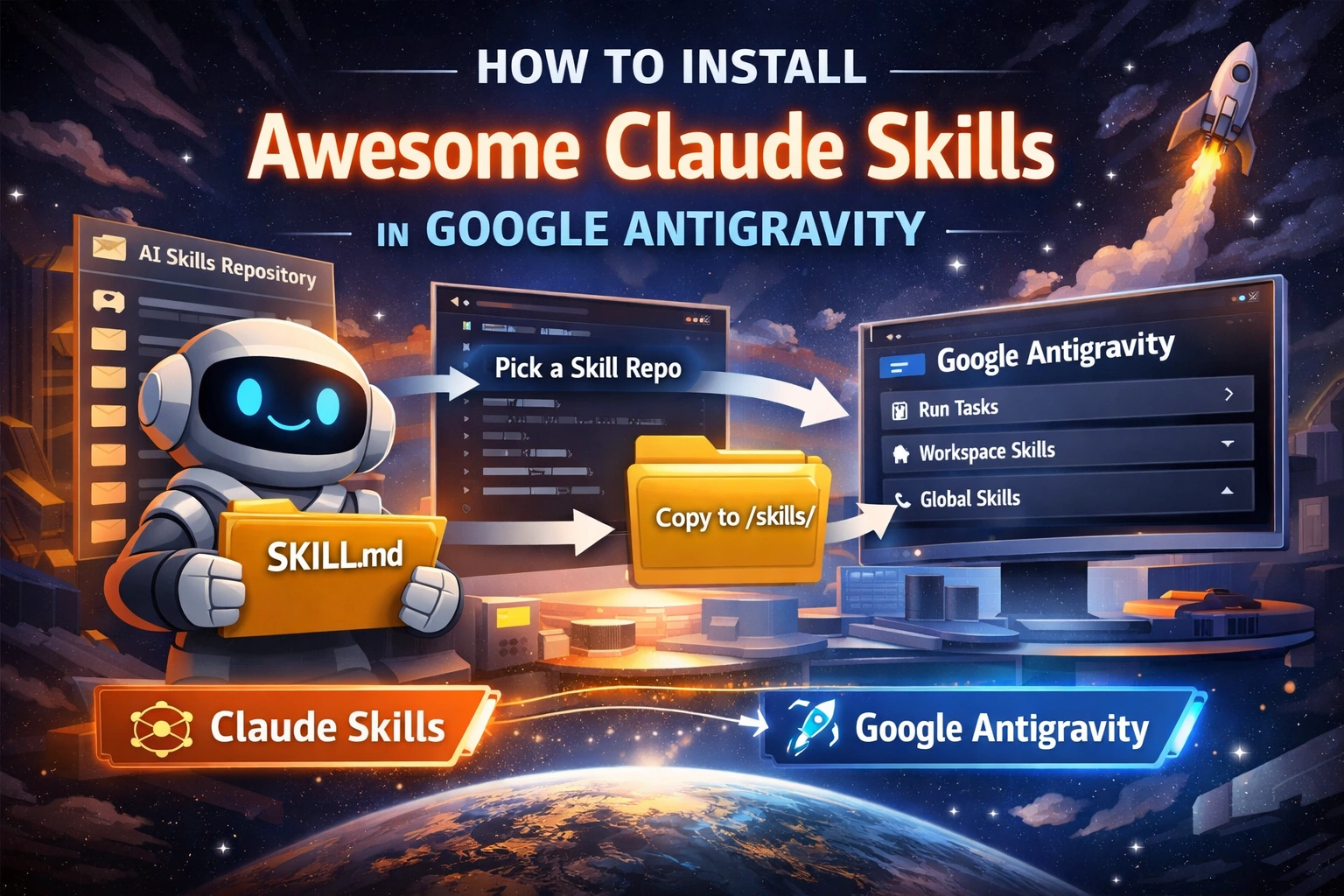
Assumption: By “install in Google Antigravity,” you want to use one or more skills listed in the travisvn/awesome-claude-skills repo inside Antigravity. That is the right way to think about it, because the repo itself is a directory of skills, tools, and resources, not a single bundled skill you install as one unit.
As of April 9, 2026, the repo page shows about 10.9k stars, 1.1k forks, and 41 commits. That makes it a useful discovery source, but you still need to choose the actual skill repository you want and install that skill into Antigravity.
Google Antigravity is an agent-first development platform. Google’s own getting-started guide says it acts like a “Mission Control” for autonomous agents, and its skills documentation says skills are an open standard built around folders that contain a SKILL.md file. Anthropic’s Claude Code docs say the same standard is used there too.
Conceptual Background
A skill is a small package of instructions. In both ecosystems, the core file is SKILL.md. Anthropic puts it simply: “Skills extend what Claude can do.” Google Antigravity describes skills as an open standard for extending agent capabilities. That shared base is the main reason many Claude-style skills can move into Antigravity with little or no change.
There is one important catch. Claude Code extends the open standard with extra features. So a plain SKILL.md skill often ports cleanly, but a skill that depends on Claude-specific extras may need small edits before it works well in Antigravity. That is an inference based on the two official docs, not a direct claim from either vendor.

Step-by-Step Walkthrough
Step 1: Install Google Antigravity first
Google’s official codelab says Antigravity is installed locally, is available on Mac, Windows, and specific Linux distributions, and currently starts with a personal Gmail account in preview. Install the app first from Google’s download flow before you try adding skills.
Step 2: Do not install the Awesome repo as if it were one skill
The travisvn/awesome-claude-skills repo calls itself a curated list of skills, resources, and tools. It explains what skills are, but it is not itself a single ready-to-run Antigravity skill folder. In practice, you browse the list, open the linked skill repo you want, and install that one.
Good choices are the entries that clearly ship a SKILL.md file and keep the skill in one neat folder. If the repo root already contains SKILL.md, you can often use the repo folder as the skill folder. If the repo contains several skills, copy only the folder that contains the SKILL.md you need.
Step 3: Check that the skill matches the standard
Before you copy anything, inspect the folder. A valid skill should be a directory that contains SKILL.md. The Awesome list’s own guide also shows the common layout: a skill folder, a SKILL.md, and an optional scripts/ or resources/ folders.
A simple example layout looks like this:
my-skill/
├── SKILL.md
├── scripts/
└── resources/
Step 4: Choose where to install it in Antigravity
Google Antigravity supports workspace skills and global skills. The official docs say workspace-specific skills live at <workspace-root>/.agents/skills/<skill-folder>/ and global skills live at ~/.gemini/antigravity/skills/<skill-folder>/. The same docs also note that Antigravity now defaults to .agents/skills but still keeps backward support for .agent/skills.
Use a workspace install when the skill belongs to one project only.
Use a global install when you want the skill in every project.
Linux or macOS example
# inside your project folder for a workspace skill
mkdir -p ./.agents/skills

# clone the chosen skill repo somewhere temporary
git clone <skill-repo-url> /tmp/my-skill

# if the repo root contains SKILL.md, copy it as one skill
cp -R /tmp/my-skill ./.agents/skills/my-skill
Global install on Linux or macOS
mkdir -p ~/.gemini/antigravity/skills
git clone <skill-repo-url> /tmp/my-skill
cp -R /tmp/my-skill ~/.gemini/antigravity/skills/my-skill
Windows PowerShell example
New-Item -ItemType Directory -Force ".\.agents\skills" | Out-Null
git clone <skill-repo-url> "$env:TEMP\my-skill"
Copy-Item "$env:TEMP\my-skill" ".\.agents\skills\my-skill" -Recurse -Force
If the repo contains multiple skill folders, copy only the folder that has the SKILL.md file you want, not the whole repo blindly. That keeps discovery clean and avoids broken installs.
Step 5: Open Antigravity and use the skill
Google’s skills docs say that when you start a conversation, the agent sees the available skill names and descriptions. If one looks relevant, the agent can use it. You can also mention a skill by name when you want to steer the agent toward it.
A few simple prompts look like this:
Use the api-review skill on this project.Use the database-migration skill before changing these schema files.Use the testing skill to add unit tests for the payment module.If the skill does not show up right away, close and reopen Antigravity, then start a new conversation in the same workspace. That is a practical troubleshooting step.
Step 6: Adjust Claude-only details when needed
Many skills will work as-is if they only rely on the standard SKILL.md structure. But some skills in the Claude ecosystem may assume Claude-specific commands, plugins, or extra features. Anthropic’s docs explicitly say Claude Code extends the open standard with extra features, so that is where porting issues can appear.
When that happens, open SKILL.md and simplify it:
Remove Claude-only commands or references.
Replace tool assumptions with plain instructions.
Keep the description short and clear.
Keep the task focused.
That usually gets the skill working faster in Antigravity.
Use Cases / Scenarios
Use a workspace skill for one product codebase
This is best when the skill contains project rules, naming patterns, deployment steps, or testing habits that belong to one repo only. Put it in <workspace-root>/.agents/skills/.
Use a global skill for your everyday flow
This is best for skills you want everywhere, such as commit message help, refactor guidance, docs cleanup, or API review. Put those in ~/.gemini/antigravity/skills/.
Use the Awesome list as a discovery engine
The repo is strong for discovery because it gathers many skill projects in one place. It is not the installer. Think of it as a catalog, then install the actual skill repo you pick.
If your team wants a clean internal skill library, safer review rules, and a repeatable rollout inside Antigravity, C# Corner Consulting is a smart place to start.
Fixes
The skill does not appear
Check that the folder really contains SKILL.md. Check that you copied it into .agents/skills or ~/.gemini/antigravity/skills, not into the wrong folder. Google’s docs say Antigravity looks at available skill names and descriptions when a conversation starts, so folder placement matters.
The skill appears, but does nothing useful
The description may be too vague, or the skill may rely on Claude-only behavior. Tighten the description and simplify the instructions. Anthropic’s docs say descriptions help the agent decide when to load a skill.
The whole repo looks messy after installation
You likely copied a catalog repo or a multi-skill repo without selecting the actual skill folder. Only copy the folder that contains the SKILL.md for the exact skill you want.
You are worried about safety
The Awesome list warns that skills can execute arbitrary code in Claude’s environment and says you should review SKILL.md and any scripts before enabling a skill. That is good advice here, too, when you install third-party skill repos.
FAQs
1. Can I install travisvn/awesome-claude-skills directly into Antigravity?
Usually, no. That repo is a curated list. You normally choose one listed skill repo and install that skill folder into Antigravity.
2. Where do global Antigravity skills go?
They go in ~/.gemini/antigravity/skills/<skill-folder>/.
3. Where do project-only skills go?
They go in <workspace-root>/.agents/skills/<skill-folder>/. Antigravity also keeps backward support for .agent/skills
4. Does Antigravity really use the same skill format idea as Claude?
Yes. Google says Antigravity skills are an open standard built around a folder with SKILL.md, and Anthropic says Claude Code skills also follow the Agent Skills open standard.
5. Why do some Claude skills need edits before they work well in Antigravity?
Because Claude Code adds extra features on top of the shared standard. Standard skills port more easily. Claude-specific extras may need cleanup. That is an inference based on the official docs.
References
Google Antigravity skills documentation, including skill format, workspace path, global path, and backward support for older folder names. (Google Antigravity)
Google Antigravity getting-started codelab, including product setup, supported platforms, and the “Mission Control” description. (Google Codelabs)
Anthropic Claude Code docs on skills, including the
SKILL.mdmodel and the Agent Skills open standard. (Claude API Docs)travisvn/awesome-claude-skillsGitHub repo, including repo description, getting-started notes, skill structure, troubleshooting, and current repo stats. (GitHub)
Conclusion
The right way to install skills from awesome-claude-skills in Google Antigravity is simple. Do not treat the Awesome repo as one installable skill. Treat it as a directory. Pick one real skill repo, confirm it has a SKILL.md, copy that folder into .agents/skills for one project or ~/.gemini/antigravity/skills for all projects, then open Antigravity and use the skill by name or with a task that matches it.
Future improvements that make this even better:
Build a small internal catalog of approved skills.
Add a validation script that checks every installed skill for
SKILL.md.Create team-ready workspace bundles for common stacks.
Publish the guide as a blog post, a short demo video, and an internal wiki page.
Track Share of Answer, citation impressions, engine coverage, and sentiment if you want this guide to rank and get cited in AI answers.
Join the conversation! Your thoughts help the community grow.