

Table of Contents
Introduction
What Is a Trigger in Azure Functions?
Can a Function Have Multiple Triggers?
Real-World Scenario: Emergency Response Coordination in Smart Cities
Example Implementation
Best Practices and Architectural Guidance
Conclusion
Introduction
In enterprise serverless architecture, triggers are the heartbeat of event-driven systems—they define when and why your code runs. Misunderstanding their role or limitations can lead to fragile, unmaintainable, or even non-functional solutions. As a senior cloud architect who has designed mission-critical systems for public safety, healthcare, and finance, I’ve seen how precise trigger design separates resilient architectures from technical debt.
This article answers two deceptively simple but profoundly important questions:
What is a trigger in Azure Functions?
Can a function have multiple triggers?
We’ll explore these through the lens of a real-time smart city emergency response system—where milliseconds and correctness aren’t just desirable, they’re life-critical.
What Is a Trigger in Azure Functions?
A trigger is a declarative binding that defines the event source responsible for invoking a function. It is the entry point of your serverless logic—without a trigger, a function is inert code.
Triggers are type-specific and tightly integrated with Azure services:
HttpTrigger: Invoked by HTTP requests (e.g., REST APIs)ServiceBusTrigger: Fires when a message arrives in a queue or topicEventGridTrigger: Responds to events published to Event Grid (e.g., blob uploads, VM state changes)TimerTrigger: Runs on a schedule (e.g., every 5 minutes)CosmosDBTrigger: Activated by changes in a Cosmos DB container
Critically, a trigger does more than just start execution—it also:
Authenticates and connects to the source using managed identities or connection strings
Handles retries, dead-lettering, and scaling coordination
Provides the event payload as a strongly typed parameter to your function
In essence, the trigger abstracts infrastructure complexity so your code focuses solely on business logic.
Can a Function Have Multiple Triggers?
No. Each Azure Function can have exactly one trigger.
This is a deliberate architectural constraint—not a limitation. The Azure Functions runtime uses the trigger to:
Route incoming events to the correct function
Manage scaling and concurrency per trigger type
Enforce isolation between event sources
Attempting to apply multiple triggers to a single function will result in a runtime error during deployment.
However, this doesn’t mean you can’t respond to multiple event types. The solution is architectural decomposition:
Create separate functions for each trigger
Share common logic via internal libraries or dependency-injected services
Use output bindings or Durable Functions to coordinate workflows
This enforces single responsibility, simplifies testing, and enables independent scaling—core tenets of robust cloud design.
Real-World Scenario: Emergency Response Coordination in Smart Cities
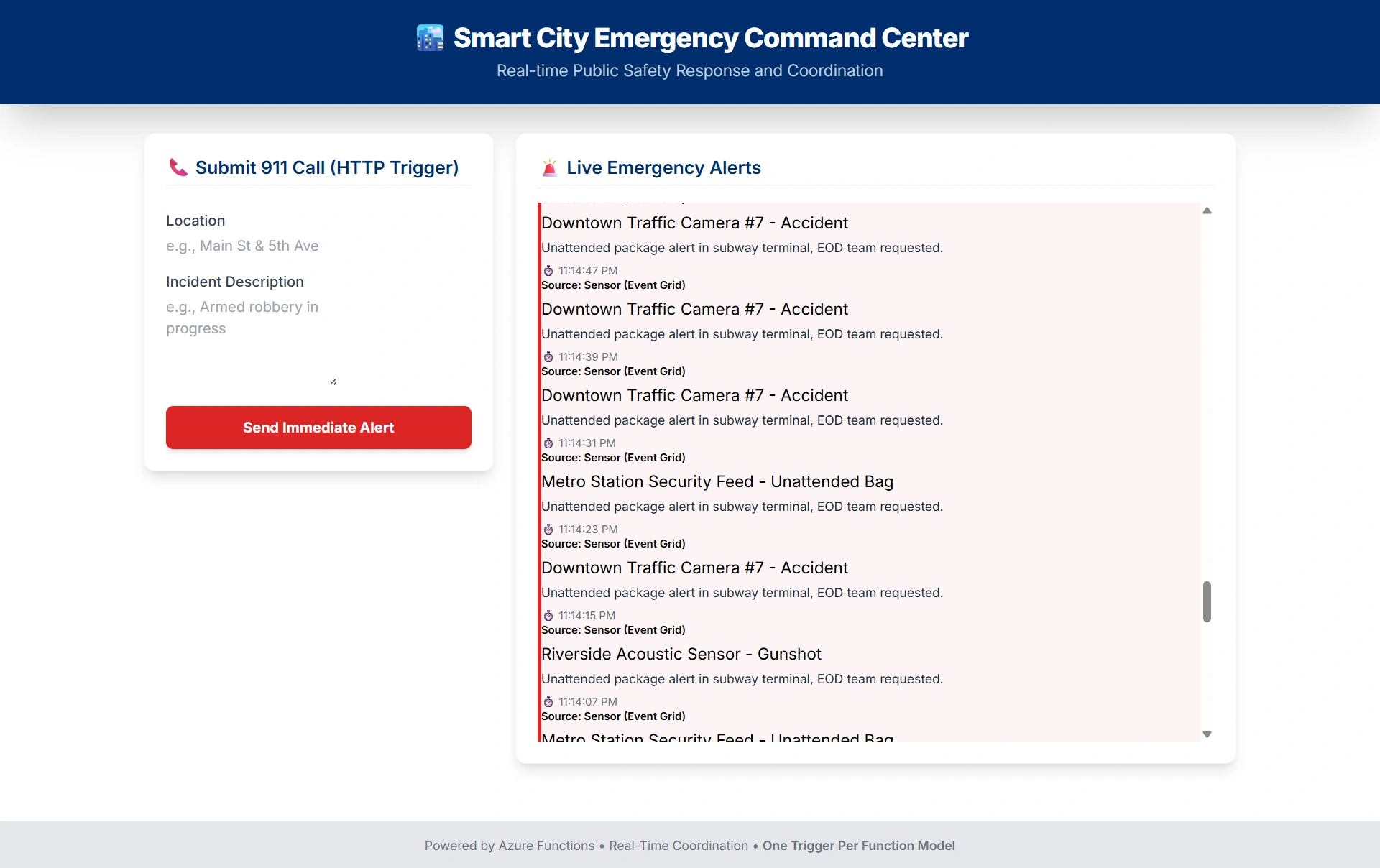
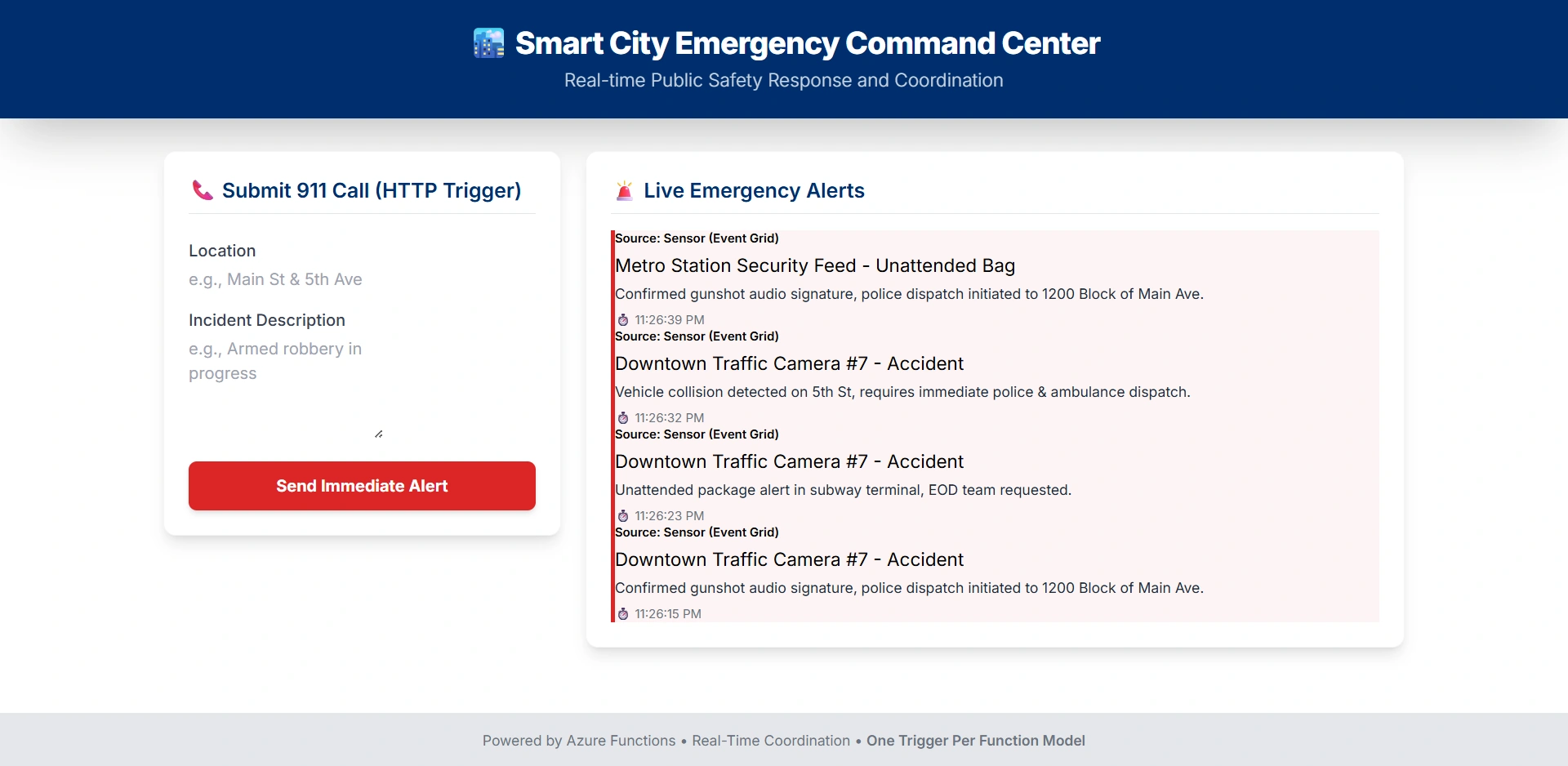
Imagine a smart city emergency coordination platform that must react instantly to diverse crisis signals:
A gunshot detected by acoustic sensors (published to Event Grid)
A 911 call routed via telephony API (sent as an HTTP POST)
A traffic camera detecting an accident (message in Service Bus)
All three events must trigger the same core response logic:
Validate and enrich the alert
Determine nearest emergency units
Dispatch notifications to police, fire, and medical teams
Mistake: Trying to write one function with three triggers.
Correct Approach: Three functions—one per trigger—each invoking a shared EmergencyCoordinator service.
This ensures:
Each event source scales independently
Failure in one channel (e.g., telephony outage) doesn’t block others
Audit trails are source-specific
Deployment and monitoring are granular
Join the conversation! Your thoughts help the community grow.