

In this article we will be talking about a major subject for mobile application development : Database Connection
If you want to develop Windows Mobile applications you should install Visual Studio 2008 and these SDKs:
- Windows Mobile 6 Professional and Standard Software Development Kits Refresh
http://www.microsoft.com/downloads/details.aspx?FamilyID=06111a3a-a651-4745-88ef-3d48091a390b&displaylang=en - Windows Mobile 6.1.4 Professional Images (USA)
http://www.microsoft.com/downloads/details.aspx?FamilyId=1A7A6B52-F89E-4354-84CE-5D19C204498A&displaylang=en - Windows Mobile 6.5 Professional Developer Tool Kit (USA)
http://www.microsoft.com/downloads/details.aspx?FamilyID=20686a1d-97a8-4f80-bc6a-ae010e085a6e&displaylang=en - Windows Mobile 6.5.3 Professional DTK
http://www.microsoft.com/downloads/details.aspx?FamilyID=c0213f68-2e01-4e5c-a8b2-35e081dcf1ca&displaylang=en
After installing these SDKs we open Visual Studio 2008 and we choose File->New->Project->Smart Device->Smart Device Project.
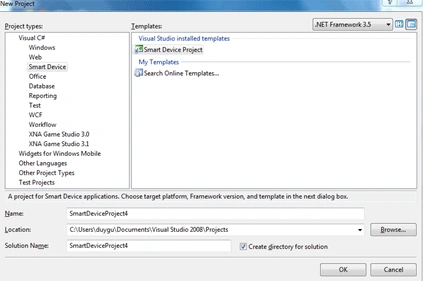
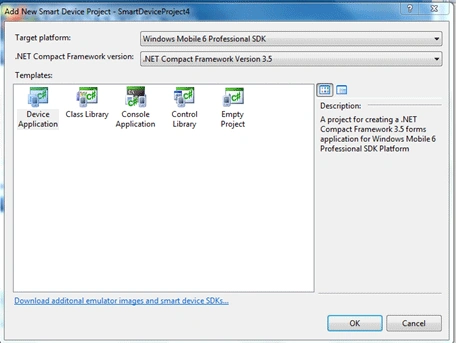
After that we see the screen below and we choose
from Target Platforms-> Windows Mobile 6 Professional SDK
from .NET Compact Framework version->3.5
from Templates-> Device Application as you can see.
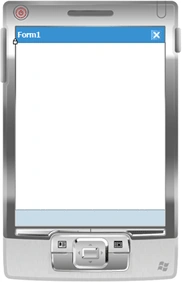
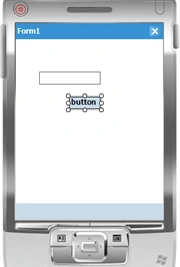
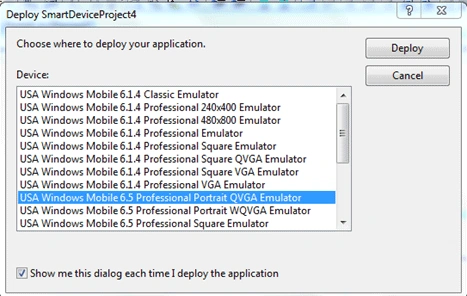
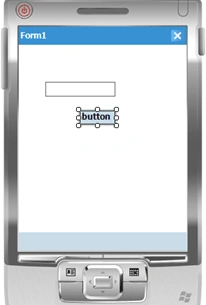
After making these settings we see our emulator on the screen and everything is ready to start coding.
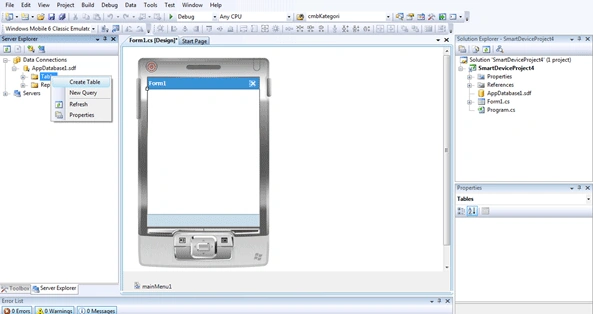
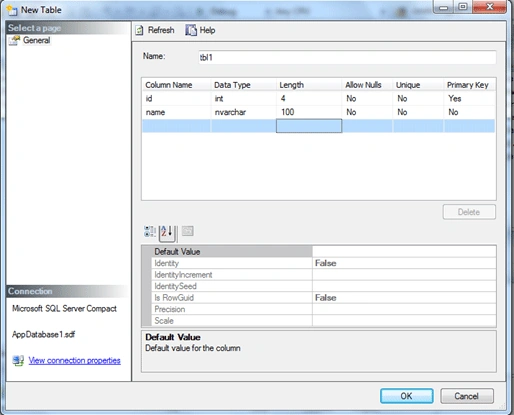
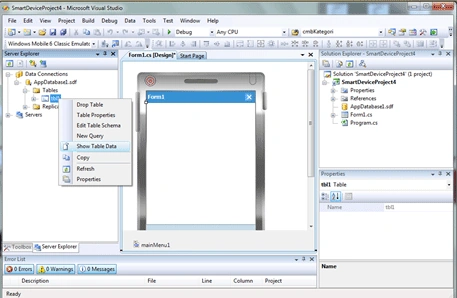
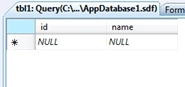
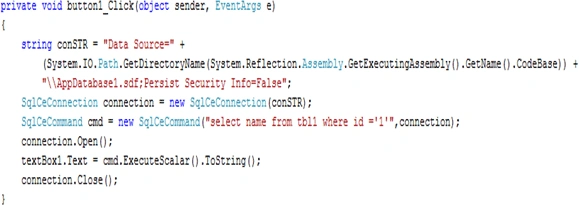
To develop database applications in mobile devices we need to install SQL Compact Edition (SQLCE).We installed it when we install our SDKs at the beginning. So we can add a database to our project and try to get data from database.
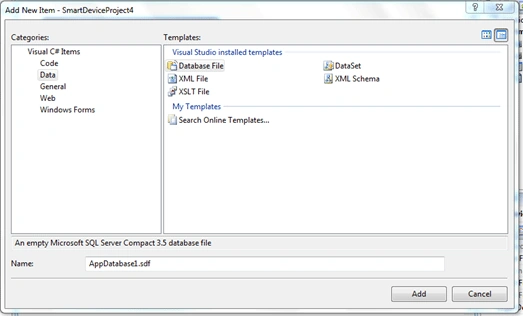
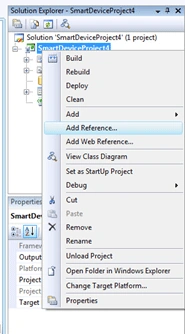
To see Server Explorer in our project we choose Server Explorer from View menu. In Solution Explorer we right click to project and choose Add->New Item.We choose from Data tab Database File.
Ayman NassarPosted Nov 12, 2017, 5:57 AM
i can't insert any new row to the database please help !!
Gohil JayendrasinhPosted Mar 26, 2012, 7:03 AM
Good One
eman ahmedPosted Jul 25, 2011, 6:18 PM
thnx alot for this article,it was so helpful i need to know how to publish it on mobile