

Introduction
The canvas element is part of HTML 5 and allows for dynamic, scriptable rendering of 2D shapes and bitmap images. It is a low
level, procedural model that updates a bitmap and does not have a built-in scene
graph.
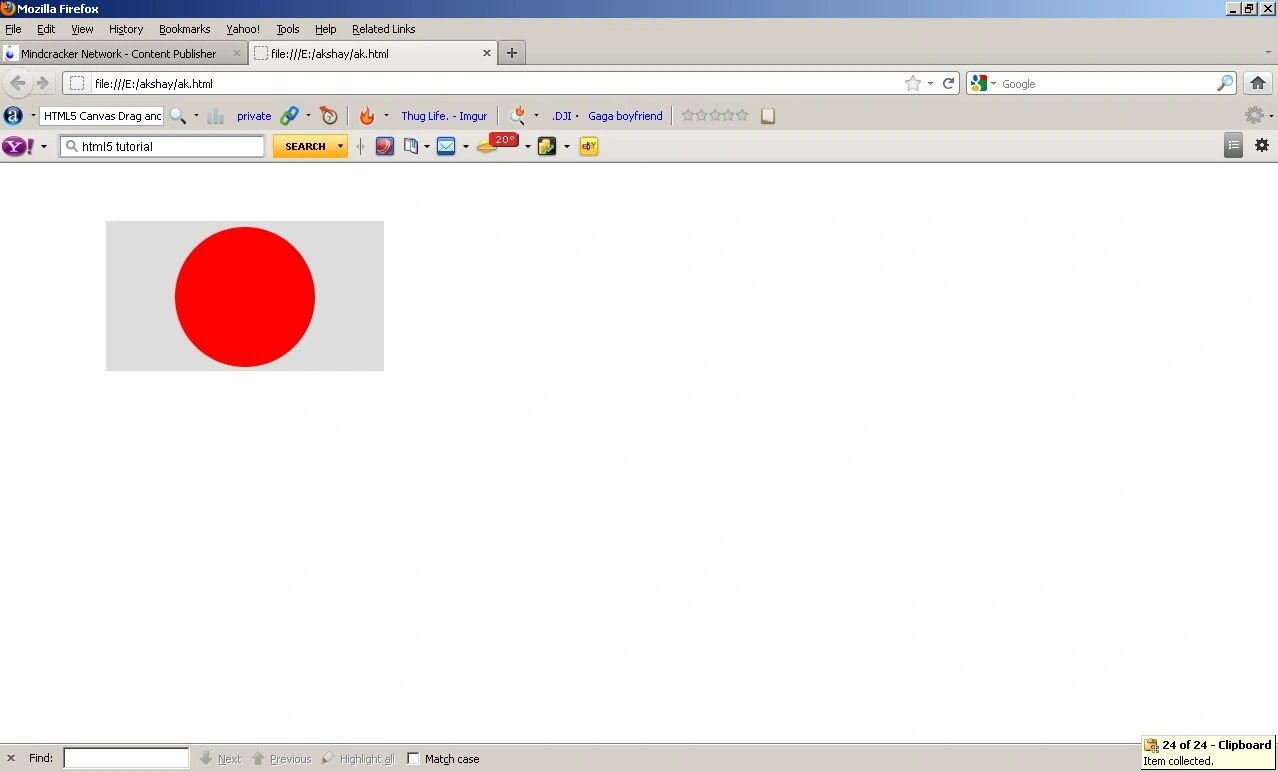
In the following code, we drag and drop the
circle in the clipping region. Before giving the code I want to discuss some
terms I use in this code.
window.onload
Some scripts require that you run something
immediately after the web page finishes loading. The normal way to do this is to
add an onload attribute to the body tag.
Summary
An event handler for the load
event of a window.
Syntax
window.onload = functionRef ()
functionRef
is the handler function to be called when the window's load event fires.
AddEventListener
Despite that, it's already outdated,
a lot of programmers are still using onClick, onChange and so … events in the tag's attributes and I actually find myself doing it sometimes as well. So I want
to show you a nice and clean way of adding events to the objects/tags without
implicitly declaring some action in the tag – sounds complicated but it's really
not.
Summary
addEventListener() registers a
single event listener on a single target. The event target may be a single node
in a document, the document itself, a window, or an XMLHttpRequest.
To register more than one
event listeners for the target use
addEventListener()
for the same target but with different event types or capture parameters.Syntax
target.addEventListener(type,
listener, useCapture Optional );
target.addEventListener(type, listener, useCapture Optional [, aWantsUntrusted Non-standard ] ); // Mozilla only
target.addEventListener(type, listener, useCapture Optional [, aWantsUntrusted Non-standard ] ); // Mozilla only
where
type
A string representing the
event type to listen for.
listener
The object that receives a
notification when an event of the specified type occurs. This must be an object
implementing the EventListener interface, or simply a JavaScript function.
useCapture [optional]
If true, useCapture indicates
that the user wishes to initiate capture. After initiating capture, all events
of the specified type will be dispatched to the registered listener before being
dispatched to any EventTargets beneath it in the DOM tree. Events that are
bubbling upward through the tree will not trigger a listener designated to use
capture. See DOM Level 3 Events for a detailed explanation. Note that this
parameter is not optional in all browser versions. If not specified, useCapture
is false.
aWantsUntrusted
Non-standard
If true, the event can be triggered by untrusted content.
code
Sam HobbseditedPosted Aug 27, 2012, 2:03 PMEdited Aug 27, 2012, 2:10 PM
Okay, sorry; now I see what the sample is showing. The purpose is to show how to drag an object. I hope this helps people understand what the sample is showing.
Sam HobbsPosted Aug 26, 2012, 2:09 PM
That is nice; thank you. I wish I had time to study it and learn about it. This should be a good sample for anyone that needs to learn or that has the time to learn. I tried the sample code but I get only half a circle; the other half is above the top of the box.