
Introduction
The DataSet class is a very important class of AD.NET. It is used in
disconnected architecture. It represent records in the form of Database table
(Row and Column) format. It stores record of one or more tables. I this article,
I am describing some useful methods of DataSet with code examples. I am going to use a
DataGridView to describe DataSet's method in easier way.
First of all, create a Windows Forms Application. Then
create a DataGridView and fill it with data through a DataSet. Look at the code given
below. In this below sample, make sure to change the connection string with your SQL Server connection. You will also need to change the SELECT SQL statement to the SELECT statement of your table and its columns. If you're new to SQL, check out Top 50 SQL Queries.
- using System;
- using System.Collections.Generic;
- using System.ComponentModel;
- using System.Data;
- using System.Drawing;
- using System.Linq;
- using System.Text;
- using System.Windows.Forms;
- using System.Data.SqlClient;
- using System.Data;
- namespace dataset
- {
- public partial class Form1 : Form
- {
- public Form1()
- {
- InitializeComponent();
- }
- SqlDataAdapter da;
- DataSet ds;
- string strconn = "Data Source=YourServerName;Initial Catalog=EMP;Integrated Security=True";
- private void Form1_Load(object sender, EventArgs e)
- {
- da = new SqlDataAdapter("select * from userdet", strconn);
- ds = new System.Data.DataSet();
- da.Fill(ds);
- dataGridView1.DataSource = ds.Tables[0];
- }
- }
- }
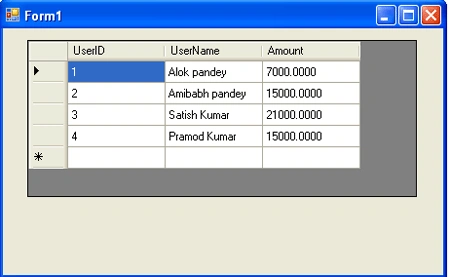
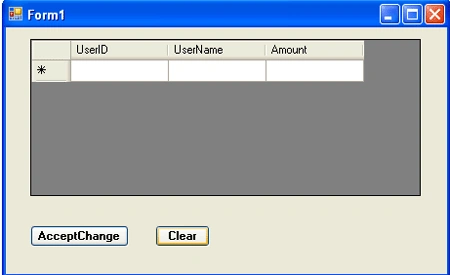
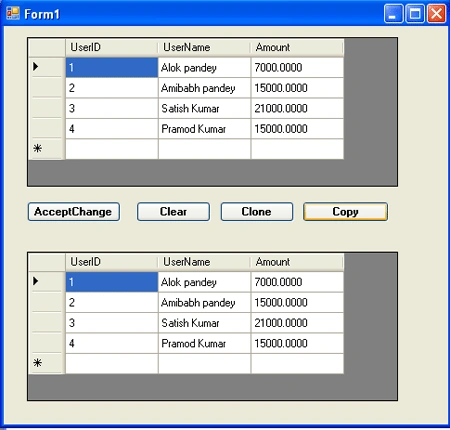
The output looks like this in the UI where the table data is displayed in a DataGridView control.
Now work with DataSet's Methods.
DataSet Methods
AcceptChanges()
This method saves changes which are made with via the UI in a DataSet.
Create a Button and add the below code in the first code (given above) on the button click
event.
- private void btnAcceptChanges_Click(object sender, EventArgs e)
- {
- ds.AcceptChanges();
- }
Run the application.
Output
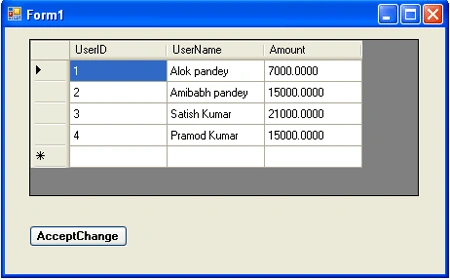
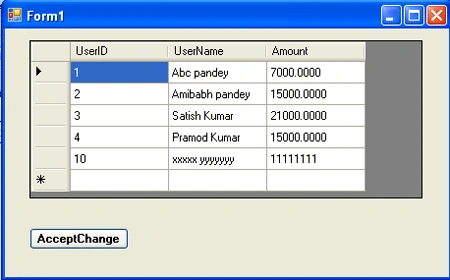
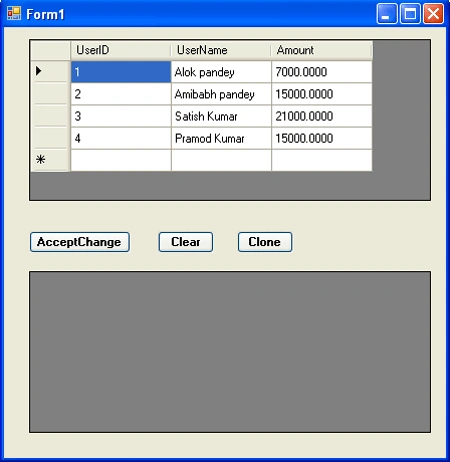
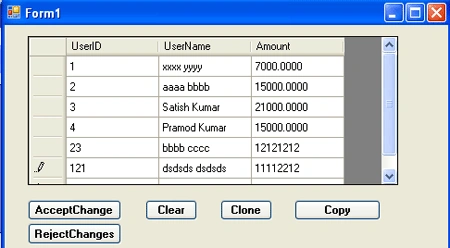
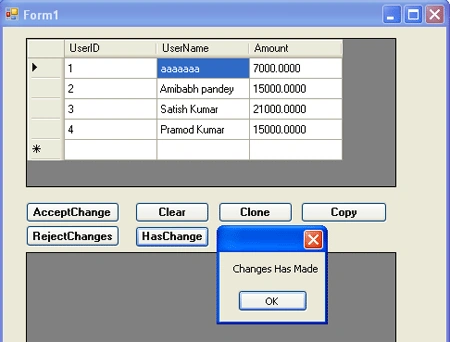
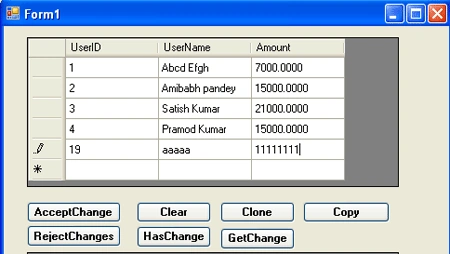
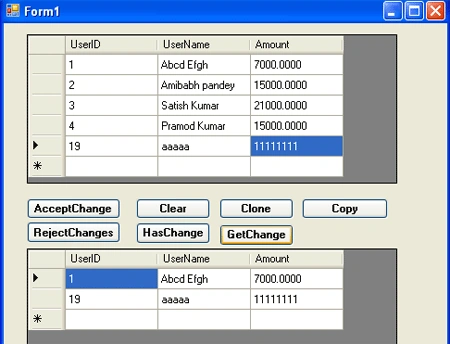
Now, make some changes in the records of datagridview (dataset's record) and click
the "AcceptChanges" button. You will note that all the changes has saved into
datagridview (Note here that these changes will not save into database. Only
these changes will update the record of DataSet.) I have made some changes in
first row and also added last row. Look at below figure.
Clear()
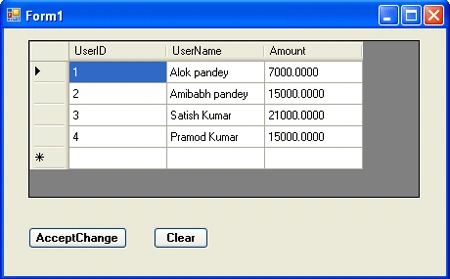
This method clears (removes) all rows from a DataSet.
Create a button, set it's text as Clear and write the below code in the click event.
- private void btnclear_Click(object sender, EventArgs e)
- {
- ds.Clear();
- }
Output
Mageshwaran RPosted Aug 9, 2019, 10:29 PM
Nice One..