

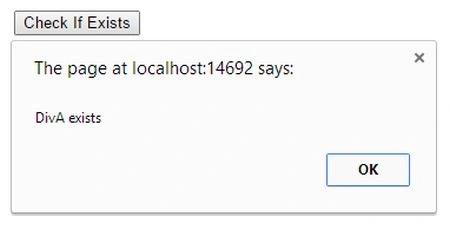
Then We Use .Length property to check an element is exists and if the element is exists then return total number of match element.
- <head id="Head1" runat="server">
- <title></title>
- <script src="JS/jquery-1.3.2.min.js" type="text/javascript"></script>
- <script type="text/javascript">
- $(document).ready(function () {
- $("#btnGet").click(function () {
- if ($('#DivB').length)
- { alert("DivA exists"); }
- else {
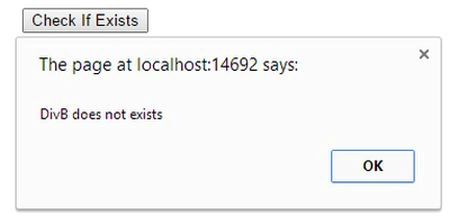
- alert("DivB does not exists");
- }
- });
- });
- </script>
- </head>
- <body>
- <form id="form1" runat="server">
- <div style="padding-left: 100px">
- <br />
- <div id="DivA">
- </div>
- <asp:Button ID="btnGet" runat="server" Text="Check If Exists" OnClick="btnGet_Click" />
- </div>
- </form>
- </body>
DivB Not Exixts then:
Join the conversation! Your thoughts help the community grow.