

Steps Involved:
- Open Visual Studio 2010 by going Start | All Programs | Microsoft Visual Studio 2010 | Right click on Microsoft Visual Studio 2010 and click on Run as administrator.
- Go to File tab, click on New and then click on Project.
- In the New Project dialog box, expand the Visual C# node, and then select the SharePoint 2010 node.
- In the Templates pane, select Empty SharePoint Project.
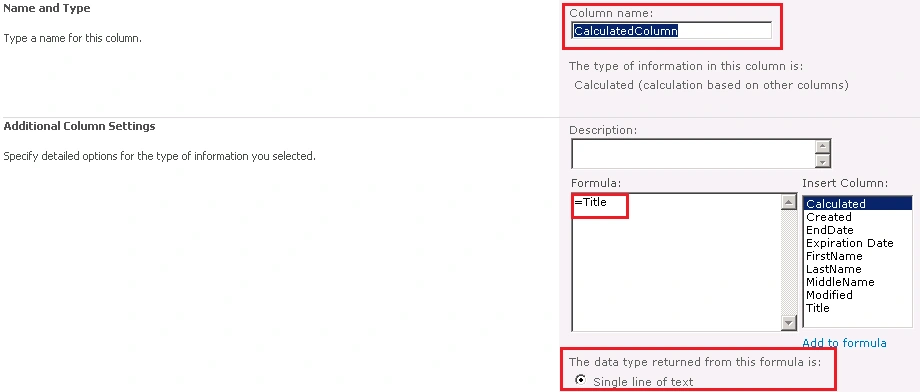
- Enter the Name as CalculatedColumn and then click OK.
- In the solution explorer, right click on the solution and then click on Add -> New Item.
- Select the Empty Element from the templates.
- Enter the Name as CalculatedColumn and then click on Ok.
- Open Elements.xml and replace with the following code.
Join the conversation! Your thoughts help the community grow.