
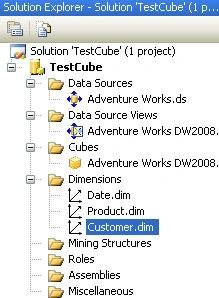
Step 1: Double click one of the dimensions created from the solution. It will open in dimension designer
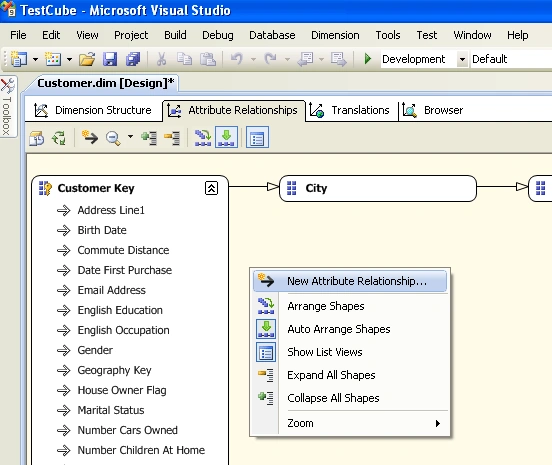
Step 2: Go to Attribute Relationship tab and right click to select the “New Attribute Relationship”
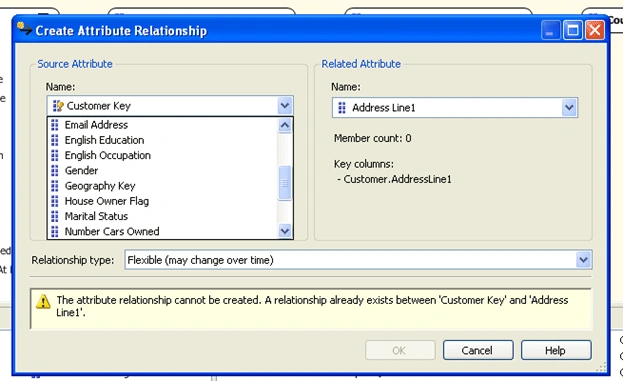
Step 3: Create Attribute relationship wizard will open .Select the corresponding Source attribute and “Related Attribute” from the combobox and set the relationship type and click OK button.
Join the conversation! Your thoughts help the community grow.