
Microsoft Flow helps to read data from SQL data tables (On Premise) and create the items with the data in Office 365 SharePoint list.
- Sign in to https://flow.microsoft.com/en-us/
Prerequisite - SQL connection is already created.
Steps to create a new Flow
- Navigate to My flows and then choose Create from Blank option.

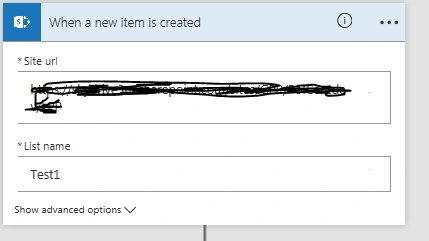
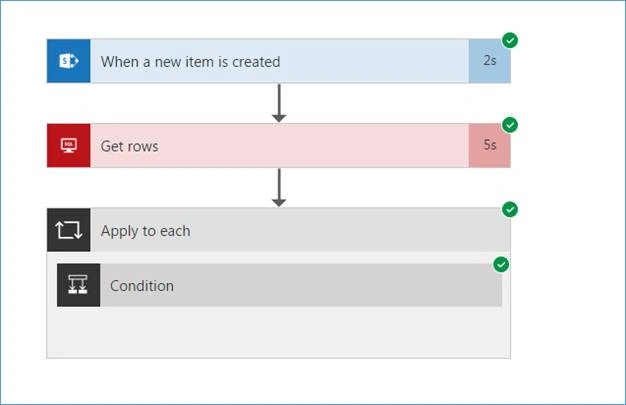
- Add an action – When a new item is created in SharePoint. Enter SharePoint URL and select the list name.
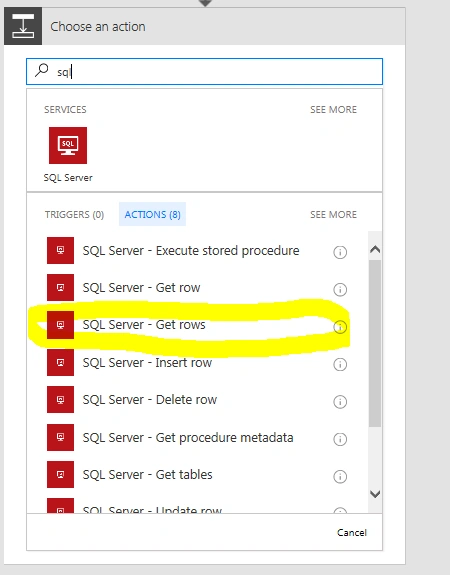
- Click on new step -> add a new action -> choose SQL Server –> Get Rows.
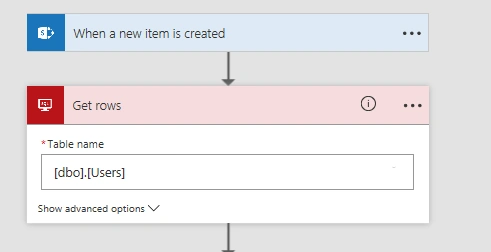
- Select the table from which the data needs to be fetched.
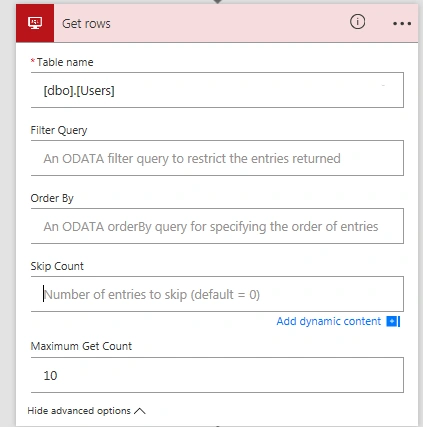
- Maximum row to fetch is set as 10.
Click on new step -> Add condition.
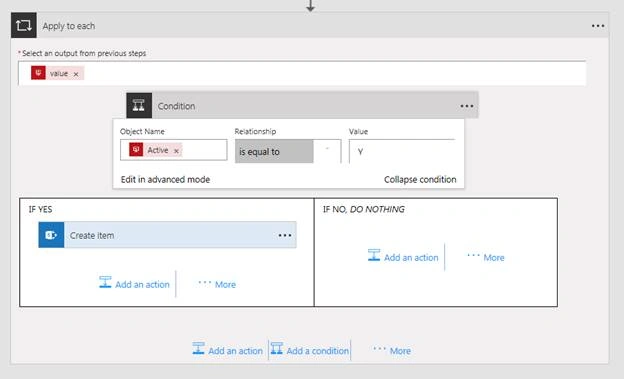
- Looping through the values helps to get the rows steps.
- Here, I am filtering table data with active users. It’s being determined by the column named Active = ‘Y’.
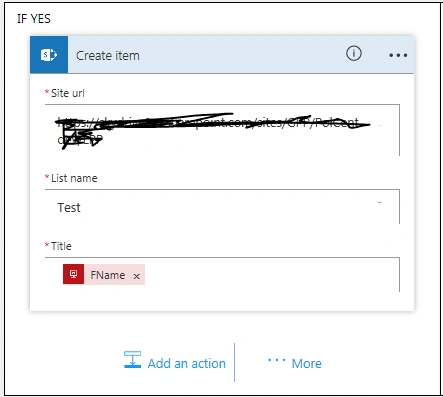
- If the user is active, then I am adding an action to create a new SharePoint list item.
Create a new item task. Update Title field with a column name FName.
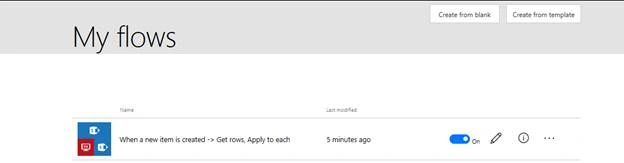
Save the Flow. You will be seeing the Flow created under My Flows section.
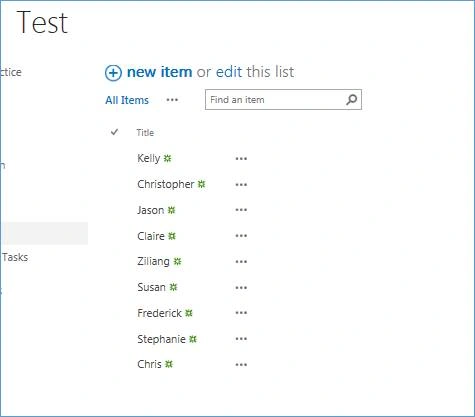
- Navigate to the list choose in step 4 and create a new item. This will trigger the Flow, which we created.
- 10 records from SQL database are pushed to SharePoint list ‘Test’.
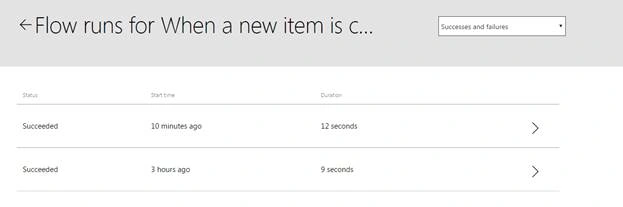
- To check the history, click on the Show all activity icon on top right corner. Now, select the Flow to view the activity details.
Mohammed TahirPosted Nov 28, 2018, 1:26 AM
Great Srujana, one more request to you, can you please share the SQL connection step? On text or with ScreenShot.