

We can achieve this by writing a simple query in SQL Server, as shown below.
Open the SQL Server and login to the SQL Server DB.

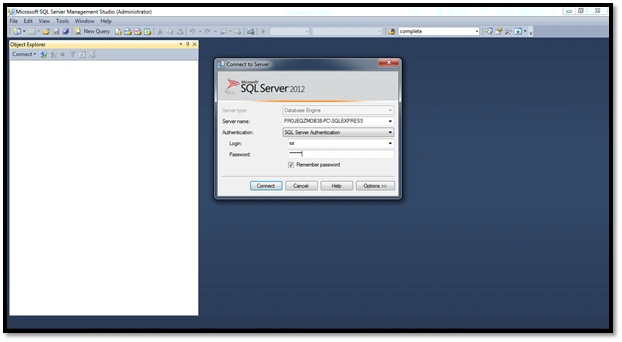
Once you are done with this, just open a new window (ctrl+N) and copy and paste the below query to achieve the task.
- select R.ResourceName
- , RBD.Capacity
- , RBD.TimeByDay
- from MSP_EpmResource_UserView R
- INNER JOIN MSP_EpmResourceByDay_UserView RBD
- ON R.ResourceUID = RBD.ResourceUID
- where TimeByDay Between GetDate() and Getdate() + 5
The result looks like the below screen.
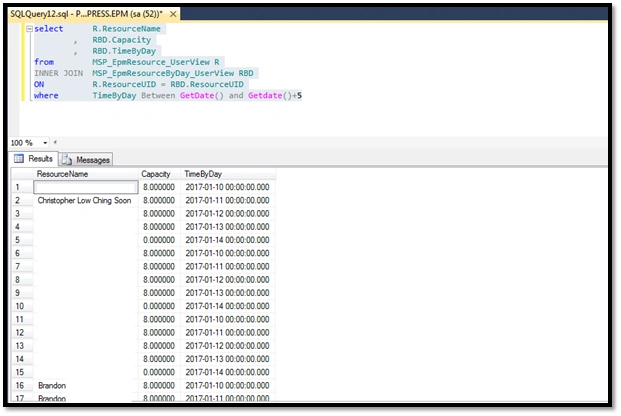
From the results, we can check the capacity of resources by the day.
Join the conversation! Your thoughts help the community grow.