

To use the keyboard shortcut combinations, you must press several keys at the same time. After pressing certain key combination you must release the keys before pressing another.
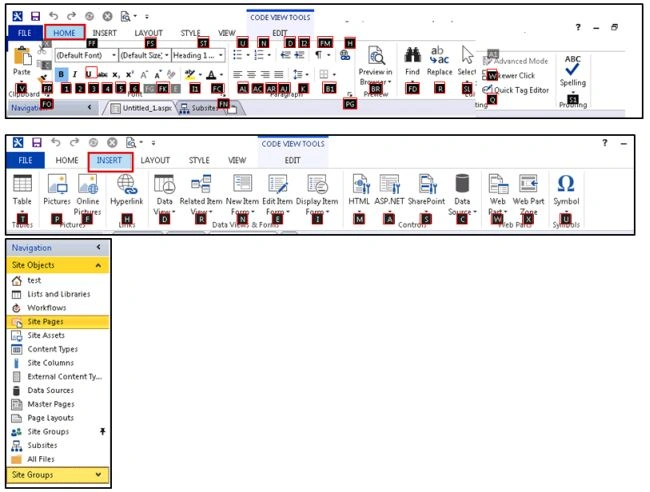
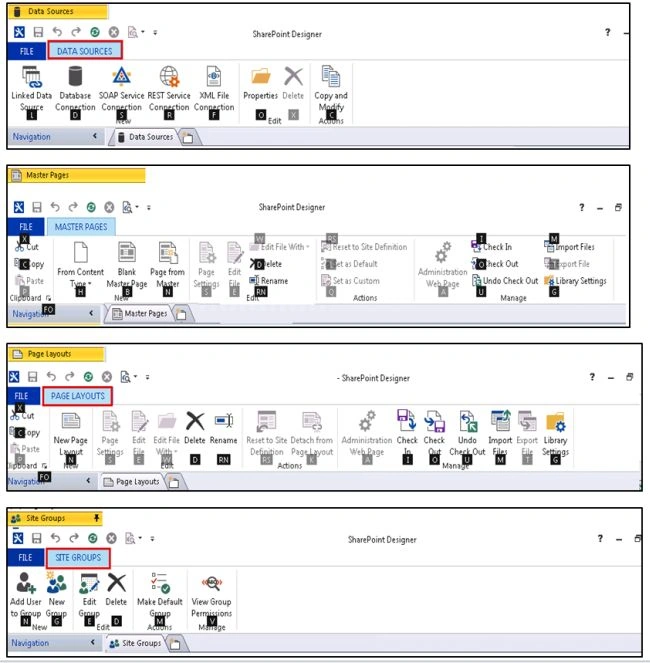
You can see which key is assigned to the options by pressing key Alt+ tab.
Shortcuts are shown in below screen grabs displayed as in black box.

For example



Summary
In this blog, we have an overview on keyboard shortcut keys for SharePoint 2013.
Join the conversation! Your thoughts help the community grow.