When I am integrating Google Autocomplete address in Laravel 11 application, I am getting the following error:
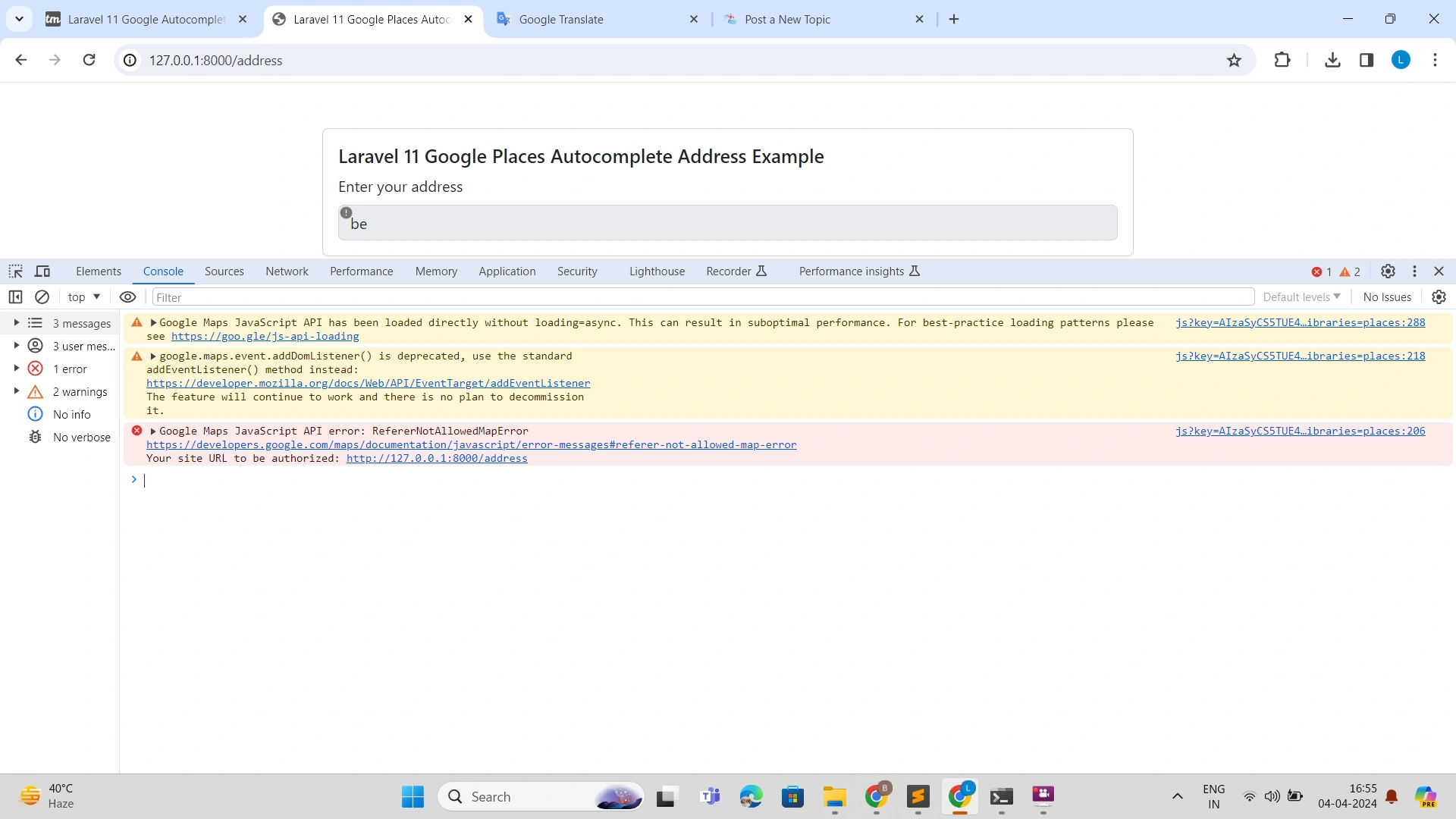
I am trying to add google autocomplete Places in Laravel 11 with the help of this guide google autocomplete address in laravel tutsmake.com/laravel-google-autocomplete-address-example/ and have to follow all the steps.
Please provide solution so that I can integrate it.
Thank you in advance...
Abhishek YadavPosted Apr 5, 2024, 10:47 AM
To integrate Google Autocomplete Places in Laravel, you can follow the steps provided in the tutorial you mentioned. Here is a step-by-step guide to help you integrate Google Autocomplete Places in Laravel:
Step 1: First, you need to create a Google API key by following the instructions on the Google Developers Console.
Step 2: Install the Google Maps JavaScript API package by running the following command in your Laravel project:
```
composer require googlemaps/google-maps-services
```
Step 3: Create a JavaScript file for the autocomplete functionality (e.g., `googlemaps.js`) and add the following code to it:
```javascript
function initAutocomplete() {
var input = document.getElementById('autocomplete');
var autocomplete = new google.maps.places.Autocomplete(input);
}
```
Step 4: Include the Google Maps API script in your Laravel Blade template file where you want to add the autocomplete field:
```html
```
Step 5: Make sure your Google API key is added to the script tag in the Blade template file.
Step 6: Add the JavaScript file (`googlemaps.js`) to your Laravel project, for example, in the `public/js` directory.
Step 7: Add the following route to your `web.php` file to handle the autocomplete request:
```php
Route::post('/autocomplete', 'AutocompleteController@index')->name('autocomplete');
```
Step 8: Create a controller named `AutocompleteController` and add the following method to handle the autocomplete request:
```php
use Illuminate\Http\Request;
public function index(Request $request)
{
$address = $request->get('address');
// Perform any processing you need with the address value
return response()->json(['success' => true]);
}
```
Step 9: Update the JavaScript file (`googlemaps.js`) to make an AJAX request to