

In the previous article we have explored the Installation of:
- Windows Azure Platform PowerShell Cmdlets
You can refer the article
here.
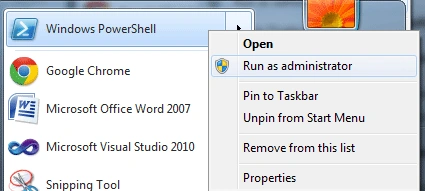
For continuing with this article you need to open the PowerShell window and
enter the command: Add-PSSnapin WAPPSCmdlets
Cmdlets
Below are the list of Cmdlets and their usage.
- Getting List of Cmdlets
For getting the list of Cmdlet in the loaded package, use Get-Command
E.g.: Get-Command -Module WAPPSCmdlets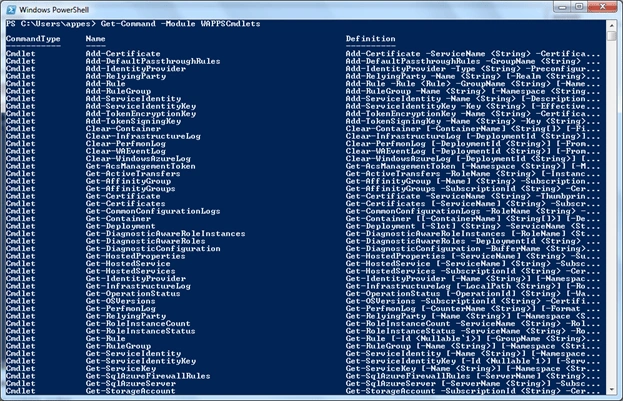
- Getting Help
For getting help on a command use Get-Help command followed by the Cmdlet name
E.g.: Get-Help New-Deployment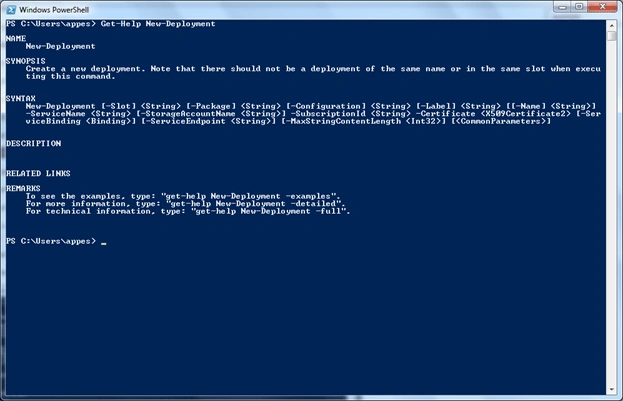
- Gettting Help with Example
For getting help with example on a particular command use the –examples option
E.g.: Get-Help New-Deployment –examples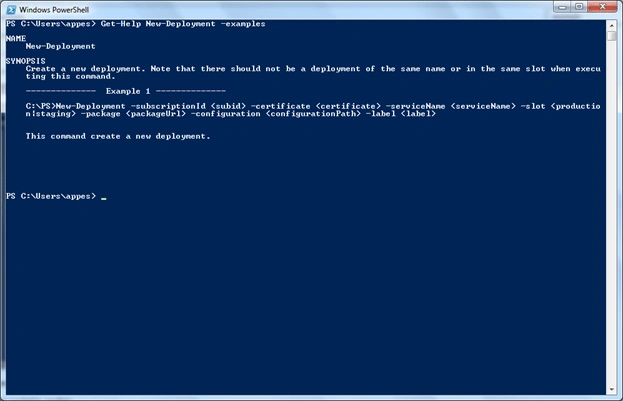
Like -examples, there are options –detailed and
–full to get detailed and full help on the topic.
Note: You can also get the common commands like:
- exit - To exit the PowerShell application
- cls - To clear the PowerShell screen
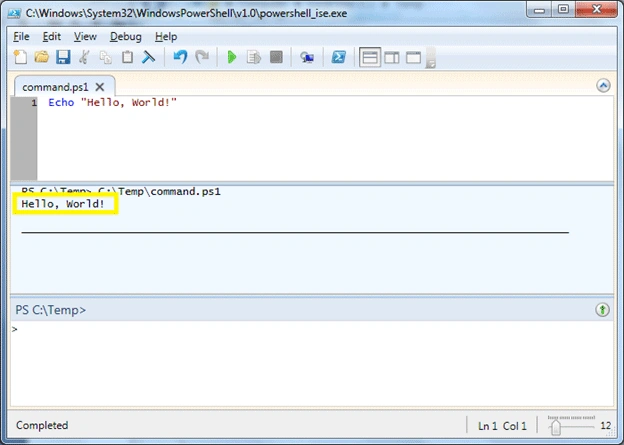
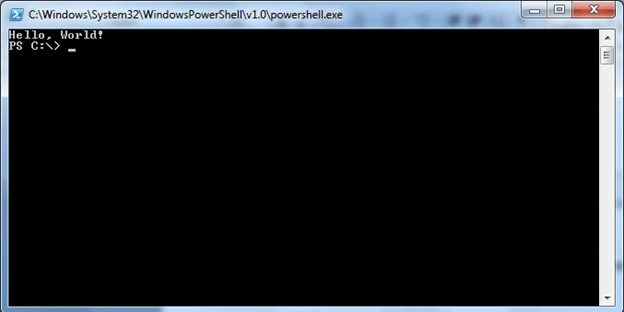
- echo - To display text on the screen
Join the conversation! Your thoughts help the community grow.