

Introduction
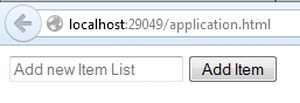
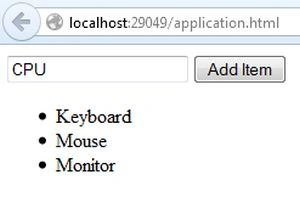
This article explains how to add various items in a list in backbone.js. Here we have a TextBox in which we enter the desired items and click on the button then it wll add the item to the list.
backbone.js is a JavaScript library for client-side applications. It helps for managing the code for the developers that use this code to create a Single Page Application.
Now see the example:
- First create an application:
- Start Visual Studio 2013.
- From the Start window select "New Project".
- Select "Installed" -> "Template" -> "Visual C#" -> "Web" -> "Visual Studio 2012" and select "Empty Web Application".

- Click on the "OK" button.
- Now Add an HTML Page.
- In the Solution Explorer.
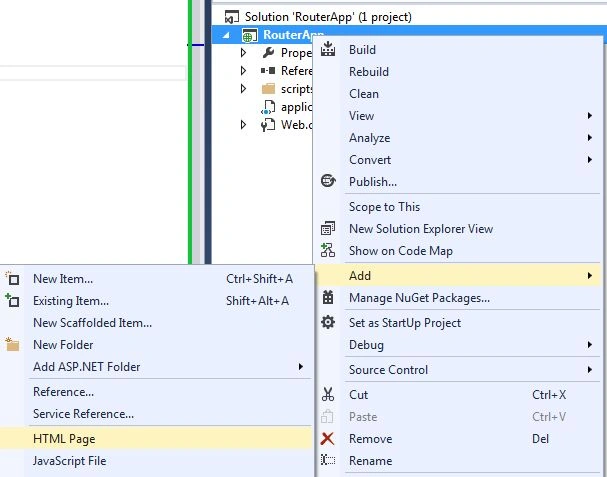
- Right-click on the project and select "Add" -> "HTML Page".
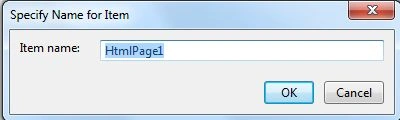
- Change the name of the page.
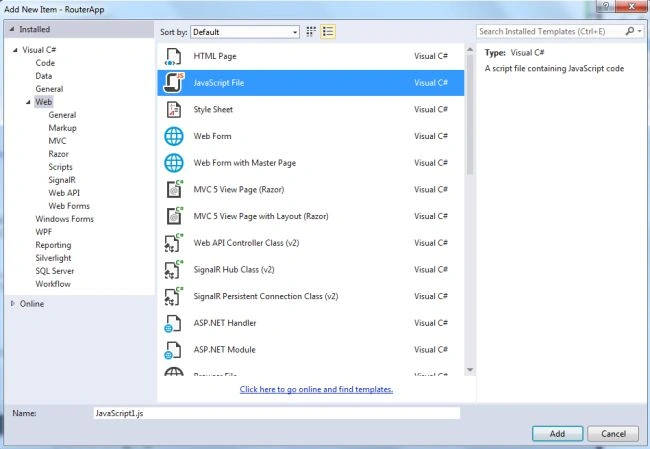
- Click on the "Add" button.
Add the following code:
<!DOCTYPE HTML>
<html>
<head>
<title>Backbone js example</title>
<script type="text/javascript"
src="https://ajax.googleapis.com/ajax/libs/jquery/1.5.2/jquery.min.js"></script>
<script type="text/javascript"
src="http://ajax.cdnjs.com/ajax/libs/underscore.js/1.1.4/underscore-min.js"></script>
<script type="text/javascript"
src="http://ajax.cdnjs.com/ajax/libs/backbone.js/0.3.3/backbone-min.js"></script>
<script type="text/javascript"
src="scripts/Hello.js"></script>
</head>
<body>
<input type="text" placeholder="Add new Item List" id="input" />
<button id="add-input">Add Item</button>
<ul id="item-list"></ul>
</body>
</html>
Ramasagar PulidindiPosted Jun 21, 2014, 4:16 AM
Hi what is the use of this Hello.js