

Scope
This article is part three of a series of four articles on getting an ASP.NET Web App live on Azure App Services using Azure Repos and Azure Pipelines. The previous articles described how to create your Azure DevOps account, create a project, and push your code to Azure Repos using Git.
- Azure DevOps For Web Development - Part One
- Azure DevOps For Web Development - Part Two: Azure Repos
This is the third article of the series and will walk you through automating your builds each time code is updated in your repository.
Continuous Integration (CI) With Azure Pipelines
Continuous Integration (CI) is the automation of builds and testing of code each time changes are pushed to your code repository; it helps to catch bugs or problems early in the development cycle, which makes them easier and faster to fix.
Azure Pipelines is the Continuous Integration / Continuous Delivery service in Azure DevOps that can build any language targeting any platform. Azure Pipelines has hosted pools of Windows, Linux, & Mac machines that it manages for you so that all your focus is on developing features for your product.
Build Pipeline
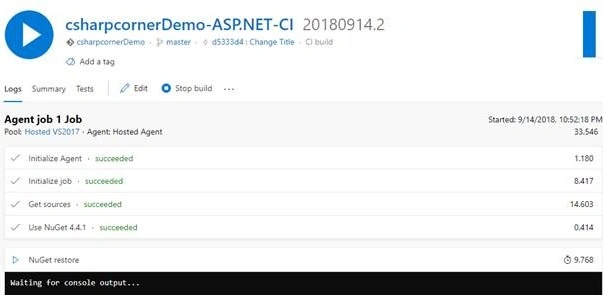
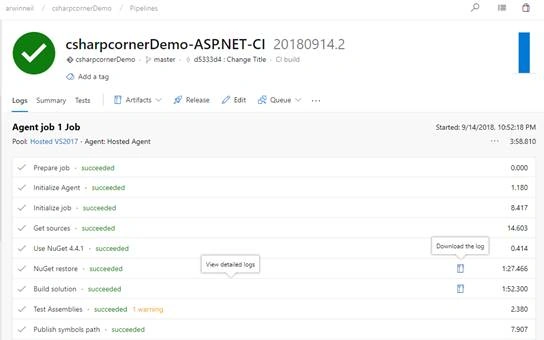
Our next step continuing off from the last article is to automate the build process of the .NET web app each time code is pushed to our repository. Jump to ‘Builds’ under ‘Pipelines’ or press the keyboard shortcut G B. (Check out all the Azure DevOps Keyboard Shortcuts).
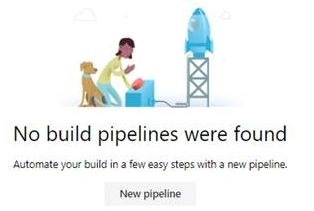
Next, click on ‘New Pipeline’.
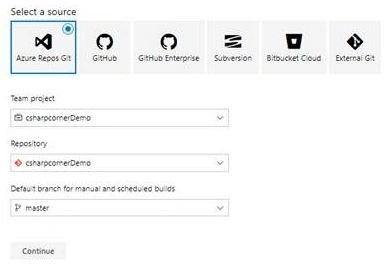
Azure Pipelines supports Azure Repos, GitHub, Bitbucket, and Subversion External Git repositories as a source for the build pipelines.
Select ‘Azure Repos’, and input the correct Project, Repository & Branch (the default is master in this case). Hit Continue.
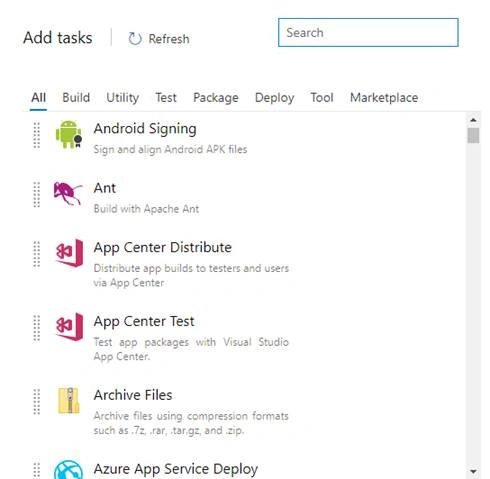
You will be presented with a wide variety of readymade templates to build pretty much everything from Android and iOS Apps, to Docker, Go Applications, and much more. We’ll go for the ASP.NET template.

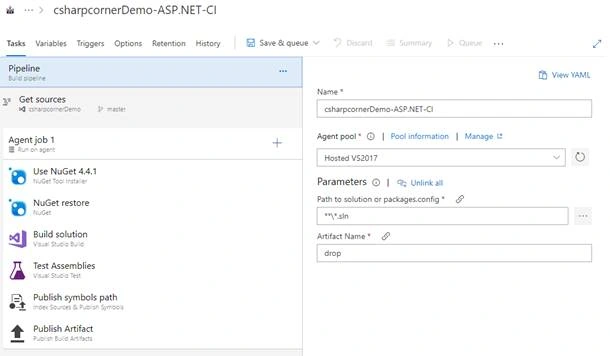
The next screen will show the details of the different steps in the build template we’ve chosen.
The output of this build pipeline is called the Artifact. Artifacts are the collection of files or packages produced by the build and used in subsequent tasks, such as distribution or deployment. By default, the artifact is called ‘drop’.

Join the conversation! Your thoughts help the community grow.