

Introduction
The Bootstrap grid system is responsive and columns will rearrange depending on the screen size.
Bootstrap grid system allows the developer to use a maximum of 12 columns in a Web page. If you do not wish to use all 12 columns separately, you can use all 12 columns together to make a wider column.
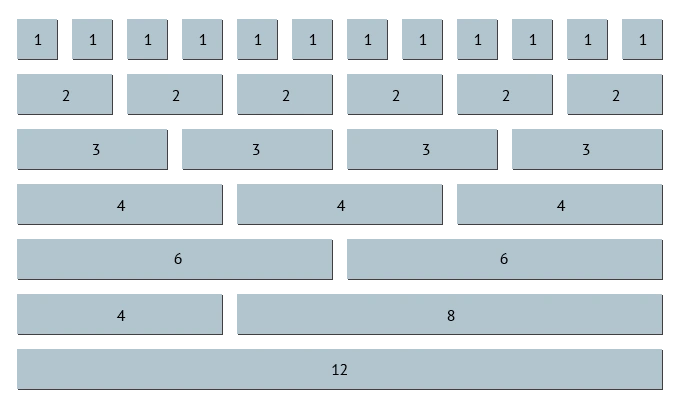
The important thing to remember while making the web pages is that grid column adds up to 12 for a row, any more than that and the column will come up in a stack. It does not matter what the viewport is.
Grid Classes
The important thing to remember while making the web pages is that grid column adds up to 12 for a row, any more than that and the column will come up in a stack. It does not matter what the viewport is.
Grid Classes
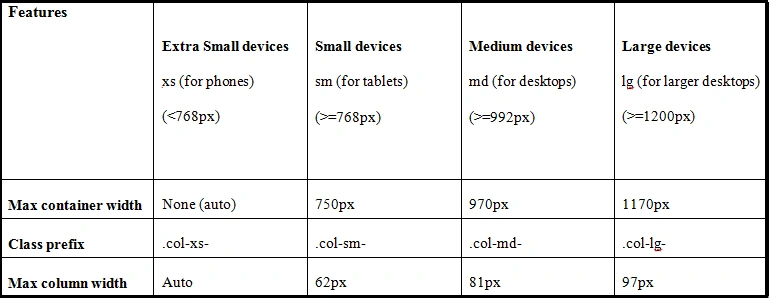
Bootstrap grid system has four pre-defined classes, which we can use for different viewports. Let us have a quick look at these classes.
- xs is used for the mobiles phone viewport.
- sm is used for the tablets viewport.
- md is used for the desktops or laptops viewport.
- ld is used for the big screen desktops viewport.
We can use all the classes listed above together to give a more dynamic and flexible view to a Web page.
Grid System Rules
Some basic grid system rules are given below.
- For proper alignment and padding, the row must be placed within a .container (fixed-width) or .container-fluid (full-width).
- Some predefined classes like .row and .col-sm-4 are available for quick reference.
- Content should be placed within the column.
- Only the column should be the immediate child or the row.
Basic structure of a Bootstrap Grid
Now, let us shift our focus towards the basic structure of a Bootstrap grid.
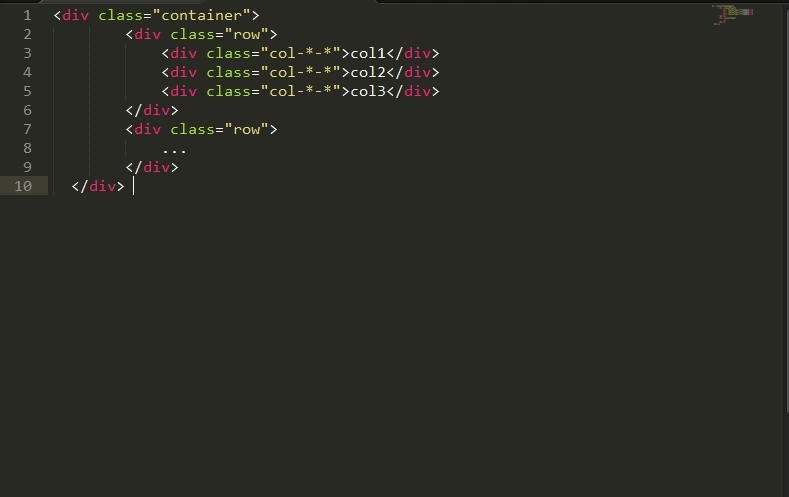
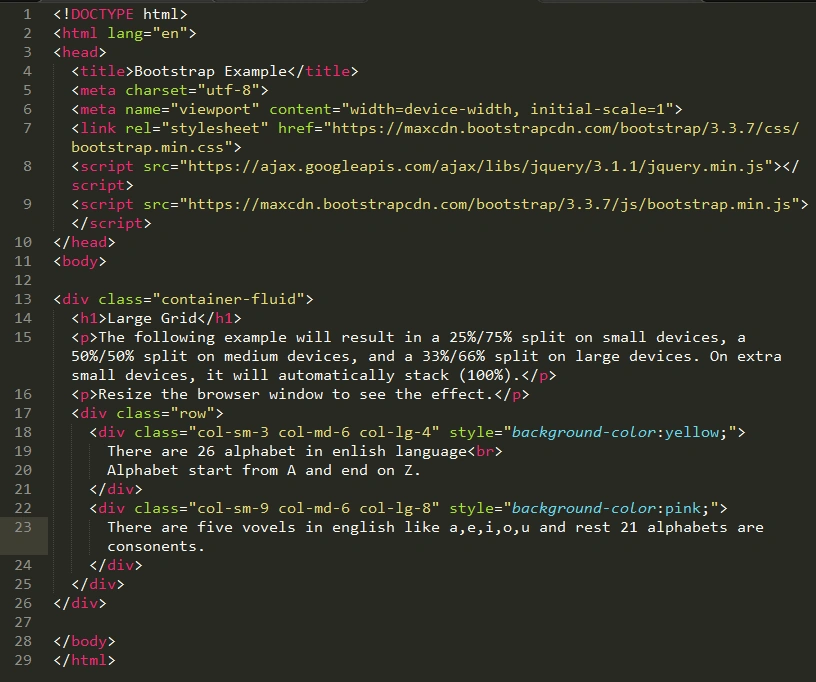
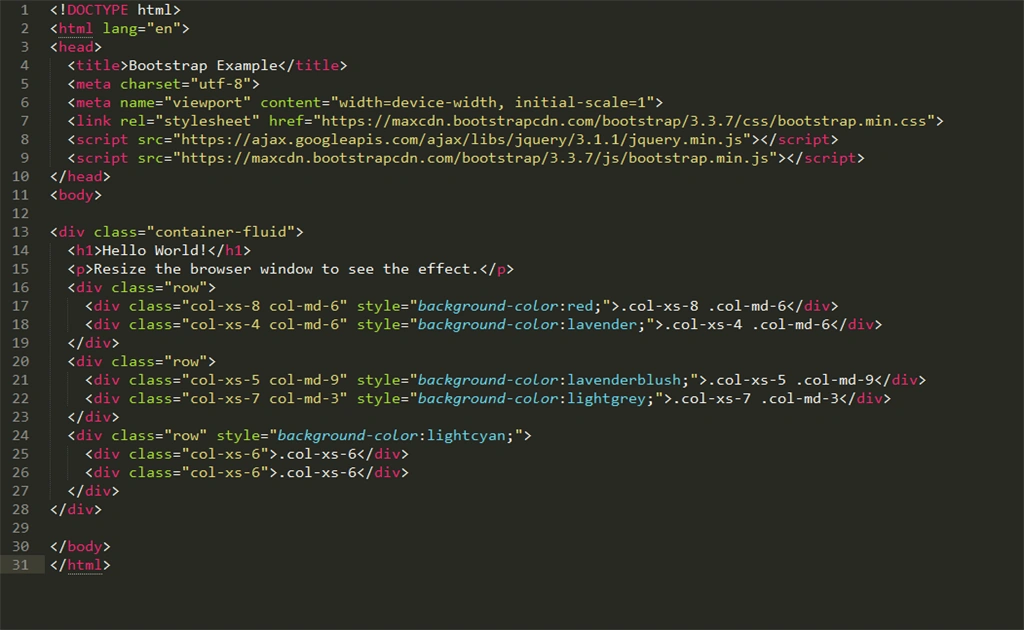
In the example given above, first we have created a container by using (<div class=”container”>), followed by creating a row (<div class=”row”>). Now, add the desired number of the column width (<div class=col-*-*>). The column should always add up to 12 in a single row.
Examples
- Stack to horizontal
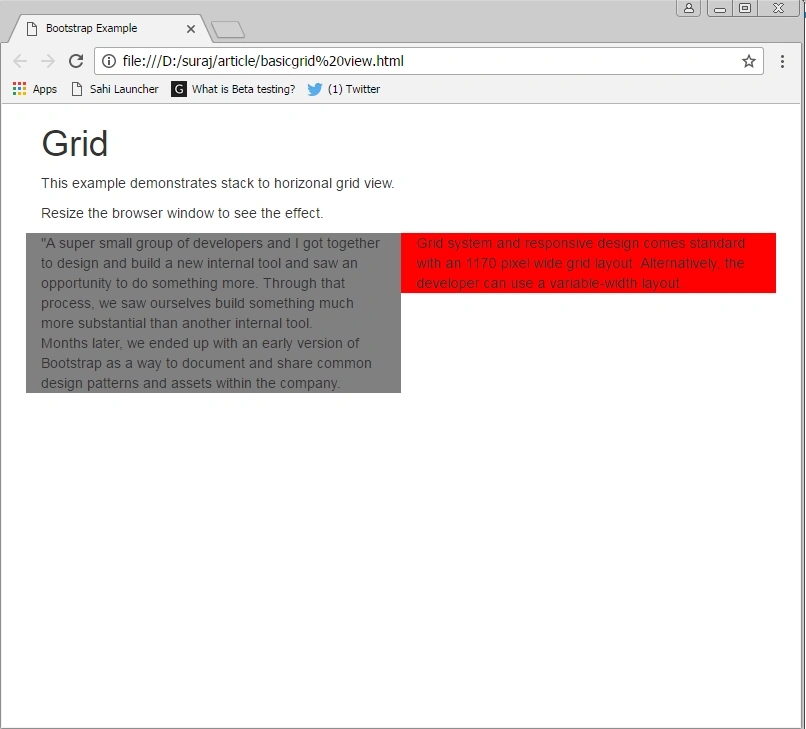
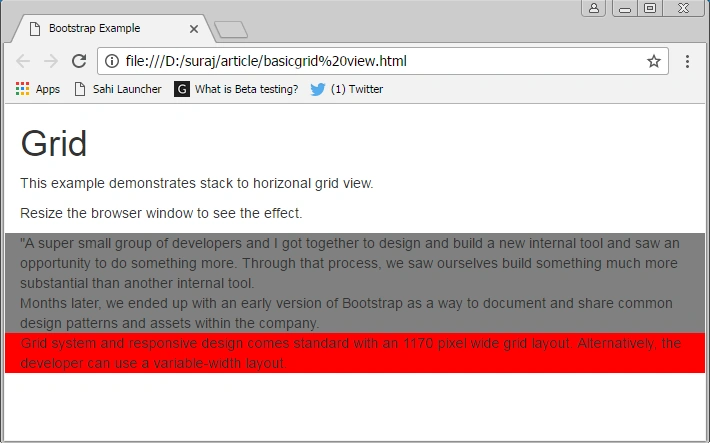
The first example of Bootstrap grid view that we are going to look is stack to horizontal. In this, we will create a basic grid view, which will first open as a stack on the mobile, before becoming horizontal on the desktops.
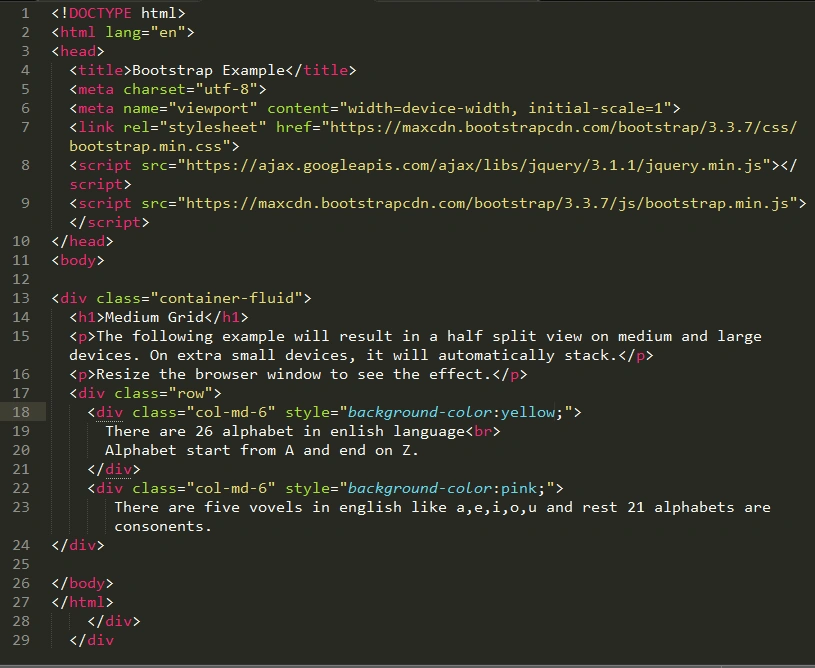
First, we will create a Bootstrap template, HTML page name “Stackhorizontal.html” by using the code given below.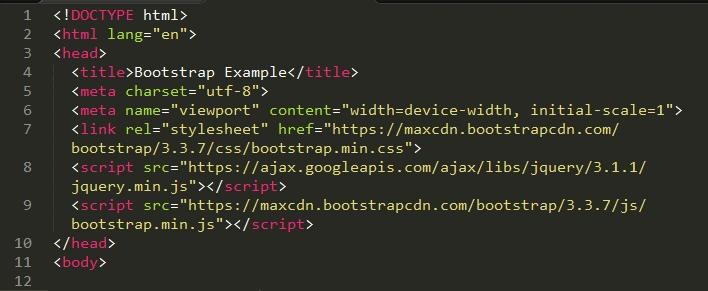
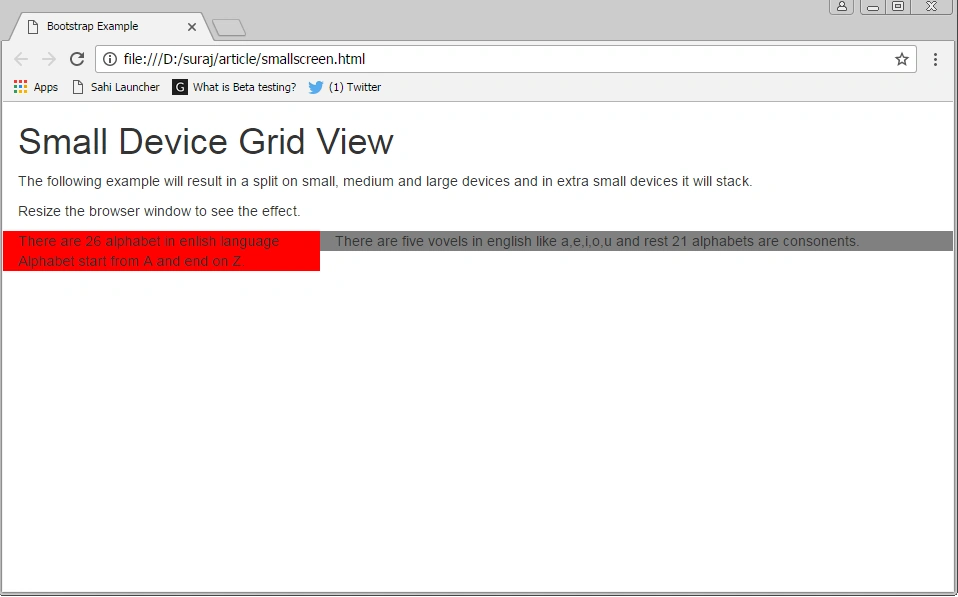
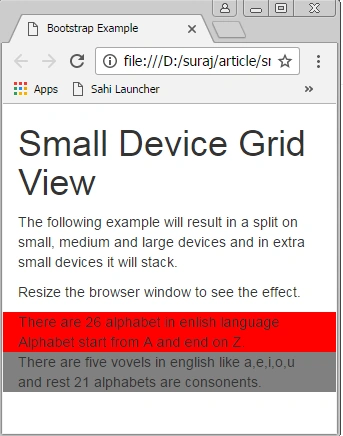
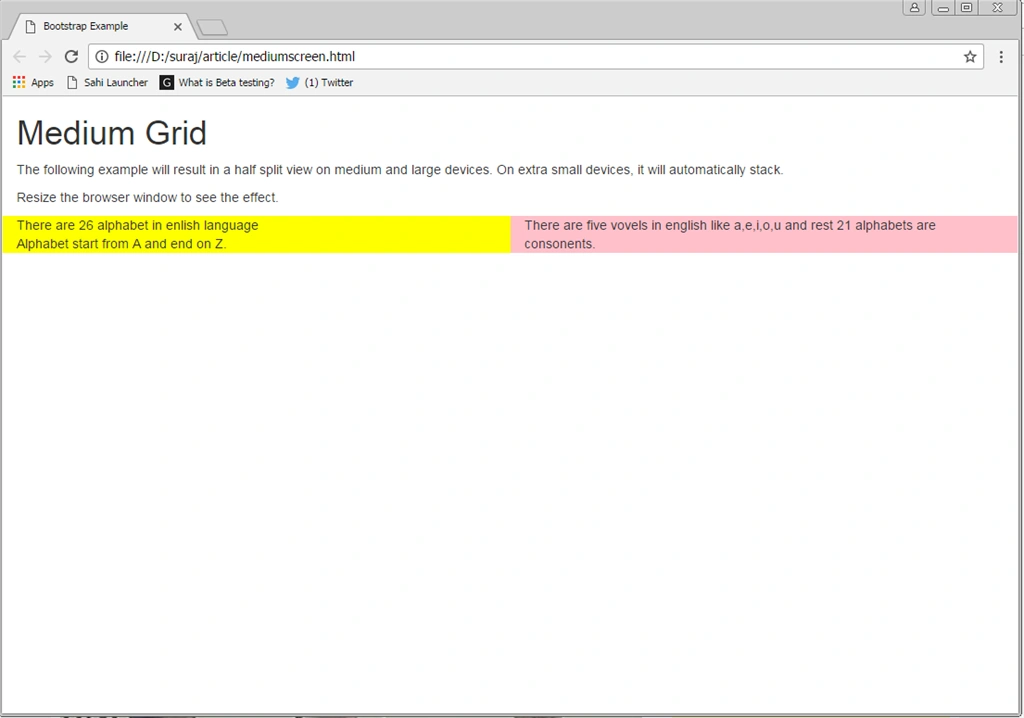
Now, we will create a two column layout in such a manner that it will show 100% of the stack on the extra small screens and will be 50-50% split on all the other screens.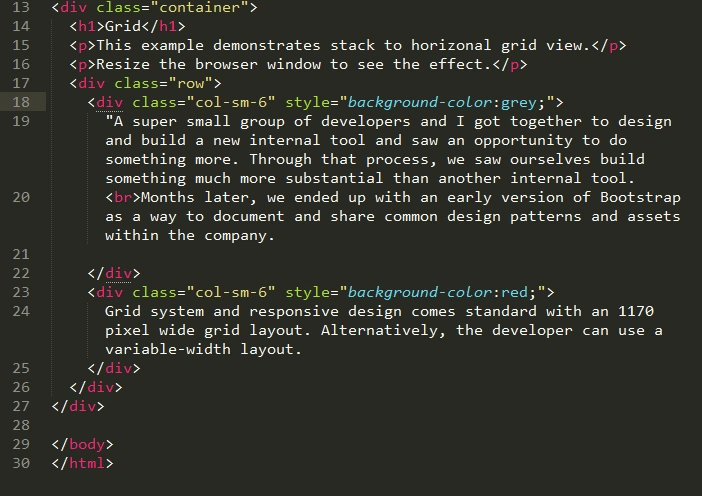
Joe WilsonPosted Dec 31, 2016, 10:43 AM
Thank you very much for this article.