

Introduction
In my case, I am using Windows 10 Enterprise Edition.
Now open the browser and just type the URL http://localhost/.
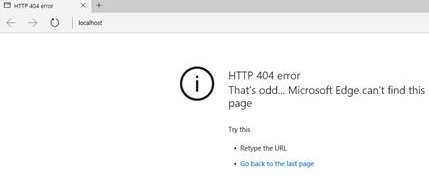
On pressing Enter, it will throw a page not found error.
Now I am going to search for the IIS manager.
Not found!
Open Control Panel.
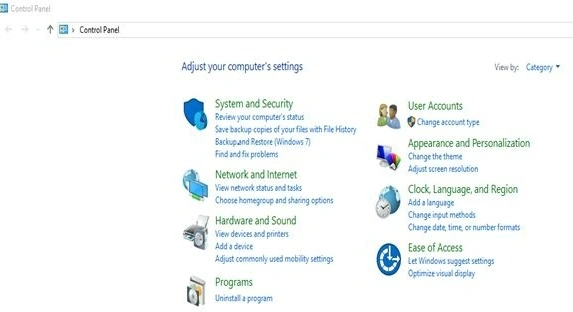
Click Programs.

Under Programs and Features, click Turn Windows features on or off.

A new popup will appear.
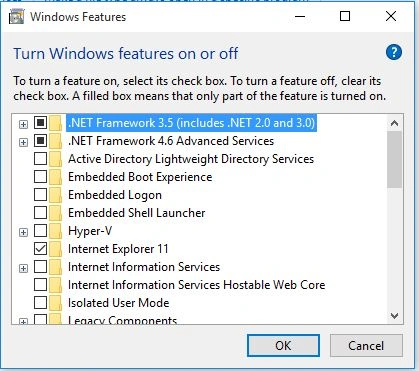
Just check the Internet Information Services and its related features.
Under Internet Information Services check the following folders.
- FTP Server
- Web Management Tools
- World Wide Web services
- Application development features
- Common HTTP Feature
- Health and Diagnostics
- Performance Feature
- Security
Then click OK to complete the installation of new features.
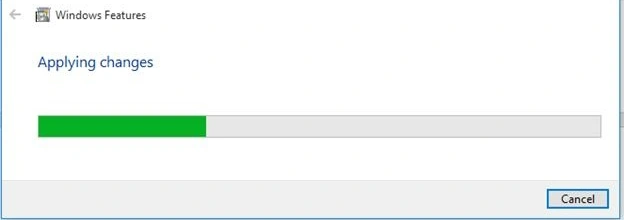
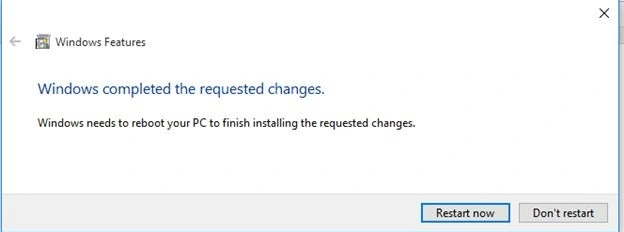
Click Restart now to apply changes to complete the IIS feature installation.
After a successful restart.
Now you can see the IIS webserver option on the All Programs menu.
Open the browser.
Now type URL http://localhost.
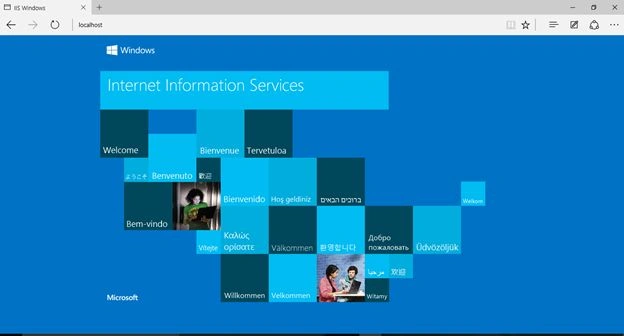
Internet Information Services (IIS) successfully configured.
Summary
In this article, we learned about Configure IIS In the Windows 10 Operating System.
Christian ChavesPosted May 26, 2018, 1:18 PM
Good afternoon, I can not visualize content as images in my IIS 10. I use Windows 10 64 bits. Any advice please
Jay HarmanPosted Mar 22, 2018, 4:17 PM
Cannot copy files to Inetpub/wwwroot. States I don't have permission even tho I have activated Full Access in security. How do I get full access to that folder? Windows 10 Home, unfortunately. Hope to upgrade to Pro.
Rajendra TripathyPosted Jun 6, 2017, 9:54 AM
Https://msdn.microsoft.com/en-us/library/hh167503(v=nav.90).aspx#Win8
Santhakumar MunuswamyPosted Sep 26, 2015, 12:30 PM
Nice share
Vinodh NarayananPosted Sep 24, 2015, 4:57 AM
Gopi Chand Thanks a lot
Gopi ChandPosted Sep 24, 2015, 4:55 AM
Nice work
Vinodh NarayananPosted Sep 24, 2015, 2:25 AM
Sibeesh Venu Thanks a lot
Sibeesh VenuPosted Sep 24, 2015, 2:18 AM
Nice Share
Vinodh NarayananPosted Sep 24, 2015, 1:59 AM
Ajeet Mishra Thanks a lot
Ajeet MishraPosted Sep 24, 2015, 1:48 AM
good one
Vinodh NarayananPosted Sep 23, 2015, 11:30 PM
Thanks a. Lot sir
Sachin KaliaPosted Sep 23, 2015, 4:08 PM
Gud to get about this..
Vinodh NarayananPosted Sep 23, 2015, 12:31 PM
Thanks a lot Rajeesh Menoth
Rajeesh MenothPosted Sep 23, 2015, 10:54 AM
Nice Share
Vinodh NarayananPosted Sep 23, 2015, 8:44 AM
Thanks a lotAnkit Bansal
Ankit BansalPosted Sep 23, 2015, 8:43 AM
thanks for sharing..
Vinodh NarayananPosted Sep 23, 2015, 8:41 AM
Thanks a lot Harshad Pansuriya
Harshad PansuriyaPosted Sep 23, 2015, 8:30 AM
Nice One