

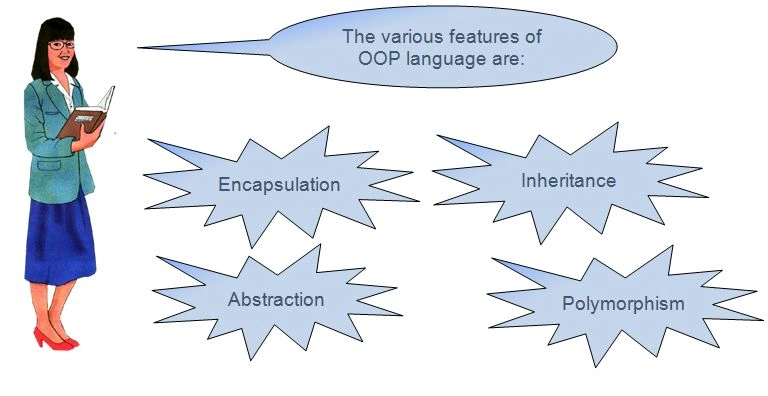
This article is about the ways in which C# and C++ are similar and where these languages differ. You are familiar with the concepts of OOP language. You may have already studied one such language, called C#. If not, then there is no problem.
In this session, you will learn about:
- Variables and data types
- Storing data in a variable and displaying data on the screen
- Creating and executing a C++ program
- Classes in C++
- Member functions
In order to perform a specific task on a computer, you need to write a set of instructions known as a program. While creating a program, you may need to temporarily store some values by using variables.
Variables and Data Types
The syntax to declare a variable is:
- <data type><variable name>;
- int num1;
- char chr;
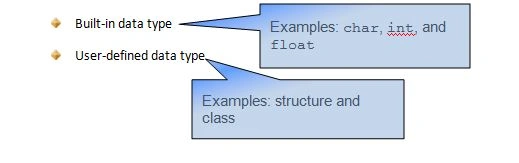
The following table lists the common built-in data types used in C++ and C#.
| Data Type | Number of Bytes in C++ | Number of Bytes in C# |
| char | 1 | 2 |
| int | 2 or 4 | 4 |
| float | 4 | 4 |
| double | 8 | 8 |
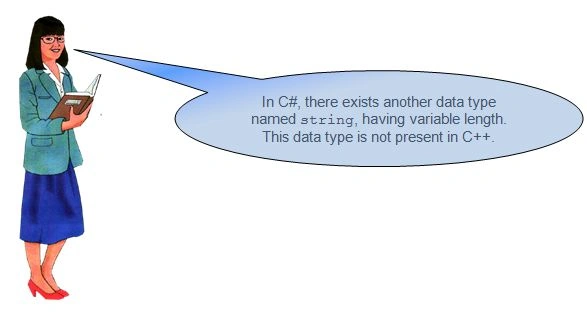
The data type equivalent to string in C++ is a character array.
The following table shows the use of a string variable and a character array.
| C# | C++ |
| string str = “India”; | char str[] = “India”; |
Let us see how these objects are used in C++
In C++, we use predefined objects to store and display data.
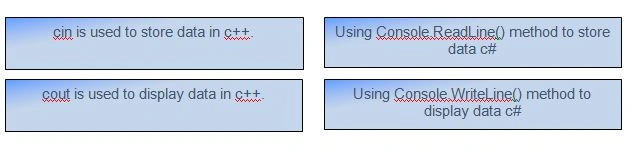
Storing Data in a Variable and Displaying Data on the screen
- #include<iostream.h>
- int num1, num2, sum;
- cout<<“Enter number 1”<<endl;
- cin>>num1;
- cout<<“Enter number 2”<<endl;
- cin>>num2;
- sum = num1 + num2;
- cout<<“The sum is:”<<sum;
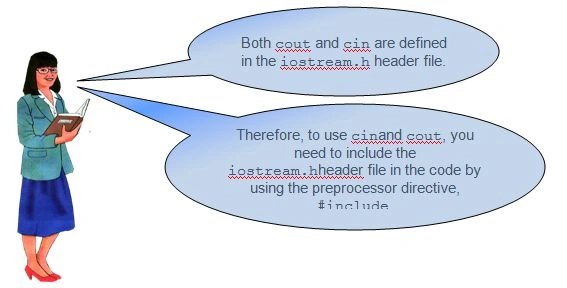
Once you have created a C++ program, you need to compile and execute it. Let us now compile and execute a C++ program,
- Similar to C#, a C++ program must contain the main() function.
- C++ is not a pure object-oriented language like C#.
- Therefore, you can create a program in C++ without using a class as in the following code:
- #include < iostream.h >
- void main()
- {
- int num1, num2, sum;
- cout << “Enter number1” << endl;
- cin >> num1;
- cout << “Enter number2” << endl;
- cin >> num2;
- sum = num1 + num2;
- cout << “The sum is: ” << sum;
- }
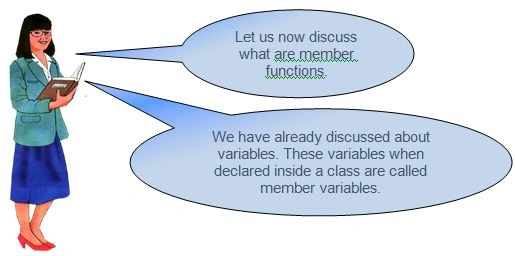
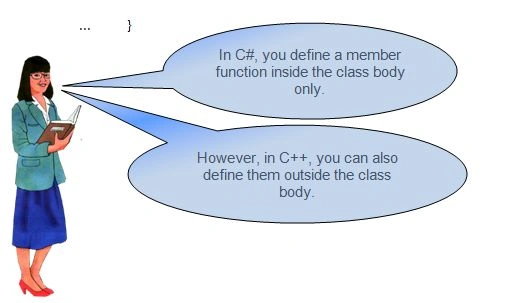
Object-oriented programming languages, such as C# and C++, use classes to group objects having common attributes.
SubashPosted Sep 15, 2016, 3:10 AM
Very nice work
Ankit SaxenaPosted Feb 3, 2016, 11:25 AM
Good one
Shubham KumarPosted Jan 18, 2016, 12:52 AM
thanks
Ankit BansalPosted Jan 18, 2016, 12:36 AM
Really helpful..
Santhakumar MunuswamyPosted Jan 17, 2016, 2:07 PM
Thanks for nice share
Shubham KumarPosted Jan 16, 2016, 11:39 AM
thnx
Ruchi MishraPosted Jan 16, 2016, 11:38 AM
nice explain sir
Shubham KumarPosted Jan 16, 2016, 11:30 AM
thnx
Pankaj Kumar ChoudharyPosted Jan 16, 2016, 10:20 AM
Nice way of explanation......
Kumaresh RajalingamPosted Jan 16, 2016, 9:56 AM
Nice share bro