

Introduction
This article shows how to create a terrain and add trees and grass in Unity
Prerequisites
Unity Environment version 2017.4.40f1
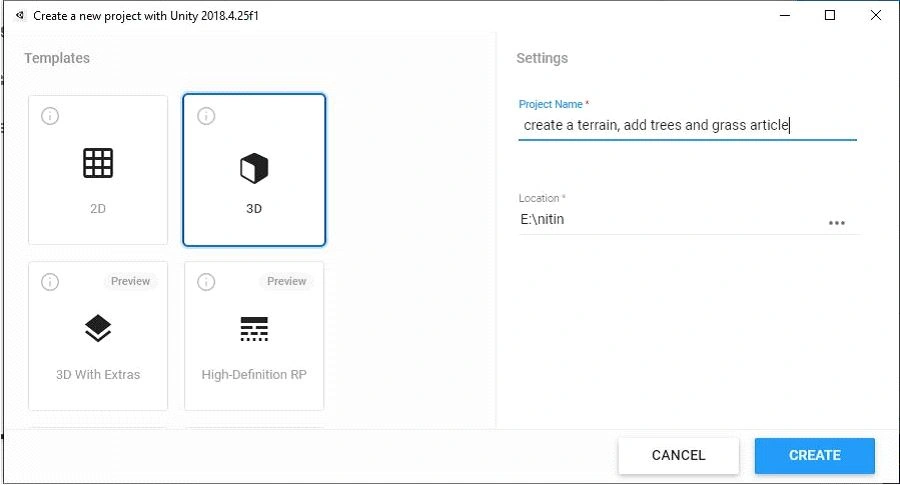
Create the project
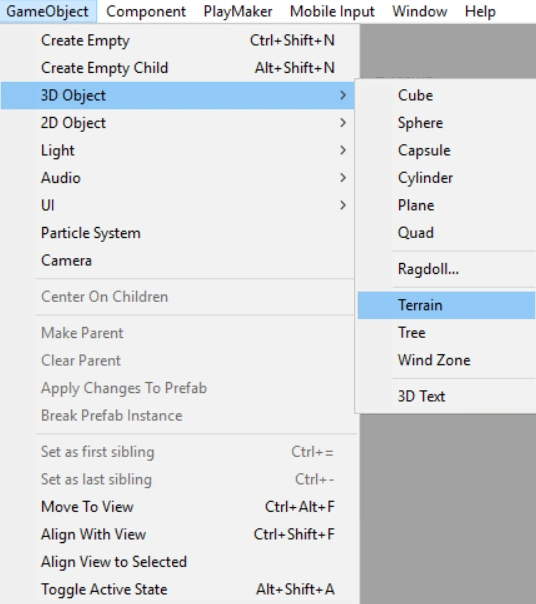
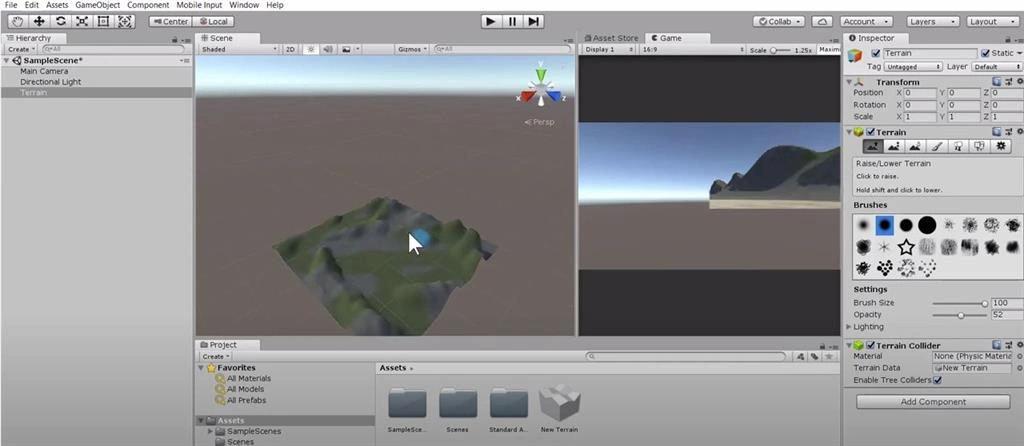
To get started, we need to go to the hierarchy. We're going to select 3D object and we're going to select terrain.
The first thing we need affects our terrain, so you can use your wheel on the map and the mouse wheel to zoom in and out.
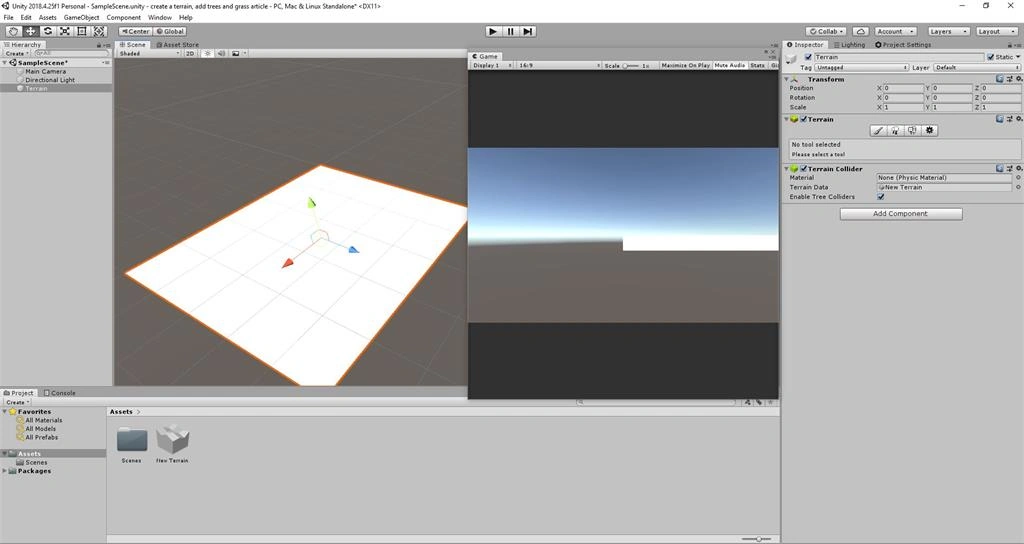
This is our terrain. The next thing we need to do is go to the asset store.
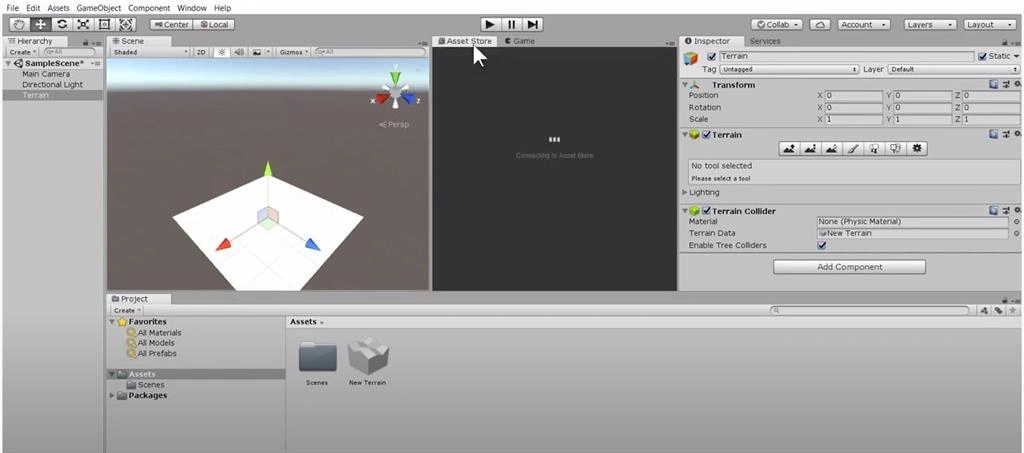
Basically, import the standard assets, or you can actually add individual asstes as you go along. Let's go to the search bar and type standard assets. After that, make sure you go to the filter make sure you uncheck the on sale. Scroll further down make sure you select free and then view results scroll and this is the standard assets we are going to use click once and then scroll down and select import gives some time until you import all the assets. This time, the process will take a bit of time so you can actually post this video and resume. Once your assets have been imported successfully, go to your project and select import.
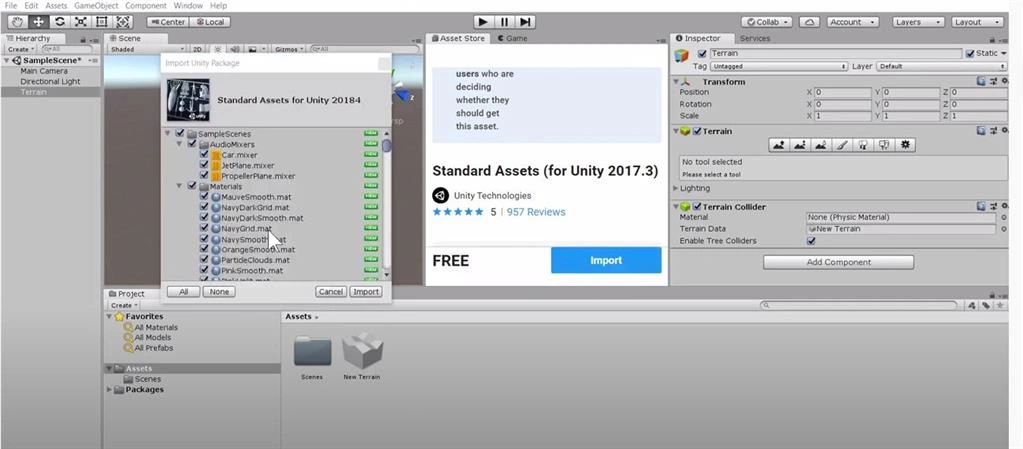
You have successfully imported the standard assets. Now you can go back to the game. You have the scene here, so the next thing we need to do is basically some grass to our terrain. To do this, you need to click on the the little brush.
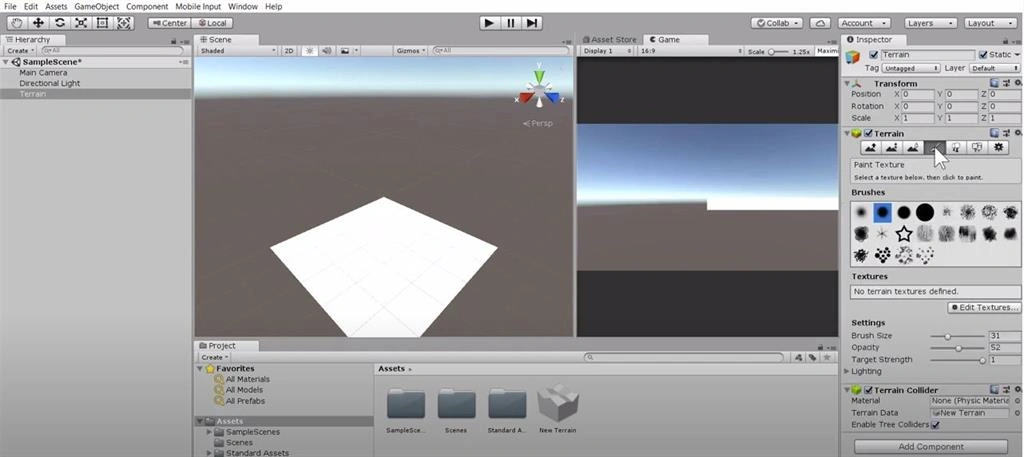
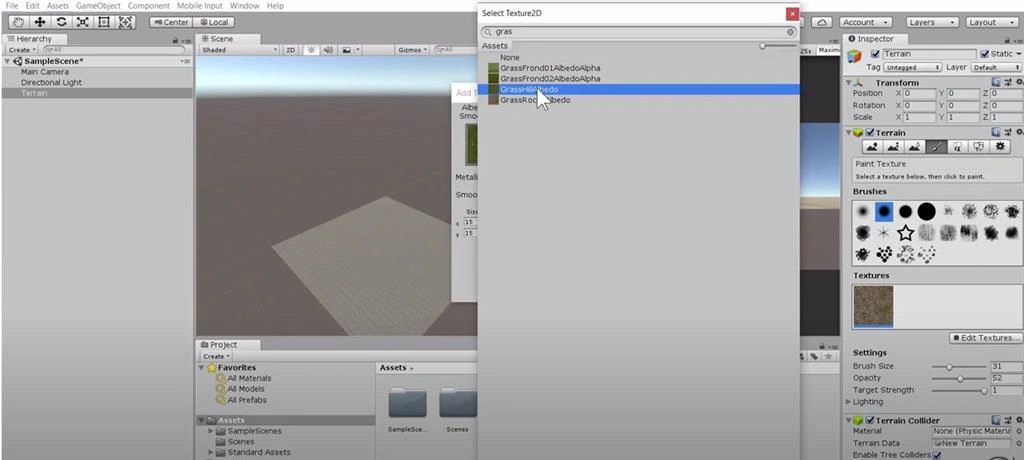
You need to edit textures and then add a texture. We're gonna click here select and then we're going to type the word grass here. Then we're gonna select grass rock and double click.
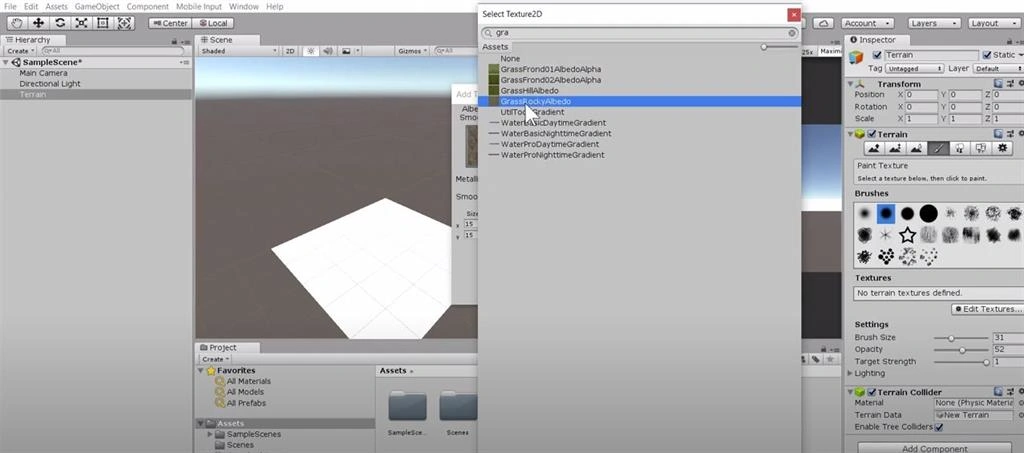
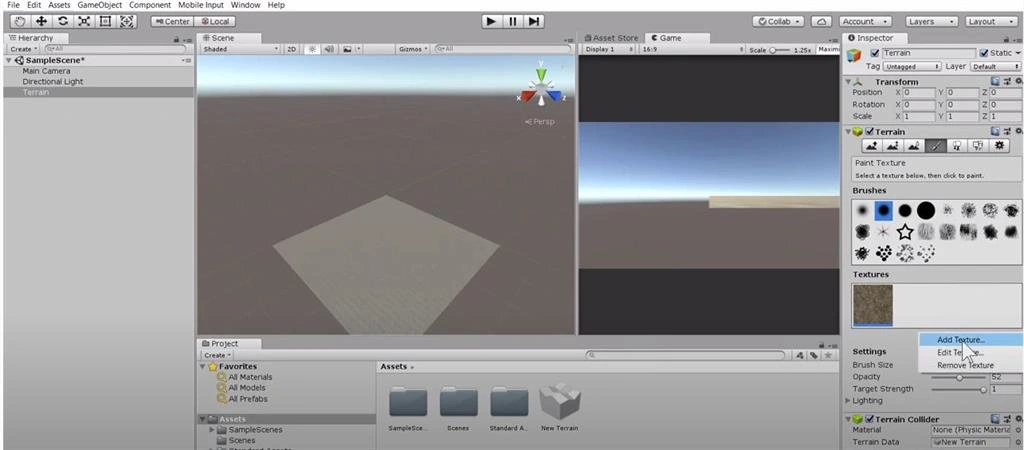
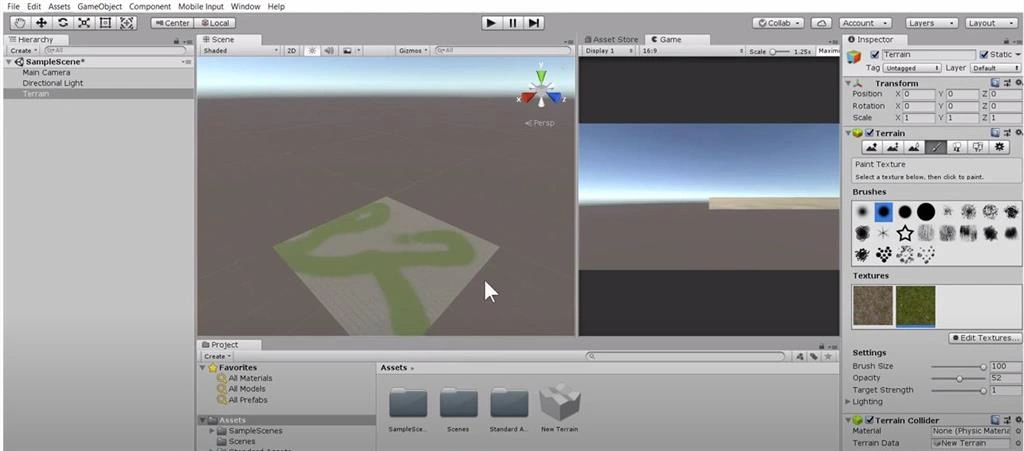
Next select add. Now we have the grass rock. We're going to also edit textures again add a new texture.
Join the conversation! Your thoughts help the community grow.