

Introduction
NET Multi-platform App UI (.NET MAUI) lets you build native apps using a .NET cross-platform UI toolkit that targets the mobile and desktop form factors on Android, iOS, macOS, Windows, and Tizen.
.NET MAUI is a cross-platform framework for creating native mobile and desktop apps with C# and XAML.
Using .NET MAUI, you can develop apps that can run on Android, iOS, macOS, and Windows from a single shared codebase.
NET MAUI is for developers who want to:
- Write cross-platform apps in XAML and C#, from a single shared codebase in Visual Studio.
- Share UI layout and design across platforms.
- Share code, tests, and business logic across platforms.
Please note that .NET MAUI apps can be written for the following platforms:
- Android 5.0 (API 21) or higher.
- iOS 10 or higher.
- macOS 10.15 or higher, using Mac Catalyst.
- Windows 11 and Windows 10 version 1809 or higher, using Windows UI Library (WinUI) 3.
Earlier .NET MAUI was only supported with Visual Studio 2022 preview version. But from version 17.3.2 onwards, we can create .NET MAUI applications from Visual Studio 2022 itself.
In this post, we will see all the steps to create a native Android application using .NET MAU and Visual Studio 2022.
You must install any of the Visual Studio 2022 versions on your machine.
I am using Visual Studio 2022 Professional. As I told you earlier, please upgrade your Visual Studio version to 17.3.2 or higher.
Either install Visual Studio, or change your installation, and install the .NET Multi-platform App UI development workload with its default optional installation options:
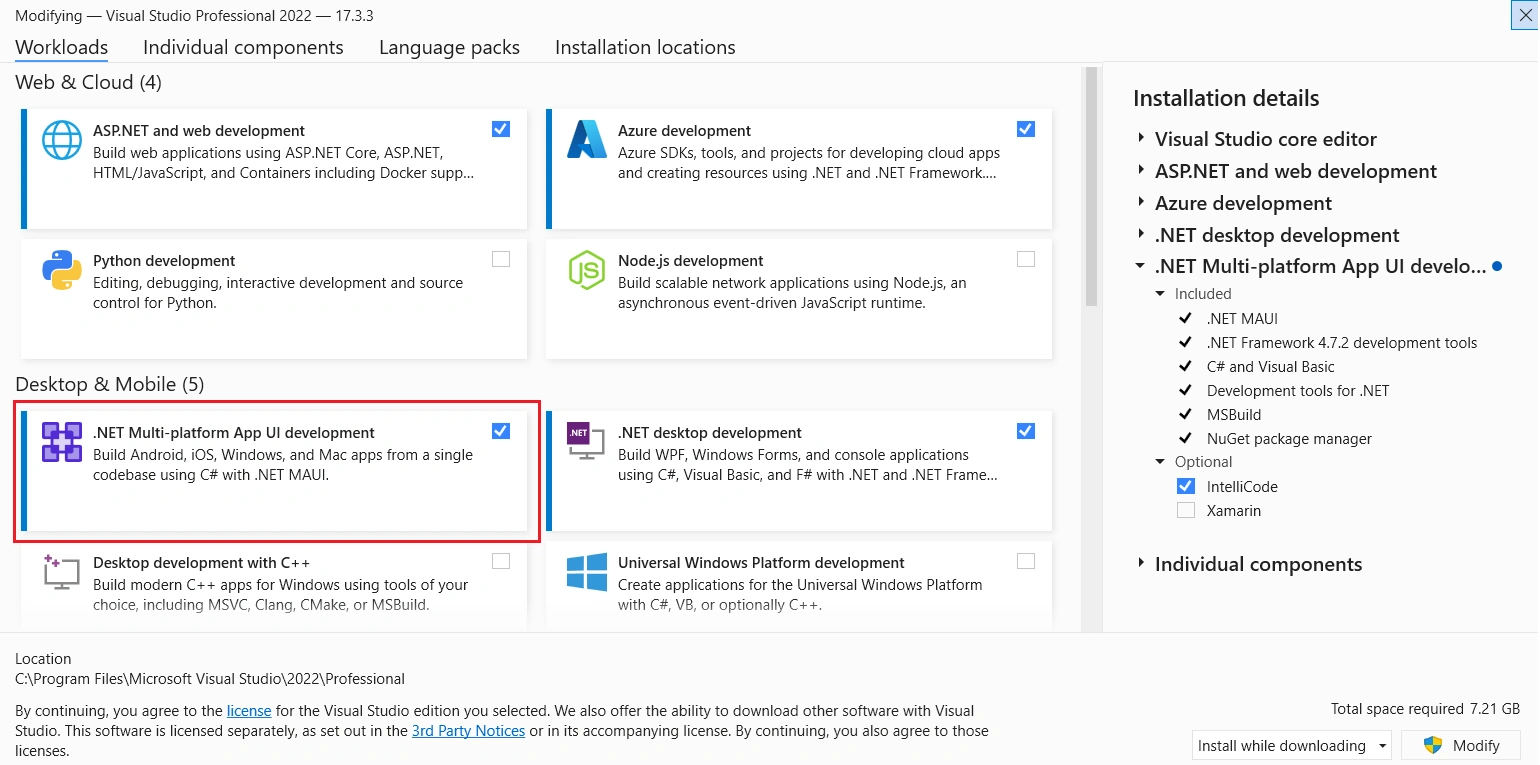
After installing the .NET MAUI workload, we can start Visual Studio and choose the MAUI template. Currently, there are three types of .NET MAUI templates available.
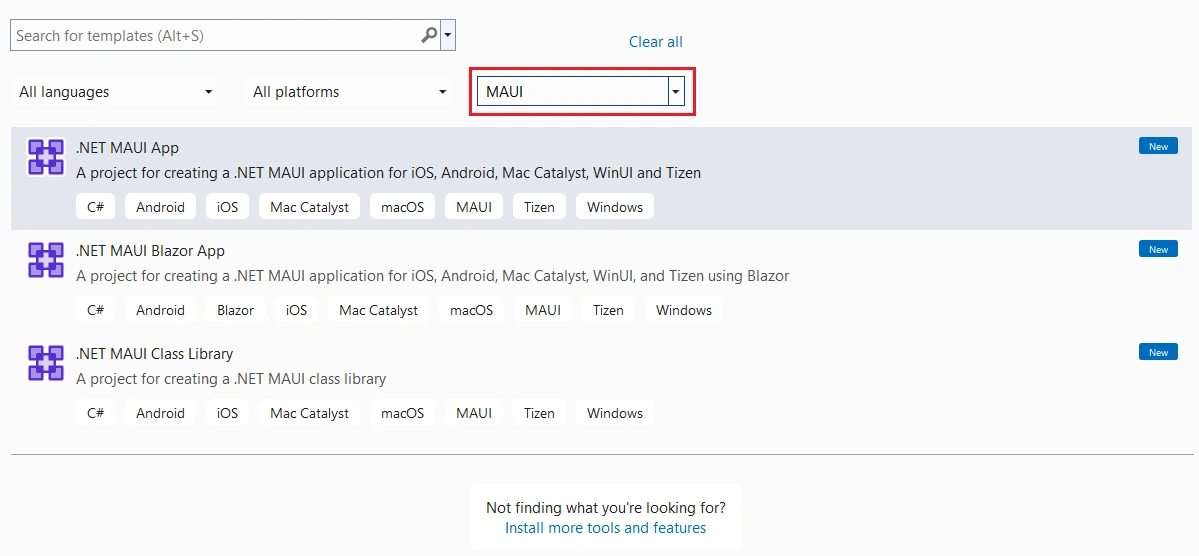
We can choose the .NET MAUI App template.
After a few minutes, the new project will be created successfully.
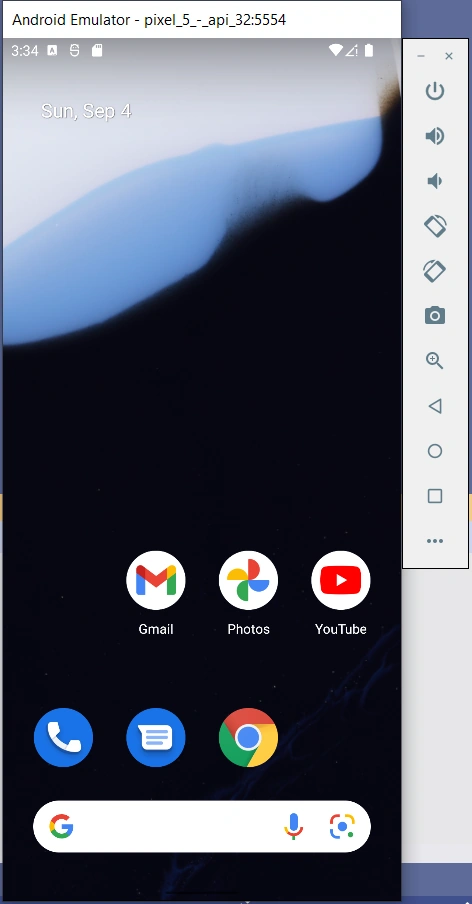
We are focusing on creating an Android application with .NET MAUI.
Accelerating Android emulators on Windows
The following virtualization technologies are available for accelerating the Android emulator:
- Microsoft's Hyper-V and the Windows Hypervisor Platform (WHPX).
- Hyper-V is a virtualization feature of Windows that makes it possible to run virtualized computer systems on a physical host computer.
- Intel's Hardware Accelerated Execution Manager (HAXM).
- HAXM is a virtualization engine for computers running Intel CPUs.
You can refer to Microsoft’s official documentation for more details about hardware acceleration.
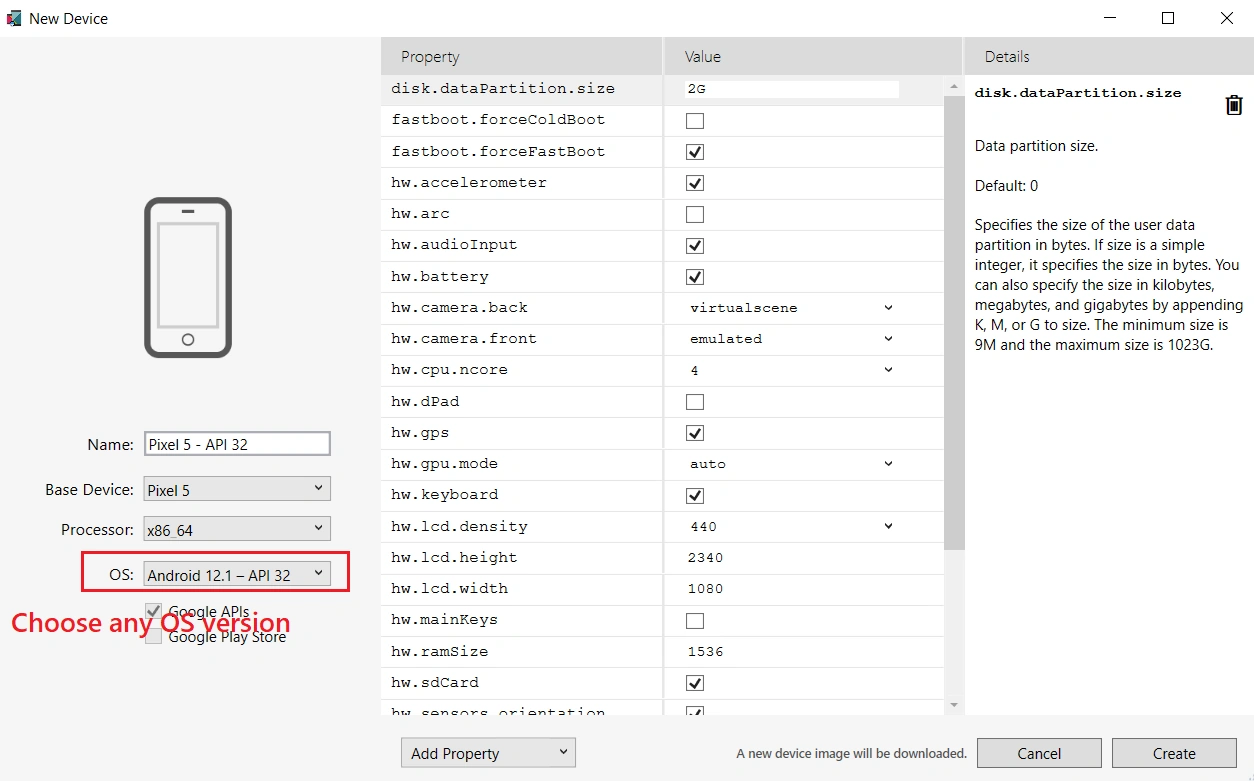
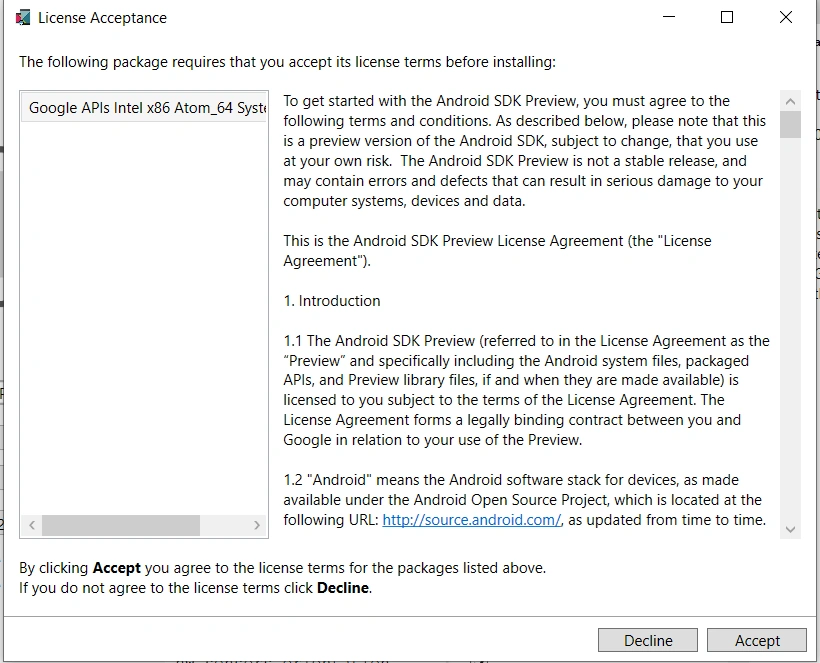
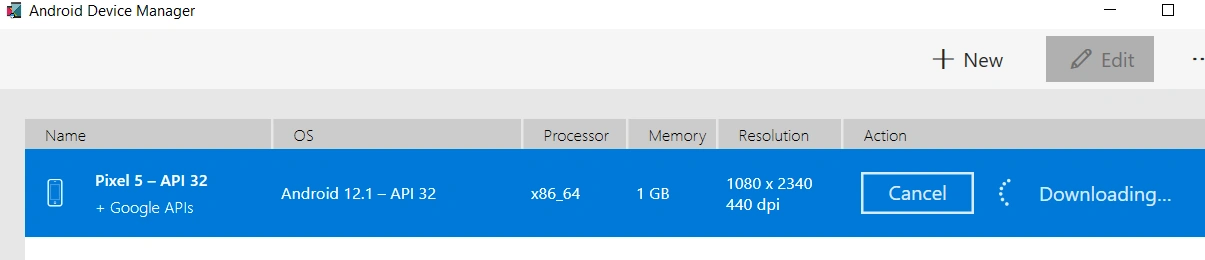
We can use Android Device Manager to create and configure Android Virtual Devices (AVDs) that emulate physical Android devices.
To use the Android Device Manager, we need the following items.
- The Android SDK API Level 30 or later. Be sure to install the Android SDK at its default location if it isn't already installed: C:\Program Files (x86)\Android\android-sdk.
- The following packages must be installed:
- Android SDK Tools 5.0 or later
- Android SDK Platform-Tools 31.0.3 or later
- Android SDK Build-Tools 30.0.2 or later
- Android Emulator 30.8.4 or later
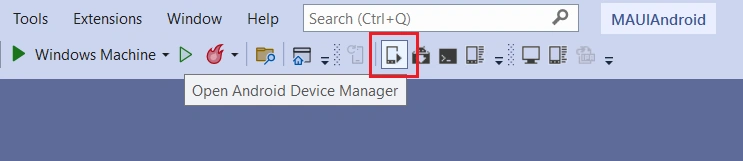
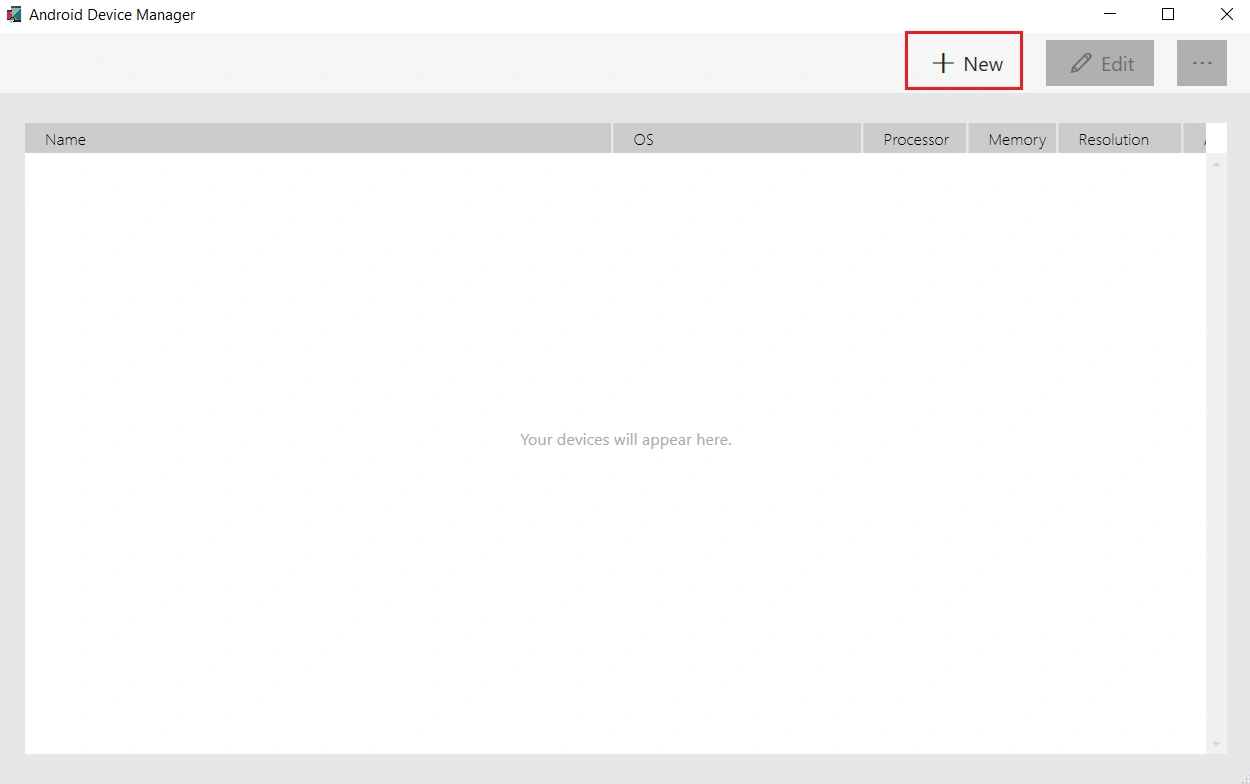





DolonPosted Sep 15, 2022, 4:57 PM
How to compress size apk?
ShafeerPosted Sep 5, 2022, 8:08 AM
Very simple step by step explanation. Thanks Sarath