

Introduction
In this article, we will see how to create a loading screen.
Step 1
The first step is to create an Index.html file and put the following code in it.
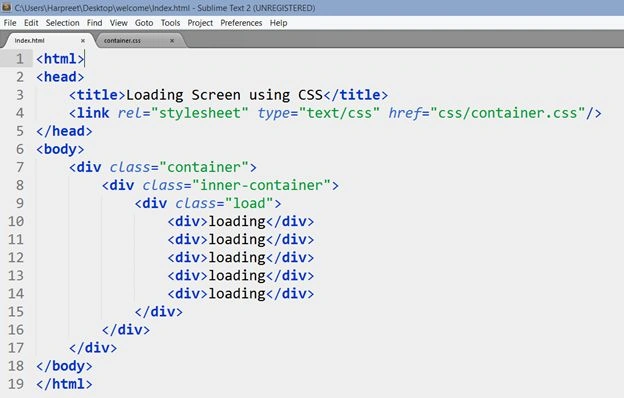 In the preceding HTML file, we have added three divs. In the last div we have added five divs. In these five divs we are loading text as content that will be displayed as an output.
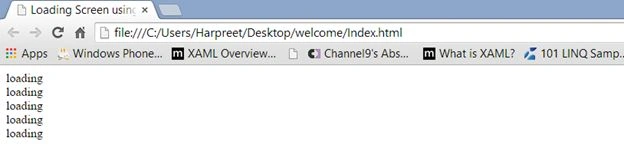
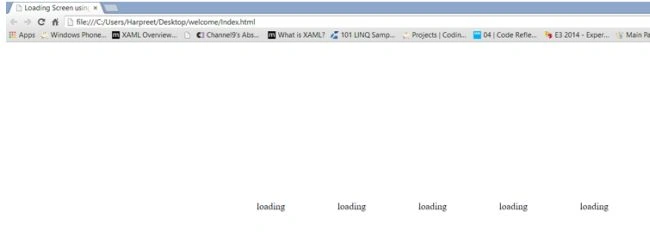
But currently, if we view this Index.html in a browser, it will look like this.
In the preceding HTML file, we have added three divs. In the last div we have added five divs. In these five divs we are loading text as content that will be displayed as an output.
But currently, if we view this Index.html in a browser, it will look like this.
 Step 2
The next step is to add some styles and for that create a CSS file “container” and specify the CSS file address in the HTML file.
Step 2
The next step is to add some styles and for that create a CSS file “container” and specify the CSS file address in the HTML file.
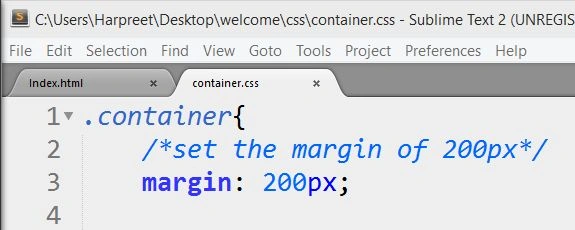
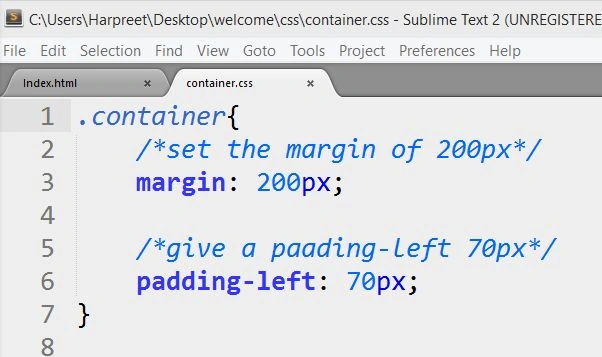
 In the container.css file write the following:
 Refresh the page.
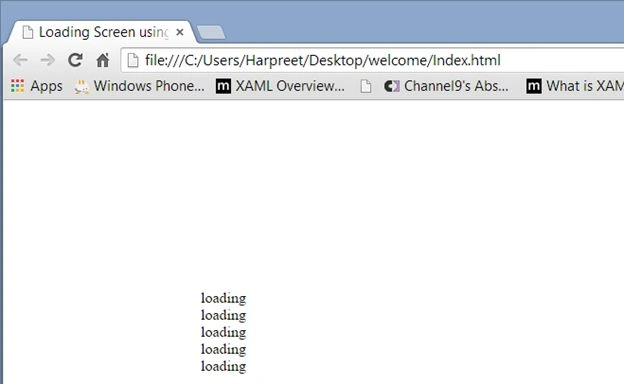 Our elements shifts 200px vertically and horizontally.
Set the padding-left to 70px.
Our elements shifts 200px vertically and horizontally.
Set the padding-left to 70px.
 Refresh the page.
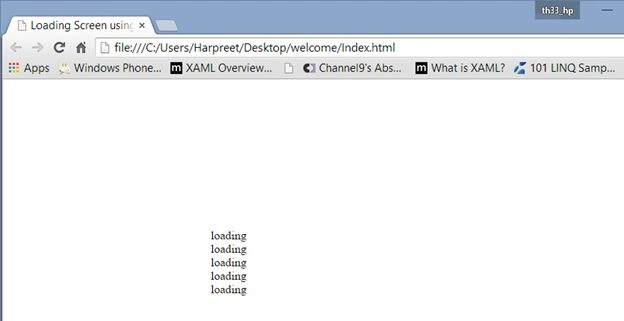 Our container is now shifted 70px from the left.
Step 3
The next step is to add some CSS rules for the inner-container.
Our container is now shifted 70px from the left.
Step 3
The next step is to add some CSS rules for the inner-container.
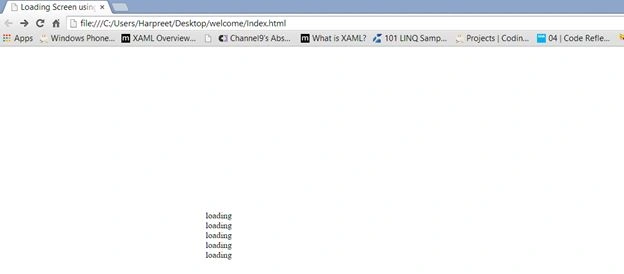
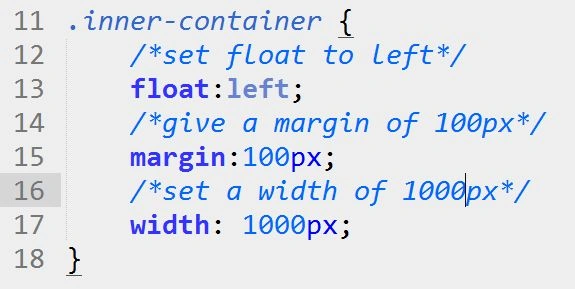 It will shift the elements more to the right and downward.
 Step 4
The next step is to add some styles for our load div.
Step 4
The next step is to add some styles for our load div.
- /*.load > div means we want to select only the div that sits directly after the loaded container. This will not take any child element present in the inner div.
- */
- .load > div{
- /*give a font-size of 20px*/
- font-size: 20px;
- /*add a line-height of 90px. It will shift the element downwards.*/
- line-height: 90px;
- /*It will shift the element to the center*/
- text-align: center;
- /*set the background color to white*/
- background-color: white;
- /*set the float property to left which will float elements from left to right*/
- float: left;
- /*set the margin-left property to 150px, it will shift the elements 150px from the left*/
- margin-left: 150px;
- /*set the width to 20px for each elements*/
- width: 20px;
- /*set the opacity to 1 which is nothing but the visibility level*/
- opacity: 1.0;
- /*Set the transform scale to 0.8 that will reduce the scale of the elements*/
- -webkit-transform: scale(0.8);
- /*this "load" is a keyframe that we want to bind to a selector*/
- -webkit-animation-name: load;
- /*animation duration*/
- -webkit-animation-duration: 1.20s;
- /*set the iteration to infinite if you want the animation non-stop*/
- -webkit-animation-iteration-count: infinite;
- }
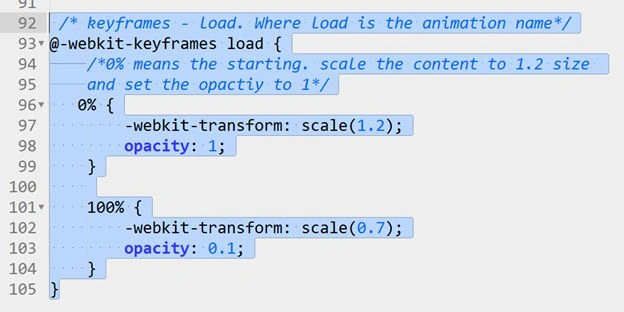
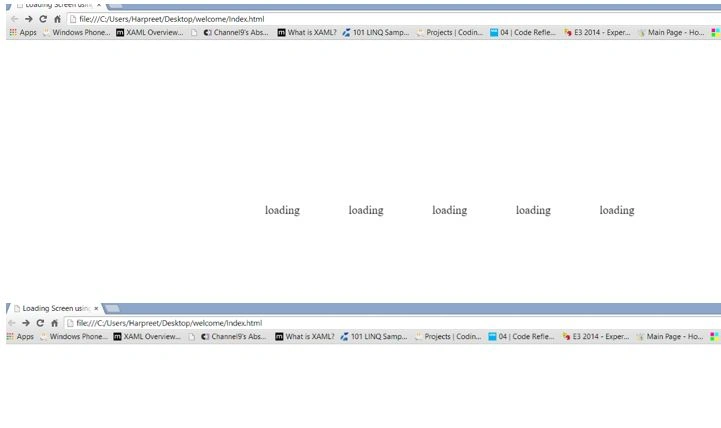
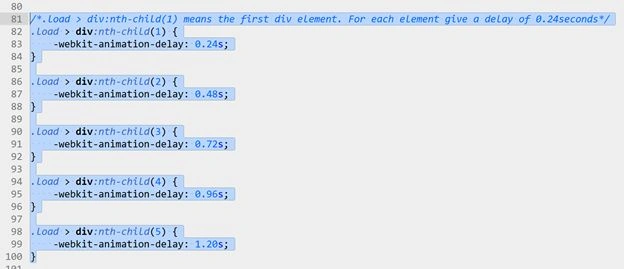
- /*this load is a keyframe that we want to bind to a selector*/
- -webkit-animation-name: load;
Shaili DashoraPosted Mar 3, 2015, 10:39 AM
Nice Article..
Sourabh SomaniPosted Mar 3, 2015, 8:43 AM
nice one :)
Harpreet SinghPosted Feb 24, 2015, 3:22 PM
Rahul Saxena thank you :)
Rahul Kumar SaxenaPosted Feb 24, 2015, 6:49 AM
Gud One Harpreet Singh...