

Introduction
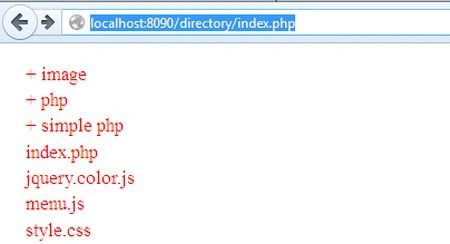
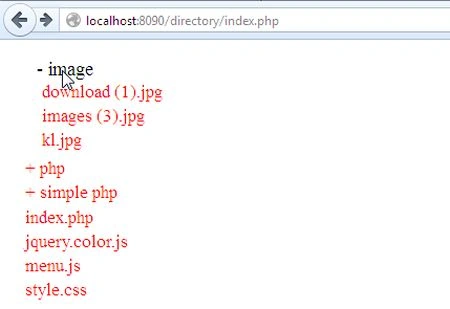
In this article I will create a directory tree with jQuery in PHP. The computer stores files in an organized manner. Using of directory tree you can easily find files. To create a directory tree I will use three files, style.css, menu.js, and index.php.
Example
This is "style.css" for the directory design.
body {
font-family: time new roman;
f-size: 12px;
}
#jQ-menu ul {
list-style-type: none;
}
#jQ-menu a, #jQ-menu li {
color: red;
text-decoration: none;
padding-bottom: 2px;
}
#jQ-menu ul {
left-padding: 12px;
}
This is the "menu.js" file.
$(function () {
$("span.toggle").next().hide();
$("#menu a, #menu span.toggle").hover(function () {
$(this).stop().animate({
fSize: "17px",
leftpadding: "10px",
color: "black"
}, 300);
}, function () {
$(this).stop().animate({
ftSize: "14px",
leftpadding: "0",
color: "#808080"
}, 300);
});
$("span.toggle").css("cursor", "pointer");
$("span.toggle").prepend("+ ");
$("span.toggle").click(function () {
$(this).next().toggle(1000);
var v = $(this).html().substring(0, 1);
if (v == "+")
$(this).html("-" + $(this).html().substring(1));
else if (v == "-")
$(this).html("+" + $(this).html().substring(1));
});
});
This is the "index.php" file for creating the directory tree. In this file we have three functions; they are:
-
makeDir($path)
-
printFile($file, $path)
-
printSubDir($dir, $path)
<html>
<head>
<title>Create Directory tree with jQuery</title>
<!-- CSS For The Menu -->
<link rel="stylesheet" href="style.css" />
Join the conversation! Your thoughts help the community grow.