

Note: this article is published on 09/23/2024.
This series of articles will discuss Database Dictionary related issues
- Database Dictionary (1) --- Schema
- Database Dictionary (2) --- Extended Properties
- Database Dictionary (3) --- Loop Databases and Servers by AI
Introduction:
In this article, we will discuss the basic elements of database schema: Server, Database, Schema, Table and Column. We will discuss how to retrieve those infor from SQL Server.
- A - Introduction
- B - Data Source
- C - Retrieve Schema Info by SQL in SQL Server
- Get Servers (including linnked servers and remote servers) by SQL
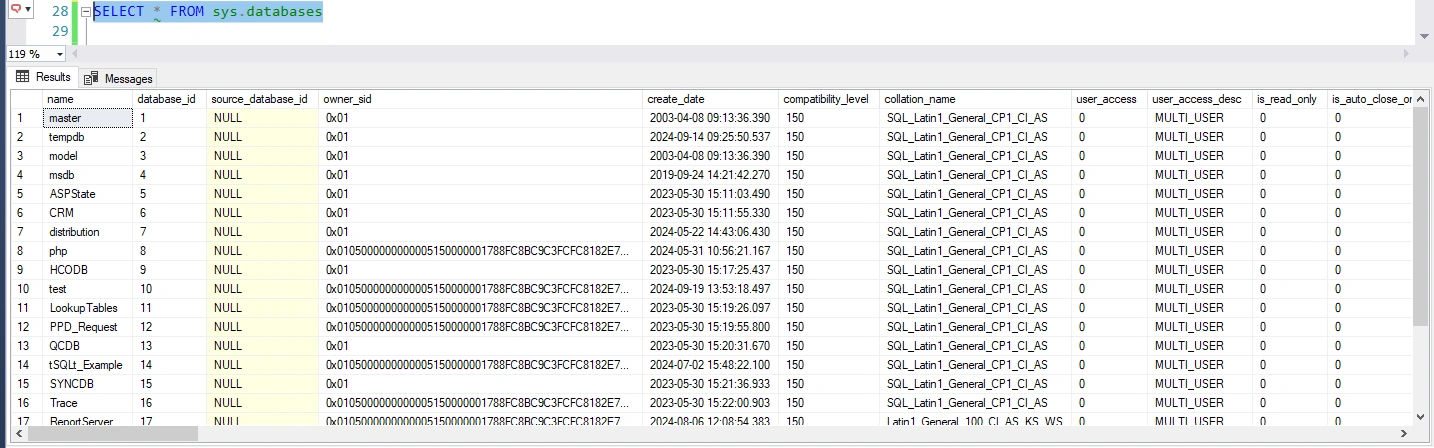
- Get Databases by SQL
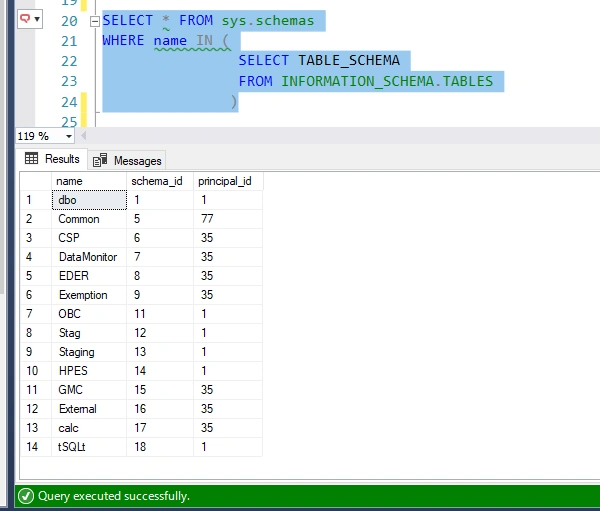
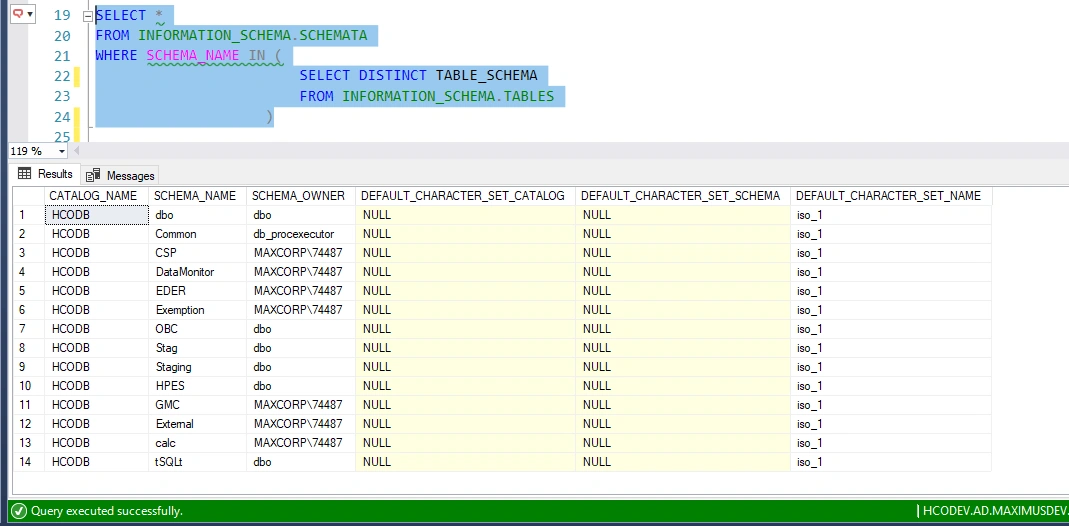
- Get Schemata by SQL
- Get Tables by SQL
- Get Columns by SQL
B - Data Source
Database data stored in system database:
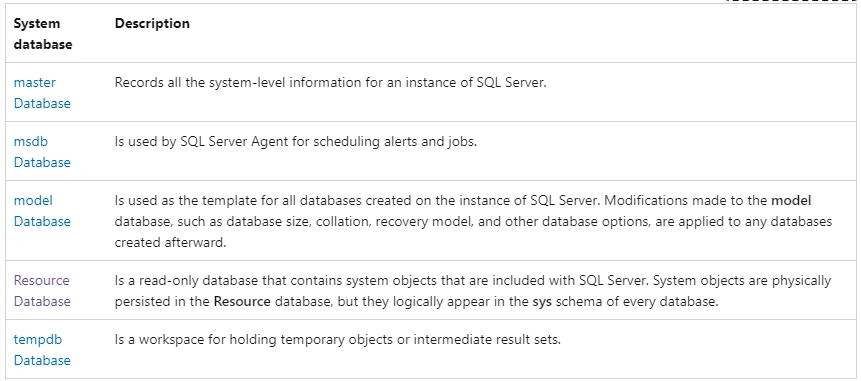
The Resource database is a read-only database that contains all the system objects that are included with SQL Server. SQL Server system objects, such as sys.objects, are physically persisted in the Resource database, but they logically appear in the sys schema of every database. The Resource database does not contain user data or user metadata.
The Resource database makes upgrading to a new version of SQL Server an easier and faster procedure. In earlier versions of SQL Server, upgrading required dropping and creating system objects. Because the Resource database file contains all system objects, an upgrade is now accomplished simply by copying the single Resource database file to the local server.
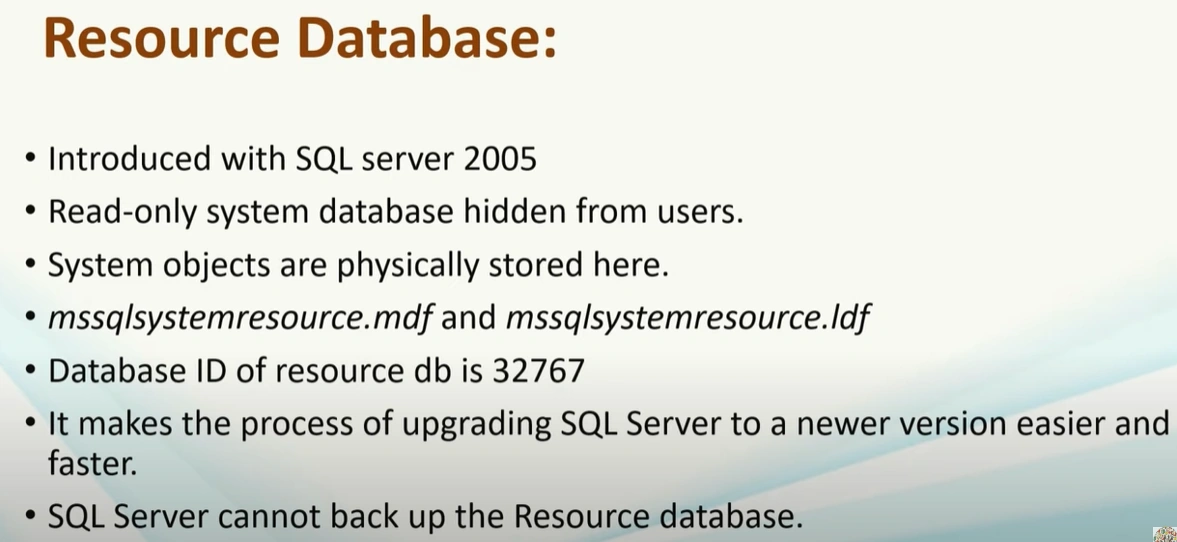
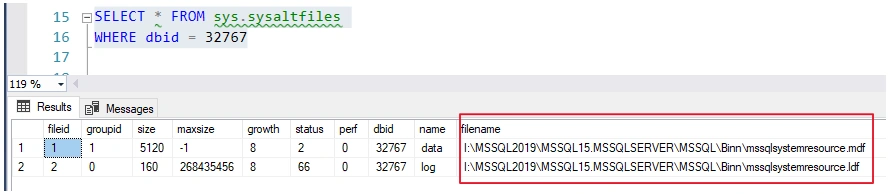
Resource database location:
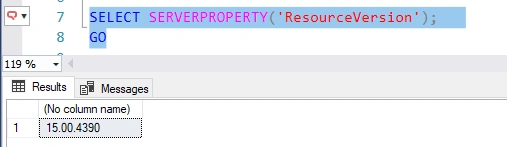
Resource Version:
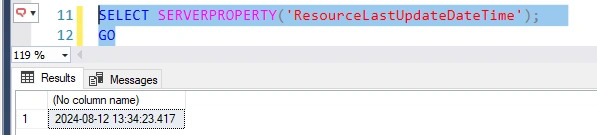
Resource Last Update Date Time:
C - Retrieve Schema Info by SQL in SQL Server
Retrieve info from SQL server for:
- Server
- Database
- Schema
- Table
- Column
Get Servers (including linnked servers and remote servers) by SQL
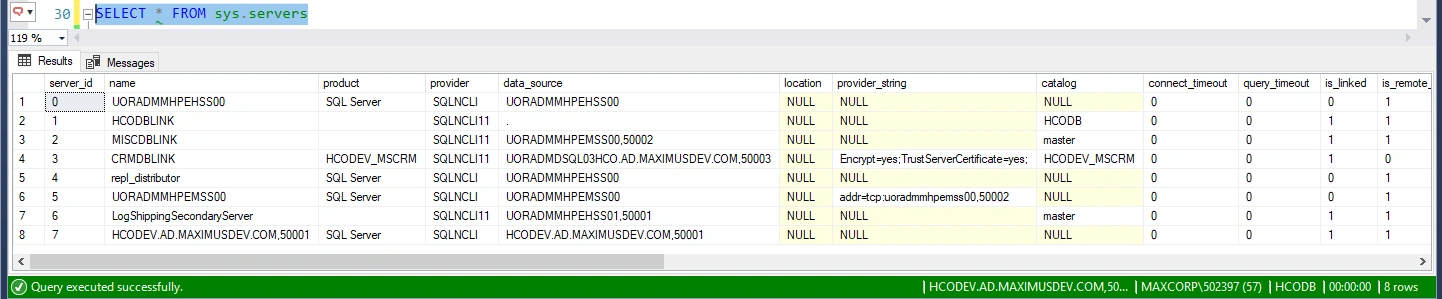
SELECT * FROM sys.servers

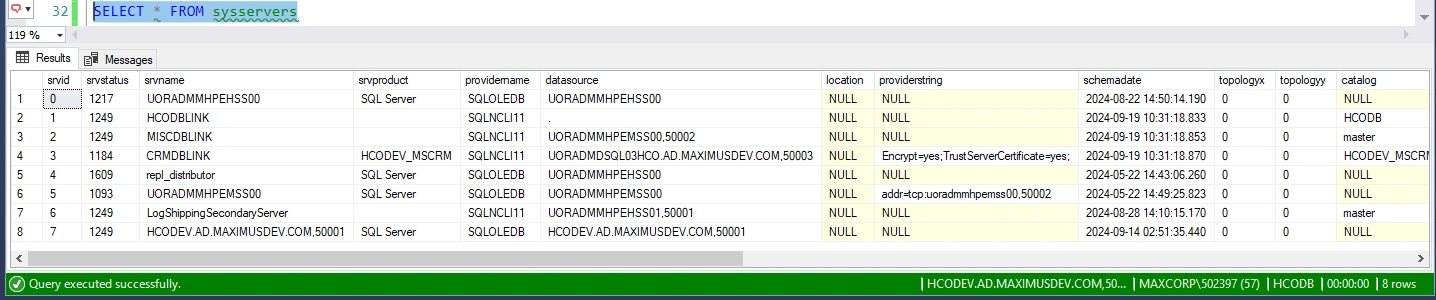
SELECT * FROM sysservers

SELECT * FROM sys.sysservers
Contains a row per linked or remote server registered, and a row for the local server that has server_id = 0. Such as
 and
and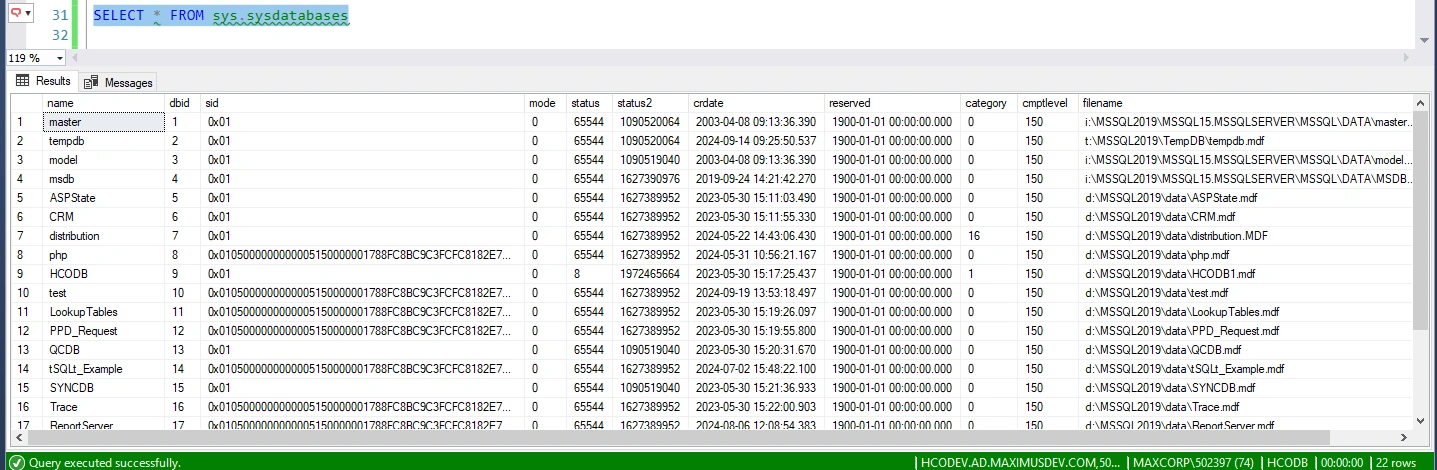 Note:
Note: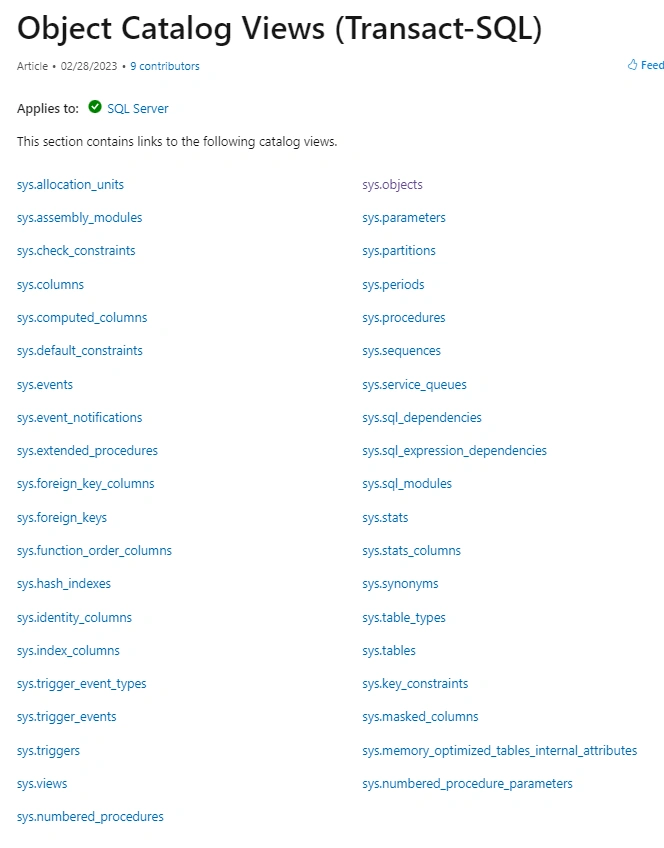
Join the conversation! Your thoughts help the community grow.