

Introduction
Blazor is a framework built by Microsoft for creating interactive client-side web UI with .NET codebase. We can write both client-side and server-side code in C#.NET itself. There are two hosting models available for Blazor. Blazor Server and Blazor WebAssembly. Blazor Server for production was already available. Recently Microsoft released the production version of Blazor Web Assembly also.
A Progressive Web Application (PWA) is a Single Page Application (SPA) that uses modern browser APIs and capabilities to behave like a desktop app. Blazor WebAssembly is a standards-based client-side web app platform, so it can use any browser API, including PWA APIs required for the following capabilities:
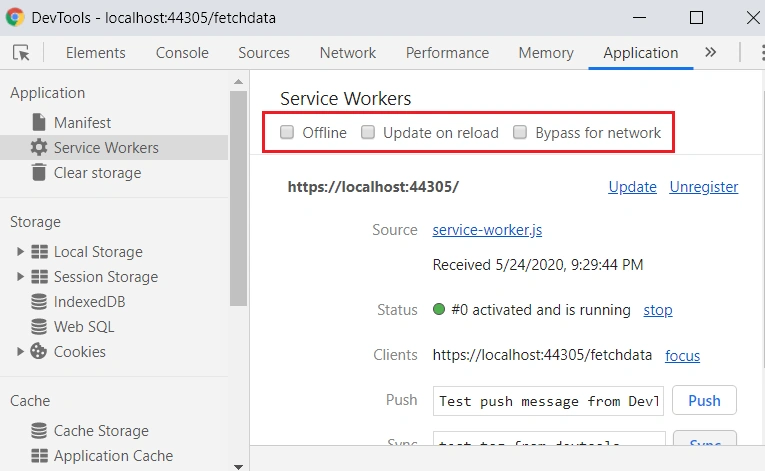
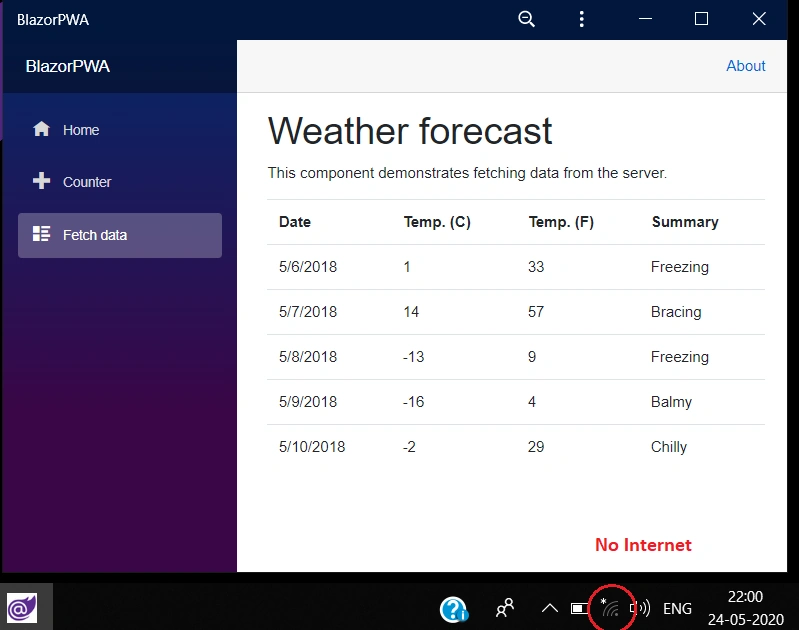
- Working offline and loading instantly, independent of network speed.
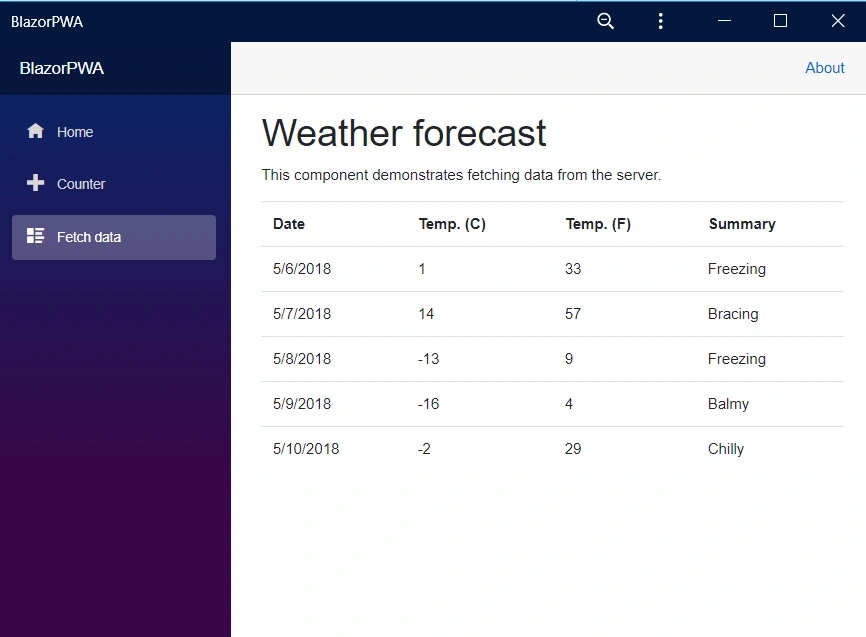
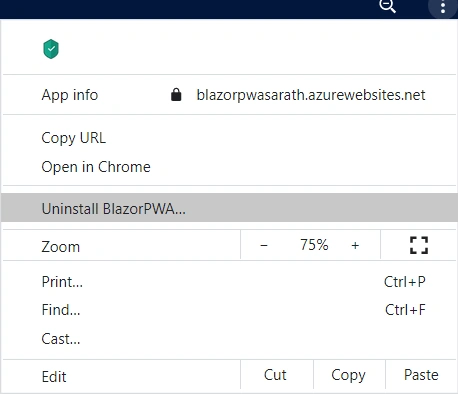
- Running in its own app window, not just a browser window.
- Being launched from the host's operating system start menu, dock, or home screen.
- Receiving push notifications from a backend server, even while the user isn't using the app.
- Automatically updating in the background.
You can learn more details about Progressive Web Apps basics from below official document from Microsoft.
Prerequisites
Install the latest .NET Core SDK (3.1.300 or later)
To maximize your Blazor productivity, be sure to install a supported version of Visual Studio for your platform of choice:
Windows: Visual Studio 2019 16.6
macOS: Visual Studio for Mac 8.6
Windows/macOS/Linux: Visual Studio Code with the C# extension
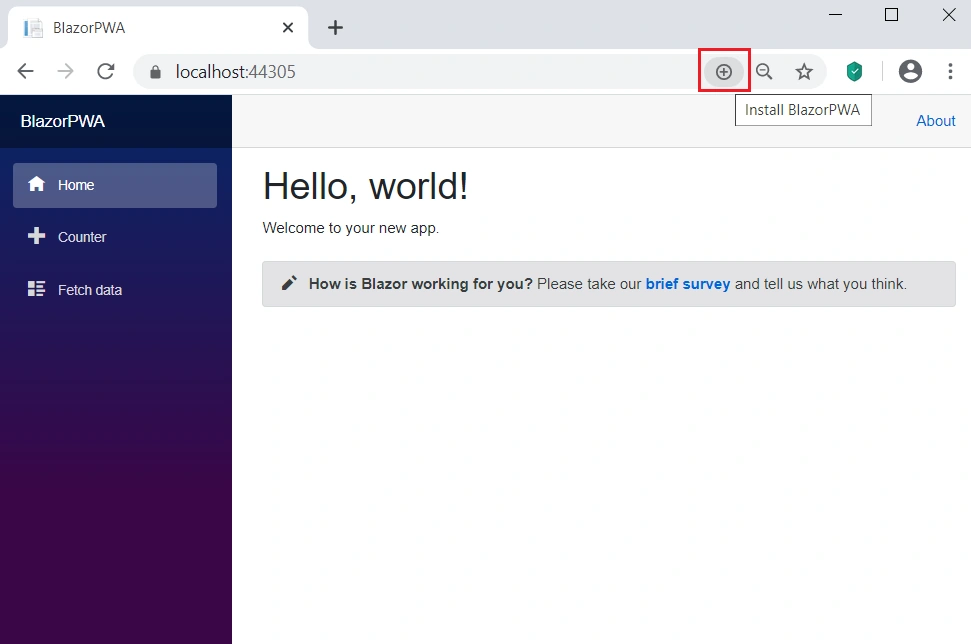
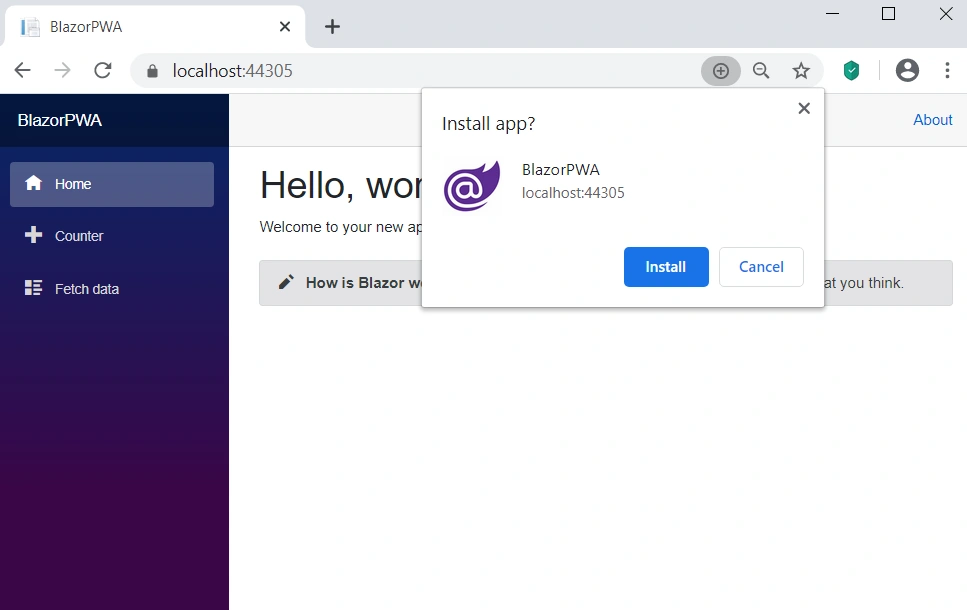
In this post, we will see how to create a PW App with Blazor very easily. We will see some main features of this PW App as well.
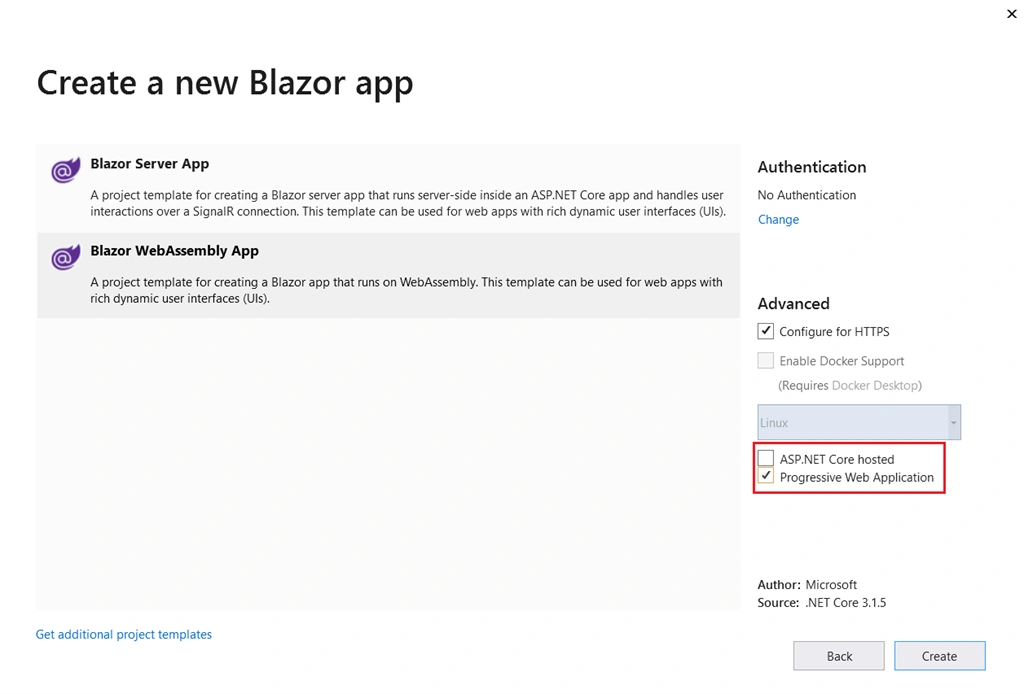
Install the .NET Core SDK as per the prerequisite mentioned in this post. Open Visual Studio and choose Blazor template. You can choose Blazor Web Assembly option. When you choose the Web Assembly, you will see two more options under advanced tab. Select “Progressive Web Application” option also.
After created the new project, if you look at the project structure, you can see three additional files under “wwwroot” directory
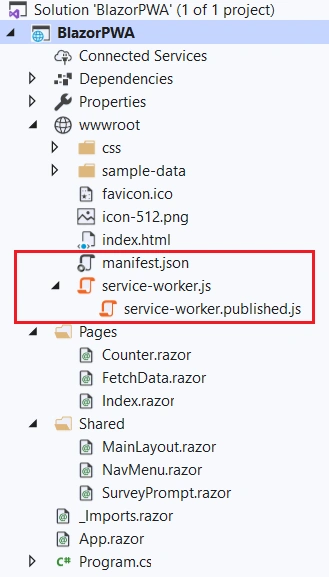
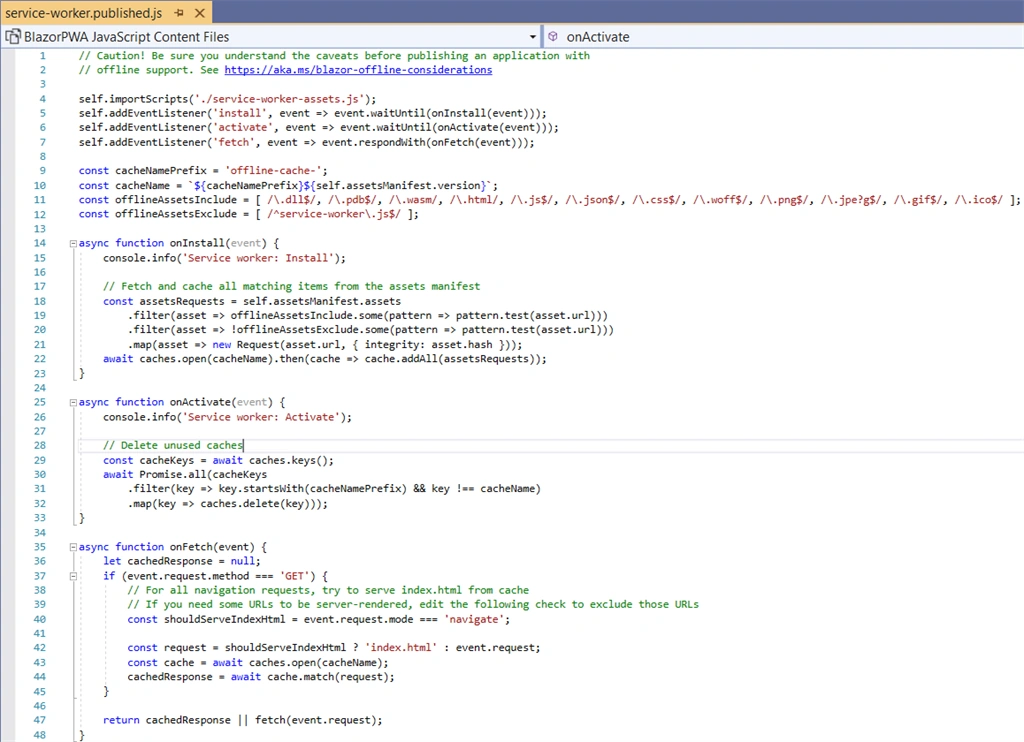
“manifest.json”, “service-worker.js”, and “service-worker.published.js” files are used for PW App.
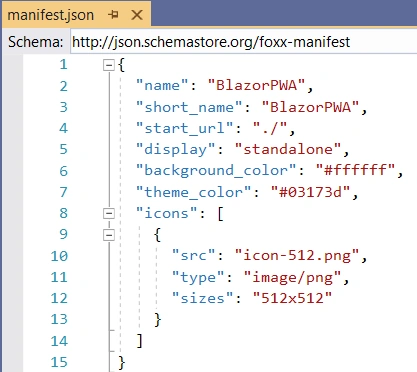
manifest.json file contains below details.

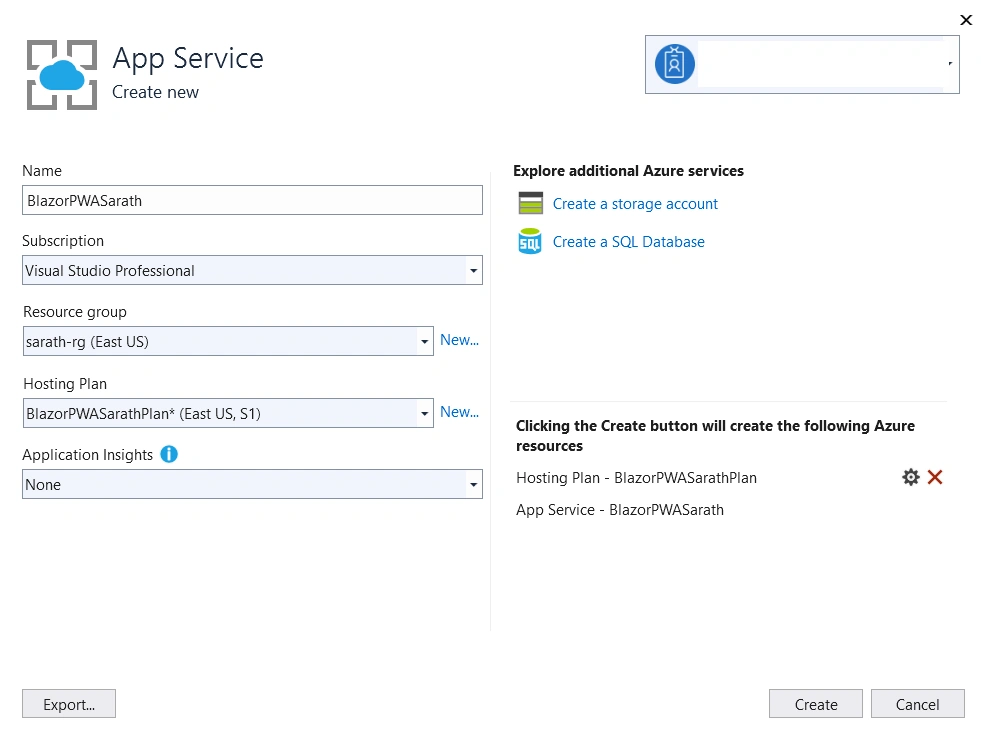
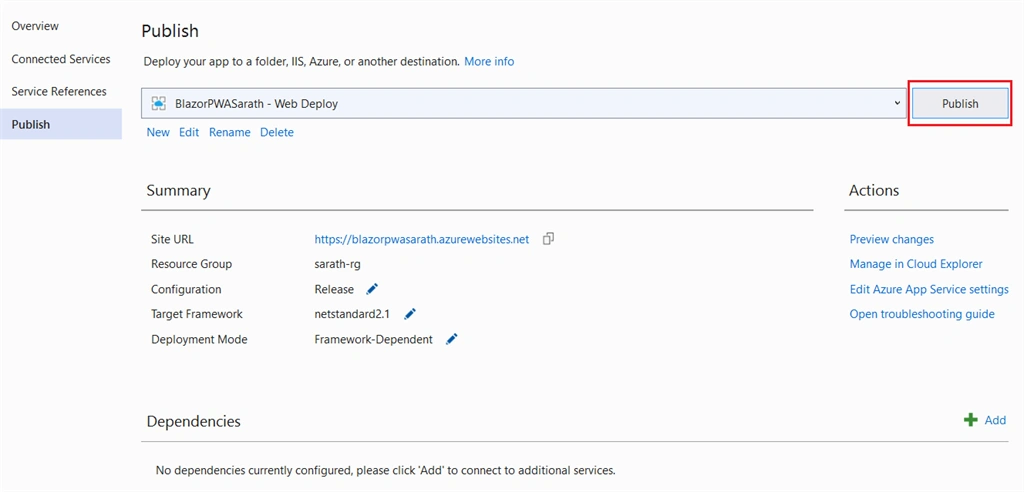
Ameen MughalPosted May 26, 2020, 5:12 AM
http://topresourcing.co.uk/cv-formatting-uk/ CV formatting is no doubt a ‘time drain’ on a recruiter and a loss of time means a loss of revenue. In today’s ultra-competitive market, recruitment firms are seeking new ways of becoming more effective and improving output, while simultaneously reducing business overheads. This is a significant challenge.