

Introduction
This article describes how to handling any exception in Automation Anywhere using the community edition. Sometimes we get exceptions in our bot and we have to deal with those exceptions & track them. So I will explain the same in this article.
If you are a beginner then need to check this article Getting Started Robotic Process Automation using Automation Anywhere to create environment of Automation Anywhere.
Create a New bot
After logging to Automation anywhere account through cloud community edition link,
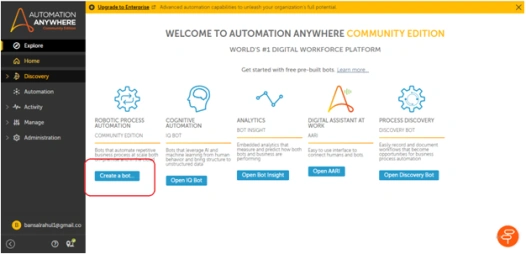
You will see a Dashboard as shown in below image and you can create a new bot through highlighted button 'create a bot'-
Bot Configuration
After clicking on 'create a bot' button, you will get a popup window. It will ask some information about bot which you want to create like-
- Name of bot
- Description of bot(optional)
- Folder location of bot

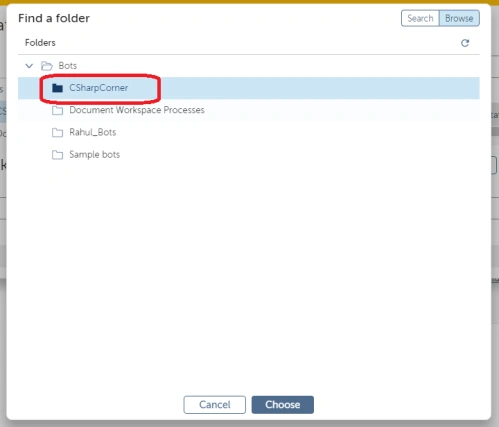
After clicking on choose option, a popup window will come where you can browse 'CSharpCorner' folder and click on choose to set a default location for your new bot.
After creating bot, we need to do below steps-
- Add Try catch block
- Expression to generate exception in Try block
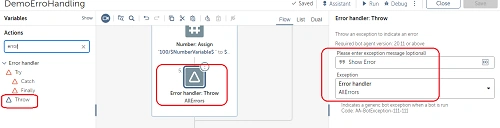
- Add Throw
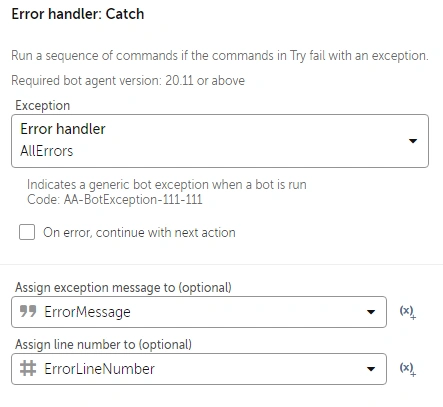
- Get Throw errors in Catch block
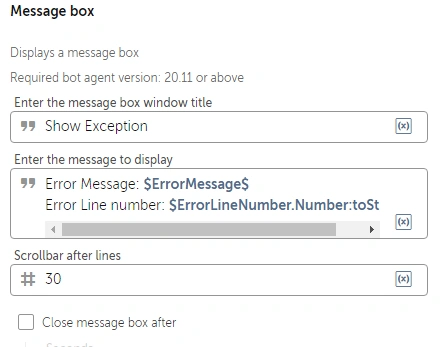
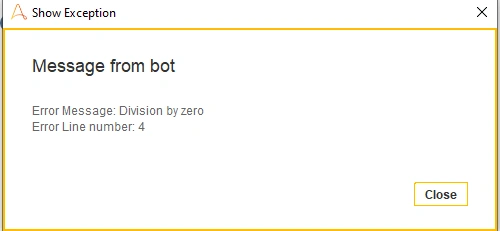
- Show message in Catch block
Add Try catch block
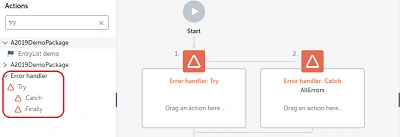
Let's go to 'Action' pane on left side and find 'Error handler' action. Drag & drop 'Try, Catch and Finally' into the workspace.
Expression to generate exception in Try block
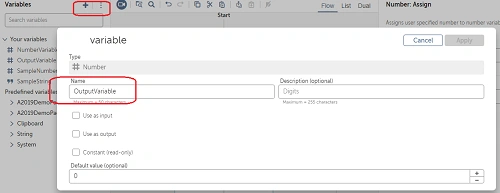
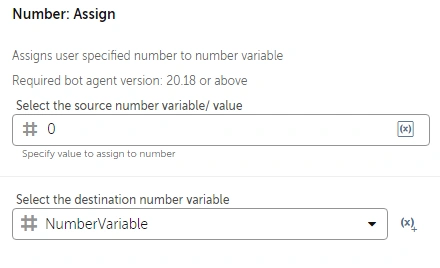
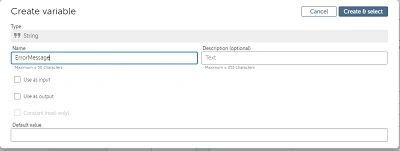
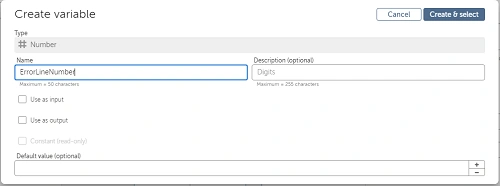
In the 2nd step, we will generate exception through expression and for this we have to create 2 number variables, one for expression and second for the outcome of the expression
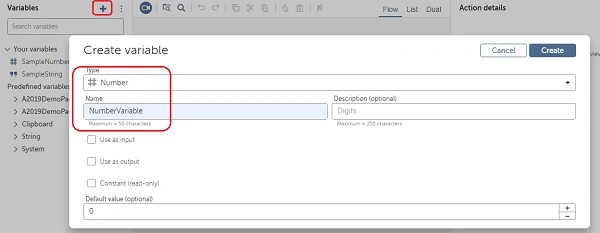
2.1 Create Number Variables: Create a variable through left side variable pane and click on '+' sign, and select 'Number' type and name as 'NumberVariable' and click on create button.
Join the conversation! Your thoughts help the community grow.