

Introduction
Export an SSL certificate from the windows server.
Steps Involved
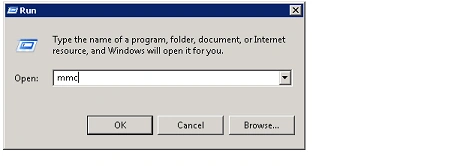
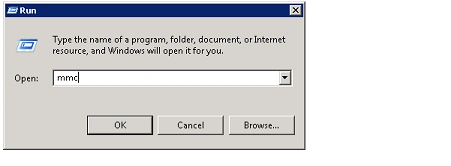
- Go to Start => Run => Type MMC and then
Click on Ok.
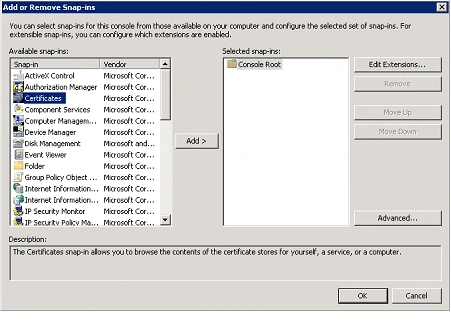
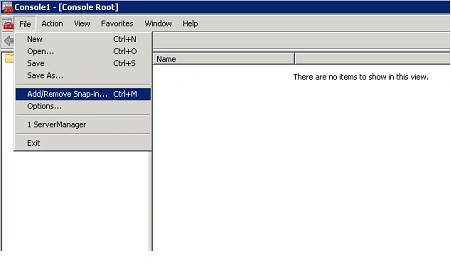
- In Microsoft Management Console, Click on
the File menu and then click on Add\Remove Snap-in.

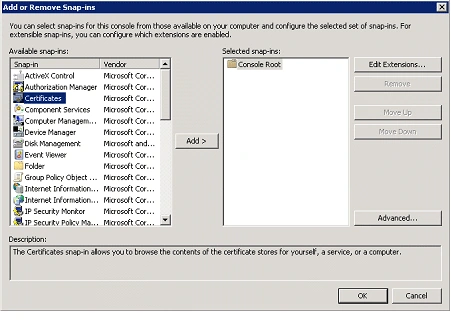
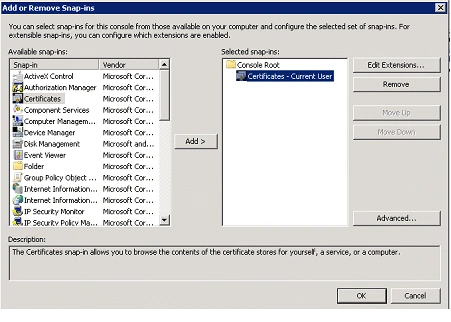
- In the Add or Remove Snap-ins wizard,
select Certificates from the Available snap-ins and then click on Add.
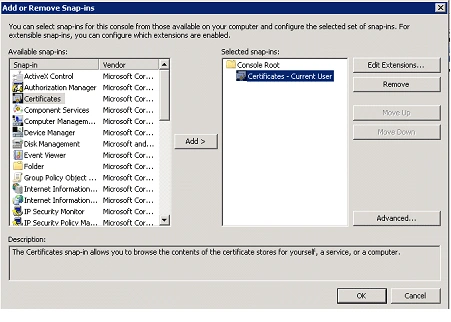
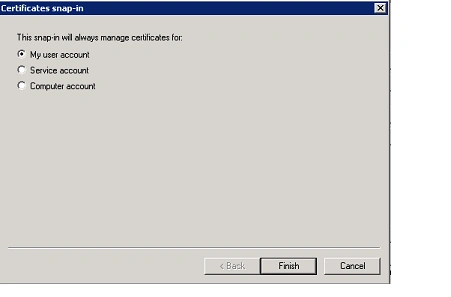
- Select My user account and click on
Finish.

- The certificate will be added and click on Ok.
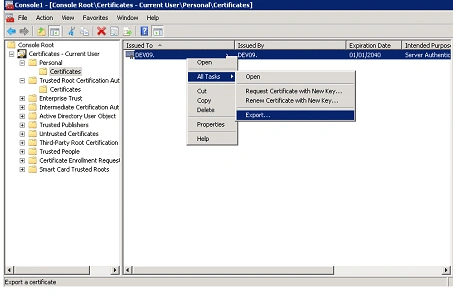
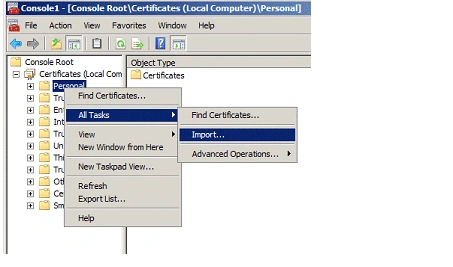
- In the left pane expand Certificates, and
then expand Personal.
- Click on the Certificates folder.
- Right-click on the certificate, click on
All Tasks and then click on Export.
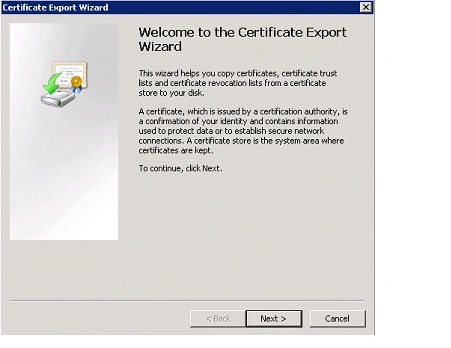
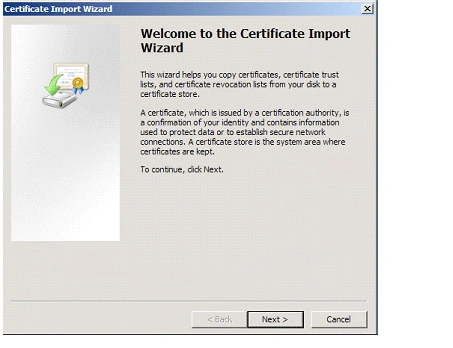
- Certificate Export Wizard will pop up,
Click on Next.
- In the Export File Format select DER
encoded binary X.509 (.CER) format.
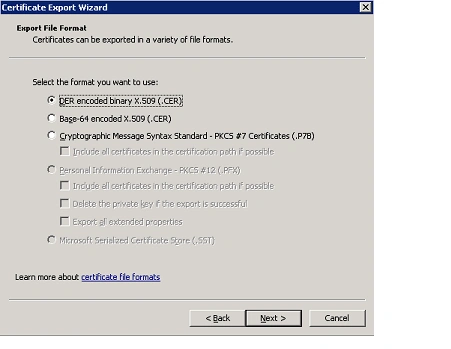
- Click on Next.
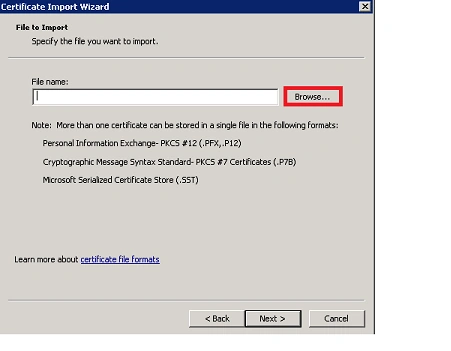
- In the File to Export click on browse,
select the location and enter the Name.
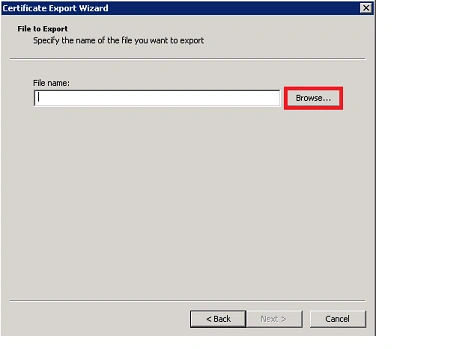
- Click on Save, the certificate will be
saved.
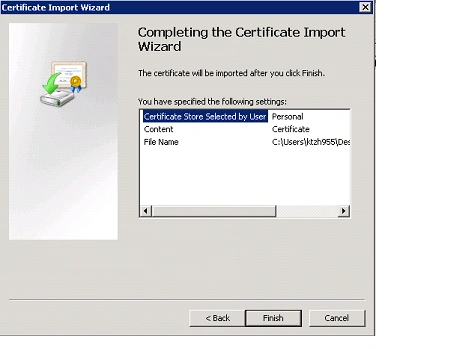
- In the Certificate Export Wizard, click on
Finish
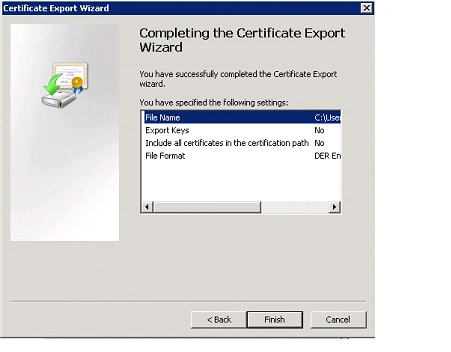
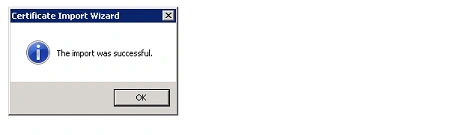
- You will be getting the following pop up,
Click on Ok.
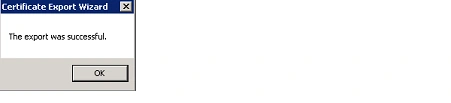
- The certificate is exported successfully.

Sourav Kumar DasPosted Nov 22, 2019, 1:04 AM
Nice useful article Sir.
Shalini JunejaPosted Jul 28, 2011, 7:37 AM
Useful Article
Rohatash KumarPosted Jul 28, 2011, 7:34 AM
Good work. Vijai