

Introduction
In this article, we would try to understand more about Manage Instance Group. We would also see features of Manage Instance Group like Auto Scaling, Auto Healing, and canary deployment.
In this article, we will cover the following topics:
- What is Managed Instance Group
- How to Create Manage Instance Group
- Working with Manage instance group Auto Scaling, Auto Healing
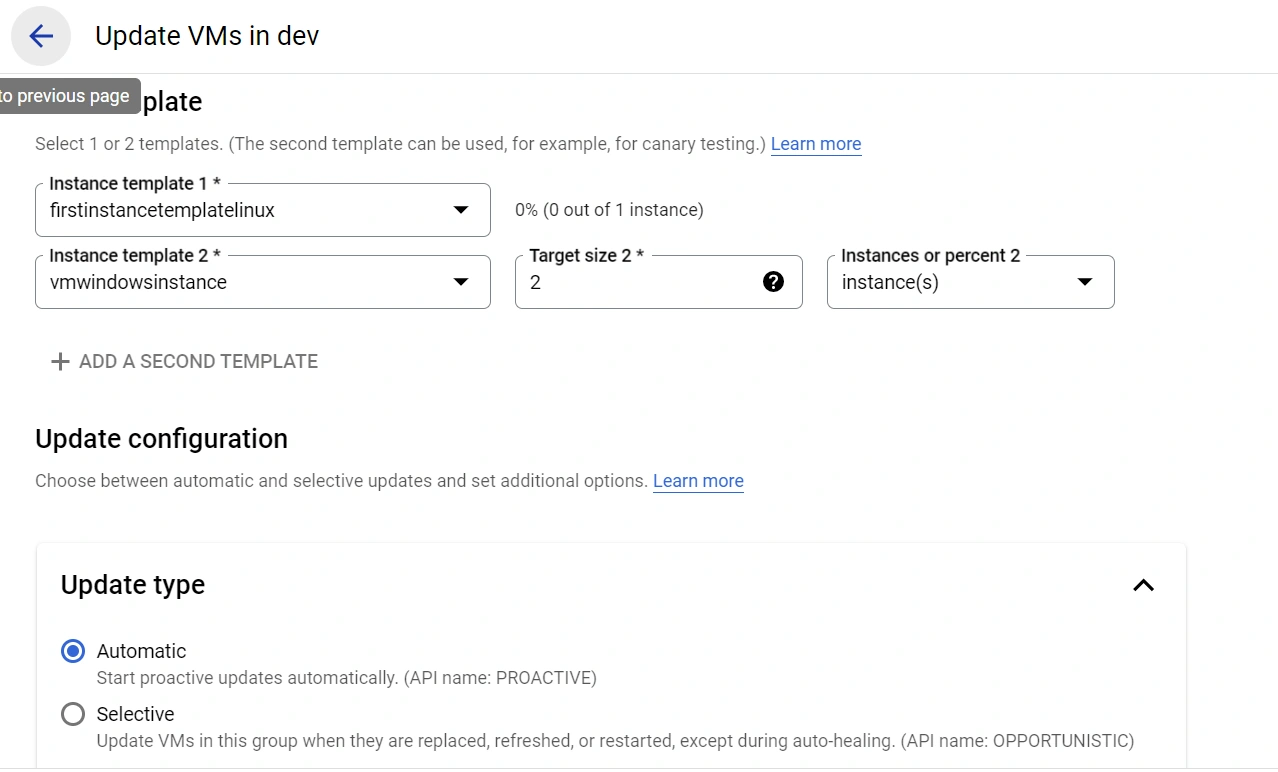
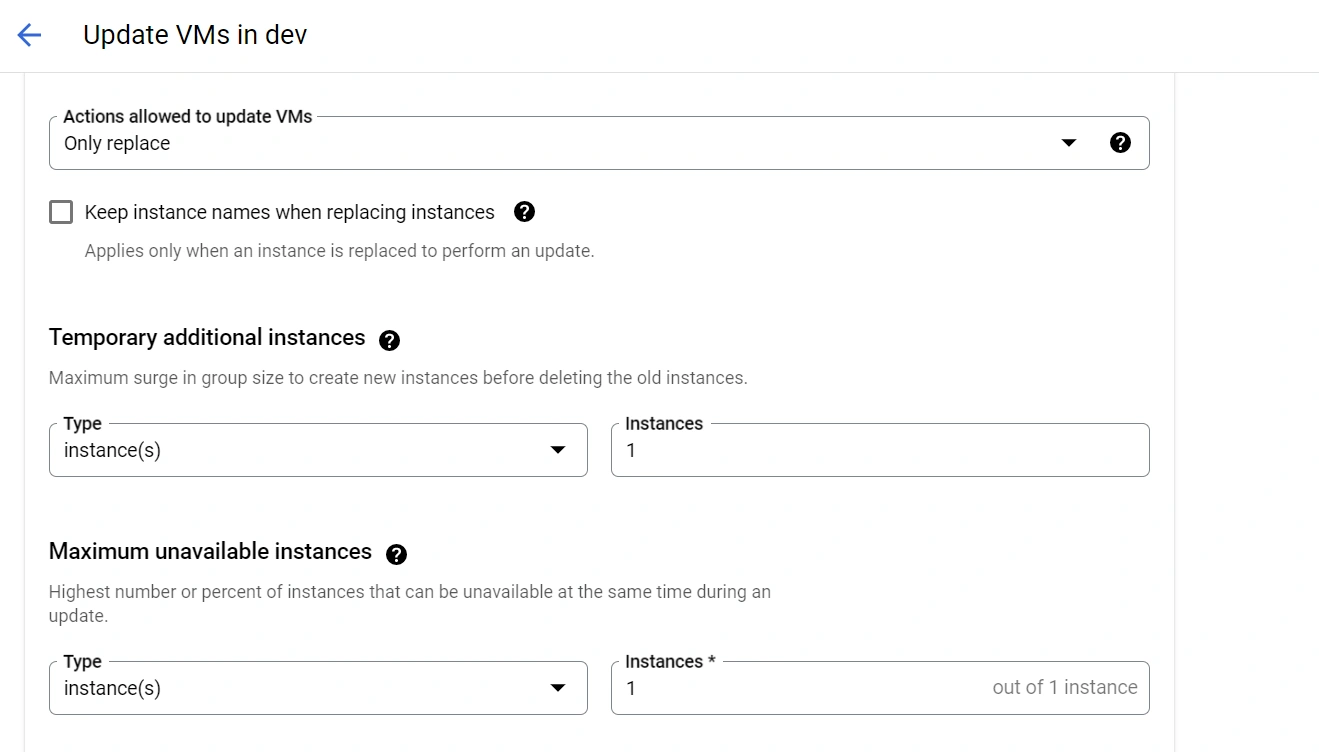
- Working with Rolling Updates and Canary Deployment.
Prerequisites
In this article, we would not cover step-by-step VM creation since it was already covered in the previous 2 articles.
Kindly refer below articles for a depth understanding of VM creation and management in Google Cloud.
- https://www.c-sharpcorner.com/article/understanding-internalexternal-ip-address-in-google-cloud-vm-instances-and-work/
- https://www.c-sharpcorner.com/article/understanding-google-compute-engine-and-set-up-first-vm-in-google-cloud-platform/
- https://www.c-sharpcorner.com/article/understanding-instance-templates-and-leveraging-instance-templates-to-simplify-v/
Step 1. What is Managed Instance Group
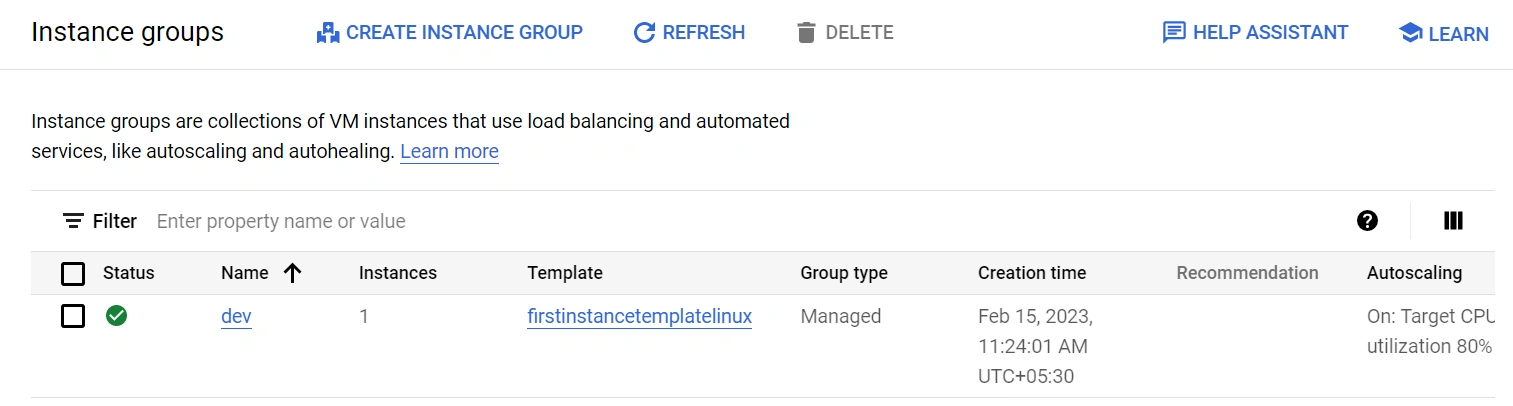
A group of VM machines working as a single entity created using an instance template is called a Managed Instance Group.
Features of MIG
- Auto Scaling
- Auto healing
- Rolling updates and Canary deployments
Step 2. How to Create Manage Instance Group
For creating a MIG we would first need an instance template
Click on create new MI. There would be two options
- Stateless: Select this option for stateless workloads like web applications, API
- Stateful: Select this option for stateful workloads like web Database
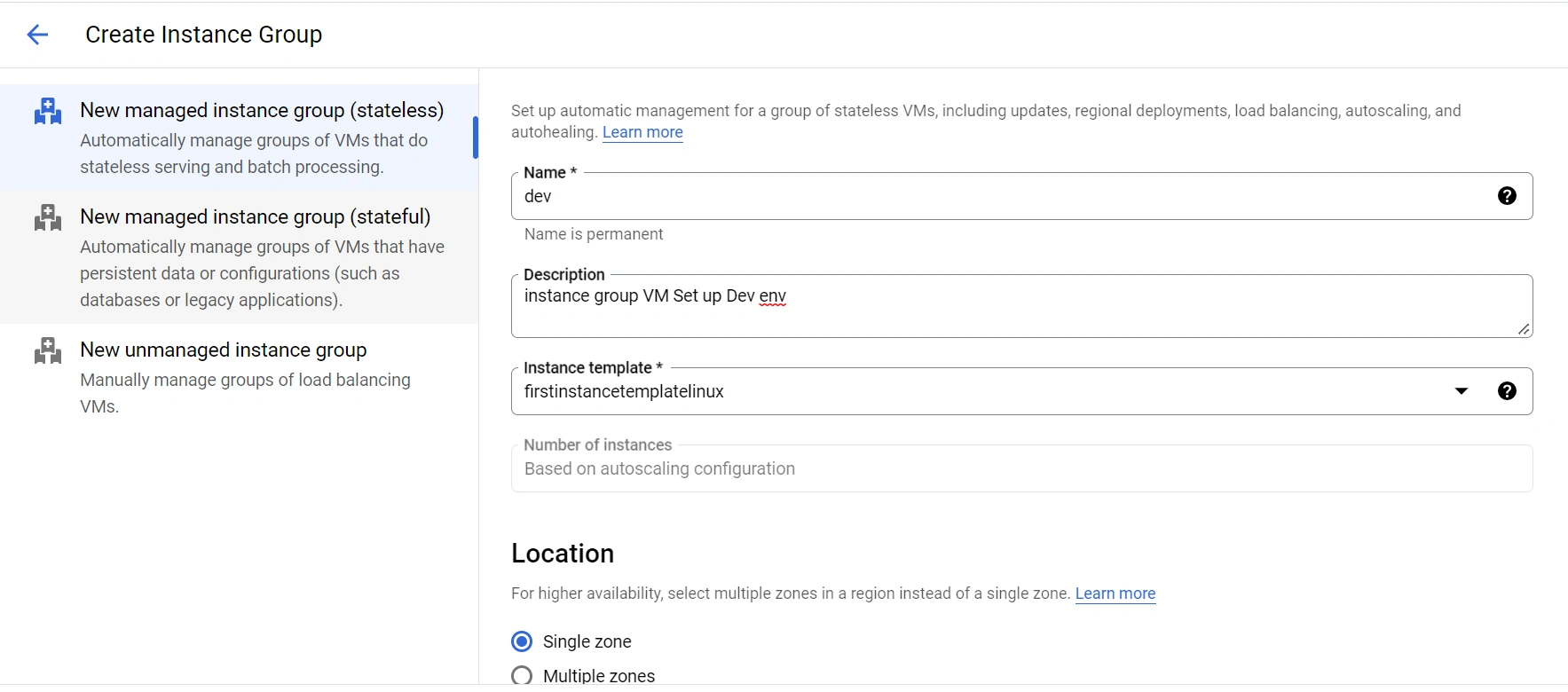
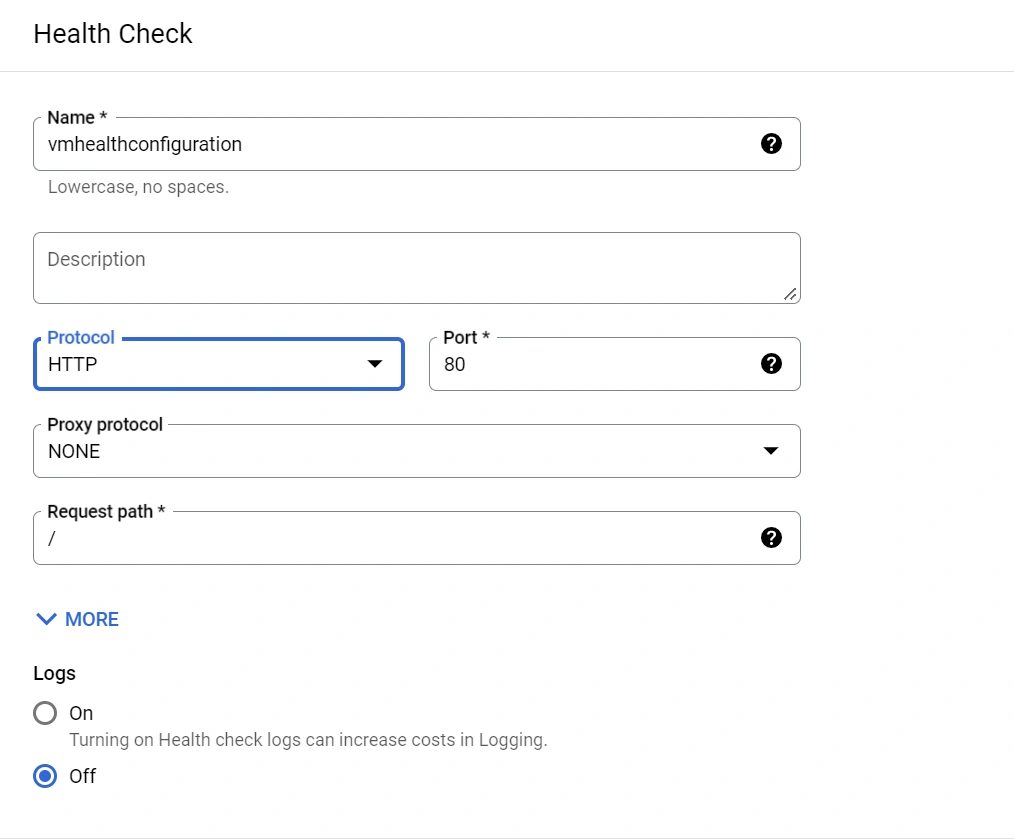
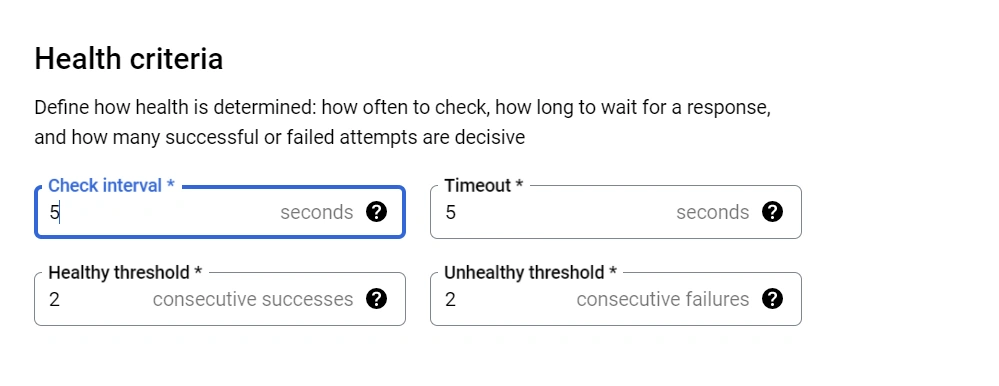
Step 3. Working with Manage instance group Auto Scaling, Auto Healing
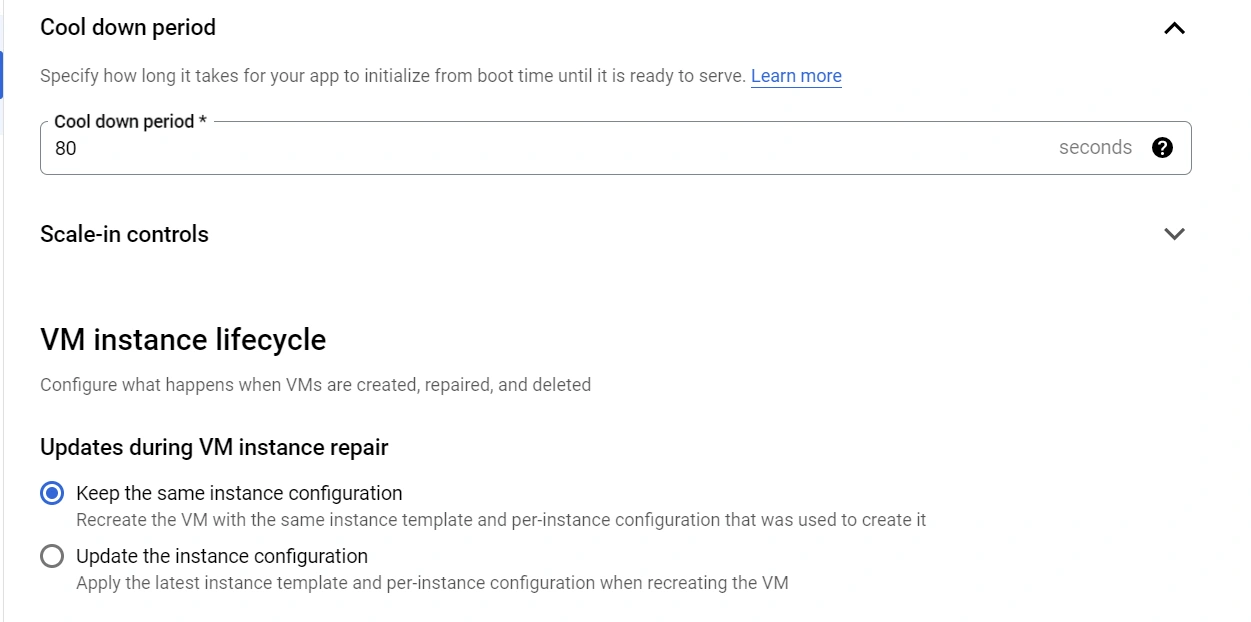
Configure Autoscaling
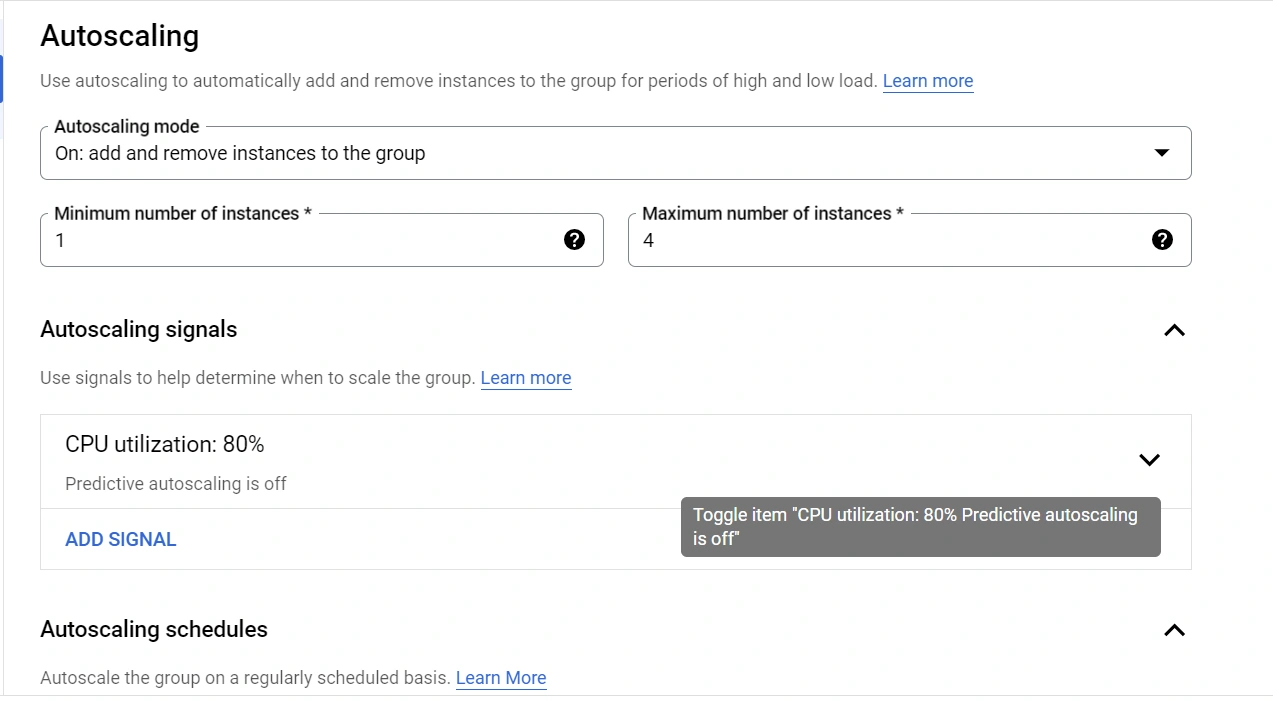
Select autoscaling mode. The selected mode will add or remove instances depending on the signal.
Select minimum and maximum instances range.
Join the conversation! Your thoughts help the community grow.