

Introduction
This article explains how to enable Comment Module in Drupal 7 Using PHP. For enabling comments in your page you first need the comment module. The comment module is available on our drupal core module and you will go to modules and see your comment section. After this you will check this module and save the configuration and then save your configuration. You will then check your configuration and permission settings.

Then check your configuration settings.

You can now use the comment module. Here, I will create one content showing a comment.
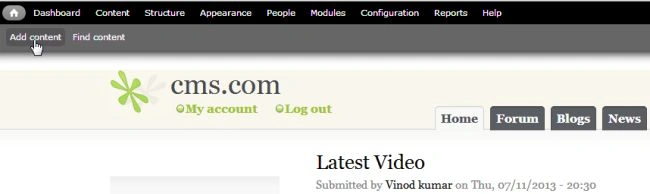
First of all click on "Add content".
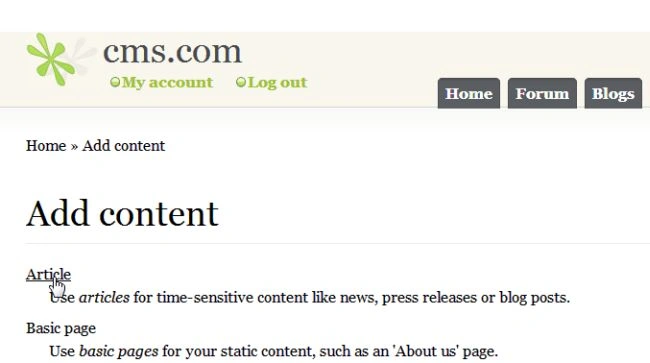
And next choose "Article".
And here the Tile, Tags and Body sections are shown. After doing this section you will check your comment setting.
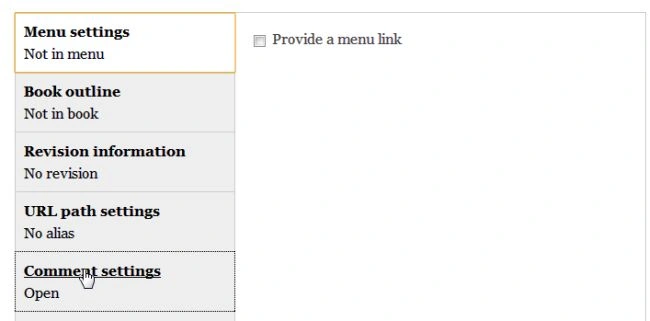
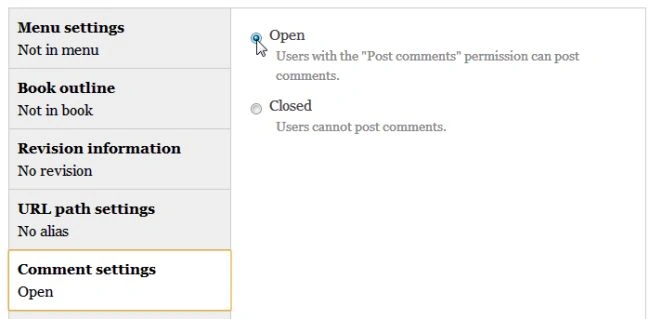
Your next setting is Publishing Option, such as:
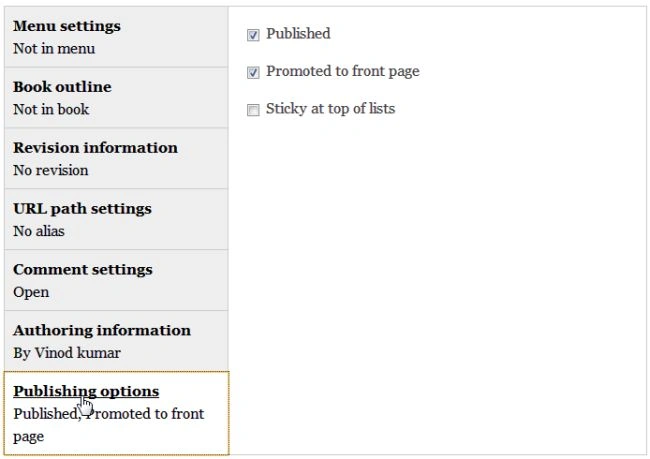
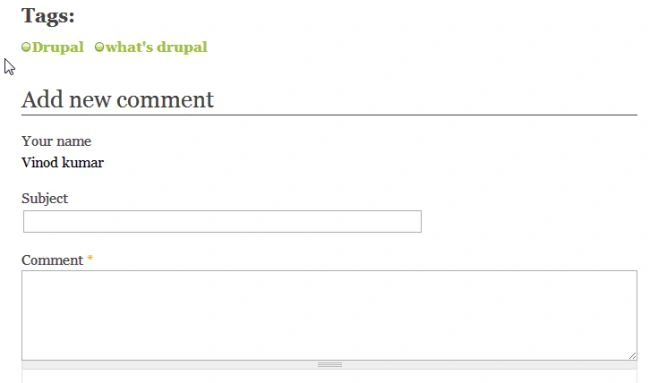
Finally show your comment section in your content as in the following:
Drupalthemes jameseditedPosted Sep 23, 2026, 7:25 AMEdited Sep 23, 2026, 8:16 AM
This was a helpful reference for Drupal 7, especially for understanding the basic idea behind enabling comments. For anyone working with Drupal today, it would be interesting to see this updated for Drupal 11 since the comment configuration and field based approach have evolved. The Comment module is still part of Drupal core, so the concept remains relevant even though the setup is different now.