

Students generally have problems with the virtual installation of Ubuntu; specifically, license issues, version issues, etc.
But I have a great solution for students to solve this problem. So now I’ll explain how to work with Cygwin software.
INTRODUCTION TO CYGWIN SOFTWARE
Cygwin is a compatible programming and runtime environment that runs natively on Microsoft Windows. The source code is designed for Unix-like operating systems.
The Cygwin installation directory has a similar directory layout to that found in the root file system of Unix-like systems, with familiar directories, such as /bin, /home, /etc, /usr, /var.
Cygwin installs with hundreds of command-line tools and other programs commonly found on a Unix-like system.
Cygwin provides native integration of Windows-based applications.
How to install “Cygwin Software”
Go to this link.
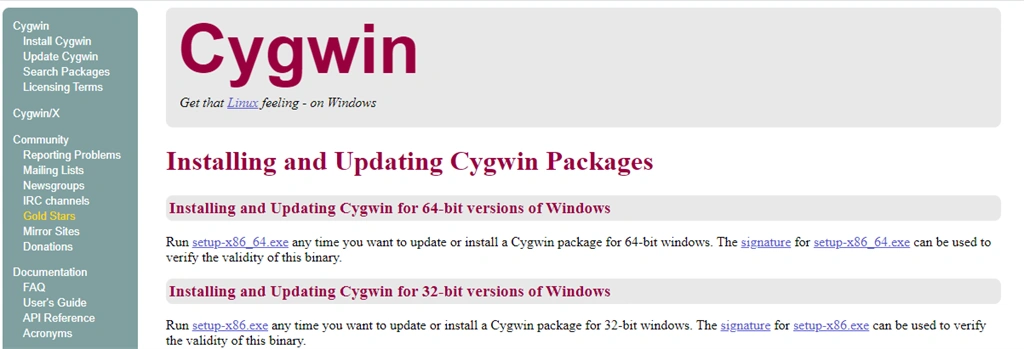
In the above image Cygwin istallation opens when you click on a given link and as per your processor you can install Cygwin software like 64bit or 32bit. Both setups are available on Cygwin site.
And setup of Cygwin is light-weight, so you can download easily and quickly.
Step 1
Go to the folder where the setup downloaded
Step 2
Double-click on that setup.
Step 3
Click on the “Yes” button to give the permission to open setup.
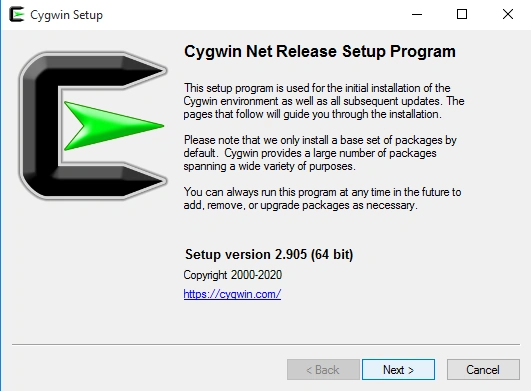
Now you can see the below dialog box,
Step 5
Click on the next button.
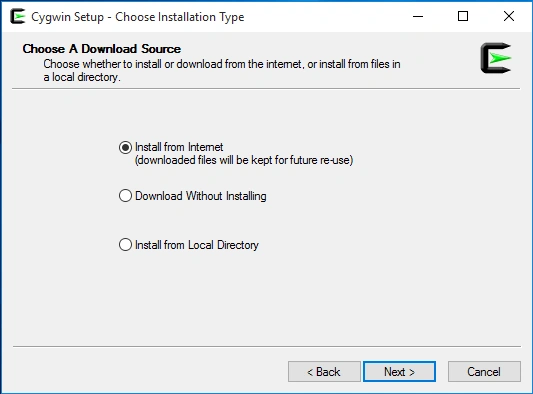
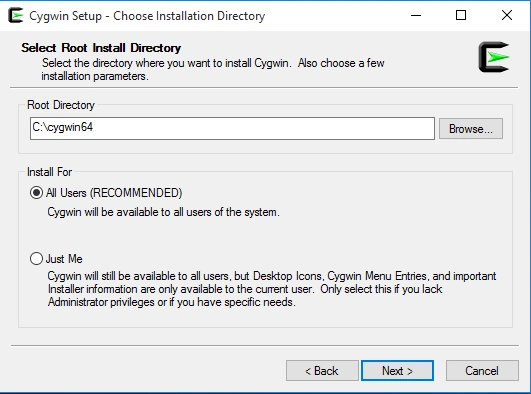
Now you can see a new dialog box with three options like below:-
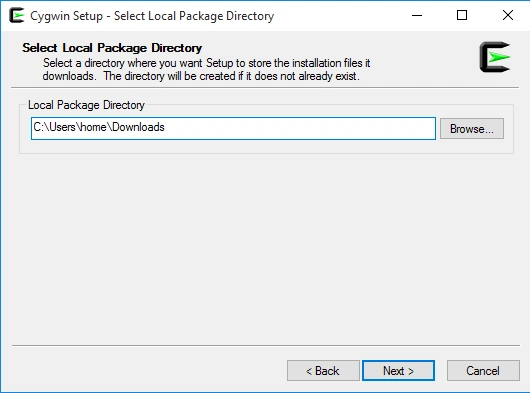
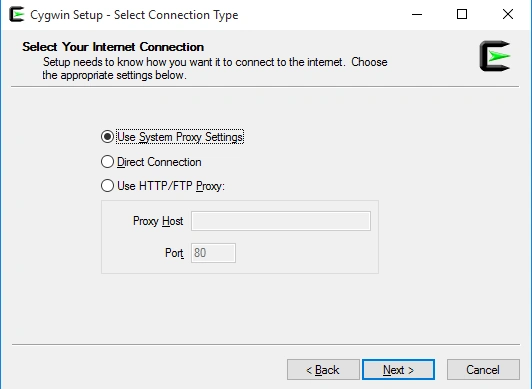
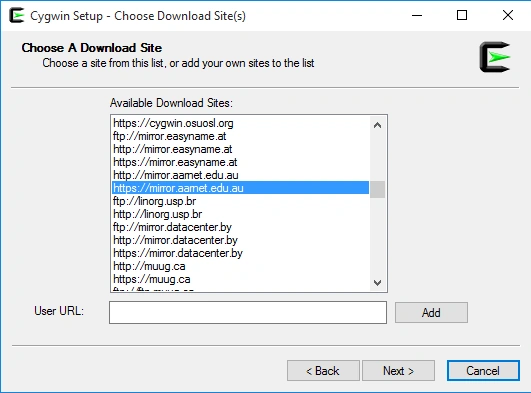
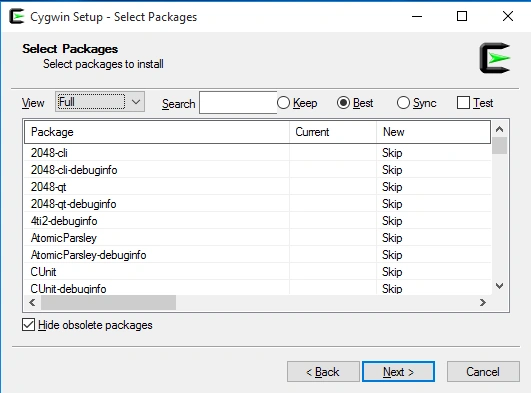
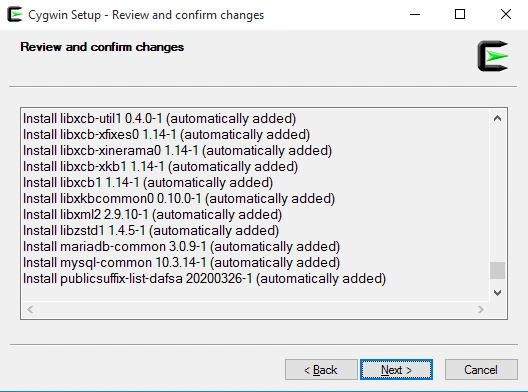
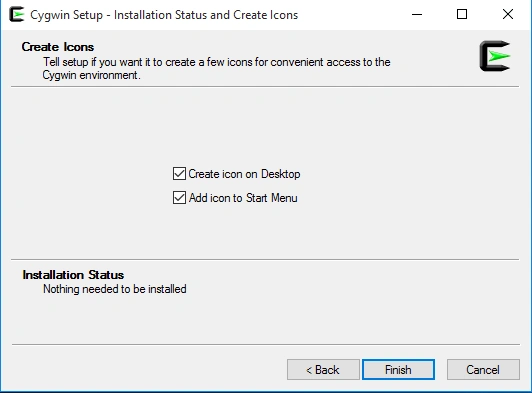
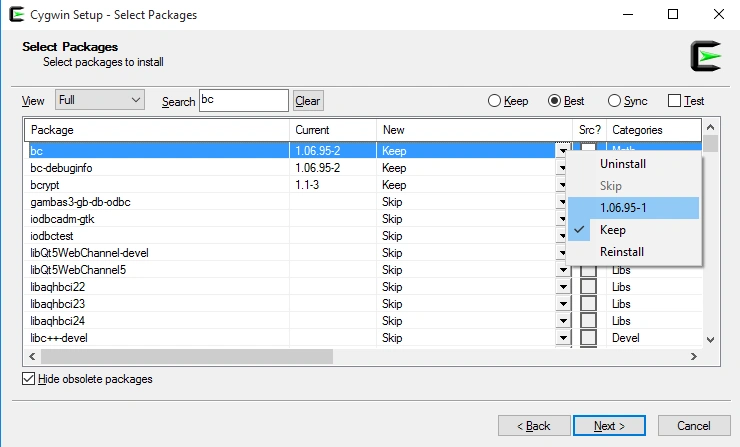
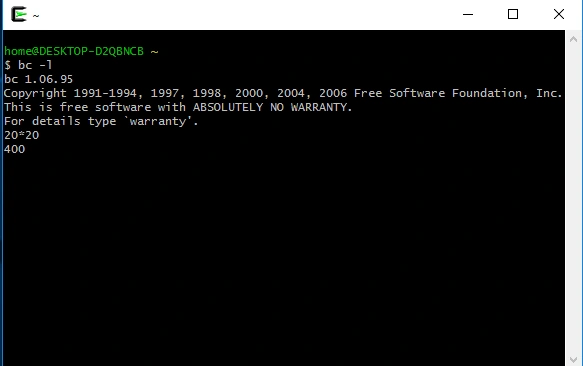
Join the conversation! Your thoughts help the community grow.