

As external login is very important and useful to integrate in your project. In one of my article i described why actually we need social Login in our projects. You can check here in the following link.
Here, I am explaining how to integrate Facebook Login in our Project.
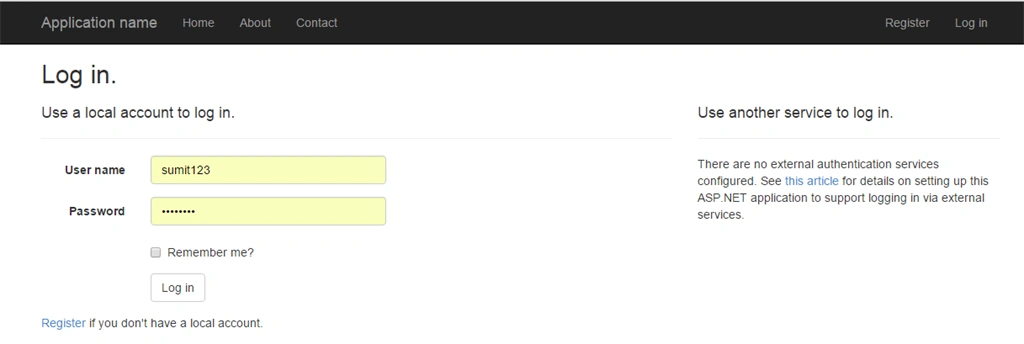
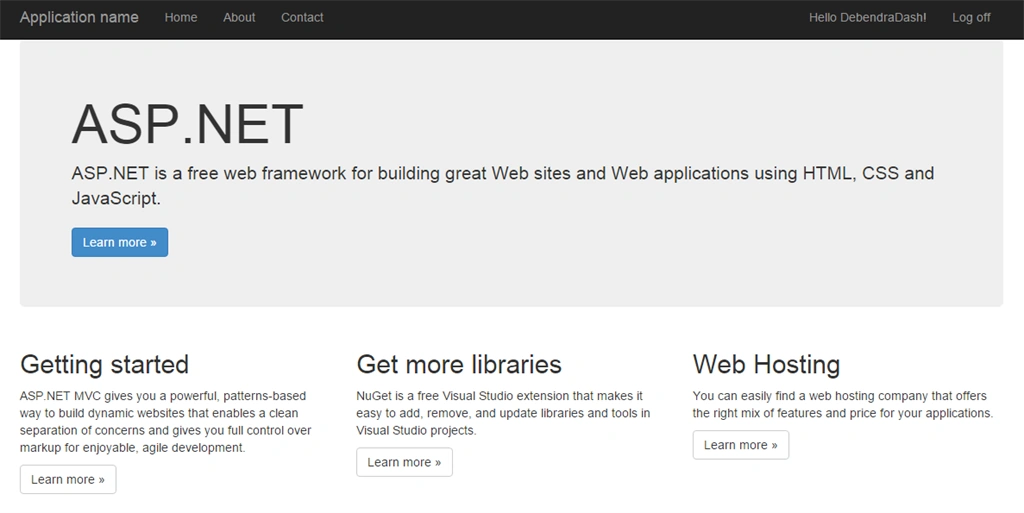
Step 1: Create an MVC project. Run the project and go to Login section, In Login section you will find the following view:
Step 1: Create an MVC project. Run the project and go to Login section, In Login section you will find the following view:
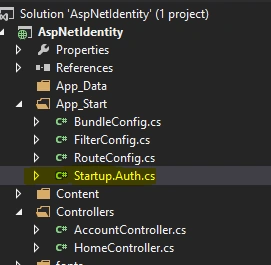
Step 2: Now go to the solution explorer App_Start and StartUp.Auth.cs
Step 3: Now open the StartUp.Auth.cs You will find the following commented code. Now as we are going to integrate facebook login just uncomment the Facebook section as in the following code.
- public partial class Startup
- {
- // For more information on configuring authentication, please visit http://go.microsoft.com/fwlink/?LinkId=301864
- public void ConfigureAuth(IAppBuilder app)
- {
- // Enable the application to use a cookie to store information for the signed in user
- app.UseCookieAuthentication(new CookieAuthenticationOptions
- {
- AuthenticationType = DefaultAuthenticationTypes.ApplicationCookie,
- LoginPath = new PathString("/Account/Login")
- });
- // Use a cookie to temporarily store information about a user logging in with a third party login provider
- app.UseExternalSignInCookie(DefaultAuthenticationTypes.ExternalCookie);
- // Uncomment the following lines to enable logging in with third party login providers
- //app.UseMicrosoftAccountAuthentication(
- // clientId: "",
- // clientSecret: "");
- //app.UseTwitterAuthentication(
- // consumerKey: "",
- // consumerSecret: "");
- app.UseFacebookAuthentication(appId: "", appSecret: "");
- // app.UseGoogleAuthentication();
- }
- }
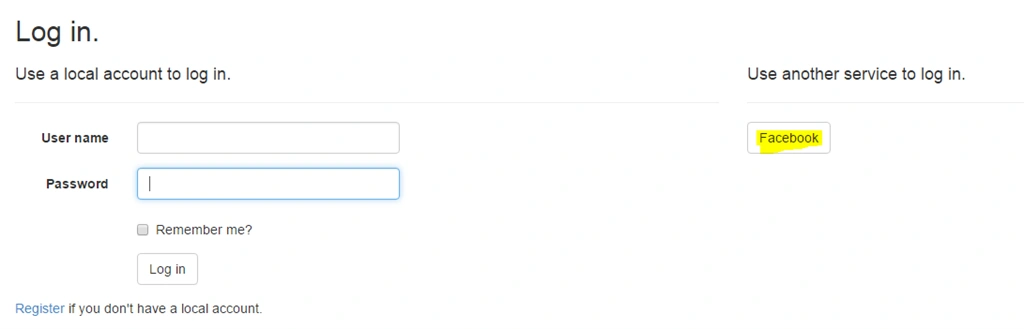
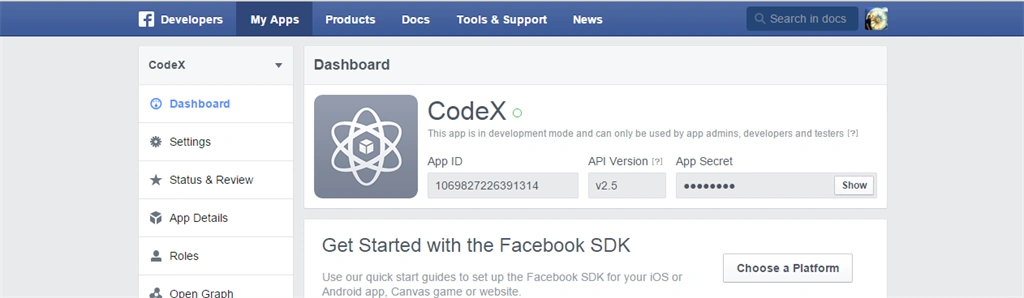
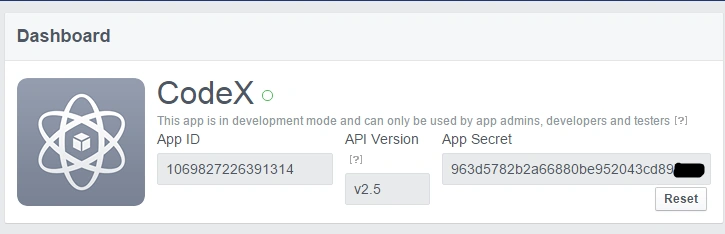
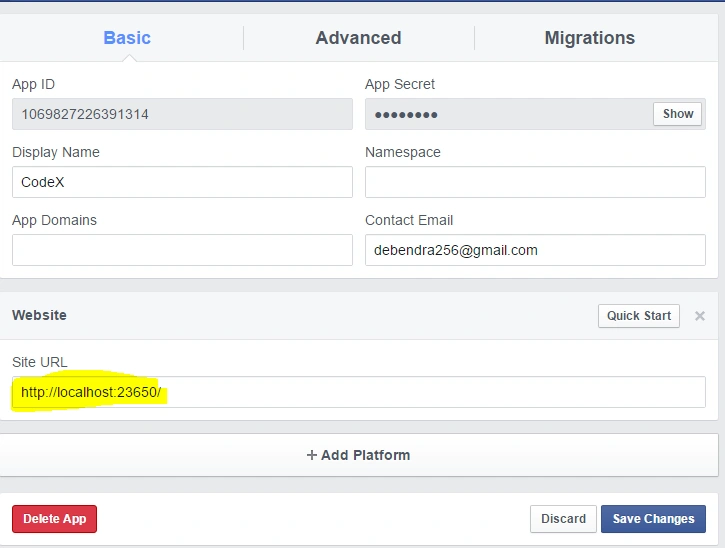
Step 4: Now we need the appId and appsecreat for login, so now go to the following url in Facebook as in the following figure.

Step 5: Now here click MyApps and Add a New App. Now you will get the following popup page.
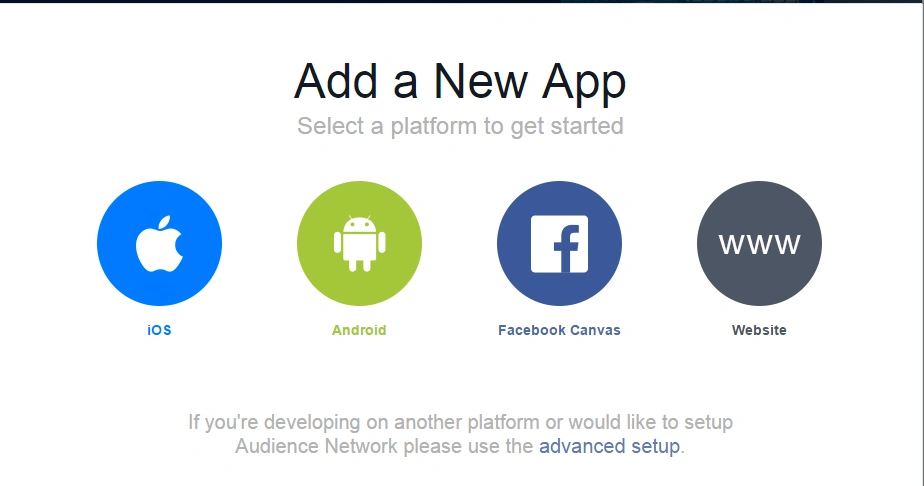
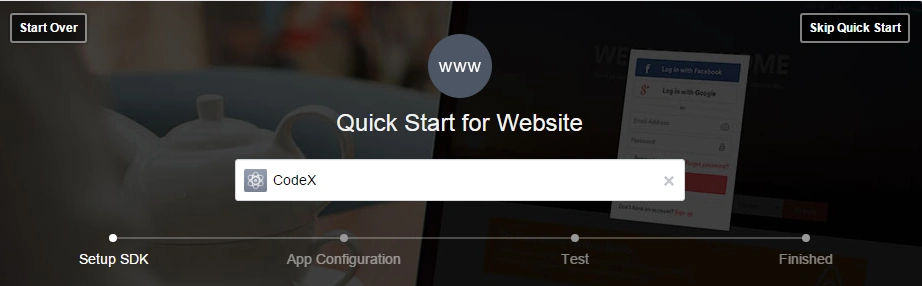
Now here choose www(website), it will ask for the name as in the following:

Chandan RajbharPosted Nov 8, 2017, 7:39 AM
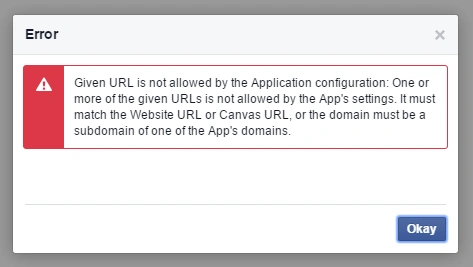
Implement this code but throw error.
Dhanik SahniPosted Nov 17, 2015, 6:38 AM
Good one and easy to understand.
Gowtham KPosted Nov 16, 2015, 1:56 AM
Good One, Thanks for sharing
Harshad PansuriyaPosted Nov 16, 2015, 1:28 AM
Nice one
Ankit BansalPosted Nov 16, 2015, 1:14 AM
Nice...thanks for sharing
Anish AnsariPosted Nov 15, 2015, 10:59 AM
Nice
Banketeshvar NarayanPosted Nov 15, 2015, 1:49 AM
nice sharing