

Introduction
In this article, we will learn about Amazon web service with MS-SQL database using local ms-sql management studio.
Requirements
- Register AWS console
- SQL Server Management Server
Let’s start
Create SQL Database in AWS
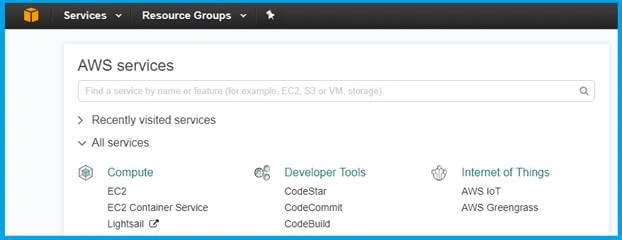
You want to login to the AWS console here. If you have no login register new users here. After registering amazon will provide one year free access. Home page will be loaded like the picture, after login.
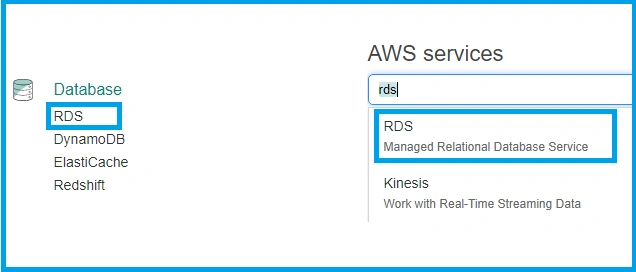
In there, you can select Database >RDS or search in text box as “RDS”
The RDS Dashboard page will be loaded, when you clicked the RDS .
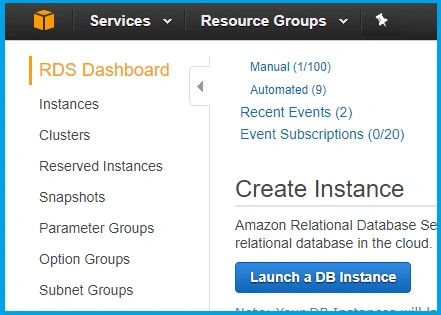
Now you can create a DB Instance, so click to above the button. Then it will show DB Engines
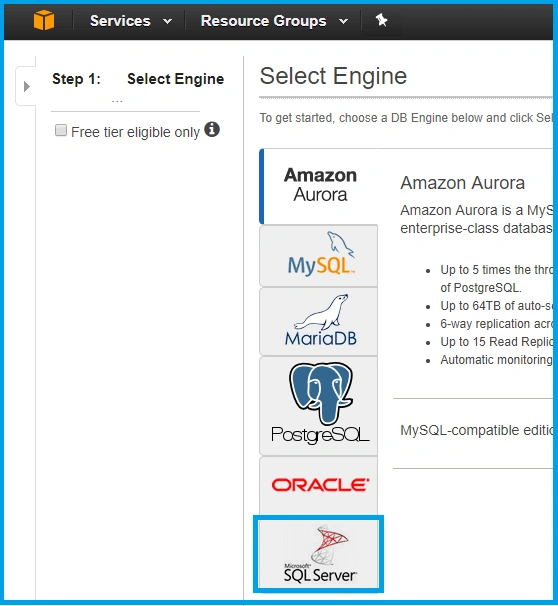
Yes, you can see more types of the databases they are providing, so you select MS-SQL Server. They are giving four types of SQL Servers.
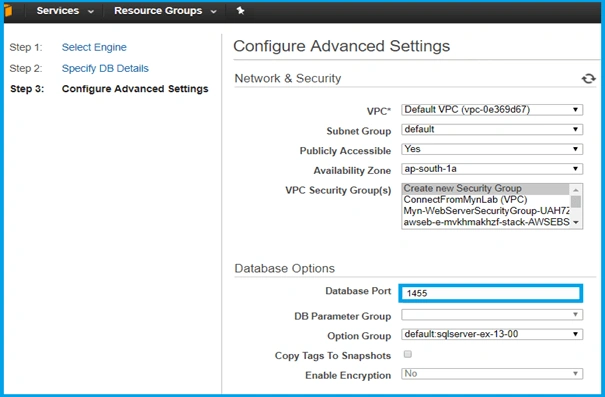
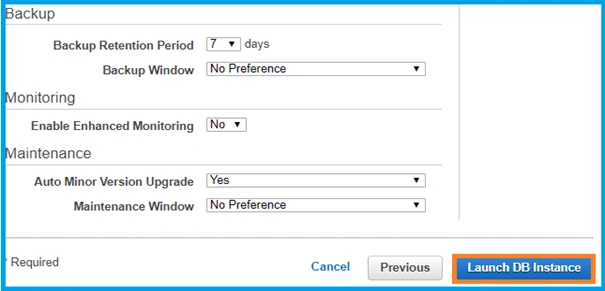
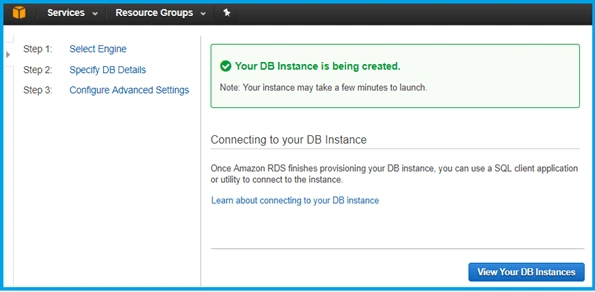
Satyaprakash SamantarayPosted Jul 4, 2017, 12:00 AM
Very nice .............................. thanx
Rupal GuptaPosted Jul 2, 2017, 10:28 AM
What is the use of it..? where it can be helpful.?