

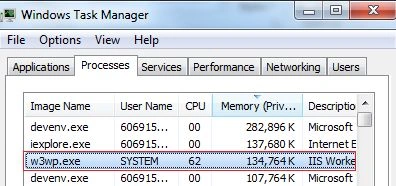
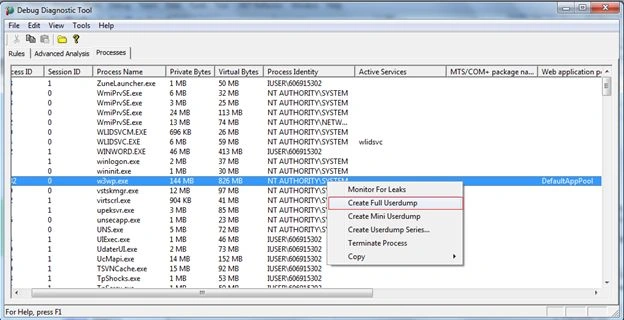
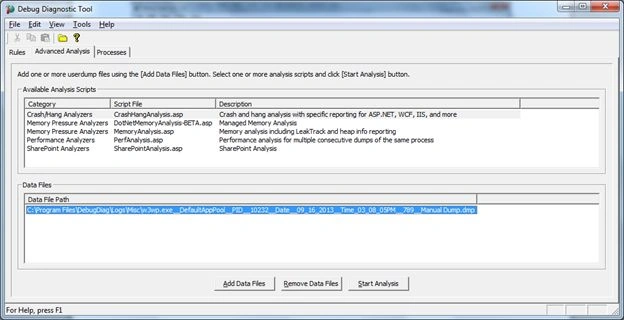
In this article, we will look into troubleshooting High CPU consumption by a web site hosted on IIS 7 and IIS 7.5. Sometimes, our ASP.NET application might consume high CPU on the w3wp.exe process. This means that the application is behaving abnormally due to a code bug or heavy load and so on. We need to find the root cause for this issue. We can troubleshoot this type of issue by collecting a memory dump of the w3wp.exe at the time of the issue. Let's download DebugDiag 1.2 ([available here) based on server bit-ness (32 or 64 bit).
Let's create a sample MVC application. Add Following code to simulate the CPU spike:
public class HomeController : Controller
{
public ActionResult Index()
{
string s = "";
while (true)
{
s += "AAA";
}
return View();
}
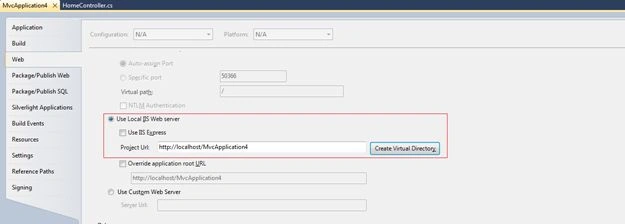
Now publish this app on IIS using the following procedure.

Join the conversation! Your thoughts help the community grow.